726: Set MSFS Priority to High at All Time #2

The “Prio-Process Priority Saver” that I used to set my computer’s CPU priority for MSFS to High as reported in my Post 714 no longer works after my computer’s firmware was upgraded to TPM 2 compatible, which is required for the coming Windows 11.

Instead, I am using Continue reading
723: My SU5 Tuning #4 – ReShade

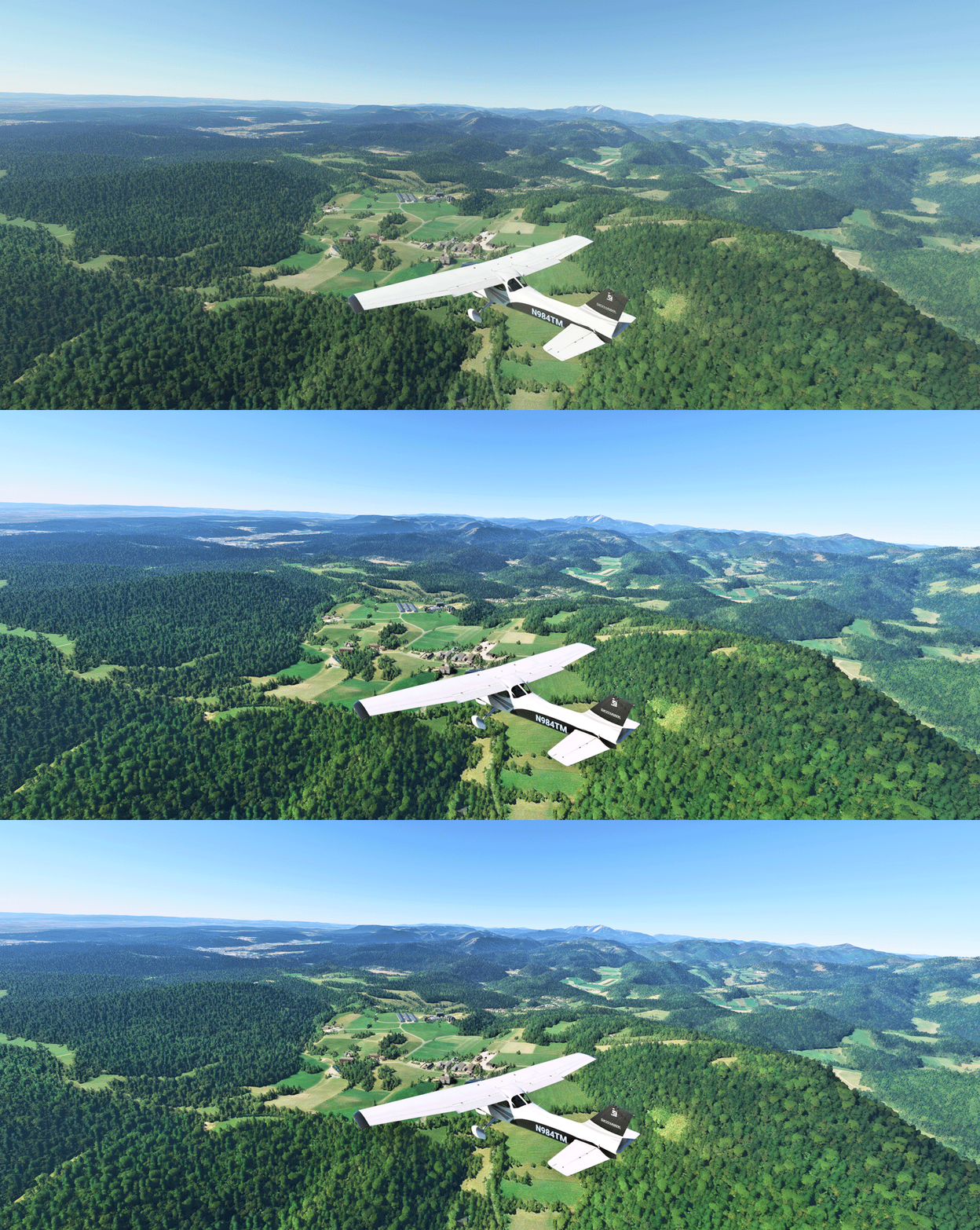
In MSFS, objects in far distance, even on a clear fine day, are too hazy to me.  This is one thing in particular I dislike.  And the Sim Update 5  (SU5) further worsens it as the overall color tone has been washed out, making the scenery looks very dull.

I use ReShade to tune the screen to my preferences.  Click image to enlarge.
Reshade_03L
The app is somewhat like the “Shade for FSX” that changes the atmospheric effects in FSX in the old days, but ReShade for MSFS is more sophisticated.  And most importantly, I don’t see any impact from using it at all.
Continue reading

714: Setting MSFS Priority to High at All Time

Probably you have heard many suggestions saying that by increasing the CPU priority of a flight simulator from Normal to High, the program will run more efficently and stably.  I found it’s true on P3D and MSFS in my case.

Instead of manually changing the CPU priority to High everytime when MSFS starts, I am using the following simple app to help save my preferences for good.

It’s called Continue reading

713: Custom Camera Restore Utility

It is quite annoying when the custom cameras I created for full forward view (see my Post 638 and 697) are reverted back to their defaults after MSFS 2020 or the addon aircraft themselves updated.

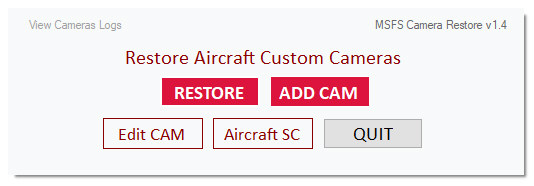
Therefore I created a small utility called MSFS_Camera_Restore to help put my custom cameras back quickly in case such situations happen.
CameraRestore05The objective of the utility is straightforward and requires no learning curve.  And it has virtually no limit to the number of cameras to be added.  Moreover, the original camera will be backed up prior to its adding to the utility, too.

For those Continue reading

696: SkyElite Version 1.3 Preview

In the last few days, I got a chance to test the beta version 1.3 of the SkyElite for MSFS by 4FlightSims.

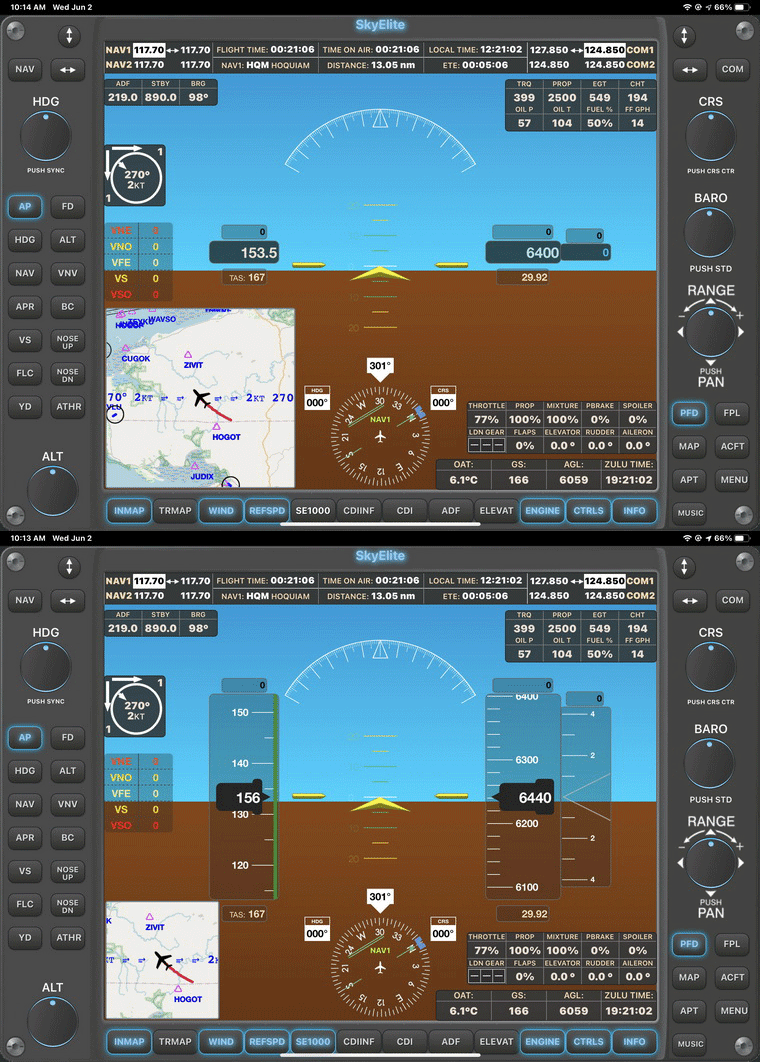
One of the improvements that impresses me is the fixing of text displays on soft keys and info pages that I reported in Post 659.  Now they are properly aligned.
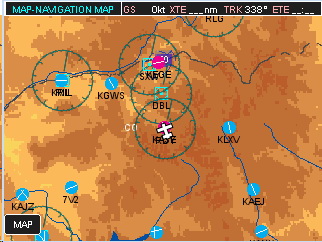
SkyElite13-GIF1Regarding new features, the most significant should be the SE1000 AHRS mode in the PFD.  Although it is different in style and operations from the G1000s on the default aircraft in MSFS, it functions equally as good in general.
SkyElite13-GIF2
In addition, Continue reading

691: G1000 on FIP now MSFS Compatible

Regarding Simgeneering’s G1000 MFD implemented for Logitech’s Flight Instrument Panel MFD (FIP) reported in Post 677, do you like me feeling a little disappointed since it is for FSX only?

No more, John, the developer, informed me that he has created a new version of the MFD that is compatible with MSFS now.

Besides needing more memory, system requirements are generally the same as the previous version.  That’s great.

You can check out more information about the MSFS version on John’s Simgeneering here.

Do note that this G1000 MFD requires Continue reading

680: Third Level or Further Down Below

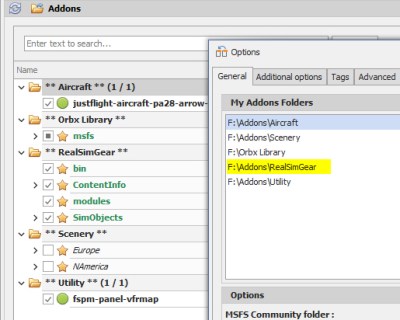
Due to vulnerability of the Community folder in MSFS, I recently useaddonlinker01 the MSFS_Addon_Linker to map all my external apps to the folder in oder to keep things manageable just in case.
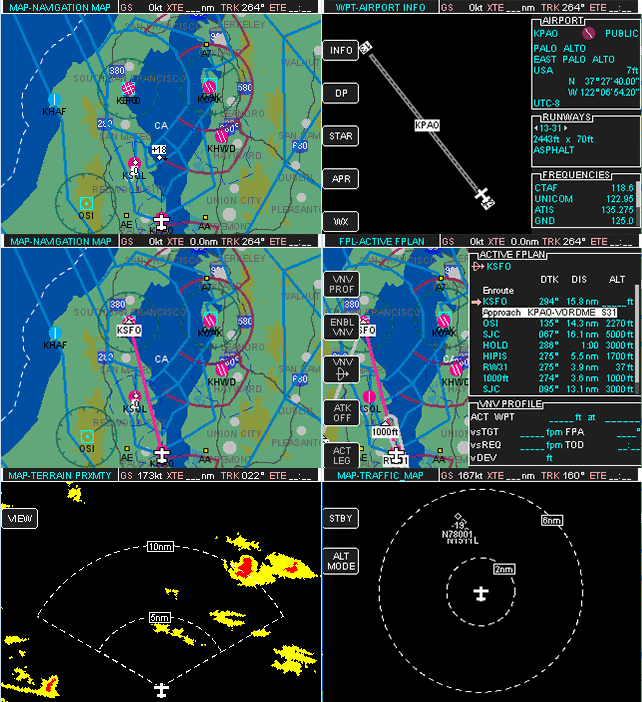
Everything works fine except the RealSimGear app for the GNS430 and 530, unfortunately.  It was similarly put under the Addons folder where I store all my external apps.

The app seemed to be loaded into MSFS successfully but only a few buttons work. Continue reading

677: G1000 on FIP is now Possible

Have you ever had an idea if the G1000 instruments could be shown on the Logitech’s Flight Instrument Panels (FIPs), it would be great?
G1000-MFD
It is possible now.

John of Simgeneering, a private pilot in New Zealand, said he was inspired to create his own since he couldn’t find one on the market for his instrument rating training.

So far, he has implmented an emulator for the G1000 MFD (Multi-function Display), which Continue reading

675: XPL_GaugeSwitcher v11 Update

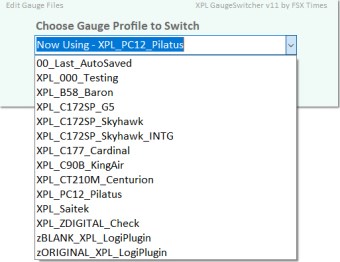
The XPL_GaugeSwitcher, which helps users running my Gauges under Logitech X-Plane plugins, has been updated to version 11. xpl_gsw_11

Besides new features, enhancements and optimizations, two ready-made Profiles for the B58 and C172SP are included to the new version so that users of these gauges can start flying with them immediately.

For those who are currently using the XPL_GaugeSwitcher with custom-made Profiles created already, no worry. Continue reading