
Probably like most of you, I don’t deliberately overclock my computer even though the hardware I got are OC-capable. Normally I just leave it to the BIOS to auto tweak the computer a bit by default.
Surely this is fine as our systems can run to spec stably.
Unfortunately, no difference from other flight simulators, the MSFS 2020 performs better on better performing computers.
Therefore I lately further enabled XMP, thru which I got about 8-10 fps increase in MSFS by pushing the DDR4 RAM from standard 2400MHz to its rated 3200MHz. That’s not insignificant I dare say.
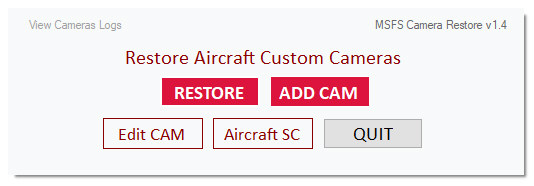 The objective of the utility is straightforward and requires no learning curve. And it has virtually no limit to the number of cameras to be added. Moreover, the original camera will be backed up prior to its adding to the utility, too.
 Regarding new features, the most significant should be the SE1000 AHRS mode in the PFD. Although it is different in style and operations from the G1000s on the default aircraft in MSFS, it functions equally as good in general.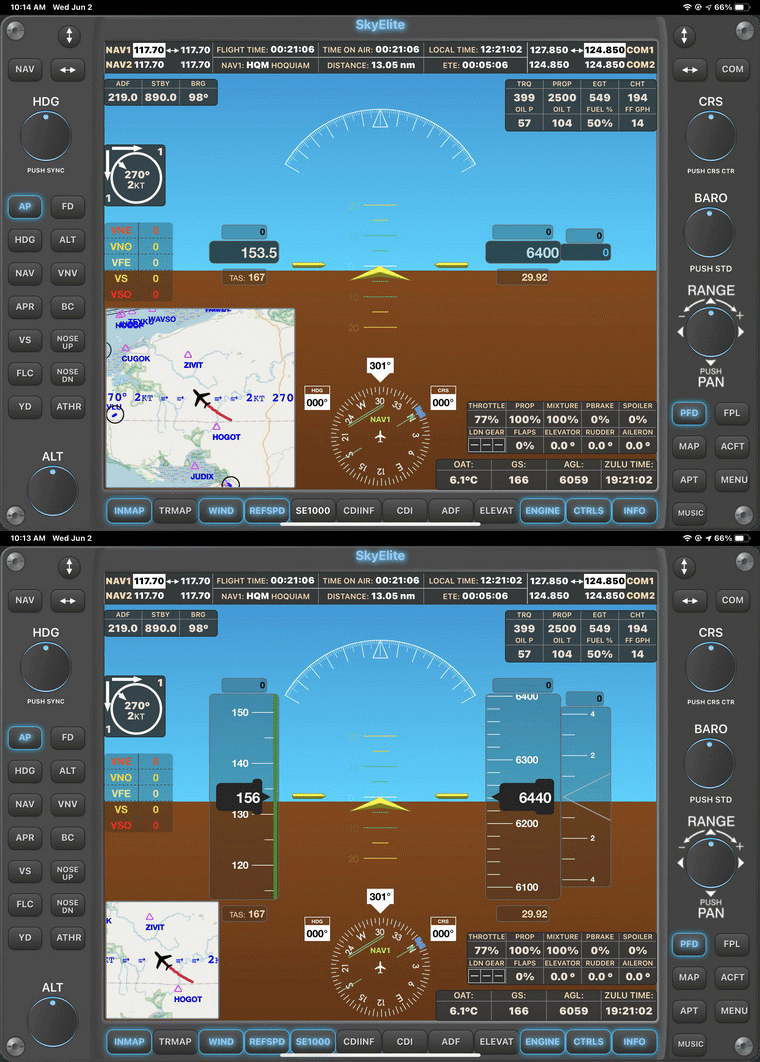
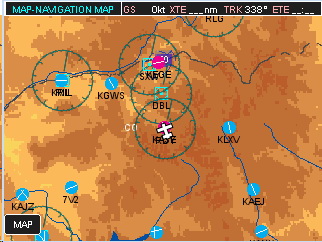 (FIP) reported in
 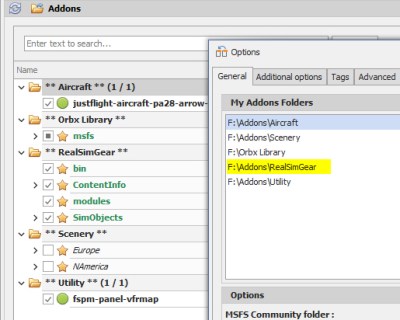 the MSFS_Addon_Linker to map all my external apps to the folder in oder to keep things manageable just in case.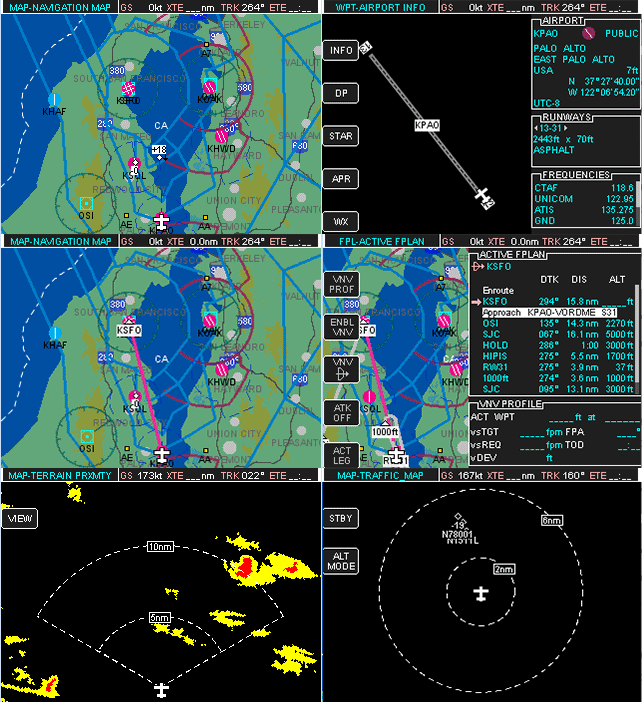
 FS Times