112: Finding the Day of SHADE

As explained by the developers of SHADE for FSX, days in FSX are looped in a 10-day cycle and his program was designed and built on that loop, which allows the loading of up to 10 different SHADE presets in FSX.
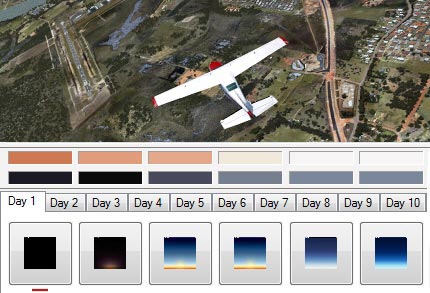
However, how to find which Day is active on a specific date is not easy (at least not by the time of this post).


Followings are the principles of the 10-day cycle and how it is calculated: Continue reading

109: An Alternative to Framerate Display

Pressing Shift-Z in FSX can display a bunch of information regarding the current flight session, such as framerate, position, heading, airspeed, etc.   However, there is no way to change the position, font size and color of the text of the Shift-Z command itself.

ATI Tray Tools by Ray Adams is a good alternative and it can display information about the computer status as well.   Actually, ATI Tray Tools is a powerful Radeon card utility that offers extra advanced video card features beyond the official Catalyst Control Center.
Continue reading

107: SHADE for FSX – An Angel and A Demon

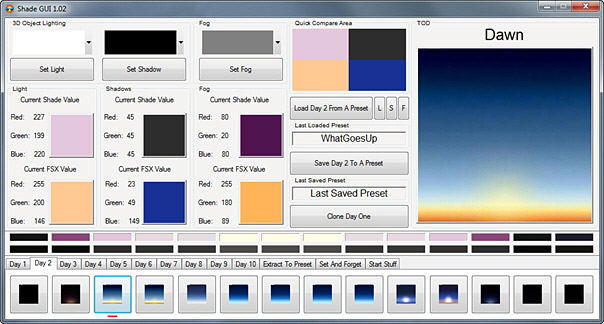
Mogwaisoft’s Shade for FSX is a little program that can modify the ambient colors and tones in FSX.    It is somewhat similar to, but better than, the ENBSeries freeware which also helps improve the bloom and shade in FSX.    The latest version of the program at the time of this post is 1.02.

Shade for FSX comes with a graphic interface where users can pick different presets with varieties of light, shadow and fog settings for the ultimate effect in color and tone rendered in FSX.   Also, it allows users to create their own customized settings to match their preferences and tastes.

The working principle of the program is as follow:  Continue reading

99: Figuring Out Your FlightSim Experience

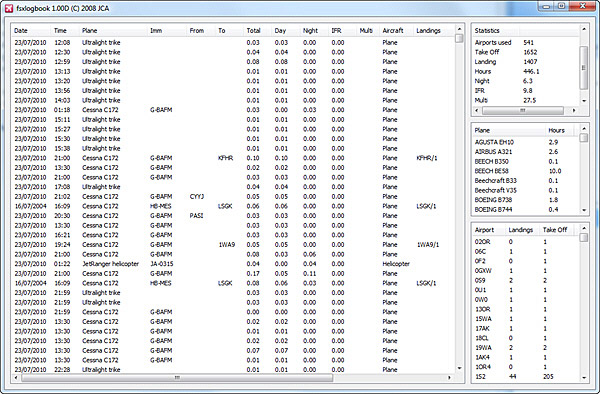
FSX Loglook, written by Jean-Christophe Arnulfo, is quite a useful tool in displaying accumulated figures about one’s flightsimming experience.

It extracts following information:  Continue reading

72: Add Realism to ATC Communications

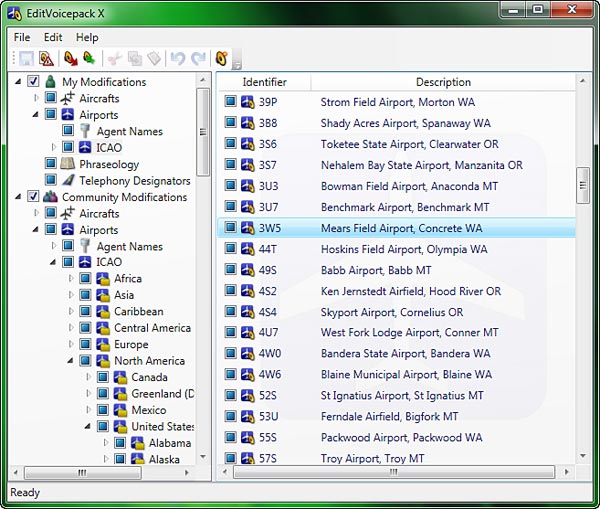
EditVoicepack is a simple tool that helps realize a more realistic ATC communication environment and allows to change the phraseology as well as airline callsigns, airports and aircraft types in FSX.

Current version available for FSX is 4.0.7.0 at the time of this post.  Customized EditVoicepack files could be found in AVSim and FlightSim file libraries.

Continue reading

71: Calling Out Altitude

Adding Altitude Callout for decending aircrafts in FSX is as simple as calling out 1000, 500, 300, 100, 50, 40, 30, 20, 10, …

STEP 1:  FSUIPC    (If FSUIPC is already installed, skip to STEP 2)

a) Download FSUIPC4 from schiratti.com

b) Run the FSUIPC4 installer

c) No need to register FSUIPC; just press ESC to finish the installation  Continue reading

47: Sorting Out Configurations

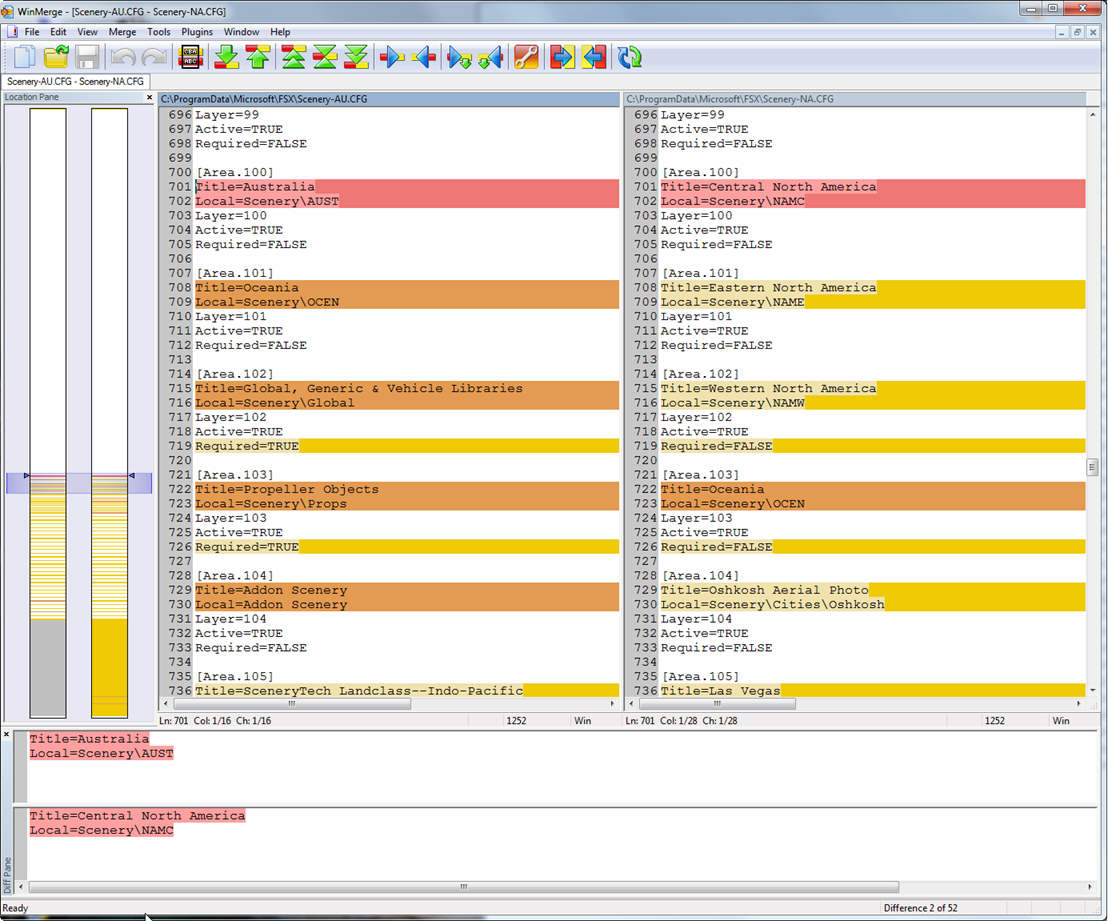
When using the Flying Zone approach, a number of similar files will be created and used, such as fsx-AU.cfg, fsx-NA.cfg, scenery-AS.cfg, scenery-EU.cfg, etc.

WinMerge is an extremely useful tool that allows you to compare the differences between files and folders.  It is completely free too.  You can download it from http://winmerge.org/

WinMerge

33: Fly to the Twilight Zone

Skyclock is a little app (offering both paid and free) for iphone which uses the phone’s GPS or network location service to calculate twilight periods for the present day virtually anywhere in the world.   It surely add some fun to the flightsim experience by matching the Civil, Nautical or Astronomical Twilight hours it displays.

Check it out from Skyclock or the App Store.

25: Follow Your Eyes

FSX Banking Camera is a very interesting utility that can change the viewing angle of virtual cockpit while the aircraft is banking.  It is, in some way, like a simplified version of Natural Point’s TrackIR.

Unlike TrackIR, it doesn’t need any hardware and won’t cause any FPS dropping.  Moreover, it is free.

The program can be downloaded from the developer’s website which includes more information about the program.