
——————————————————————————————————————
MSFS_Camera_Restore (Camera Restore, in short) is a simple utility that helps users to back up and restore their customized aircraft cameras when the aircraft cameras are put back to their default after updates. It is straightforward to use.
–
INSTALLATION
No installation is required. Just create a new directory (e.g. MSFS_Camera_Restore) and put the utility in it. That will do. 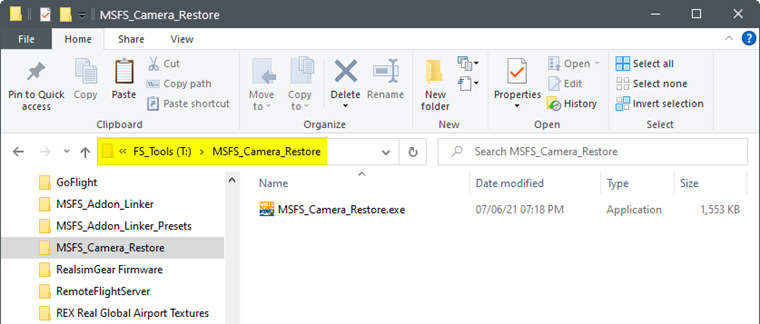
–
USING THE UTILITY
When the utility is run the first time, it will create three (3) related sub-folders and ask you to ADD your first aircraft camera to it.
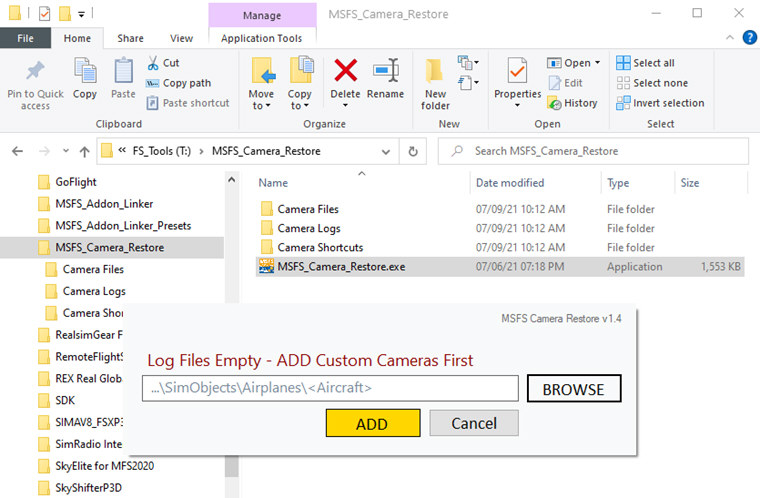
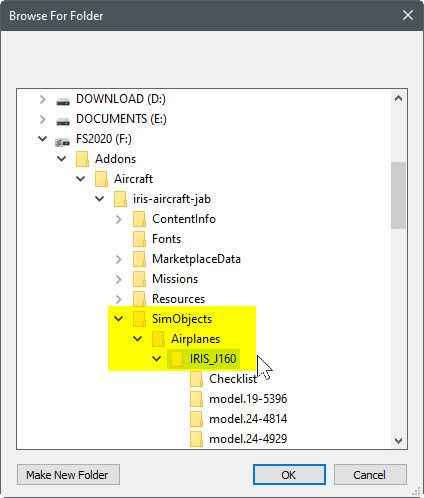
Click on the [ BROWSE ] button and look for the camera folder of the aircraft you want to add.
For example, I am adding the Jabiru J160D from IRIS Simulations which is stored under the Aircraft folder on Drive F:\ on my computer.
IMPORTANT
Ensure to choose the correct folder that contains the camera.cfg of the aircraft. It is always the next folder under …SimObjects\Airplanes\<Aircraft Folder>
NO CAMERA INFO will be added if the chosen folder is wrong.
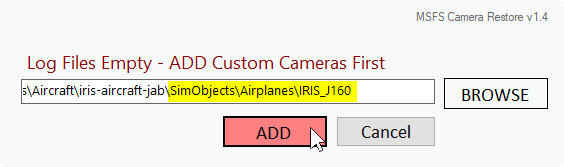
After the first camera is added to the utility, the main interface will show up.
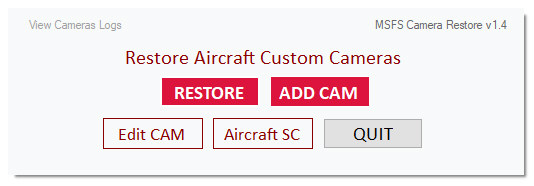 You can click on
[ ADD CAM ] to add new aircraft cameras to the utility;
[ Edit CAM ] to edit any cameras already added to the utility;
[ Aircraft SC ] to locate shortcuts of all aircraft folder added to the utility;
[ RESTORE ] to restore a [ SINGLE ] specific Camera or [ ALL ] Cameras in the utility.
IMPORTANT
Note that the camera file you EDIT is the one stored by the utility.
YOU WILL NEED TO press [ RESTORE ] and then [ SINGLE ] to update the changes onto the actual camera.cfg file in the aircraft folder.
In addition,
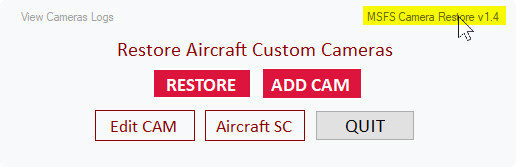
you can call up this user guide by clicking on the Label on the top right corner;
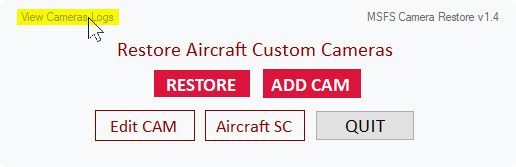
or the View Camera Logs on the top left corner for the cameras you have created.
–
NOTE TO MS STORE MSFS 2020 USERS
I am using Steam version of MSFS 2020 and it is installed on Drive F:\ on my computer. If you are using the MS Store version of MSFS 2020, your aircraft camera folders should be very different from mine.
Although I haven’t tested this utility with the MS Store version, it should work okay as long as you choose the aircraft folder correctly.
Lastly, this is a free utility and you run it at your own risk.
====================================================
Stay Safe and Happy Flying.
Tom Tsui
FSX Times
Updated on July-2021
 FS Times