787: MSFS Performance Hit By FIPs Q&A

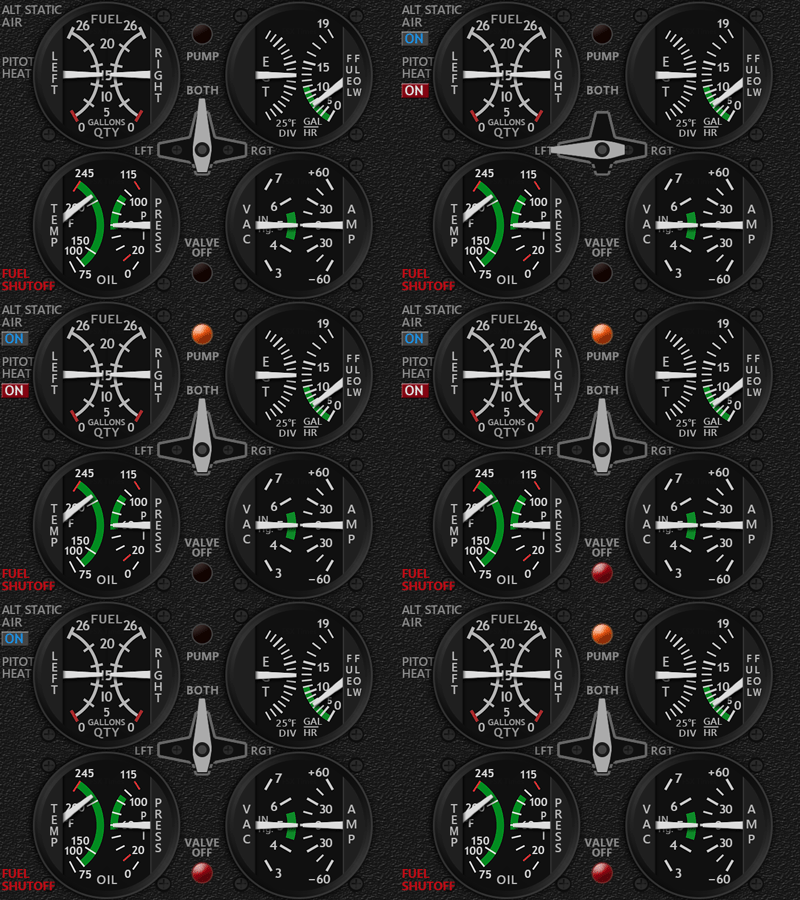
A friend, Lonn in the US, who emailed me with some questions regarding MSFS performance hit he encountered lately after he got his 7th Logitech FIP and my C172 CMP+Annunciator.  I think his case is worth a post to clear up some queries among those who are building their home cockpits with FIPs.

His questions here:

How many Fips do you run? I am getting a 7th and have noticed lately that my cpu usage is getting high on the Logiflightsimulator.exe or Logitech exe for the panels.

I also noticed certain gauges use more CPU intensive. Like the new Cessna 172 CMP I just bought from you seems to use alot of cpu compared to another asi gauge etc. How do you deal with it.

If I turn off the logitech panel drivers altogether I get better fps since the cpu isn’t bogged down. I know you run alot of panels and wondered how you work around this?

It seems the more complex the gauge set the more cpu that logitech exe takes up. Like the CH701 takes up nothing. But you start getting the eng on the 172 along with the hsi and the new cmp and the cpu usage is very high.

Man I am going to have to start planning my gauges around cpu usage. Any advise? Do you have this issue?

My answers: Continue reading

786: G5 PFD UPDATE (For MSFS ONLY)

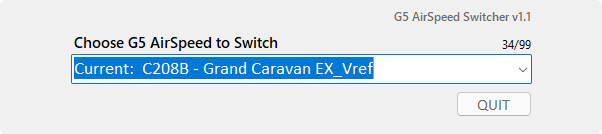
With the introduction of the Airspeed Switcher added to the Generic G5 PFD, I received some requests for help and feedbacks for its manual installation process.

Compared to the automatic installation of the G5 PFD, I admit the manual installation of the Airspeed Switcher a little clumsy.G5_AirSpeed_Switcher

Therefore, the installer has been revised accordingly so that the Airspeed Switcher will now be installed automatically with the G5 PFD.  So users are no longer needed to read a couple of pages of text in order to install it.  Everything is now completed automatically.

SIMILARLY, the update is for MSFS platform ONLY.  If you are running FSX or P3D, DON’T INSTALL the update. Continue reading

785: G5 HSI Update (for MSFS Only)

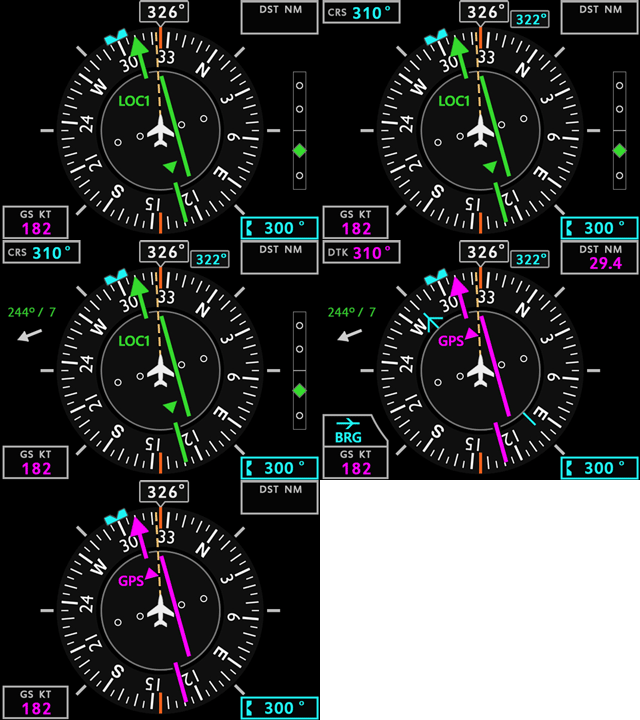
The Generic G5 HSI has been updated to R4r01 with similar Wind DirectionG5_HSI_GIFS fixes as applied to the other HSI and HDG earlier.

NOTE that the update is REQUIRED for MSFS platform ONLY.  If you are running FSX or P3D, DON’T INSTALL the update.

BTW, as I have no longer run FSX and P3D any more, and all newer and future versions of both G5 HSI and PFD are, and will be updated for MSFS platform only, the Category of the gauges in my store has been changed from MSFS+P3D to MSFS_Generic.
Continue reading

784: Various MSFS HSI Updated

Similar to the Wind Direction Needle fixes to the various HDG’s earlier, HSI’s of the DHC6 TwinOtter, M20R Ovation and PA28R-JF Arrow III have been updated accordingly.

Download Links have been sent to all users already.

If you have not received the email in the next 12 hours, please check your spam folder first and then contact me.

Similar update to the G5 HSI Continue reading

783: Get Your Feet Wet Easily

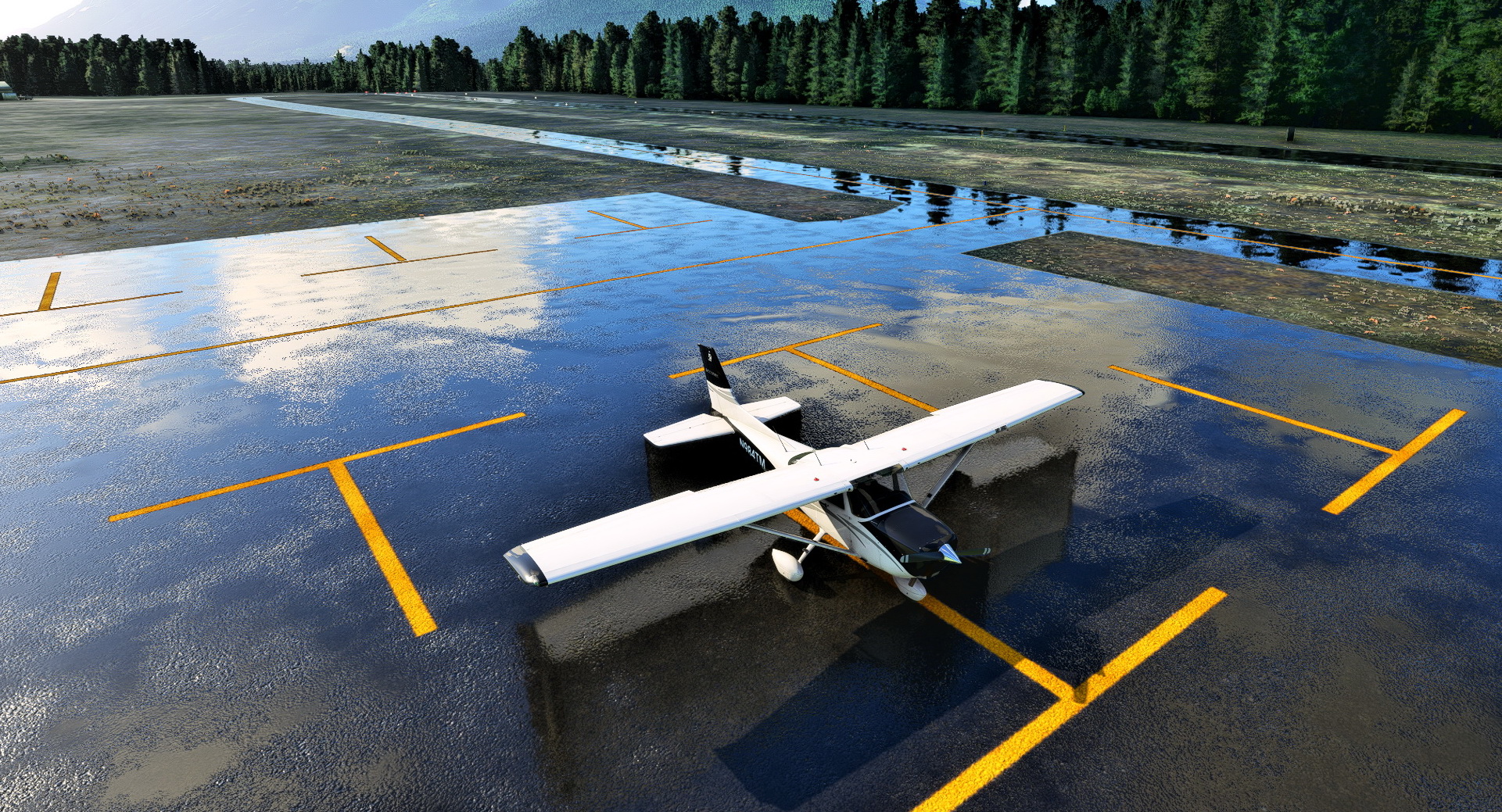
I’ve been amazed with all those pictures of airport and scenery in soaking wet.
Wet_GroundSI found it actually quite easy to create the effect. Continue reading

782: Various MSFS HDG Updated

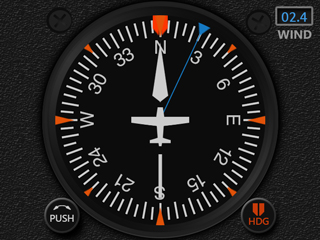
While working on the update of the Engine Cluster for the MSFS C172 earlier, I found the Wind Direction Needle on the C172 HDG Extended Version misaligned. MSFS_C172_HDG_Wind

After checking the codes, the Magnetic Variation parameter, which was a part of the Wind Direction component, is no longer used.  No idea when such change was taken place.

Anyway, necessary revisions have been carried out to the three HDGs, Multi-Shared HDG, C172 HDG and Just Flight Arrow III HDG, which include a Wind Direction Needle in their Extended Versions.

Download Links have been sent to all users already. 

Continue reading

781: New Wet Compass for MSFS C172

I have a wet compass with Audio Panel and Annunciator made for the C172SP in FSX/P3D.  However, it cannot be simply converted for MSFS because the Audio Panel on the MSFS C172, not only layouts but also programming codes, are different.

Thanks to a US friend Ross’s sponsorship, a new Wet Compass custom-made for the MSFS C172 has been developed accordingly.

The first video below shows the button operations for the Audio Panel, and the second video demonstrates the popping up of the Annunciator Panel when fuel is low and magneto is off.

Continue reading

780: MSFS C172 ENG 2207 Update

The Engine Cluster for MSFS C172 has just been updated to R1r04.

In addition to overall accuracy adjustments and thicker needles for better viewing, the Oil Temperature scale, in particular, has been corrected to match with the one on the aircraft.
MSFS_C172_ENG_GIFN2
Download Links have been sent to all users already. 

Continue reading

779: Skipping the Ready-to-Fly Button

Just found a new addon called Ready to Fly Button Skipper on Flightsim.to which allows any flight to start automatically without the need of mouse-clicking the “READY TO FLY” button.

What’s more, the trigger time can be shortened or lengthened by altering the value as shown in the highlighted script in the MissionStartup.html of the addon.
Ready-to-Fly_Skipper Continue reading