612: My MSFS Update 1

Received some feedbacks for my post yesterday regarding the under-par performance of MSFS on my computer.  One of the concerns is the spec of my PC.  It is as follows:

Asus Maximus VI Extreme
Intel i7-4770K OD to 4.0GHz
Corsair DDR3-2133 RAM 16GB
7 Samsung SSD Storages with various capacity
MSI GeForce GTX 780 x 2
Windows 10 Home 64-bit 2004

Surely not the latest and very high-end one but it’s still passes the minimum requirement listed by Microsoft.  And it runs P3Dv4 satisfactorily in general.

Bad things don’t come alone. Continue reading
611: My First Impression on MSFS

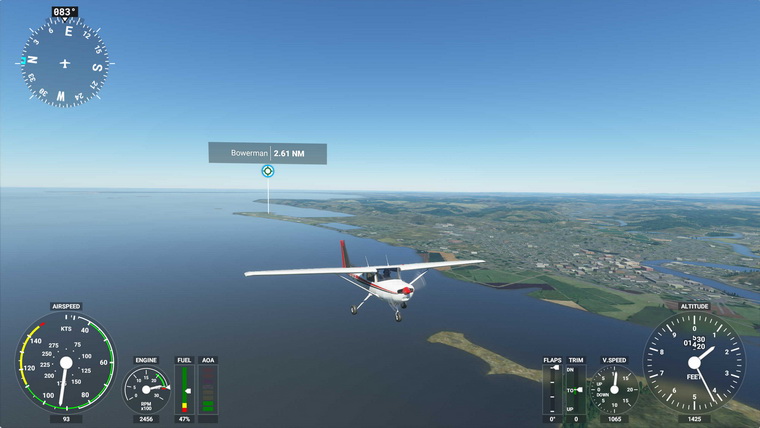
Just played the new Microsoft Flight Simulator (MSFS) for about an hour after spending the whole afternoon downloading the files to my computer.  Frankly speaking, although many alpha players praised it highly on the Internet, my first impression on it is quite disappointed and even worse than my first time with X-Plane 10.

Maybe my i7 CPU is not fast enough, maybe my graphics card is not high-end enough.  The simulator severely stutters from start to end.  Even though I configured it to the lowest graphics settings, it didn’t perform satisfactorily.  All my drivers were updated to the latest.

Moreover, many of my flightsim gears, Continue reading

610: Cessna Flaps Lever 3D File

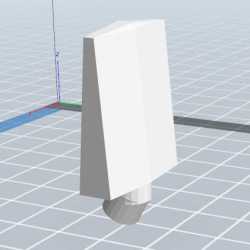
Have just recreated the 3D print file for the Cessna Flaps Lever I used on the Desktop Aviator.com’s Flaps module (see last Post) in my cockpit.  Surely nothing fancy.  Probably many friends with 3D printers know how to create one themselves.  Anyway, this is my first creation with a 3D printer for flight simulation.
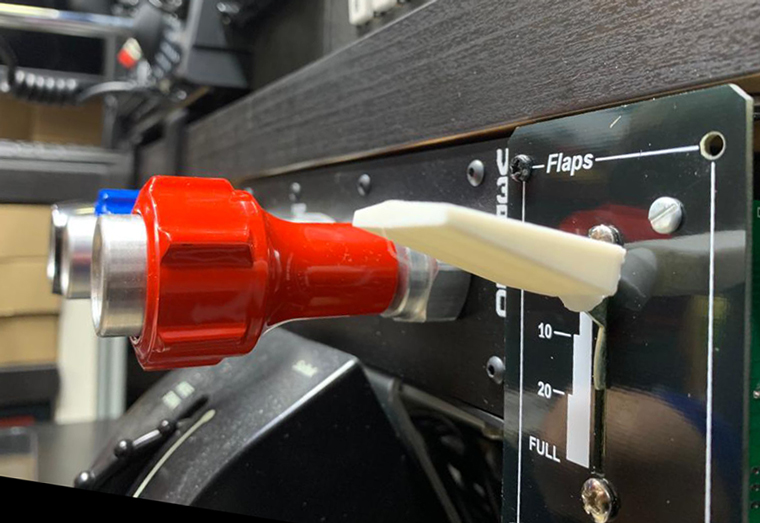
Anyone interested could get a copy of it from the Freeware section in my store here: 3D-Files

609: My Cockpit Rev #22 – Flaps Lever

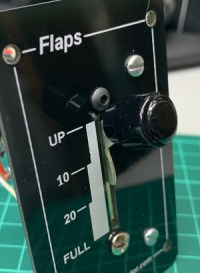
I’ve been playing a lot with the newly bought 3D printer lately.   After many failures, I finally made a satisfied Flaps Lever to replace the little black round button coming with the Flaps Indicator by Desktop Aviator.

The 3D model of the Cessna flap lever I earlier sourced from the Internet wasn’t bad.  However, it is a bit small and the shaft hole doesn’t fit the metal shaft, which is flat, on the indicator.
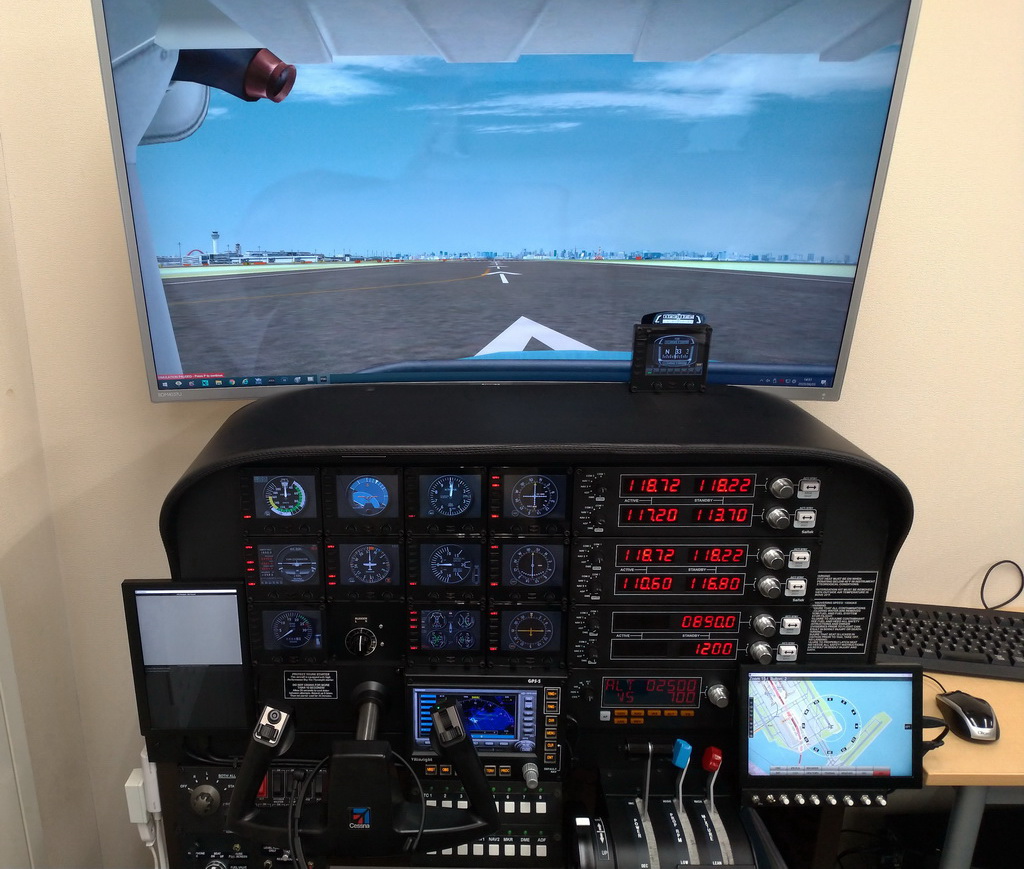
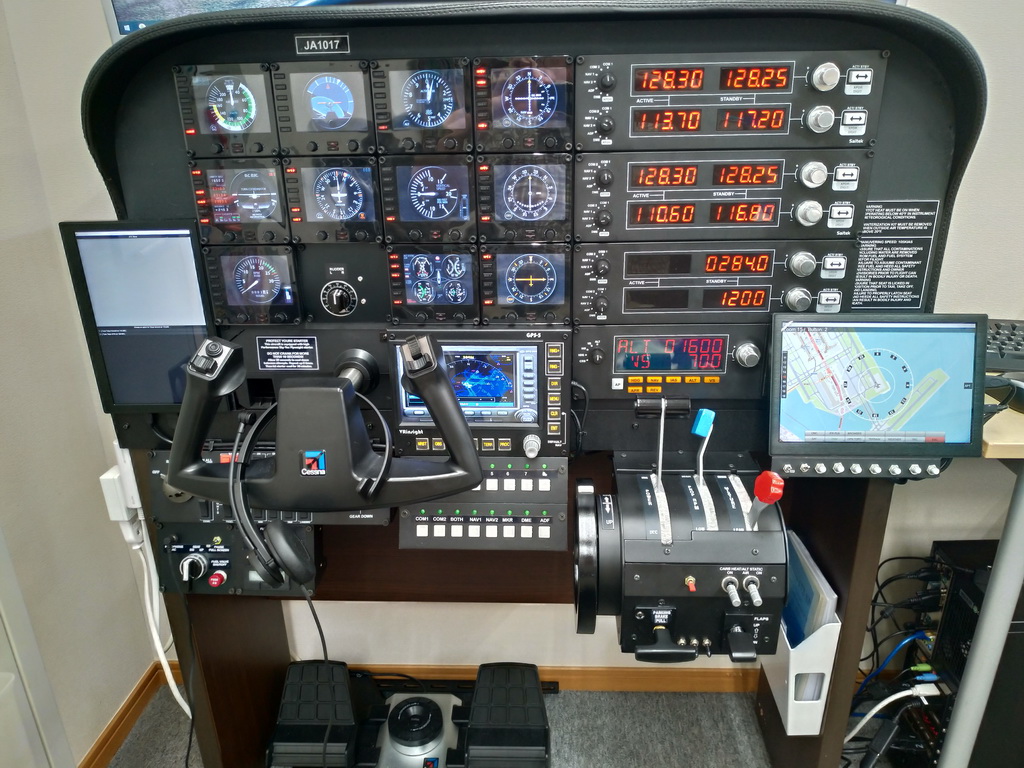
Therefore, instead of modifying the file, Continue reading

Cockpit: Hiro (RJTT, Japan)

Some 15 years ago, Hiro in Japan has already been flying his favorite Cessna’s on his home cockpit.  His current setup was built on Saitek’s cockpit frame, with bountiful of gears not only from famous brands but also handmade.

Builder: Hiro
Location: Tokyo, Japan
ICAO: RJTT, Haneda Airport


Continue reading

608: New Cessna Compass

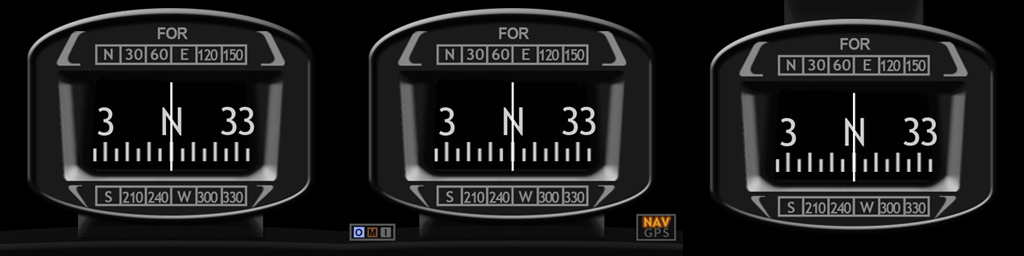
From time to time I receive inquires if my FIP Cessna Compass has a simpler version.  Some say that they don’t need the light buttons and some simply express they want a clean one without any additional features at all.

All right, as you wish.  The Clean version is on the left (click image to enlarge), the Extended version with OMI markers and NAV/GPS indicators in the middle; and the extra Hover version is on the right (good for cockpit layout having the compass put on top).

What’s more, they are free to all existing users (by the time of this post) of the Cessna compass gauges. Continue reading

607: My New Adventure has just begun

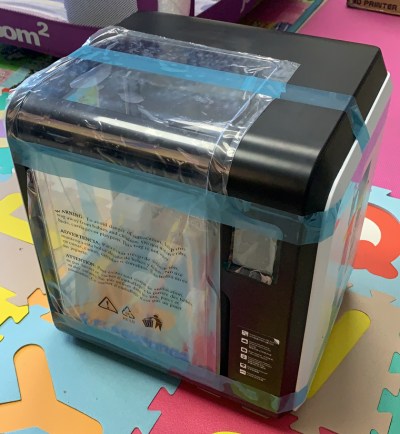
My son recently bought me a 3D printer while I was telling him how I sourced the components and modified one of them to be used as the handle for my parking brake.  He joked that I could print out whatever I want from now on.
After a week’s waiting, I finally received the 3D printer yesterday.  Frankly, I am pretty excited because I’ve been longing to get one for a long time.

Although I am a total stranger to this area, I couldn’t help printing some demos immediately and started searching some 3D models on the Internet for the flightsim parts I planned to get, such as the flaps lever.

Followings are the 2nd test print of the flaps lever handle Continue reading

606: ReConfigure FIP Knobs for A2A C182T

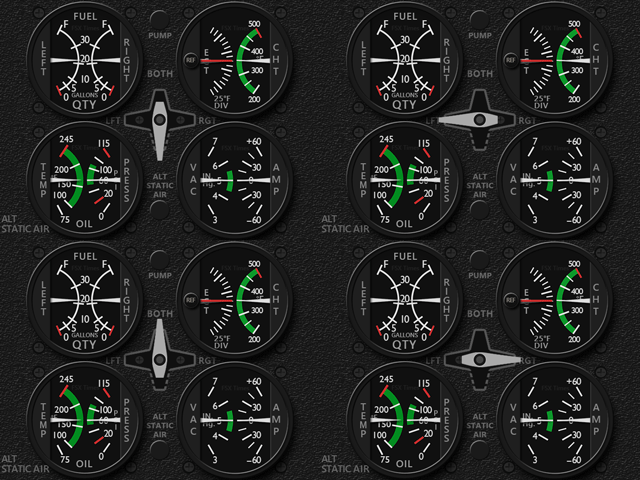
A user of my Integrated Fuel Gauges (INTFG) for the A2A C182T recently asked if it is possible to reconfigure JUST the left or the right knob on the FIP to handle all fuel tank selections, instead of using both knobs for the left and right tank individually as I predefined for the gauges.

Yes, it is possible via SPAD.neXt.  Here are the steps: Continue reading

605: GPU Enhancement thru HAGS

If you have updated your Windows 10 to version 2004, wonder if you know the latest version has a new feature called Windows Display Driver Model (WDDM 2.7) which supports Hardware-Accelerated GPU scheduling (HAGS) function.

HAGS allows GPU to take over the video memory scheduling from CPU, so that resources are not only saved on the CPU but the latency on the graphics card will be reduced as well.

In simple English, overall performance of the graphics card is enhanced, which is a good thing as all simulators available today are CPU intensive.

A prerequisite, however, is required to activate the function Continue reading