News: Cessna FIPs from Saitek

Got this information from Hans (a friend of FSX Times) right before my holiday last month that Saitek had created three FIPs for Cessna aircrafts.    Just recall this earlier today.

Don’t know how many of you who own FIPs know about it.   I didn’t — can’t help complaining about the company’s poor customer works again — it’s notorious anyway.

Doesn’t want to post screenshots for the company.   Here is the download link: ftp://ftp.saitek.com/pub/profiles/CessnaFIPSDownload.rar

196: Remove Addons Promptly

TechLevel01W

Last post we talked about adding addons to the exe.XML file so that they can be run automatically when FSX starts.

In case there are some addons we no longer need or we just want to disable some of the addons temporarily, instead of deleting them from the exe.XML file, we can parenthesize the module(s) with the following xml notations.

Continue reading

195: Run Addons Automatically

TechLevel01W

There are certain addons one may need to run before, during or after the loading of FSX.   For example, the pmSounds from Project Magenta is one msut-have feature I normally run alongside with the FSX.

Instead of clicking the addon’s program icon every time, I just put the addon in the following format:

__<Launch.Addon>
____<Name>pmSounds</Name>
____<Disabled>False</Disabled>
____<Path>T:\pmSounds\pmsounds.exe</Path>
__</Launch.Addon>

and
Add the above module to the exe.XML file
under C:\Users\<your name>\AppData\Roaming\Microsoft\FSX — the directory where fsx.CFG is stored. Continue reading

194: An FIP Display Order Setup Guide

TechLevel02W

I keep receiving questions from friends asking why the display order of FIPs are different every time when they start up FSX.  Followings are two of the most recent examples:

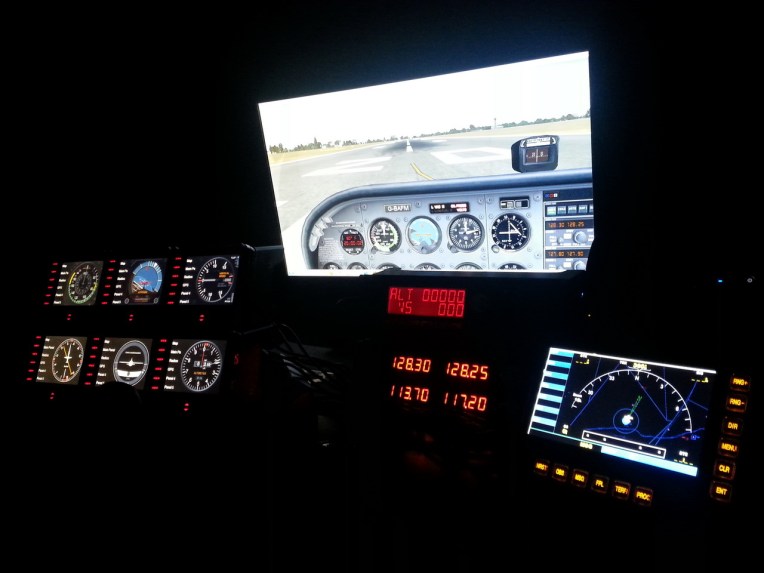
I have built a Saitek cockpit with 6 FIP’s so far.  It works great until I reboot.  It seems the USB ports start in a different sequence on each boot up.

When I added additional FIPs [using a single 10 port USB hub], they no longer would come up in the SaiFlightSimX.xml order.

Evidently, Saitek’s customer support is still lousy even after the product has been marketed for many years.   Anyway, here’s the revised FIP Display Order Setup Guide based on my Posts 28: Flight Instrument Panel Tweak – Part 1 and 118: Loading FIPs in Desired Order, and many replies I gave in various Comments.

Continue reading

I’m Back

Dear Friends,

Just back from holiday and resume answering questions and download requests.

Be reminded that all downloads are available to Subscribers of FSX Times only.    Non-subscribers’ requests will be ignored.

Thai

193: Revised T210 AirSpeed Gauge

T210_AirSpeed_W1NThis is the enhanced gauge face of my Centurion T210 AirSpeed Indicator.  Not only it is less colorful but also incorporated with frame and screws graphics.   All existing features remain unchanged.

Current users are not required to send me notes for the download link.  Just click here or click the image on the right to download the new background directly.   Remember that the file must be saved and kept in the original *.bmp format.

To install, simply overwriting the old background with this new one will do.   Have fun!

192: Cessna Citation AirSpeed Gauge

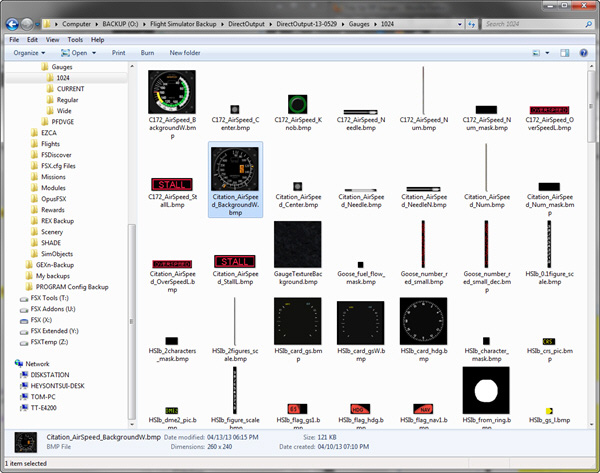
This new Airspeed Gauge is requested by Ray Marshall who would like to have an analog indicator that
Citation_AirSpeedWNgoes up to about 400 knots with corresponding digital display for his favorite Cessna Citation.

The bugs, supposed to be movable, are static due to inherited limitation of the FIP.  If time allows in the future, will see if they could be controlled via the two knobs of the FIP itself.   If not, will consider adding other features to go with them.

FSX Times Subscribers could ask for the download link via COMMENTS section below.Citation_AirSpeedW

In the package, an earlier version that uses a thicker needle as shown on the right is also provided.    But note that the thicker needle could block the digital display when the aircraft is running below 70 knots.

As always, requests from non-FSX Times subscribers will be ignored.

191: ShadeShifter 3.01a Released

ShadeShifter 3.01a  is ready for download.  (No idea what ShadeShifter is? Read here.)

In addition to minor code enhancements to the last version, it also comes with two versions:-

When ShadeShifter is run:

a)
Version 1 will display today’s Shade Preset info as the previous version does.

ShadeShifter with Preset Shown

Continue reading

190: Hardware Selection Guide

I’ve been planning to build a new PC for many months now.   Unfortunately, final decision still hasn’t been  made due to rumors that this and that newer and better hardware are coming in a few months — I know we never can catch up with the latest technology.

Anyway, the following guide from Jetline Systems that I came across is a good quick reference.   For example, I originally put Nvidia GTX 690 on my purchase list for the new PC since I am planning to expand my system into a 3-monitor setup.   The guide reminds me again that Nvidia GTX 690 and other dual GPU cards might significantly impact FSX performance.   Even though the info isn’t detailed and comprehensive, I am now putting the card on hold and searching for more information.

PC Performance Guide

If you are planning an upgrade for your computer like me, worth taking a look of this guide to get some references of what hardware we should focus on for a better FSX system.  We could also gain some hardware information that the company selects to build their PCs for FSX customers.