794: MSFS V35B VSI Updated

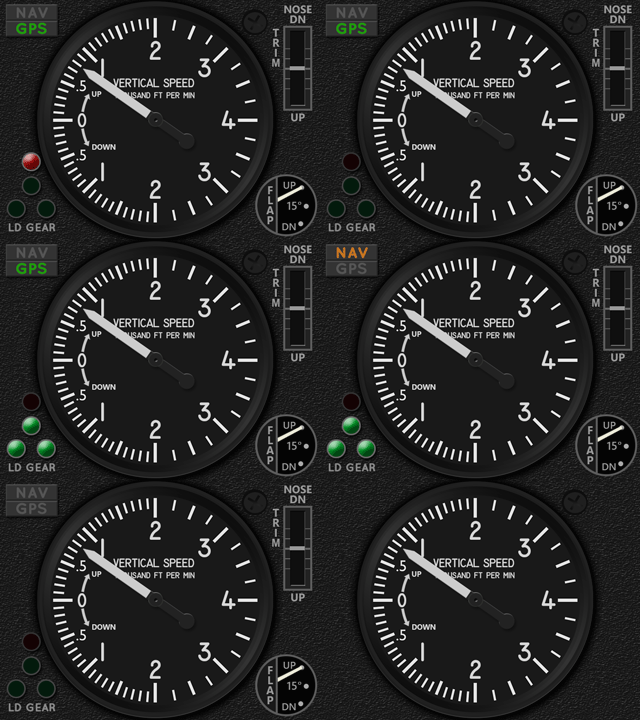
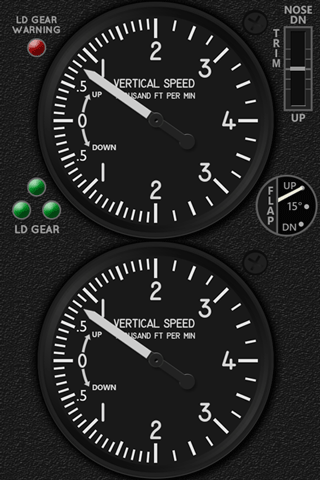
The Carenado V35B VSI has been updated to R1r01 as shown below on the right.
MSFS_V35B_VSI_GIF02b    MSFS_V35B_VSI_GIF02c
One major change is the moving of the red Landing Gear Warning Light from top left corner on the gauge to the lower proper position atop of the green Landing Gear Lights.  In addition, the vacated space is filled with the NAV/GPS Indicators.

Furthermore, an experimental version is added to this update. Continue reading
793: MSFS V35B Engine Cluster is Out

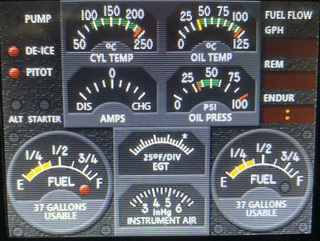
The wait for the MSFS V35B Engine Cluster is finally over.  Here’s a short video showing how it works:


Fuel pump, De-ice and Pitot Heat can be toggled by Button #1 to #3 on the FIP. The ALT indicator will lit up when alternator is OFF, and STARTER will flash when magneto stays at the starter position. Continue reading

791: MSFS V35B ENG Layout Preview

Virtually all my FIP gauges are using darker frames and bezels so as to highlight the MSFS_V35B_FIP_resizeinstruments better.  While working on the layout for the Engine Cluster of the Carenado V35B, I found the variation in lighter color could look similar attractive as well.  I might very likely keep the lighter color style or provide it as a user option.

In the layout being design, there will be additional indicators for Fuel Pump, De-Ice and Pitot Heat, etc, plus essential digital information for Fuel Flow, in addition to the eight core engine instruments on the aircraft

The development is pretty much under schedule so far.  Completion date as planned is optimistic.  The completion date is delayed due to some personal matters.  Download link will be sent as soon as it is ready.  

790: MSFS V35B Guages are READY

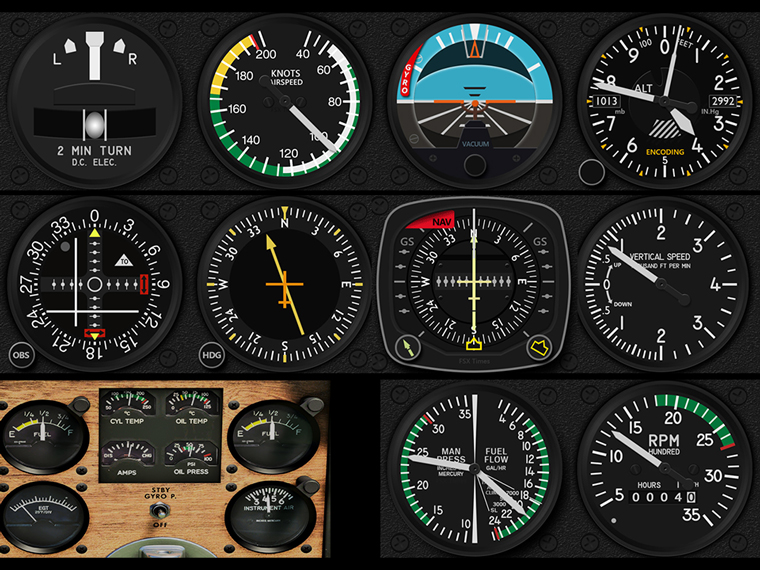
Except the Engine Cluster, all core gauges for the Carenado V35B are now ready as scheduled. MSFS_V35B_Z_BUNDLE_FULLS

For the Engine Cluster, although integrating eight instruments into one single FIP layout is a little complex,  I guess it should still be completed by Sept-9 as planned.

The Presale Discount will end when the Engine Cluster is released.

789: MSFS V35B Guage Presale

In past few days, I received a couple of ASI gauge orders for the A2A Simulations’ V35B. Upon confirmations, the buyers actually need the instrument for the just released Carenado’s V35B in MSFS 2020.  Moreover, the existing ASI for the A2A’s V35B (for FSX and P3D only) is NOT compatible with the Carenado’s V35B in MSFS.

Actually, I have been working on a dedicated FIP gauge set for the MSFS version already because the V35B is one of my favorites, too.

To avoid confusion, here’s the detail of the gauge set before its announcement.MSFS_V35B_Z_BUNDLE_FULL
As planned, there will be 11 to 12 gauges, including the Engine Cluster, tailor-made for the Carenado V35B.  However, Continue reading

666: MSFS Gauges Updated

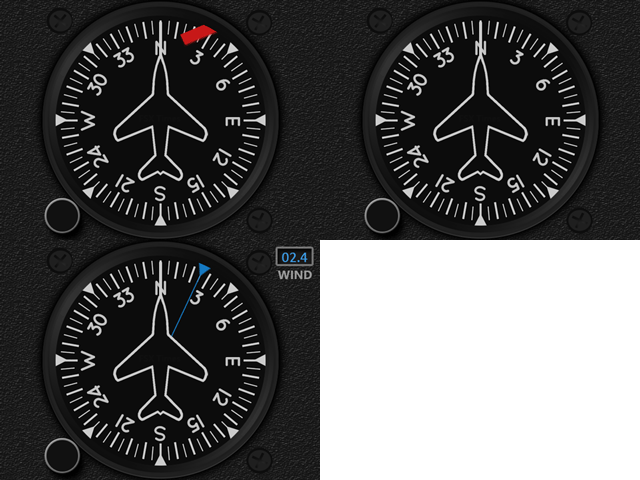
The Multi-Shared HDG for MSFS has been updated to version R1r01 with the “Flag” missing in the last version while the engine is not spinning.
Download link has been sent earlier to all users and it should be in their mailboxes by now.  If not, contact me via email or the Comment Section below.  Note that the link will expire in 7 days.

In addition, Engine Gauges of the Carenado M20R Ovation were also updated. Continue reading

658: MSFS M20R Ovation Gauges Pre-Sale

Have been flying much with the Carenado M20R Ovation a lot lately.   I quite like this airplane so I am working on to develope the corresponding FIP gauges for it.

On the aircraft, the ADF, TCR and VSI are generally the same MSFS Multi-shared gauges already developed.  The others – ASI, ATT, ALT, HSI, VOR2 and Engine Gauges, plus the LED-style moving Flaps, Elevator and Rudder Trims Indicators – are aircraft specific and so have to be created accordingly.

Similar to the earlier MSFS Default Gauges Bundle Offers, a  Pre-sale Discount (up to 40% off) is open to all who are interested in this M20R Ovation Gauge Set; and there will be two Options available:
Continue reading

391: Installing Alabeo Aircraft to P3Dv3

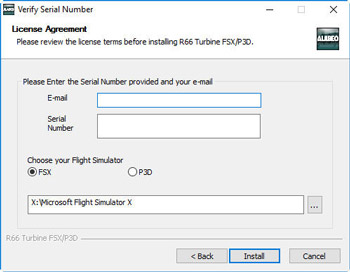
Just purchased Alabeo’s R66 and C172RG Cutlass while they are on sale this week.   I had no problem with the R66 but had my head scratched for a while regarding C172RG’s installation.

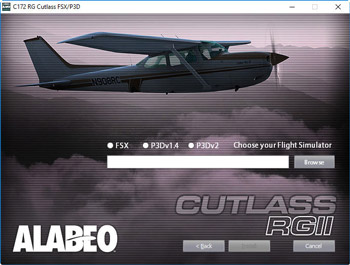
The major difference between the two installers is the C172RG one requires users to specify the version of P3D being used and the R66 doesn’t.
alabeo02s alabeo01s
Under such circumstances, even though I am not using P3D version 2, I gave it a try on selecting the P3Dv2 option on the menu and browsed to direct the path to my current P3Dv3 folder on P:\ Drive.   No surprise.   I got errors of not finding files from the package and installation was aborted.

Then I tried putting the path of my P3Dv3 folder without checking the P3Dv2 option.   The installation proceeded and reported a success. Continue reading