

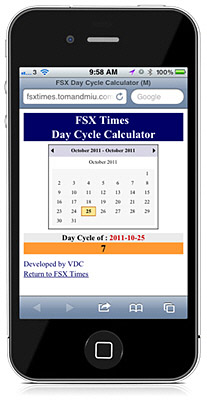
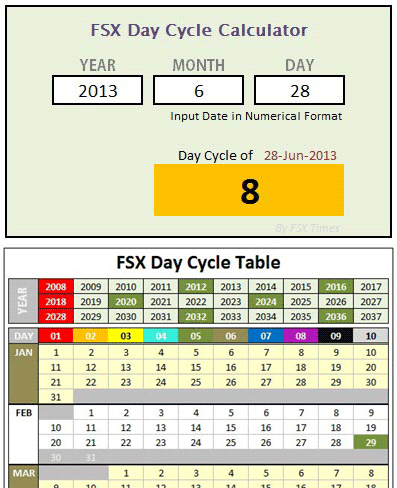
SHADE for FSX is built on the 10-day cycle of FSX. Therefore, up to 10 different SHADE presets can be saved via the program’s GUI utility (Shade_gui.exe).
Actually, it is possible to crack the 10-day limit and extend the cycle to cover all days in a month. And theoretically, it is even possible to use a different preset every day throughout the year and beyond, despite of the impracticality of the idea.
The concept of this tweak is pretty simple — when SHADE for FSX is executed, it will load the presets from the settings.ini created by Shade-gui.exe. Therefore, if one can:
- Prepare three different settings.ini each containing 10 different presets (totalling 30 presets)
- Load them one after the other in every 10 days
Then, each day in a month can associate with a unique preset stored on these three settings.ini.
The tricky part is how to fully automate the swapping process of these three ini files according to a predefined condition without human intervention.
Here’s what I did:
 FS Times