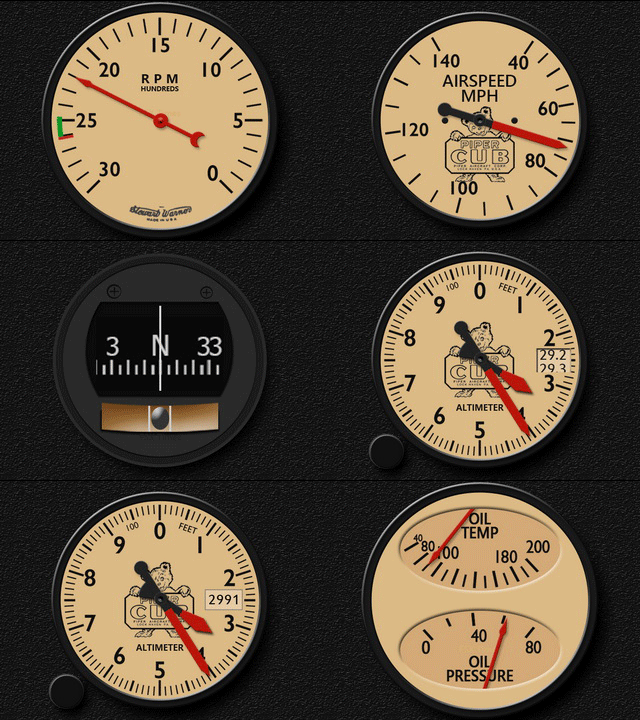
367: Piper Cub FIP Gauges Major Update

The FIP gauges for the default Piper Cub have just been updated to version 160625.   In addition to a number of coding PiperCub_160625_GIFand graphical enhancements that make the gauges more outstanding from the background, an extra 4-digit QNH Altimeter version is also added to the package.
Users of the gauges should have received the new download by now.

Stay tuned for more updates to come.


366: AC582SL FIP Gauges Major Update

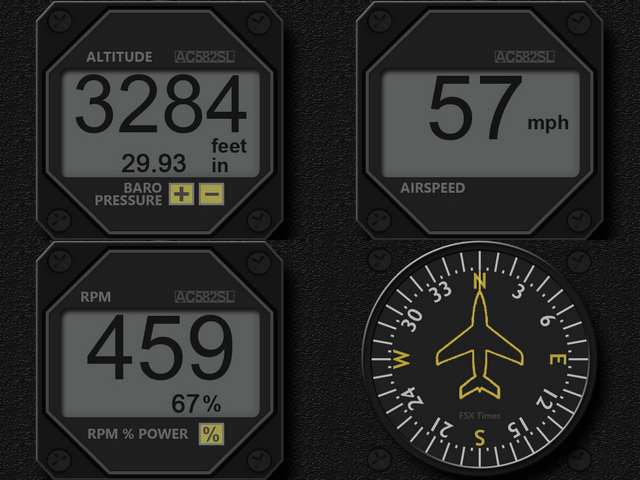
Following the RealAir Duke, the FIP gauges for the Aircreation 582SL have also been updated.   The new version 160624 AC582SL_160624_GIFincludes a number of coding and graphical enhancements, in addition to some minor bugs fixed.
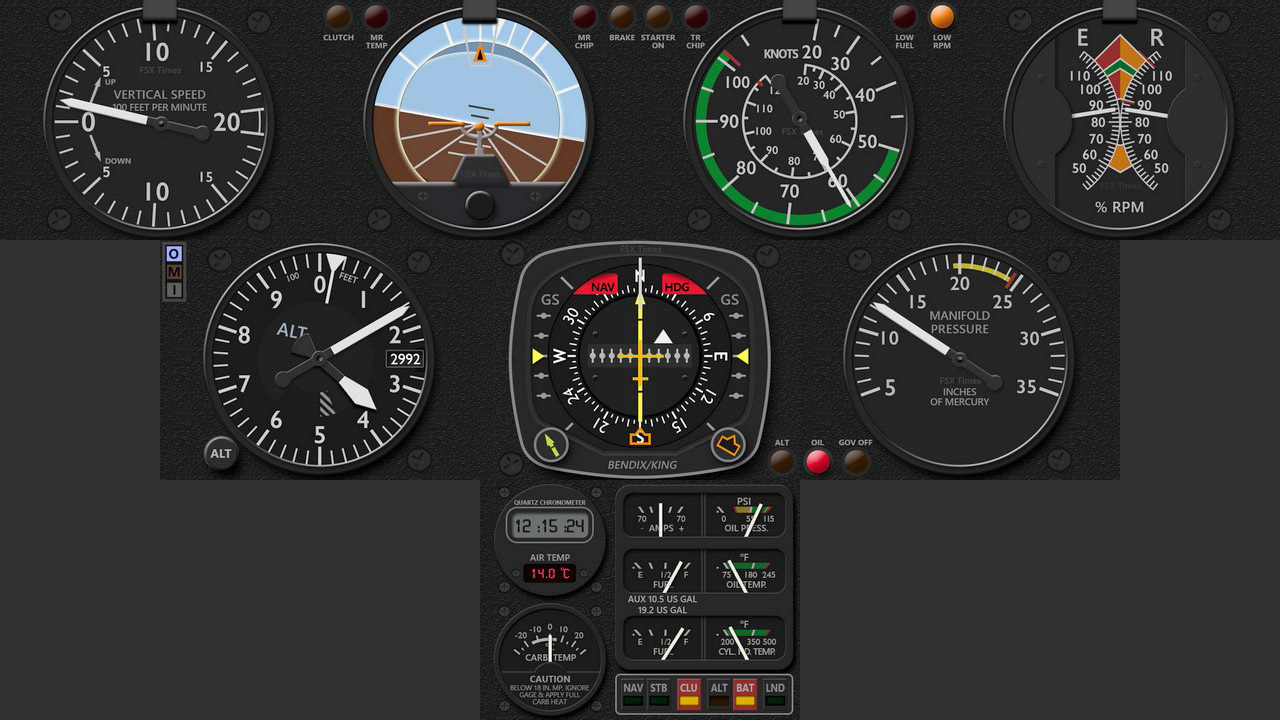
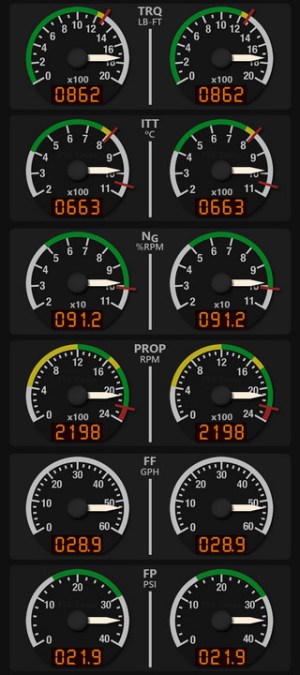
Users of the gauges should have received the download link by now in their mailboxes.

More to come.   Stay tuned.

363: R22 Robinson Gauge Released

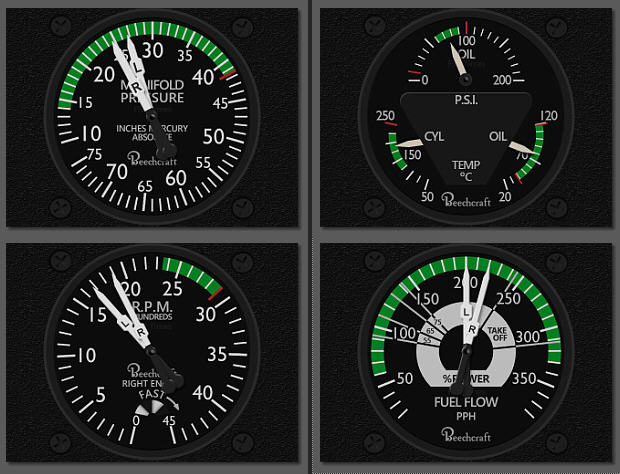
The R22 Robinson Gauge Set for the Saitek FIP is finally completed.   It was requested by some helicopter fans many months ago.   Equipment in the R22 cockpit, from compass to flight instrument, and from clock and warning lights to engine gauges, have all been integrated into this 9-FIP gauge set.

Click Me to See Full Size
Click to See Full Size Image

Similar to my other works, Continue reading

362: Duke Turbine Engine Gauges Released

The Moritz Digital Engine Gauges for the Duke Turbine V2 are now ready, RASDukeT_ENG_JPGwhich completes the two RAS Duke gauge sets released earlier in March.
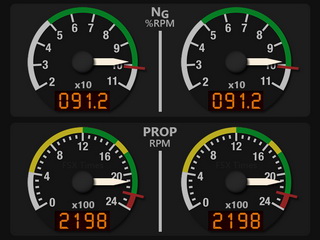

This engine set consists of six gauges in pair format, including the Torque (TRQ), ITT Temperature, NG %RPM, Prop RPM, Fuel Flow and Fuel Pressure.

One known issue — small deviations sometimes appear on the NG %RPM and Prop RPM gauges due to the two gauges using local variables (Lvars), which the Saitek FIP driver doesn’t support.  It’s more prominent when the aircraft is on the ground, and less significant in the air.
RASDukeT_ENG2_160213C_resize
Nevertheless, various workaround codings have been implemented to minimize incompatibility derived from the Saitek drivers. Continue reading

354: Video of Carenado C152II Gauges

Here’s a short video showing how the Carenado C152II Gauges look like in my cockpit setup.

My personal most favorite gauges so far.

Not quite in mood these days since Continue reading

351: FIP Gauges for Piper Cub

I play Piper Cub once in a while only but many friends have been requesting FIP gauges for it.   So here it comes:

PiperCub_SetDo note in the video Continue reading

346: For B60 Users’ Eyes Only

There are a few inquiries asking if I will do the engine gauges for the RealAir Duke B60, in particular.

“How many simmers would have 14 FIPs to accommodate the full B60 set in their system?” is really a question.   Therefore, the priority of them is very low on my project development list.

Anyway, here’s the artwork of the engine gauges for those who are interested.   They may (most likely, should) come one day.B60_Engine
Continue reading

344: Don’t Go Changing, to Try Reverse Me

TechLevel02W
As mentioned in my last post, although Jack’s suggestion of reversing the order of the gauges in the SaiFlightSimX.xml list renders a more intuitive and logical user-button reaction, the “solution” still isn’t perfect.   Because the opposite associations of the “Up Button – Down on the List” and “Down Button – Up on the List” or vice versa basically have not changed.

Thanks to Alexey, who is the author of FIP Toolkit & FIP Customizer, I am now able to swap the functions of the Up/Down button “physically”.   Meaning that when I press the “Up Button” on the FIP, it really means “Going Up” the gauge in the SaiFlightSimX.xml list, and when I press the “Down Button“, it really means “Going Down” the list.

Alexey said that the two buttons cannot be reprogrammed because they are not handled by the device’s SDK.   However, we could swap the button masks of these two buttons to achieve the same result.

Followings are the steps.   NOTE that you are highly advised to make a system backup before you proceed. Continue reading

343: Reversing Orders of the Gauges

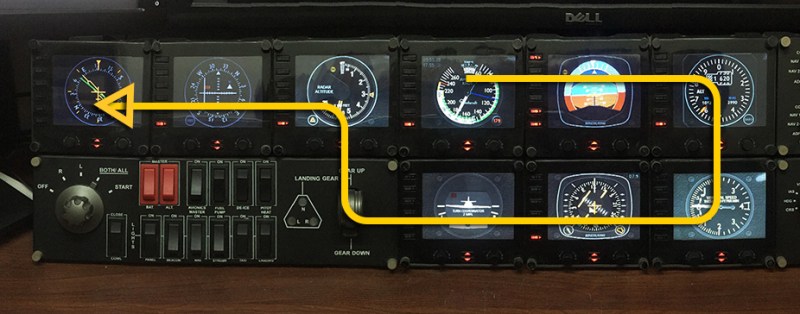
Over the years, I’ve been putting the order of my gauges in the SaiFlightSimX.xml file according to the start up order of the FIPs as shown below.
Cockpit_Order
I know by “pressing the UP button” on the FIP means switching to the “NEXT” gauge (Down one on the SaiFlightSimX.xml list order), and “pressing the DOWN button” means switching to the “PREVIOUS” gauge (Up one on the list order).

With these “UP button – Down One / DOWN button – Up One” arrangement, I can’t help falling into the confusion of Continue reading