307: Wet Compass Got a Face-Lift

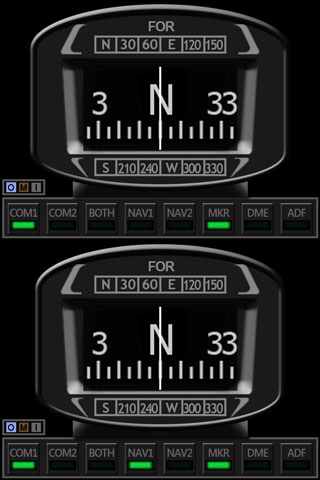
Received some comments from friends who said the faceplate of the current Standalone Wet C172_CMP_150710C_NarrowedCompass is a bit wide.    Well, it very much depends on personal preferences.
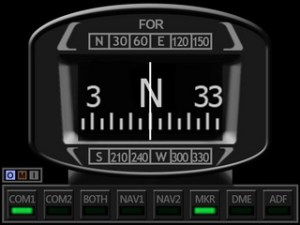
Anyway, here’ the face-lift version.   Current users should have the new faceplate in their mailbox now.

If not, let know me in the Comment section below.

306: The New Saitek Drivers – Part 2: SaiFlightFip.xml

The ability of starting up multiple FIPs in specific order everytime has been a feature requested by almost all FIP users for a long long time.   Saitek has finally implemented it onto its new drivers.   However, this feature may need another tweak in order to function.

After the installation of the new drivers, a file called “SaiFlightFip.xml” containing the current setup information of the FIPs and the gauges should be created accordingly.

Via this “SaiFlightFip.xml”, the start-up order of the multiple gauges can be specified as desired.

The file is supposed to be stored under: Continue reading

305: The New Saitek Drivers – Part 1: Installation

Normally, driver installation should be no more than pointing-and-clicking on the mouse.   Saitek’s new ProFlight drivers, “ProFlight_FSX_Plugin_7_0_40_9_x64_Software” and “Saitek_Pro_Flight_Instrument_Panel_7_0_40_9_x64_Full_pfw”, however, might need a little tweak.

Some friends said to me that the installation of these two drivers was as easy as snapping fingers.   However, there were others telling me the opposite.  To be more exact, their FIPs wouldn’t start up after the installation, even though all the other Saitek gears work as usual.

To me, both statements are true since I experienced both extremes myself over the last few days. Continue reading

304: FIP Customizer Still Functions

Just installed the new Saitek drivers two days ago as its latest capability of displaying FIPs in desired order at start-up every time is a killer feature which has been longed for by almost all FIP users.

However, the installation or the upgrading of it could be a bit tricky.  I will write up another post later.

A good news, the FIP Customizer by Alexey still work perfectly with the new driver.   His other utility — the FIP Toolkit — has yet been checked, however.

302: Commands Assigned to FIP Not Working

What a coincidence of receiving a few emails in the past two weeks asking why the commands (such as the barometric settings — KOHLSMAN_DEC and KOHLSMAN_INC) assigned to the rotation knobs and buttons on the FIPs are not working any more.   After checking their SaiFlightSimX.xml files, I found another coincidence that the <X52Pro> section in the beginning of their files was somehow removed.

Yeah.  I do remember as they reported that the SaiFlightSimX.xml file worked properly without the <X52Pro> section before.   Continue reading

294: C172 Wet Compass

Some friends asked me what would be the next gauges to fill up their “post-11th” FIPs after the C172_CMP_resize10 Standalone plus the one Integrated Fuel Gauges.
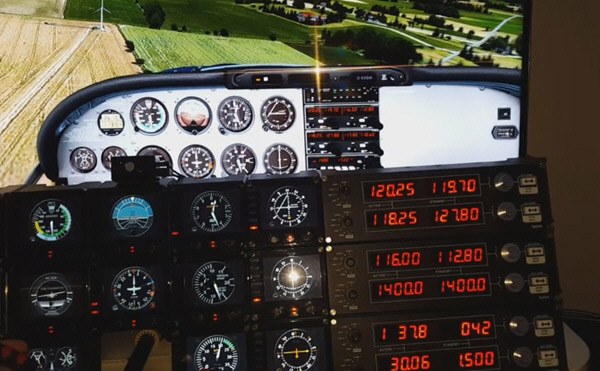
Alright, here is the newly done full-size Wet Compass designed to match with the Standalone Gauges, in which the OMI Markers and Signal Sound Indicators are included.

Followings are two videos Continue reading

News: Cockpit Videos and Photos Submitted

I’ve thought about making a video for the new C172 Standalone Gauges as I did for the earlier Integrated Series.   However, I wasn’t sure how to do it because I don’t have enough FIPs myself.

Luckily, Markus Anderson in Sweden just sent me his videos showing the Standalone Gauges with his newly bought BEH Force Feedback Yoke in his cockpit setup.   Looks pretty good to me.

P3DSaitekTest
Click the image to see the video.

Do note that Continue reading

293: The Wait is Over

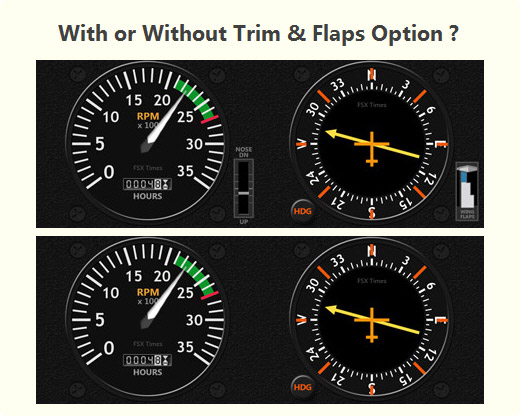
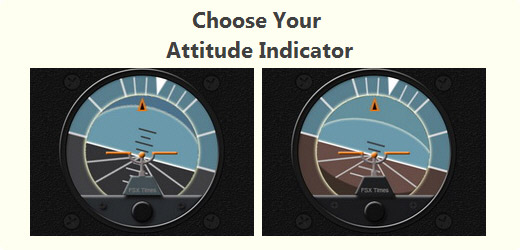
Just completed the installer for the C172 Standalone Gauges.   And it has been added some user-friendly interfaces to the choosing of the different color Attitude versions, plus the inclusion and exclusion of the trim and flaps indicators to and from the RPM and ADF gauges.
StandalonePick01   StandalonePick02

In addition, Continue reading

292: Standalone Gauges Status Update

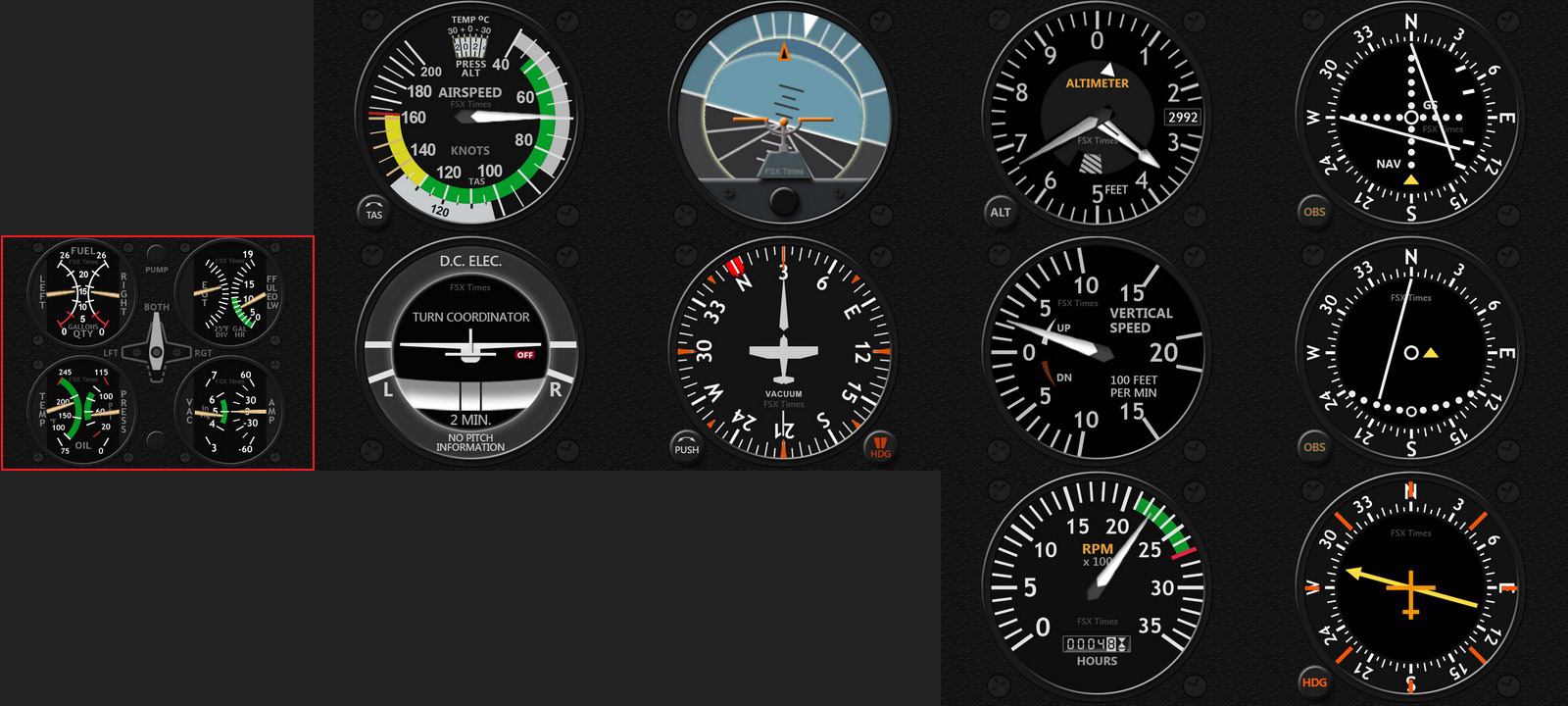
The fine-tuning works for the Standalone C172 Gauges have finally been completed.   All instruments are now centered on the FIP and take up the whole area (320 x 240) without leaving any spaces on the left hand side for the displaying of any button commands.

In addition, none of the extra features found on the previous Integrated Series are added to these gauges, so that they could resemble and function as realistic as possible to the instruments in the real cockpit.

C172-ALL-GaugesC
Click me to Enlarge — Note the Airspeed Indicator is a new redrawn with temperature window on its top

However, Continue reading