215: Turn Off FIP Buttons

TechLevel01W
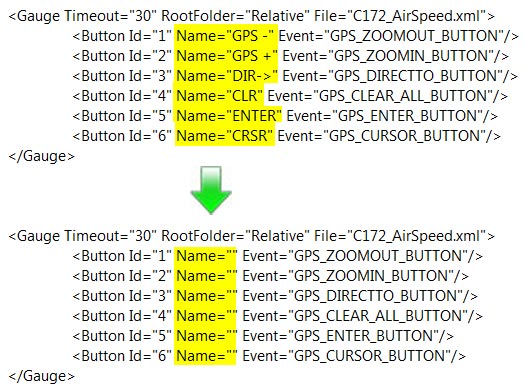
Received a question yesterday asking how to remove the text of the six programmable buttons on the left hand side of the Flight Instrument Panel (FIP) so that one could make use of the whole 320×240 area on the device.

It is easy to achieve by just removing the content of the Name command inside the LogiFlightSimX.xml file under C:\Program Files (x86)\Logitech\FSX Plugin directory as shown below.
(For systems using the older drivers from Saitek, the file is called SaiFlightSimX.xml and it is located under C:\Program Files (x86)\Saitek.)
FIP Botton 01

Continue reading

209: Improve FIP Smoothnesses

The default Gauge Timeout value that controls the refresh rate of Saitek’s Flight Instrument Panels (FIPs) inside SaiFlightSimX.xml file is 100.   Lowering the value could bring some improvements to the smoothness of the display on the device.

However, setting the value too low or at 0 could inversely impact not only the FIPs but also the performance of FSX.

<Gauge Timeout=”20” RootFolder=”Relative” File=”Gauges\AirSpeed.xml”>

I found 50 a good start and 20 a good balance.   Your mileage may vary, of course.

208: A “Light” Variation in RPM Indicator

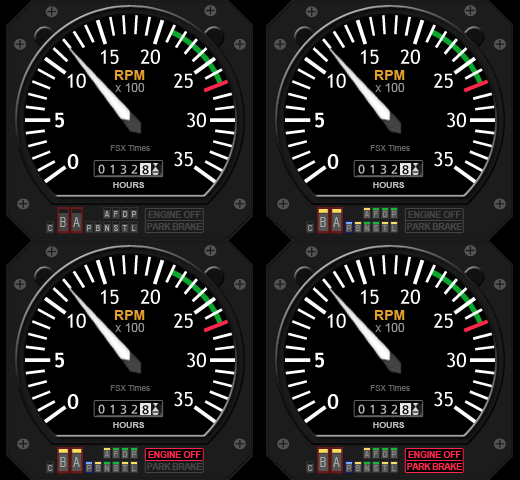
If you are one of those who’s been waiting for the second mailing of my new C172 gauges, here’s something to cheer you up while counting your fingers for the day , especially if you own a Saitek Switch Panel.
C172_RPMSw_130815
It’s commonly known that the biggest defeat of the Switch Panel is the lack of indicator lights for the associated switches.

Although I described how to replace some of the black-colored rocker switches with red-, white- and green-colored switches in Post 111, the operation of the panel is still far from ideal when used in the dark; not to the mention that only limited users have the components and skill to carry out the modification for the panel.

Continue reading

207: Five C172 Gauges on 3rd Anniversary Day

It’s Aug-15, 12am.

For those subscribers who already signed in for my earlier announced C172 Fuel Gauges, CONGRATULATIONS, you are not just getting one but a total of five C172 gauges on this 3rd Anniversary Day of FSX Times.   The links by email should be arrived at your mailbox while you are reading this post now.

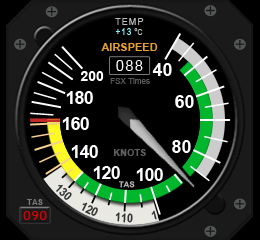
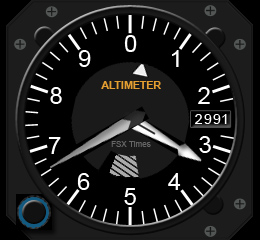
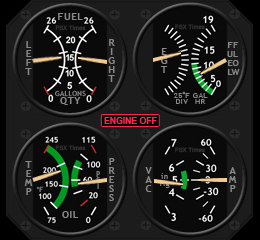
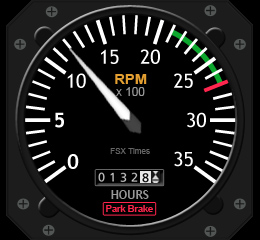
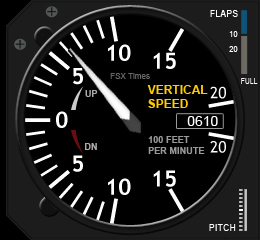
C172_AS_130815 C172_ALT_130815 C172_IFG_130815 C172_RPM_130815 C172_VS_130815
Except the new Integrated Fuel Gauges, the additional four gauges are revamped from the T210 counterparts but packed with more functions and facelifted to resemble the default C172 gauges as much as possible.

Continue reading

205: Sign-in for the New C172 Gauge Now

I used to only flightsim Cessna 172 before switching to the bigger T210.  But even though the C172 is no longer my favorite, I’ve kept thinking of creating new FIP gauges for it.

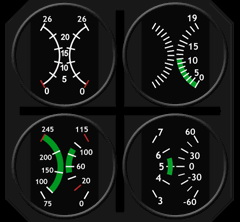
C172_ManFuel_background

The C172 gauge on the right, though looks simple, consists of four different gauges actually.  And how to properly shink them within the small footprint of the FIP resolution requires many attentions too.

After working on and off over the last few weeks, the overall design and programming for it were basically done.  It has now entered the testing and adjustment phase.

I am aiming to have it ready on the Third Anniversary Day coming in this month for friends who’s been supporting FSX Times.

Anyone (FSX Times subscribers Only) who wants a copy of it Continue reading

202: References for Gauge Creation

Many friends ask me where I find information about gauge building.
T210 Gauges RowS1
It’s a typical but a true answer – from the Internet.
Following is a good piece of background reading I often make reference to:

Creating XML Gauges

Truly they are not directly dealing with gauges for Saitek’s FIPs, but the basics and theories are more or less the same.


201: Cessna Citation AirSpeed Update

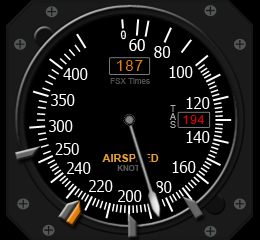
Citation_AirSpeed_BackgroundWThis is a quick update to the Cessna Citation AirSpeed Gauge developed three months ago in April.  Digital display and needle of True AirSpeed are now added.

I am revising other existing gauges for additional features, like this True AirSpeed and Temperature, etc.   I am expecting to have them ready for download in a couple of months.

As always, non-FSX Times subscribers’ requests will be ignored.

197: Tidy Up FIP Gauges

TechLevel01W

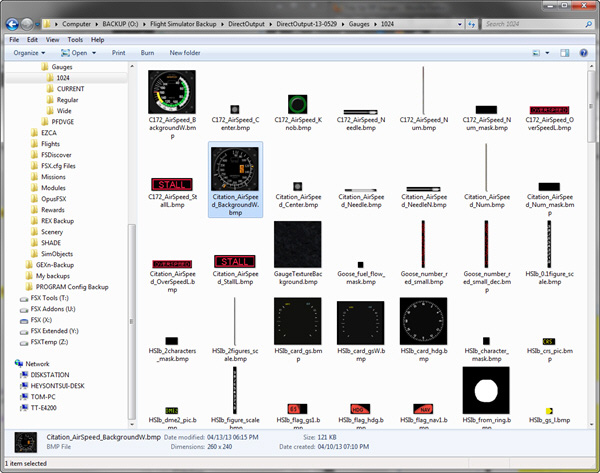
By default, FIP gauges files are put under the DirectOutput folder.   However, when more and more gauges are added to the system, the gauge files accumulated under the folder and its subfolders, especially the 1024 folder where bitmaps are stored, are getting harder and harder to identify.

FIP Folder 06

To tidy them up in a logical manner, Continue reading

194: An FIP Display Order Setup Guide

TechLevel02W

I keep receiving questions from friends asking why the display order of FIPs are different every time when they start up FSX.  Followings are two of the most recent examples:

I have built a Saitek cockpit with 6 FIP’s so far.  It works great until I reboot.  It seems the USB ports start in a different sequence on each boot up.

When I added additional FIPs [using a single 10 port USB hub], they no longer would come up in the SaiFlightSimX.xml order.

Evidently, Saitek’s customer support is still lousy even after the product has been marketed for many years.   Anyway, here’s the revised FIP Display Order Setup Guide based on my Posts 28: Flight Instrument Panel Tweak – Part 1 and 118: Loading FIPs in Desired Order, and many replies I gave in various Comments.

Continue reading