574: FIP Broken Knob Fix


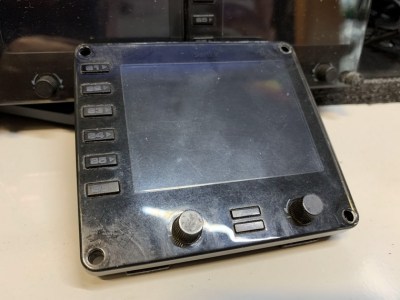
In my Post 574, I mentioned that the two knobs on the face-plate of the FIP, if broken, are simply unrepairable, but Oz Flyer (David) in the Comment suggested two possible solutions to repair them.  Here’s the first one I just tried since I don’t have a 3D printer as required in his second suggestion.

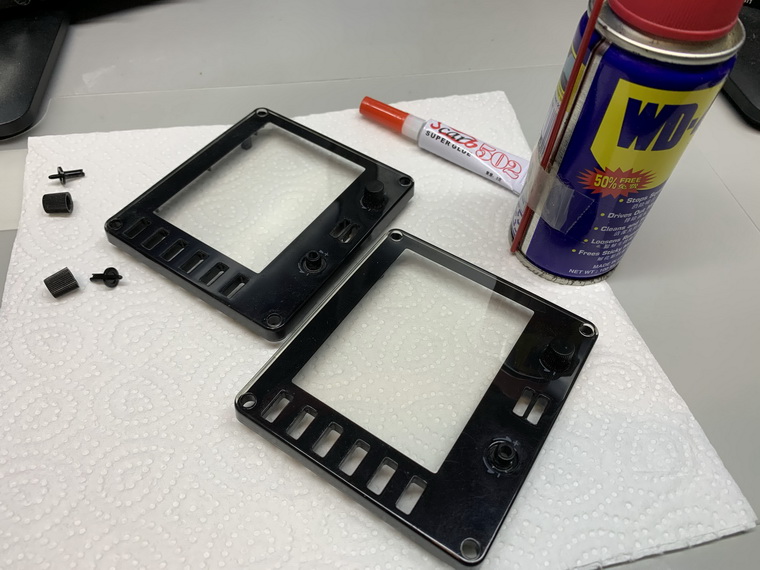
Stuffs needed are just some super glue and WD40, and I put everything on a piece of paper to avoid either the glue or the WD40 spilling over onto the table.
Continue reading

POLL: Gauge Background You Like More

I am having some new ideas about the background of my gauges.  But firstly tell me which types of background you like more by clicking the survey button below.

Take Survey Now !       Continue reading

572: A kind of Easter Miracle

A few days ago, another flight instrument panel (FIP) of mine suddenly stopped working.  Didn’t have any symptom similar to the other faulty one I reported in my Post 561, this one just ceased to work — no display, no response — during a flight session.

After trying many possible solutions to revive it but of no avil, I had no choice but to unplug it from the hub and put it aside waiting for another teardown.

Nothing lasts forever in reality, I know.  This one has also served me for more than 10 years.

I was planning to tear it down this morning.  Continue reading

569: My Cockpit Rev #12 – FIP Gauges

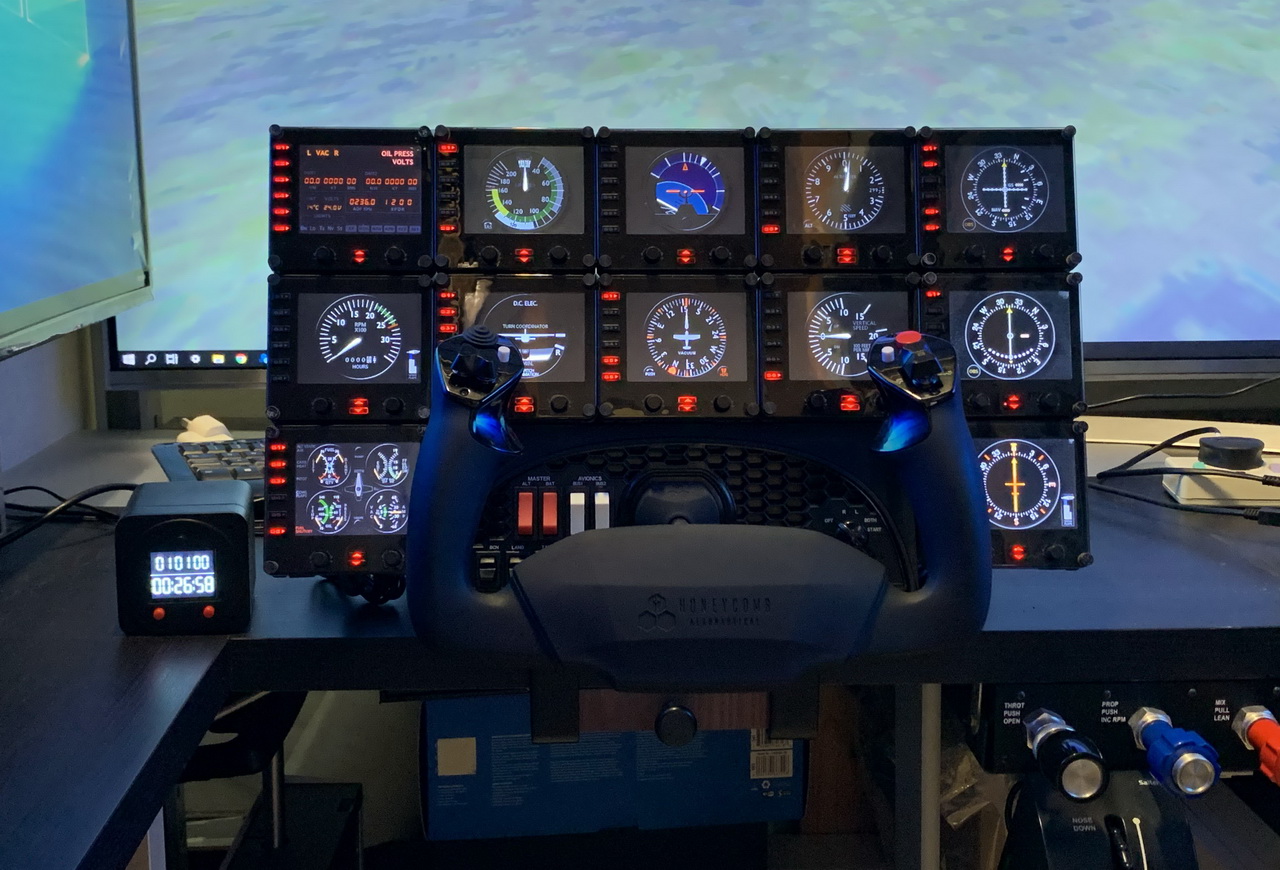
While doing fine-tuning and waiting for fixes for the new P3Dv5, I continue to have my cockpit rebuilding going on as planned.  Now is time for the gauge components that reaches a total of 12 FIPs stacking up on top of the HoneyComb Alpha Yoke (click image to see larger picture).  They should be good enough for most of my light aircraft flightsimming requirements.

The 12 FIPs are hooked up to two electrical-powered USB hubs, which are then connected to my Surface Pro that is responsible for the operation and switching of the FIP gauges independently from the main computer. Continue reading

562: Turn Off FIP Button Light the Hard Way


Many friends asked if it is possible to turn off the light of the buttons on the Flight Instrument Panels (FIPs) and continue to keep their functions active at the same time.  The answer is NO under the Logitech driver as described in Post 215.

However, from the teardown of the broken FIP reported in last post, I came up a hard(ware) way to do it. Continue reading

561: FIP Teardown

One of my FIPs was broken down recently after serving my flightsimming system stably for more than a decade.  I opened its case to see if it is self-serviceable.  Unfortunately all electronics components, except the LCD screen, were surface-mounted onto the circuit board.

Followings are the teardown pictures of the unit for those who are interested to see what are packed inside the FIP. Continue reading

552: Video Preview of A36 GEM

Happy New Year !

Edit: The gauge is now available in the FIP store

Have been wanting to make the Graphic Engine Monitor (GEM) of the A36 Bonanza for a long time.   Here’s a video preview of the finally created instrument running on the Logitech’s Flight Instrument Panel (FIP) next to the same instrument in the virtual cockpit on the computer monitor.

It took me quite some time to figure out how to make it right.   It is under fine-tuning and will be my first gauge to be released in 2020.  Continue reading

487: Gauge File Updating for SPAD.neXt


When my FIP gauges are having major updates, say from version R3 to R4, they will be installed onto a new folder ending with the new version in their names, e.g. A36_Bonanza_R4.   This is to prevent mixing the new files with the old files, and to avoid the possibility of overwriting user-customized files, just in case.

For those who are running the Saitek/Logitech Drivers, the gauge installer will create corresponding links for the update automatically.

But for those who are using SPAD.neXt, they will have to reinstall the gauges to the SPAD.neXt system again as the folder location has changed.   This is quite troublesome especially when one has configured the buttons and knobs on the FIP extensively.

Following is what I do and it is relatively simple and efficient. Continue reading

482: Logitech FIP Driver Migration

Some friends email me saying that they are interested to know how I upgraded (“migrate” I think is more accurate) my Saitek drivers to the Logitech version.   Again, as mentioned a few times, such a migration is not necessary if the Saitek drivers are working fine.

Anyway, it does no harm if anyone want to keep up with the Logitech version.   But ensure to AVOID using version 0.8.144.0 as it has error.   Version 8.0.132.0. is fine, which I am currently using.

Followings are the steps I took for the migration: Continue reading