654: My Vegetations Mod Updated

In addition to some adjustments to the maximum and minimun values in my last modified vegetation file reported in Post 648, a new tweak to display trees to far distance without performance hit (click image below to enlarge) is further included.  It has become my MUST-HAVE tweak for MSFS 2020.
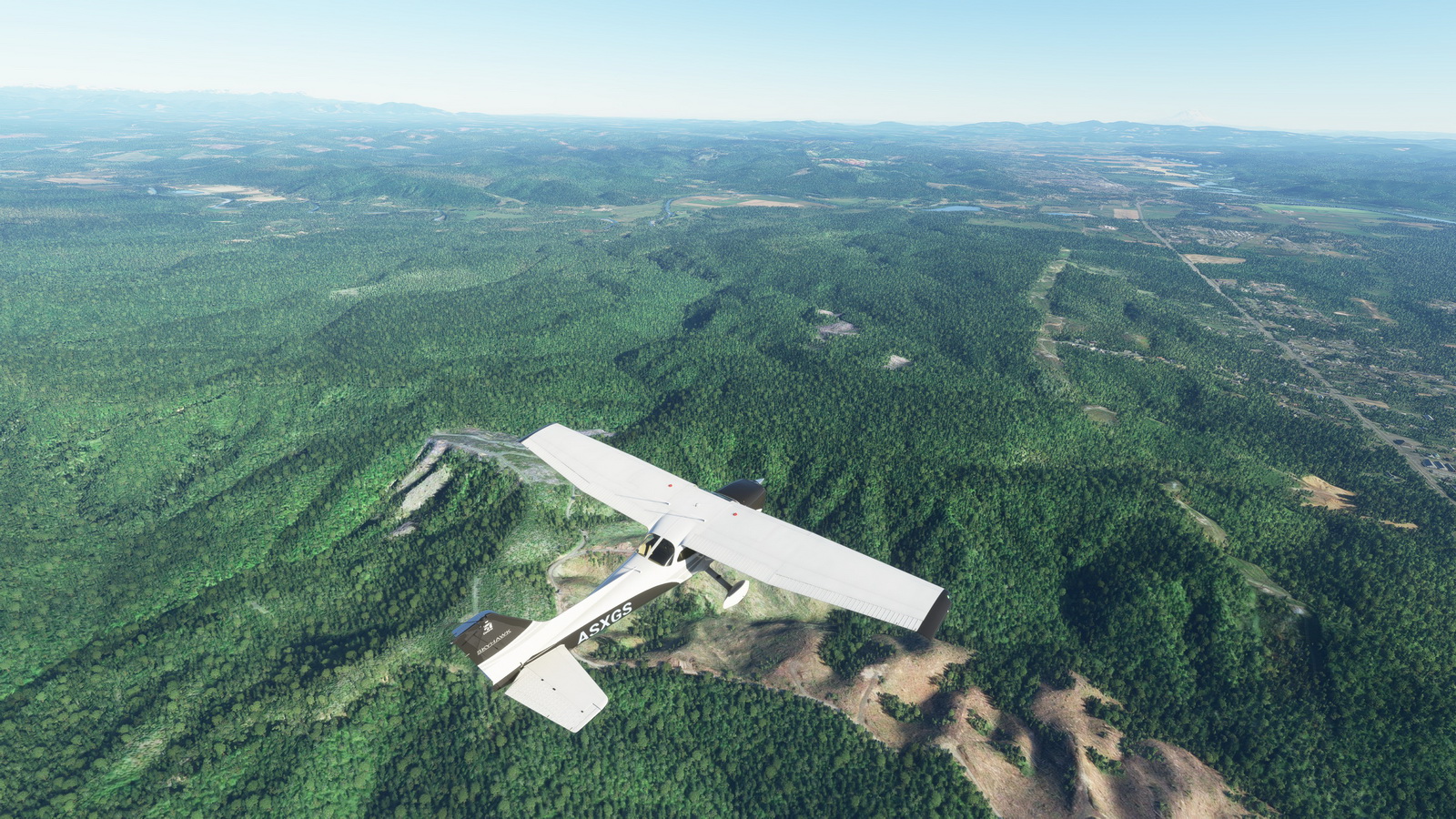
As we know that simulators only load up autogens within specific distance surrounding the aircraft.  With this mod showing vegetations virtually unlimited in far distance, the popping up of other autogens becomes unnoticeable — giving you an illusion that everything is already in place.

The last modified vegetation file I put in the Freeware Section in my Store has been updated with this new one. Continue reading


649: 4K Monitor Refresh Rate for MSFS

Since my new PC with an RTX3090 graphics card was straight out from the box, the framerate steadies around 30 under Ultra settings.  Even though I was a bit surprised by this low number, I didn’t pay much attention to it since everything seems to be working fine.

Until the last weekend I had some time seriously looking at the new system.  I found the framerate didn’t change much no matter what I did to the settings.  The framerate still sat around 30 somethings.

I started to wonder why since the framerate on my other computer with an i7 6850 CPU and 1080Ti graphics card gains a lot more than that under Ultra settings.

Excluding the CPU and the graphics card, the most suspicious cause of the low framerate seems to be from the monitors I found lastly. Continue reading

648: My MSFS Vegetations Mod

Vegetations in MSFS are generally regarded oversized and look unrealistically.  There are tips on the Internet to help improve the situation by reducing the MAX and MIN values of all entries in the 10-asobo_species.xml file under “/fs-base/vegetation” folder to about 60% – 80% (or about 4 – 8 points) of their originals.

Vegetations look more realistic with the mod

My personal preference after tests is to keep the minimum values unchanged but to lower the maximum values to the same values of the minimum; or to 5 when the minimum values are less than 5.

Reducing all the maximum values to the minimum values is also good.

Here’s the download link to the five Vegetation files Continue reading

647: Logitech MSFS Plugin Won’t Work Alone

When I installed the Logitech’s MSFS Plugin onto my two computers (one new, one rebuilt) a couple of weeks ago, I got puzzled because all my Logitech’s Pro Flight Panels worked nicely with MSFS, except the Flight Instrument Panels (FIPs).

There were nothing on the displays — no serial numbers, no product images.  All screens were blank.  And the most frustrated was Windows recognized them all and said they worked normally.

On my last computer I just replaced, the MSFS Plugin works seamless without any issue.  I just have the Plugin installed and off it goes.

It took me nearly a day to figure out that Continue reading

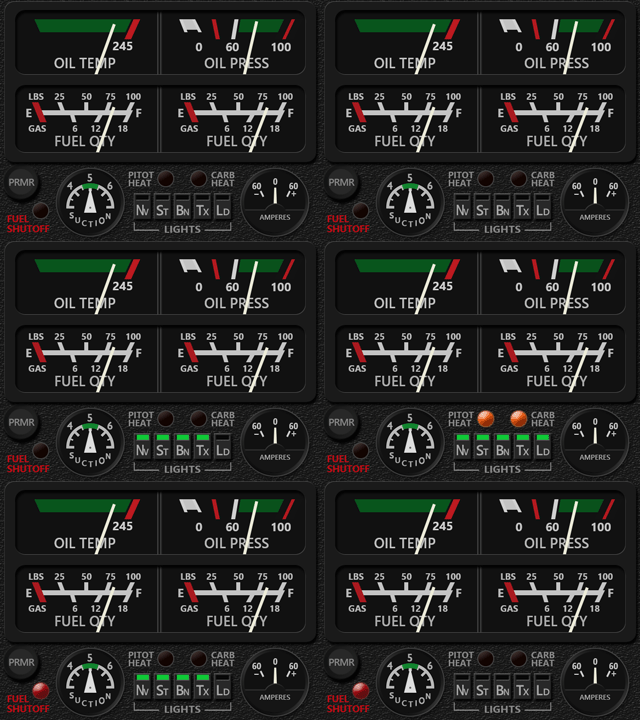
644: MSFS DR400 Engine Gauges Delivered

The Engine Gauges for the MSFS DR400 was just completed before the scheduled deadline.   Those who ordered the DR400 pre-sale should have the download link for it in their mailboxes by now.  If not, contact me via email or the Comment Section below.

This Gauge should have been done earlier if I were not stuck by some issues from the simulator.  For example, the data of Fuel Pressure and Oil Temperature Continue reading

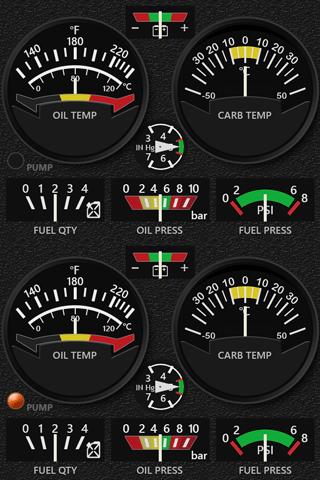
642: MSFS C152 Engine Gauges Delivered

The Engine Gauges for MSFS C152 has been done today, which completes the C152 MSFS Gauge Set and is compatible with the MSFS C152 Acrobat version as well.

Those who ordered the C152 pre-sale bundle should have received the download link in their mailboxes by now. If not, contact me via email or the Comment Section below.

There’s one more DR400 Engine Gauges to complete the pre-sale offer.  Should be ready by end of the month as scheduled.


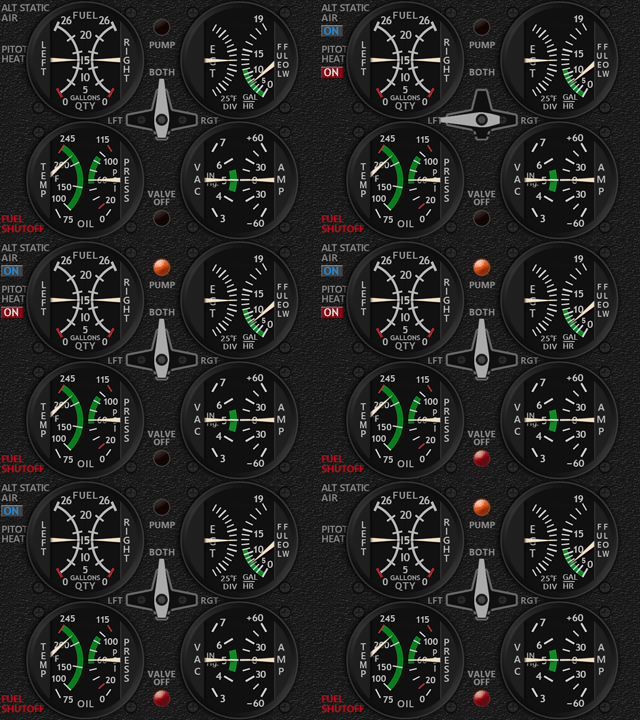
641: MSFS C172 Engine Gauges Updated

The MSFS C172 Engine Gauges has just been updated with smaller fuel pump

and valve off indicators, so that they are not stressed too much and still significant enough to be noticed when activated.

Users of the Engine gauges could use the same download link to get the updated file and reinstall it to overwrite the older version.  If the link is discarded, Continue reading

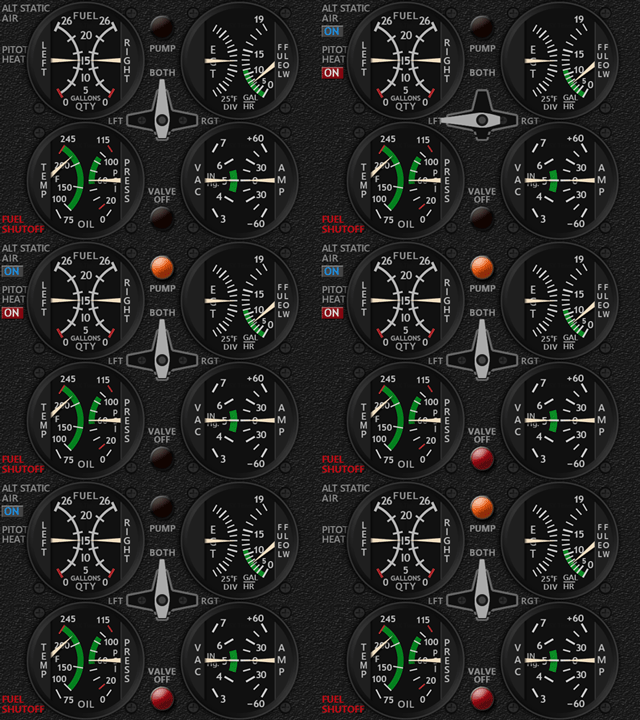
640: MSFS C172 Engine Gauges Delivered

The Engine Gauges for the C172 in MSFS has been done earlier today.  This completes the C172 MSFS Gauge Set.

New elements, such as the flashing indicator for Fuel Pump, are added to the design to make it more interesting to use.

The Engine Gauges for the C152 and DR400 are being worked on and should be ready as scheduled before the end of month.

Continue reading

637: User-configured Input Data Location

One thing I in particularly dislike in MSFS is the way how it handles Control inputs.

In FSX/P3D and X-Plane, all you need to do is simply pressing the buttons or switches on a controller, the programs will recognize them for the functions you want to assign them to immediately.   On the contrary in MSFS, you’ll have to find out the mappings of the buttons and switches on a controller or accessory first before you really know which buttons or switches are which to assign them to the intended functions.

That’s not just user-unfriendly, it’s pretty awkward.  Hope that it’s going to change in future update.

Anyway, here’s the location where user configured control data are stored on my computer — “C:\Program Files (x86)\Steam\userdata\270793180\1250410\remote“.

My Steam Library and MSFS are on F:\ drive.  Continue reading