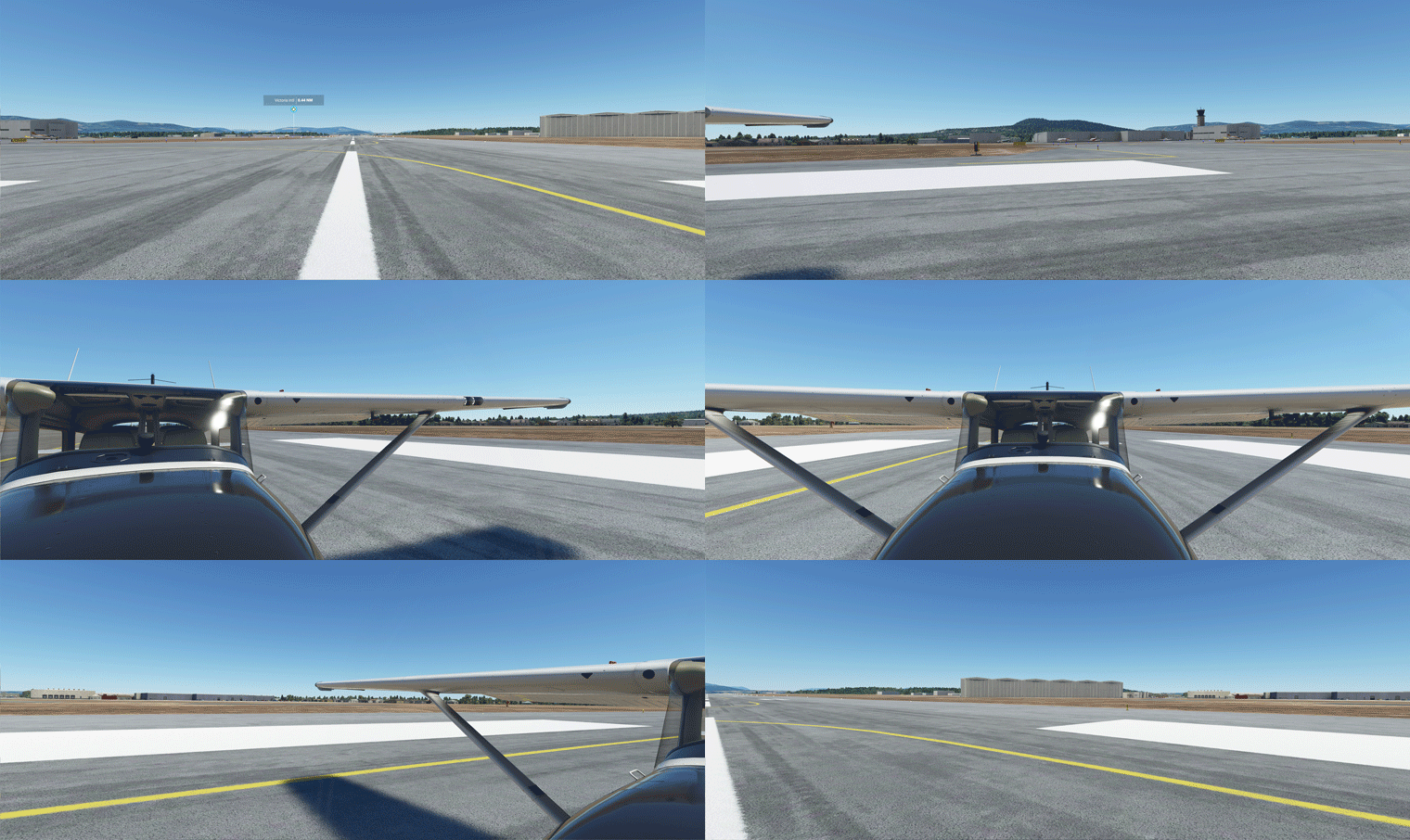
788: My New Aircraft View

For more than a year, I’ve been flying VFR mainly with a full forward view without showing the virtual cockpit panel as described in my Post 638, 639 and 697.

However, lately I found showing the propeller and engine hood during curising actually adds more fun.


And, most importantly, brings forth Continue reading

697: My Full Forward View Update

After months of tuning the Full Forward View adjustments described in Post 638, I have standardized the settings of the following three (3) paramters in “LandingPilot” [CAMERADEFINITION.2] on all aircraft as follows:
FullView01
InitialZoom = 0.6
This gives me a zoom level generally the same as the external aircraft view.

InitialPbh = 0, 0, 0
This puts all aircraft on the ground horizontally without any tilting.

InitialXyz = x, x, x
These three values are aircraft-specific, in which I adjust: Continue reading

639: Full Forward View #2

In my last post about setting up a Full Forward View without Instruments, Michael sent in a comment below:

I’m in the same situation and have been using this for quite some time, however, with one modification:

I first make a copy of the camera file using (I think Alt+Ctrl+0). This will be saved under, e.g.

C:\Users\[your profile]\AppData\Roaming\Microsoft Flight Simulator\SimObjects\Airplanes\Asobo_C172sp_classic

In this file you can make the amendment above.

You can then switch back and forth between the “normal” and the “shifted” camera using Alt+0. I found this somewhere on the official forum. This way you don’t have to modify the original files.

Thanks Michael and that’s another approach of creating a full forward view with no instruments, too.

Well, either method has its pros and cons: Continue reading

638: Full Forward View with no Instruments

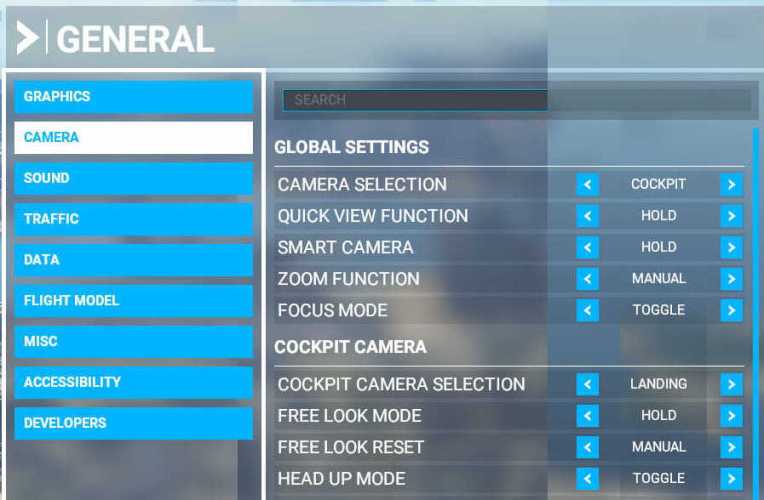
I have chosen “LANDING” as my default camera in MSFS.  But since I already have a physical DIY cockpit, all I want is a clear full forward view without the virtual cockpit and its instruments.

Here’s how I do it quickly: Continue reading