
At the moment, only a few accessories are instantly recognized by the new 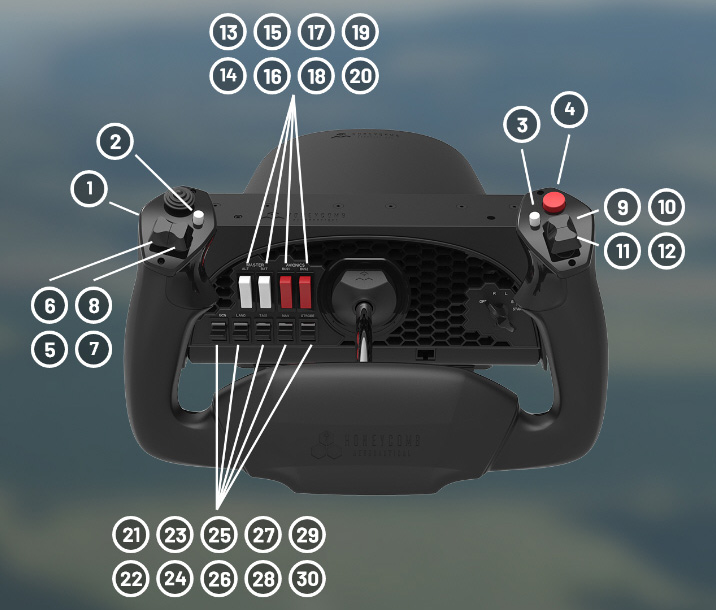 Microsoft Flight Simulator (MSFS). The Honeycomb Alpha Yoke is one of them, which I used as a reference to set up my VRInsight Flight Master Yoke and other flightsim gears on my second computer.
It’s funny to look at the white buttons and the red buttons on the Yoke panel as they are wrongly placed carelessly. The two red buttons for Batteries should be on the left and the two white buttons for Avionics should be on the right. Wonder why no one from the Asobo team nor the Honeycomb team spotted the mistake and have it corrected in the last update.
Anyway, followings are the default button mappings on the Alpha Yoke: Continue reading
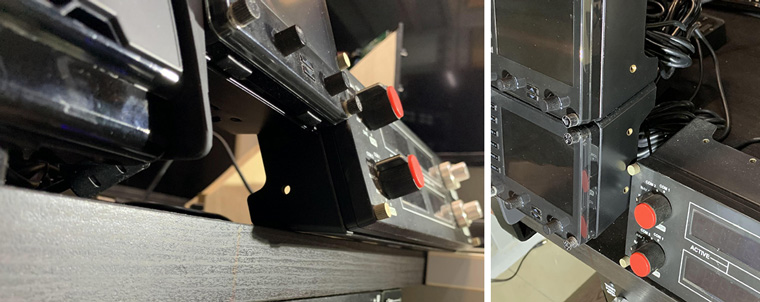
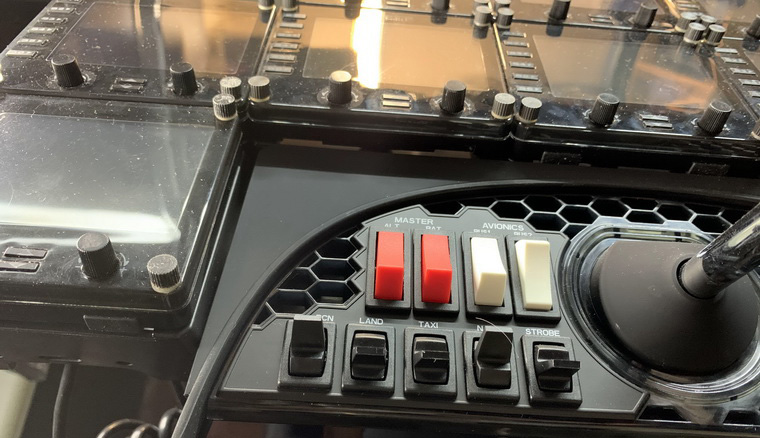
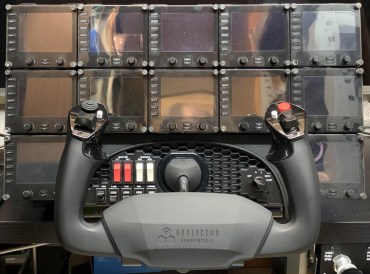 are). Because not only the yoke has a shadow of Saitek counterparts but it also comes with a bracket mount to accommodate various Saitek or Logitech Pro Flight Panels. This is not found on other brands.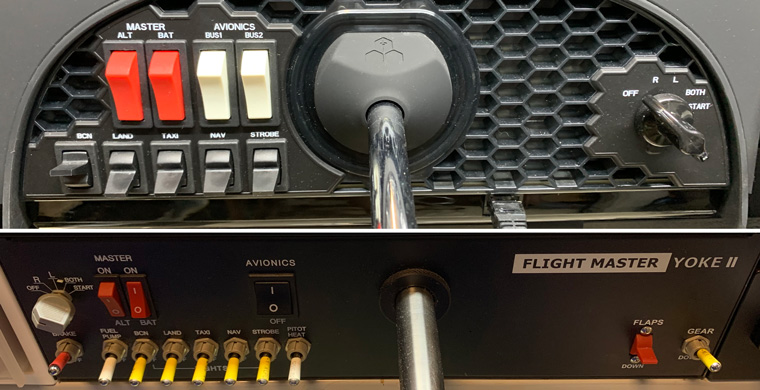
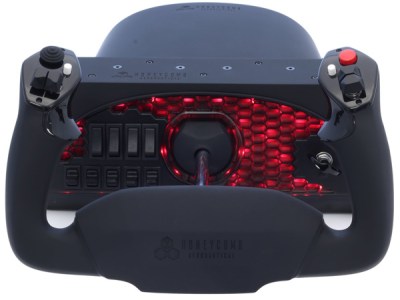 days. I got mine in February and it is the sixth yoke I got — from the very first Saitek Yoke (2007), to the CH Eclipse Yoke (2011), Saitek Cessna Yoke (2012), VRInsight Flight Master Yoke II (2014), and the last VirtualFly Yoko Yoke (2018). It’s no surprise that none of them is perfect, but surely each one has something good to praise.
 FS Times