392: Putting GPS on the iPAD

A few days ago, Kim in Switzerland emailed me that he had built a touch-screen GPS using an iPad (see photo).
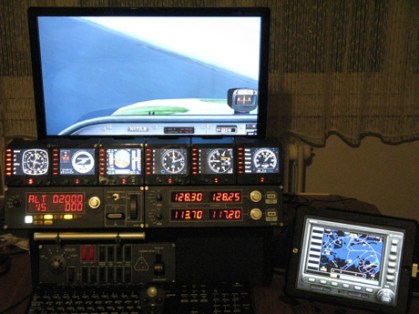
kimgps

Frankly, even though I never thought about the idea of putting the GPS onto an iPad before, I have to admit that my immediate response to Kim’s approach was not excited because there are many apps available to turn the iPad into a second display for Mac or Windows computers.

From the many similar apps I tried before, none of them, in my opinion, was smooth enough to handle the data flow demand to and from FSX or P3D.   Some of them even caused serious dragging to the simulator in return.

But after checking the information Kim provided, I found his iPad was wired to his computer, rather than wirelessly connected over the network.

After further Googling the app he recommended, I decided to give it a try.  The result is surprisingly good. Continue reading
178: An Alternative Cockpit

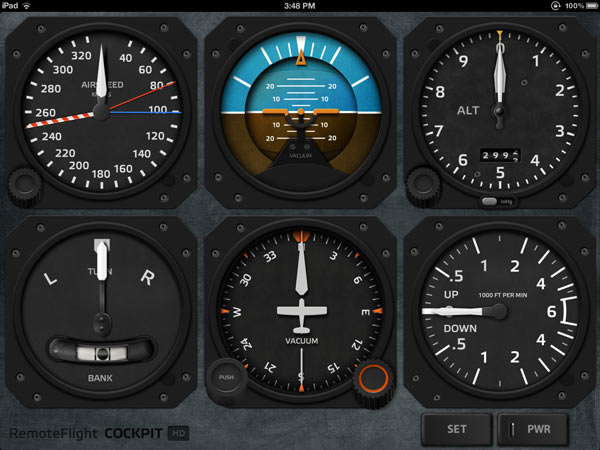
For those simmers who would like to have a separate gauge display in their setup but don’t have a second monitor or any Saitek’s Flight Instrument Panel, Cockpit HD from RemoteFlight is a pretty good alternative.

The prerequisite: you need an iPad and it’s better to be the new retina one.

Continue reading

148: Blowing Up Moving Map

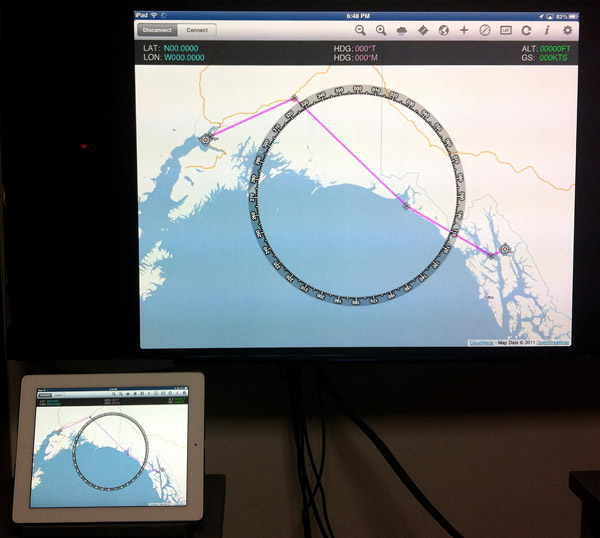
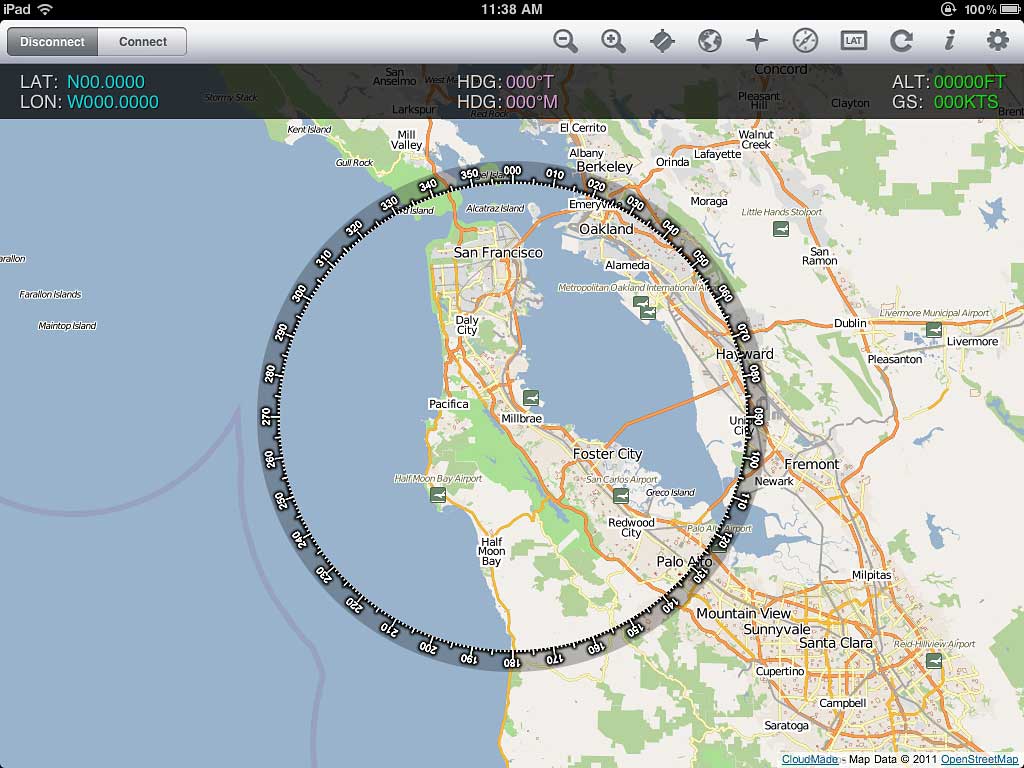
Via FSWidgets iGMapHD, iPad can be turned into a moving map device as reported in Post 63 and adds a lot of fun to FSX experience.   However, should some one find the iPad display too small to read or want to be felt like in a flight control tower…  Well, what about putting the moving map onto a 52-inch or larger TV set?

Continue reading

63: Moving Map Fun on iPad

Recently added FSWidgets iGMapHD for iPad to my system.

It is far from being a perfect product and has the problems of:

  • slow reflesh rate of maps and tracks
  • incomplete airport and terrain data

However, it adds a lot of fun to my flightsim experience without a real multi-monitor system.  It is very easy to setup.  And it doesn’t like Air Display, it won’t impact FSX performance at all. Continue reading

59: My Best FSX Setup (2011-0716)

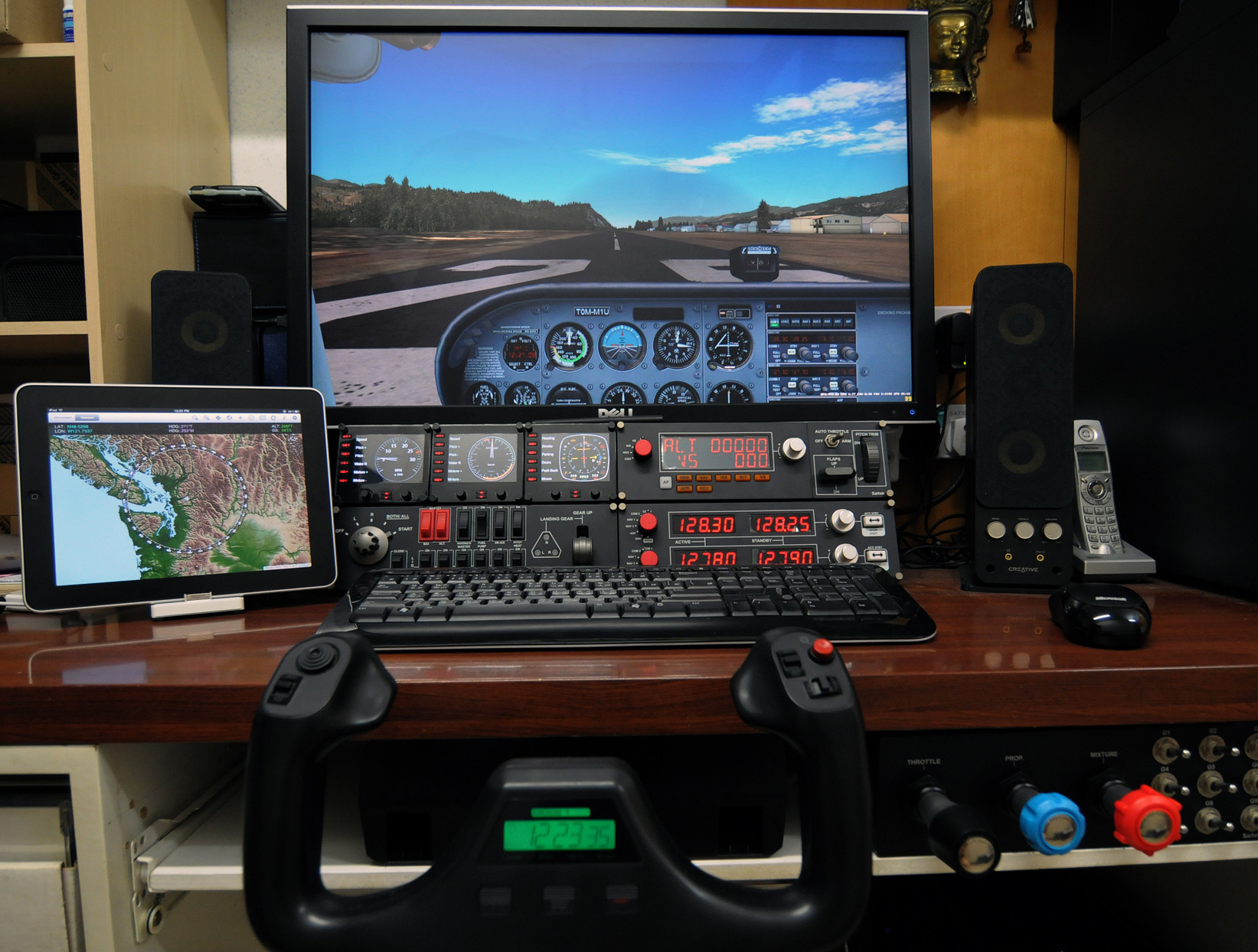
My Flightsim Gear with recently added iPad running iGMapHD

With following hardware, software, display card settings and fsx.CFG tweaks, I am generally getting :

  • 39-47 FPS (20-30 FPS in heavy urban areas; ALL with 3rd party scenery installed)
  • No Stutter (well, virtually)
  • Very Sharp Image
  • Very High Anti-Alias Quality

Hardware:
ASUS P6X58D-E  |  i7 930 @ 4.0G  |  12GB DDR3 1600
ASUS Matrix HD5870 @ 970MHz / 5000MHz  |  Dell 3007 @ 2560 x 1600
2 x Corsair Nova 128 GB SSD  —  One for Windows & One for FSX  |  1TB WD SATA3 HDD for Add-on Sceneries
iPad with iGMapHD

Continue reading