151: Enriching One’s Pilot Reward Collection

Besides missions, many rewards in FSX could be collected from regular free flyings.   These rewards are called Sandbox Rewards because the world in FSX is like a sandbox in which one can explore without limitations except challenges and realism levels people set for themselves.
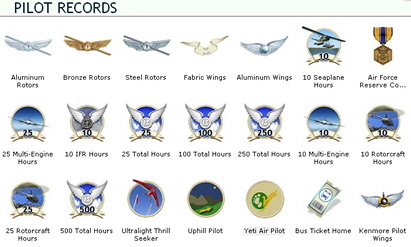
Followings highlight eight quick Sandbox Rewards one could easily obtain by just landing at the airports specified.   These places, indeed, are fun to visit, too.
Continue reading

53: Configuration Fits for ALL #6 – The Missing Part

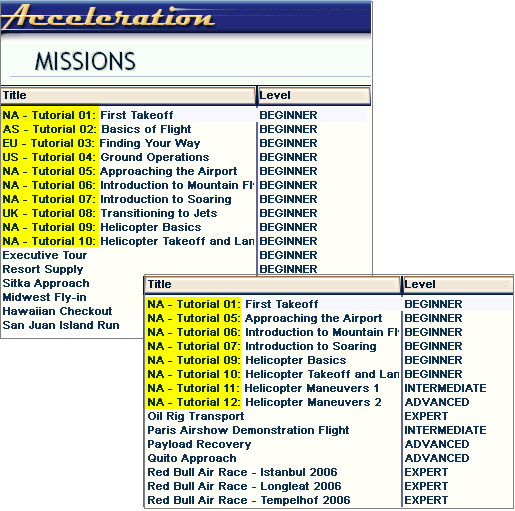
Once FSX is divided into flying zones, Missions can be categorized and automatically loaded as well.  There are two options available:

Option 1:

Add a prefix to all missions using the method of Renaming Missions posted earlier, so as to differentiate which flying zones where missions are belonging to.

For example, add the prefix of “EU-” to all missions taken place in Europe, “AS-” for Asia, “CS-” for Central and South America, etc.

Option 2: Continue reading

49: Rename Missions

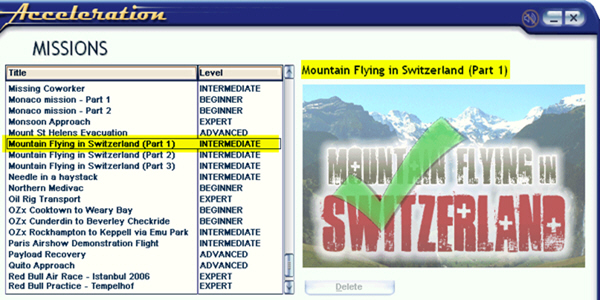
In addition to prioritizing missions as described in last post, names of missions can also be changed easily.  For example, the three Mountain Flying in Switzerland missions from vertical studios were originally shown in small captial letters. Through following steps explained below, they are now capitalized.

Continue reading

48: Prioritize Missions

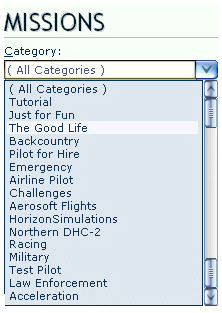
Mission Categories are seldom displayed in proper order, especially after new Missions have been added.

Here’s how to prioritize Mission Categories as one desires.

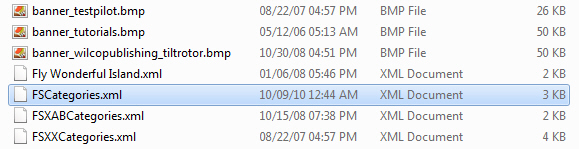
Inside the Categories folder of FSX system, there should be XML files similar to what is shown below.

Each of these XML files contains one or more Mission Categories that were created by FSX or when addons were installed. The alphabetical order of these files also determines how Mission Categories will ultimately displayed in FSX.

Folder Location: X:\Microsoft Flight Simulator X\Categories

Continue reading