673: MSFS is really Depressing – Update

I am so happy to report that the MSFS on both my machines have recovered from CTDs. One by reinstalling to a new folder.  The other was by replacing the Community Folder with an empty one.

After I posted the CTDs on both my machines yesterday, Robert Temmerman suggested me to remove the Community folder to avoid any potential or tangible incompatibility among the addons in the folder with MSFS update.  He said he ran into similar situations before and it took him a while to figure this out.

Jim Gerow also forwarded me an announcement from RealsimGear saying that their addons are temporarily incompatible with MSFS after France update and they are working onto fixing it.

Sadly, I didn’t receive any notice from RealsimGear nor I alerted enough to aware that the GNSs I recently added to my system would be the culprit causing the crash.

Unfortunately, Continue reading
672: MSFS is really Depressing

MSFS is really a depressing game to me. It took me nearly two months to get it installed on my PC in the beginning. Then having this and that issue fixed and solved over the months, I finally had it set up right recently.

But after the latest France update yesterday, it crashes to desktop (CTD) on BOTH of my machines, meaning I am totally shut off from it.

I am currently reinstalling the game on one of my machines again.  It’s going to take another 12 hours or so, l believe, for the 171.83GB contents.

The most painful part is, Continue reading

671: MSFS Logbook Fix

Received a few inquires asking why their logbook records in MSFS didn’t update accordingly.

Actually there are answers in various MSFS forums over the Internet.  But in case you didn’t aware of it, here’s the fix:  Continue reading

670: My Vegetations Mod Update 3

Just slightly modified the vegetation files I’ve been using for the last few months in MSFS since Post 654 to better meet my personal preference.

If you are interested, you may download it from the Freeware Section in my Store.  A few more files are added to the package as well.

But as always, Continue reading

667: Carenado or Just Flight…Not a Question

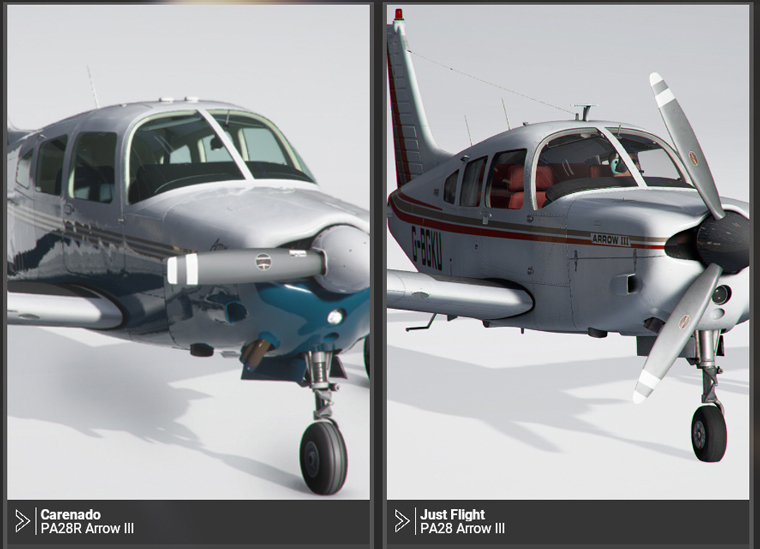
There are two versions of Piper PA28R Arrow III on the market for MSFS — one from Carenado and the other from Just Flight.

I released three of the Gauges (ASI, MFP & RPM) for the Carenado Arrow III a month ago. Since then, there were inquires checking if they could be played on the Just Flight Arrow. And responses from users afterwards confirmed that they were running nicely on the Just Flight plane although they look a little differently .

After some searchings, I decided to purchase the Just Flight plane as well so as to develop Gauges for it alongside with the Carenado Arrow. Continue reading

666: MSFS Gauges Updated

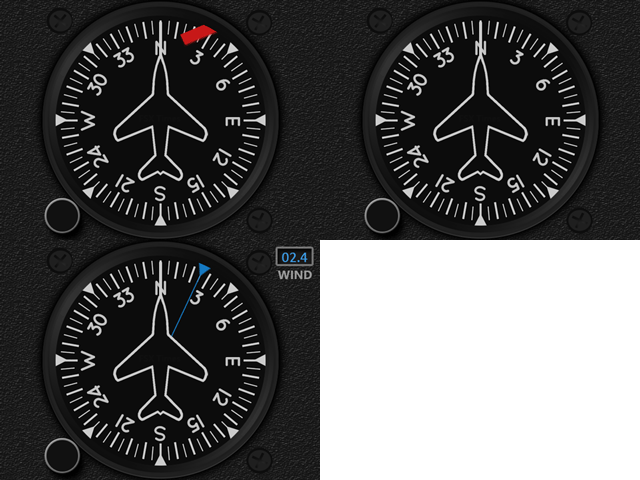
The Multi-Shared HDG for MSFS has been updated to version R1r01 with the “Flag” missing in the last version while the engine is not spinning.
Download link has been sent earlier to all users and it should be in their mailboxes by now.  If not, contact me via email or the Comment Section below.  Note that the link will expire in 7 days.

In addition, Engine Gauges of the Carenado M20R Ovation were also updated. Continue reading

665: More Ships in MSFS

About two weeks ago, a friend, John H. Helms, sent me the followings:

In an attempt to reciprocate, I attach a link to a new add-on that you might like (if not already seen) — Global AI Ships for MSFS — a modification of files from FSX and P3D.  And I attach my own version I made about a month ago as well.

I actually run both, as mine seems to have more stuff in it and it doesn’t bother the SIM.  They work pretty well, not perfect though. Continue reading

660: SkyElite in FullScreen on iPad

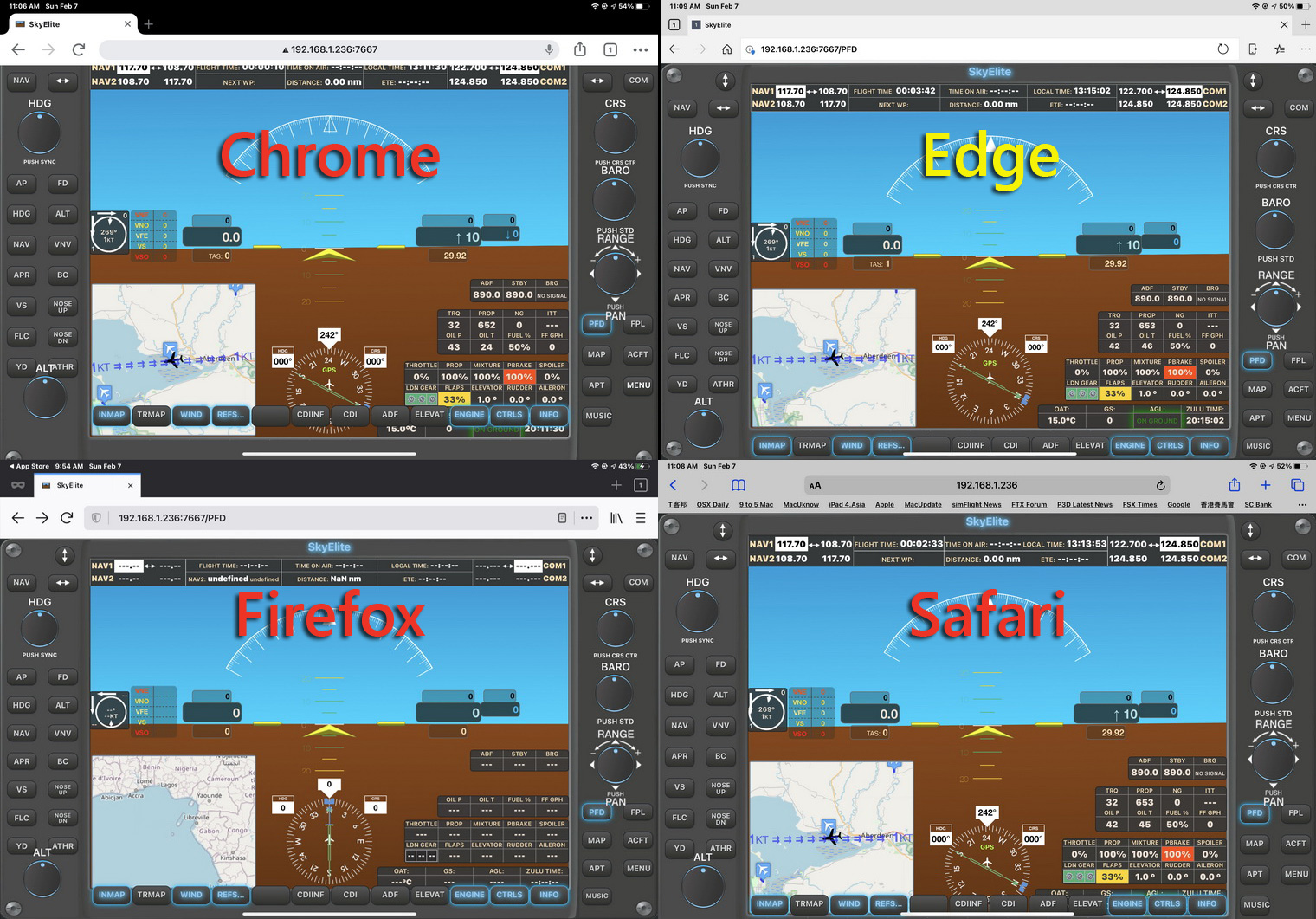
Among the 4 most common browsers on iPads, Edge is the only one that could display SkyElite screens properly straight from loading.  The other three — Chrome, Firefox and Safari — all have misalignment issues (click image below to see the button row at the bottom).   This is due to codings of the browsers themselves, not a SkyElite issue.

However, if we want to display the SkyElite in full screen without the Toolbar on top, Safari is the only choice.  And there are two ways to do it:
Continue reading