803: My MSFS Graphics Settings 23-0225

A friend, DIGFS, recently sent me a comment as follows:

If you have anisotropic filtering enabled in the Nvidia panel, you can disable it completely in the MSFS settings. In addition, since the setting is redundant, this will gain you a little more performance.

Frankly, I noted that recommendation before and tried that already.  However, I really didn’t see any gain or difference from the suggestions on my system.

In the past few days, I tested the tweak again.  The result is the same on my system but obviously not on DIGFS’s.

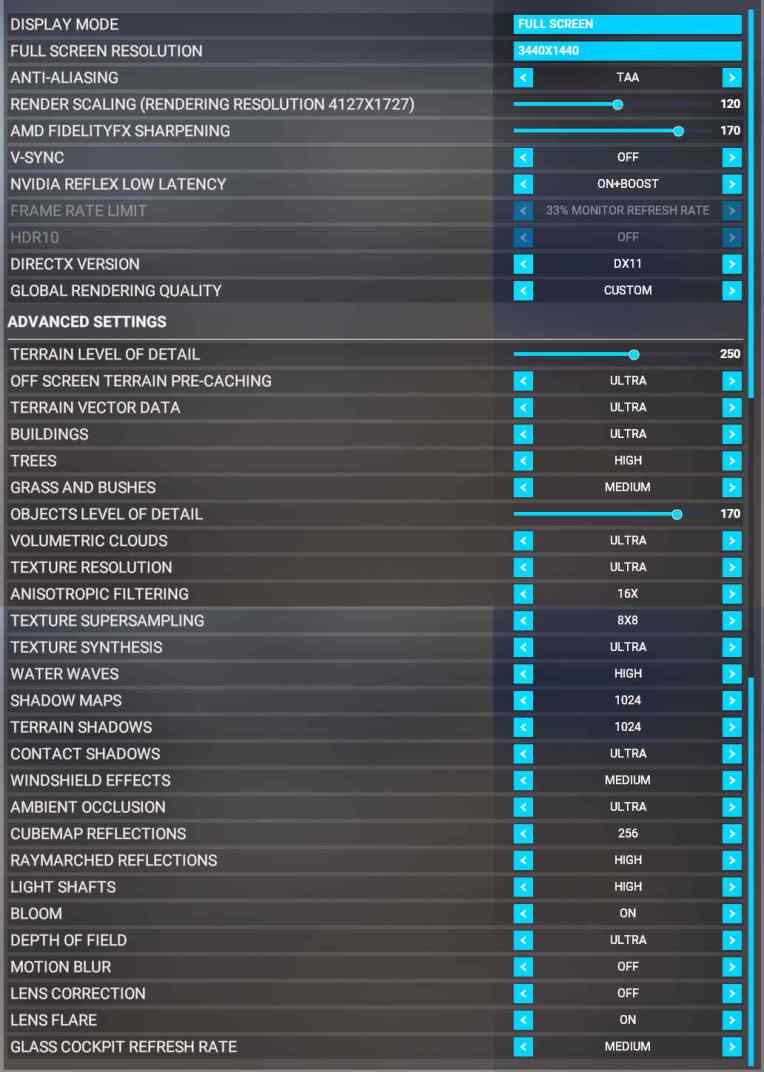
After a second thought, I decided to take DIGFS’s suggestion to Turn OFF the Anisotropic Filtering in MSFS Graphics Settings based on the presumption of “less is more”.

MSFS_230225_SettingsCropNothing bad so far.

To see my full Graphics Settings, Continue reading
802: GPS/VLOC Toggles Crazily

A user of my G5 gauges, Elliott in Canada, recently reported to me that the CDI on the G5 gauge was rapidly toggling between GPS and VLOC after the recent AAU1 (Aircraft & Avionics 1 or 1.30.12.0) update.

After further investigation, the issue is confirmed to be caused by the incompatibility between the Working Title Garmin GNS 430/530 addon and the Just Flight PA28 Arrow series — Arrow III, Turbo Arrow III and Tubro Arrow IV.


Other aircraft, default and 3rd party, so far tested, including the Just Flight PA28-161 Warrior II, are not affected.

Temporarily, users could Continue reading

801: My Graphics Settings 23-0213

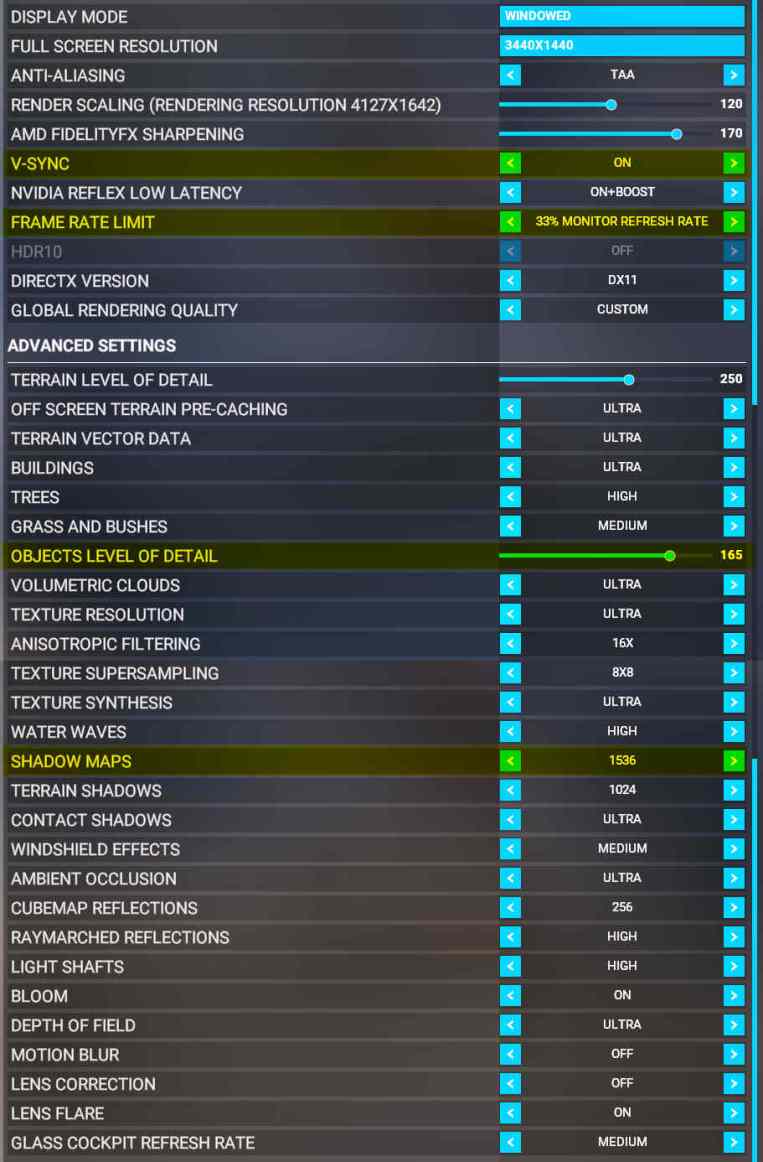
Alhough I just updated my MSFS graphics settings not long ago,  I find re-turning on V-SYNC with 33% Refresh Rate is, under most circumstances, giving my system a slightly more stable and crispy image performance, especially with the newest 528.49 nVidia driver installed, no matter if it is just psychological.MSFS_230213_SettingsM In addition, OBJECTS LEVEL OF DETAIL is reduced from “170” to “165“and SHADOW MAPS increased from “1024” to “1536” accordingly.  The rest remains unchanged.

Your mileage may vary.  Try for the best values yourself.  Continue reading

800: First Batch of MSFS PC12 Gauges

Not long after Carenado released its MSFS version of the PC12, I received a number of enquires asking me if I would do the gauges for it as I did for X-Plane.

Yes, I was quite keen on converting the X-Plane gauges for MSFS in the beginning. Unfortunately, the progress was on hold as the initial release of the PC12 was pretty buggy.

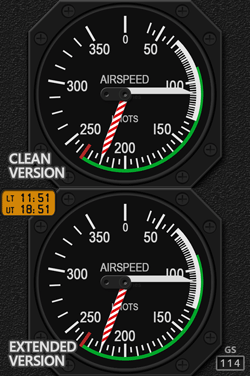
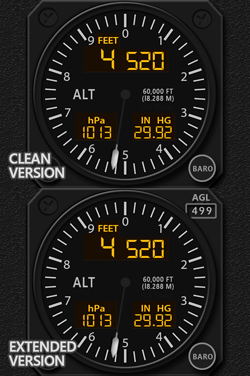
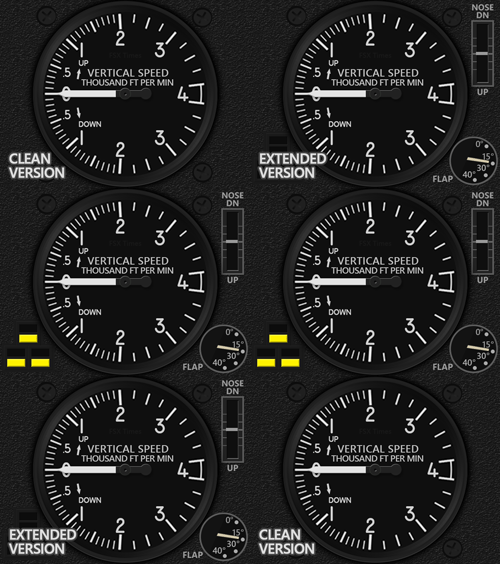
After six months waiting, here comes the first batch of gauges (ASI, ALT, VSI) for the PC12 based on its recent update.
MSFS_PC12_ASI_GIFSS MSFS_PC12_ALT_GIFSS MSFS_PC12_VSI_GIFSS
Continue reading

799: My Graphics Settings Updated

Here’s my new MSFS graphics settings since I updated them nearly 18 months ago.MSFS_230127_Settings In general, the two distinct changes I made are:
1) “RENDER SCALING” which I increased it from “95” to “120“.  This gives my system noticeable graphics enhancements.  Highly recommend to set it over 100 if your system supports it.

2) “AMD FIDELITYFX SHARPENING” which I decreased it from “200” to “170“.  This counteracts the impact caused by the increase of Render Scaling and brings no performance hit to the system overall.

My graphics card is still the GeForce RTX 3080Ti.  Diver version is the newest 528.24.  You can see My nVidia Settings here.

You mileage may vary.


797: B58 RMI Update For MSFS

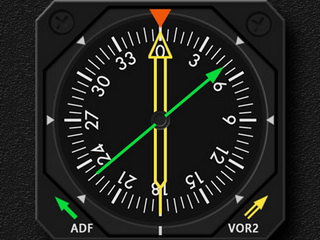
The RMI for the G58 in B58-style setup has just been revised.  The major change from the original is the swapping of needle colors.MSFS_G58B_RMI_resize

It is based on feedbacks from users who reported that the ADF needle color is now green and VOR2 is yellow on the aircraft.

To avoid confusion, update is provided accordingly.  However, as features and functions of the new version are identical to the original one.  Users can choose to update the gauge or not. Continue reading

796: ADF Fix for SPAD.neXt users

A few SPAD.neXt users reported to me that some of my ADF gauges stop working recently. But the same ADF gauges continue to work normally with the Logitech MSFS plugin.

With the help from SPAD.neXt developer, the issue was found.  It was caused by an incorrect syntax in the ADF command.

Fix is easy: Continue reading

795: MSFS DHC-2 Beaver GaUges Released

The De Havilland DHC-2 Beaver has always been my favorite float-plate during FSX and P3D times.  I am so glad that Asobo decided to include it “back” to the MSFS default aircraft lineup with the Microsoft Flight Simulator 40th Anniversary Edition.

Here’s the tailor-made FIP Gauge Set for the aircraft, in which some new features are MSFS_DHC2_Z_BUNDLEfirstly introduced, such as the Water Rudder Indicator and Gear Indicator will show or hide automatically according to the float-type or wheel-type model of the aircraft being used. Continue reading

794: MSFS V35B VSI Updated

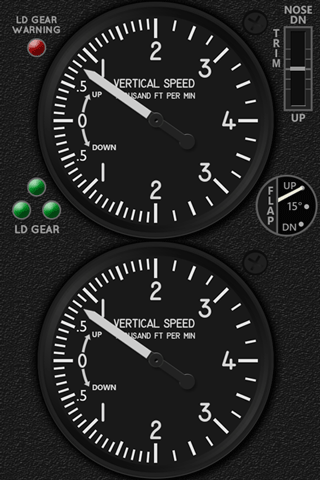
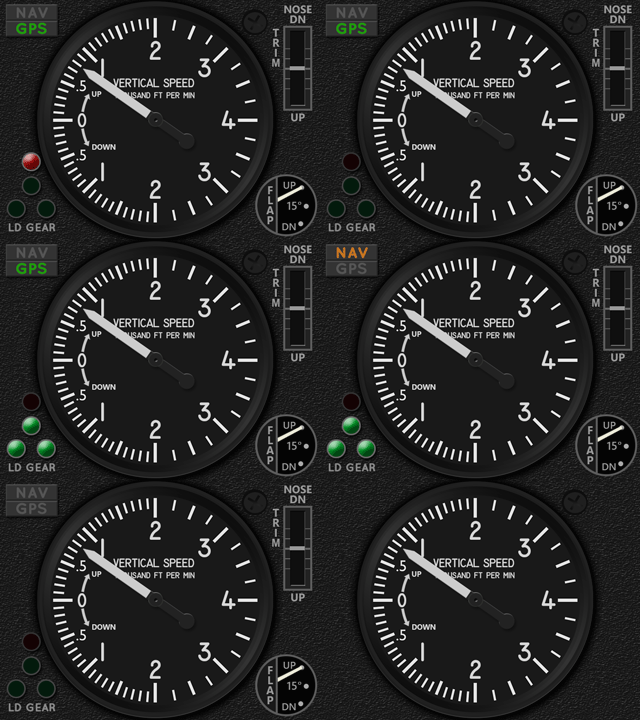
The Carenado V35B VSI has been updated to R1r01 as shown below on the right.
MSFS_V35B_VSI_GIF02b    MSFS_V35B_VSI_GIF02c
One major change is the moving of the red Landing Gear Warning Light from top left corner on the gauge to the lower proper position atop of the green Landing Gear Lights.  In addition, the vacated space is filled with the NAV/GPS Indicators.

Furthermore, an experimental version is added to this update. Continue reading