
902: Screen Flickering Resolved

The just released 1.6.13.0 update has resolved the screen flickering issue that occurred when Nvidia and AMD options for Anti-aliasing and Frame Generation were used together in MSFS2024 SU4 Beta.

Although the alternative use of TAA due to the conflict has yielded good results, the Nvidia and AMD combination is still my preferred choice as it delivers better sharpness and framerate over the other in my system.

In addition, the issue of incredibly long loading time for new airports came with the very first Beta seems to have been resolved as well. Continue reading
897: MSFS2024 SU4 – The Future to Look for

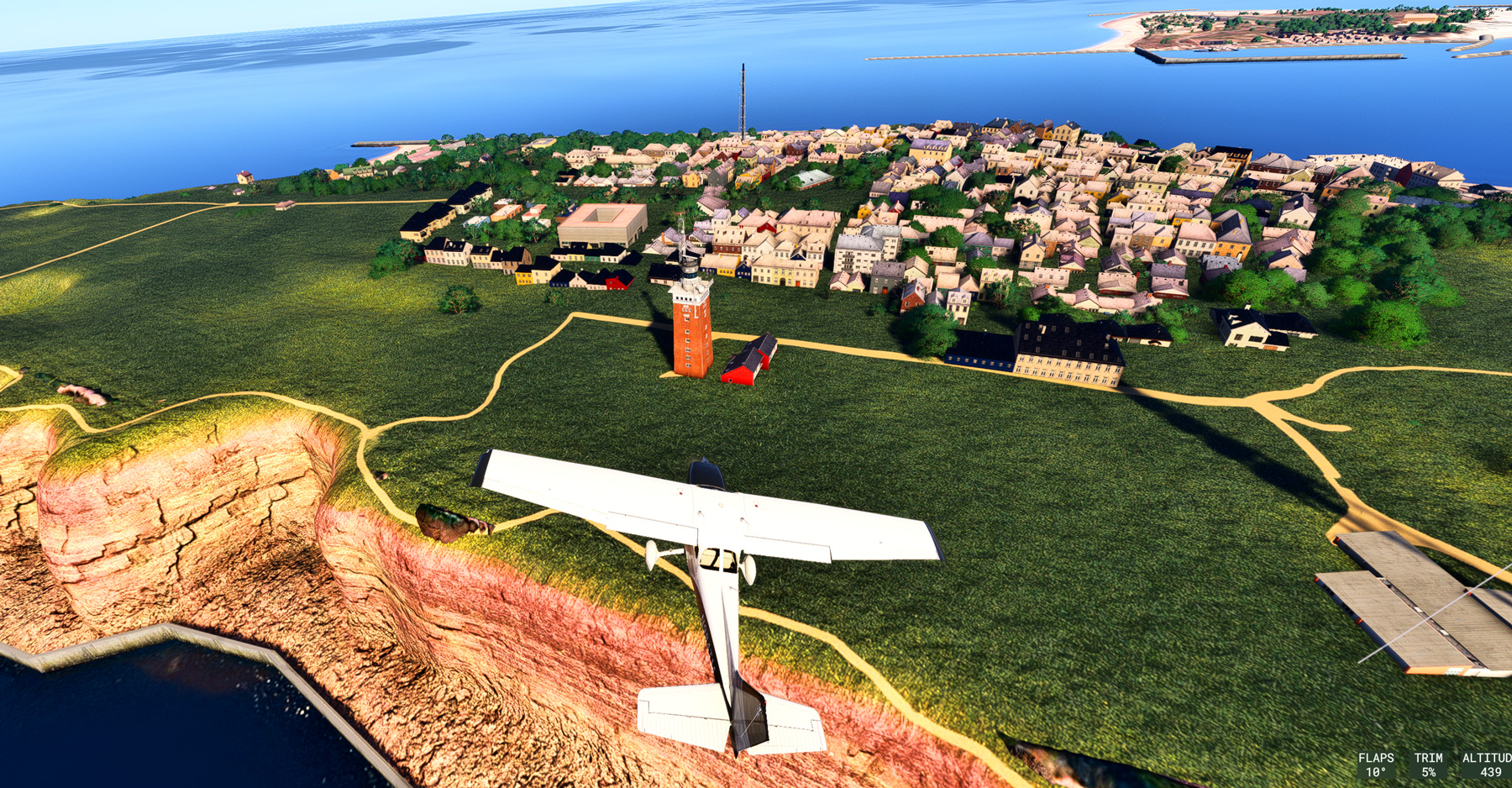
After flightsimming the SU4 Beta for several hours, I am convinced that I’ll be ditching MSFS2020 for MSFS2024 once the update is complete (possibly sooner).

What it impressed me most is its stunning graphics rendering capability with no noticeable impact on smoothness and performance (yet).
The terrain and objects (or basically everything) are so sharp and clear, and exceptionally rich in details.  I am talking about the default scenery without any enhancement by third-party addons. Coastline rendering has also been significantly improved (click image to enlarge the picture).

Frankly, I’ve never seen such an amazing result from any previous flight simulator, including the MSFS2024 SU3.  The SU4 feels like a new simulator to my eyes. Continue reading

896: Screen Flickering Fix for MSFS2024 SU4 Beta

I don’t know if you encounter the same situation: my monitor starts flickering after loading the MSFS2024 SU4 Beta.

A quick solution is to either set:

1) “Nvidia DLSS Super Resolution” for Anti-aliasing and “NO” Frame Generation, or

2) “AMD FSR3” for both Anti-aliasing and Frame Generation.

The TAA can be used.  Just don’t mix the Nvidia and AMD together.

Not sure if the conflict is a temporary one or not.  Continue reading