
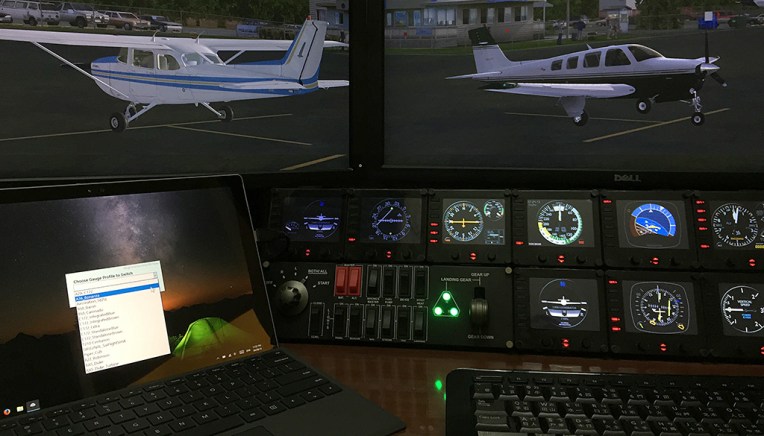
Just installed the Logitech’s Plugin for Microsoft Flight Simulator earlier today. The content of it is saved onto the C:\Program Files\Logitech\Microsoft Flight Simulator Plugin folder.
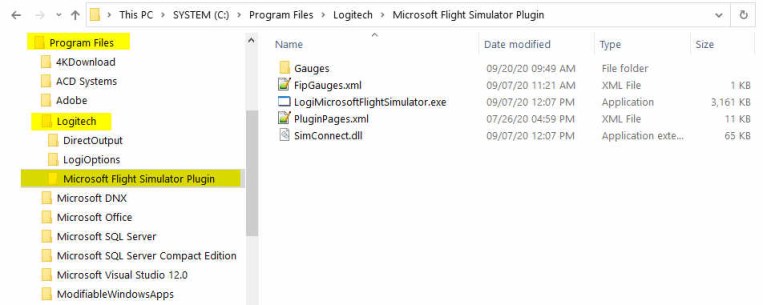
The Plugin works more or less the same as the company’s Plugin for X-Plane — once it is installed, you can forget about it. The plugin will activate automatically with the simulator, allowing panels to communicate with MSFS accordingly.
To use my gauges with this new Plugin, just further copy the 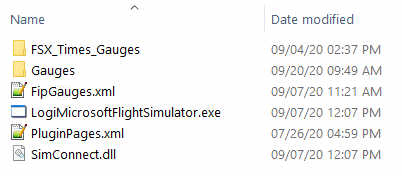 FSX_Times_Gauges folder and the LogiFlightSimX.xml file from C:\Program Files (x86)\Logitech\FSX Plugin to this directory, and rename or copy the LogiFlightSimX.xml to replace the PluginPages.xml file. That will do.
However, Continue reading
 FS Times