
My last update to the current nVidia driver version 536.23 reminded me about this:
It’s advisable to check the 3D Settings again after the update, even though I have chosen the Express Option which is supposed to keep the last settings intact.
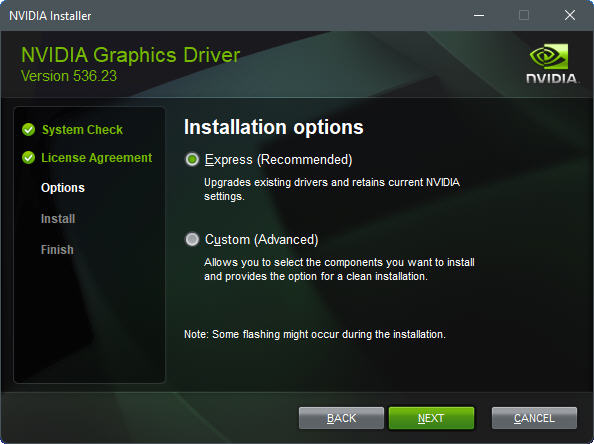
It’s because I encountered many times my settings were somehow changed or reverted to default after the updates. Continue reading
Nvidia driver
820: Fix to Startup Failure Caused by DX12
The latest nVidia Driver version 536.23 claimed that it had fixed a potential random crash error in MSFS running DX12 with driver 531.41 and after.
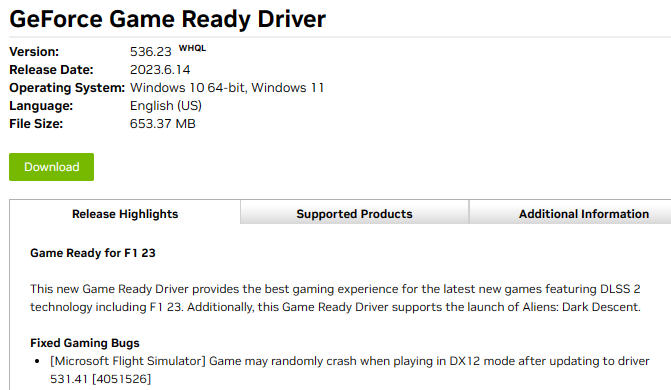
I couldn’t confirm if the fix works or not since my MSFS crashed to desktop (CTD) during startup after I changed to use DX12 with the new driver.
Anyway, here’s how I fixed the startup failure caused by moving to DX12, after confirming that the error couldn”t be solved by rebooting, etc. Continue reading
263: Nvidia 344.65 – A Positive One
Graphics driver is one of the components I habitually pay extra attention to since NEW doesn’t necessarily mean GOOD at the same time in this sector in particular. After upgrading to P3Dv2.4, I’ve been using the 344.11 driver as it offers a noticeable improvement over older and even newer versions under the P3D platform.
Today, I just have it replaced by the newest 344.65 after testing the new driver for a few days. 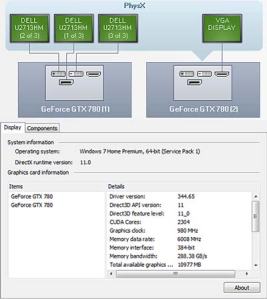 Frankly, I might not see measurable improvement accordingly, but overall smoothness enhancement is observable.
There are people reporting that the new driver resolved the SLI compatibility issue. Unfortunately, it is not the case in my setup.
BTW, during the earlier installation of the P3Dv2.4, I found most induced stutters turning out to be caused by the many additional Orbx addons rather than by the simulator itself.
Sadly, the world isn’t perfect. Neither does the virtual world.
 FS Times