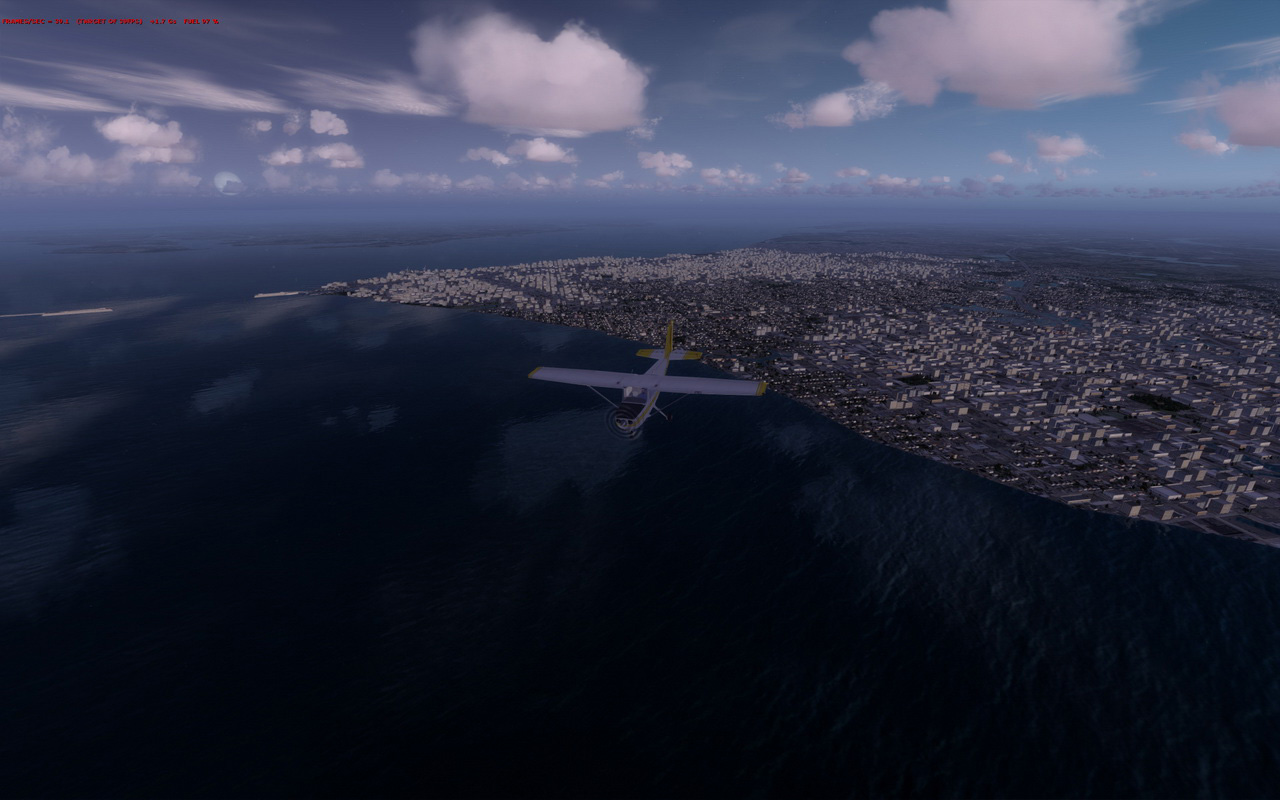
236: P3D v2.2 Part 1 – Still No Good ?!

With the launch of the P3D v2.2 on Monday, I did a clean install with the hope that it would bring better performance to the LM platform while solving many of its earlier reported issues, especially the three ghosts that had been haunting my system since the beginning — namely, stutters, Saitek Flight Instrument Panel (FIP) sluggishness and texture blurriness.
P3Dv22-Blurry00

Actually, over the last few weeks, the first ghost, stutters, was in general removed through the increase of the BufferPool to 900 millions as described in Post 234.

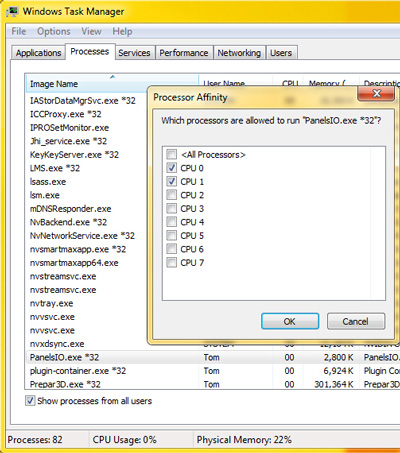
The FIP smoothness was also enhanced by assigning the first 2 CPU cores via Set Affinity option under Windows Task Manager.  Similarly, the texture blurriness was improved with the AffinityMask set to 252, which dedicated the last 6 CPU cores for the simulator.

Although it still couldn’t be said ideal, P3D v2.1 at that moment was pretty close to what FSX was performing on my rig.  Continue reading
226: Prepar3D is Good but…

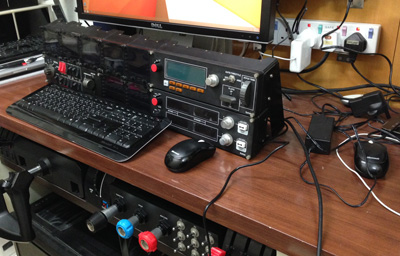
After testing P3D for a few days, I have to say that it still hasn’t convince me to switch away from FSX.   One of the most devastating reasons is the program couldn’t work with my Saitek hardware seamlessly.   For example, the yoke and rudders are intermittently losing connections during a flight.  And in particular the gauge displays on FIPs, most of the time, are stuttering.

I must admit that I am amazed by P3D’s stunning image and lighting renditions even though the high-quality effect does come with a performance hit.   I am still exploring solutions to the issues I encountered.

So for now, Continue reading

Misc: P3D V2 and Saitek FIP

Installation so far so good but tried for a few hours and still unable to add Saitek’s FIPs to the P3D system. P3DInstall

Appreciate suggestions from anyone who has installed FIPs successfully with P3D.

Update 1:
Was wondering where to put those Saitek drivrs.  Now I see the exe.xml file doesn’t exist by default and I have to create it or copy it from FSX manually.  Big thanks to John, Dave and HBE66 for your quick advices.  Will do it and try it later.

Update 2:
Just copied the exe.xml file from FSX and the FIPs now work in P3D.

225: Will Prepar3D be My New Cup of Tea?

A big thanks to Mario Cote, James Long, Niko Grozdanov and Colin Moir, who shared with me their experiences with P3D while I was wondering over the last few days if I should turn to this new simulator platform.  But unfortunately, both pros and cons have their supportees.  Also, I found the more I researched, the more I was perplexed.

Since I always emphasize that our systems are in general unique from each other, trying the P3D on my own system seems to be the only way to find out whether it will be my new cup of tea.    If it is no good, I could join the FSX league again at anytime.

So, here are a few screen shots from my first flight under P3D with all settings slided to maximum.   My new i7 4700K computer is running at stock speed without overclocking and tweaks.

P3D-01_resizeS Continue reading

Misc: Computer Broken Down Update #2

It’s really a mixed feeling if you ask me whether I like the new Windows 8.   Certainly it excels in many ways than Windows 7 but I did spend a lot of time to adapt to the new interface and operation flow.   Over the last few days,  I have reinstalled the OS three times so as to get the system setting up in the way that I want it to be, including minimizing non-flight simulation related software, composing backup and storage structures that best fit current and future needs, etc.

Now, I am at the crossroad wondering which direction to go.

The just launched P3D version 2 seems to to be quite promising and full of potential.  However, I’ve been using FSX for nearly a decade and all my set up, both hardware and software, was built around it.

Does it worth the effort to start over from scratch again?   I am bewitched, bothered and bewildered…

Continue reading