
593: Shaders Cleaner P3Dv5a

The Shaders Cleaner for P3D has been updated to version 5a, which now includes the cleaning of the Effects folder as well.  It is available for download from the Freeware Section in my Store; and it continues to be downward-compatible with P3D version 3 and 4.
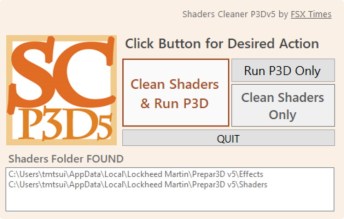
NOTE that after the shaders are cleaned, it may take a little longer for P3D to reload the flight session the next time.  The screen may even black out for some seconds.  No worry, everything will come back to normal after the shader cache is built again.
 

567: Shaders Cleaner for P3Dv5 is Ready

Shaders Cleaner for P3Dv5 is now ready for download from the Freeware Section in my Store.  It is downward compatible to version 3, which I don’t think anyone still running it, however.

NOTE that after the shaders are cleaned, it may take a bit longer for P3D to reload the flight session the next time.  The screen may even black out for some seconds.  No worry, everything will come back to normal after the shader cache is built again.


87: My FSX Tuning Part 1 – Back to Basic

As stated in my last post regarding AMD 11.8 setting, due to the discrepancy to what I’ve been using for a long time, I’ve been re-tuning my whole system as if it was just newly installed.   This is the first of a series of posts regarding my tuning process, and the objective of the first step to reset most of my system back to the state as if they were just installed.

STEP 1: Preparation

a)     Backup fsx.CFG to fsx-Backup.CFG  (c:\Users\<username>\AppData\Roaming\Microsoft\FSX)

b)    Backup or capture images of the 3D Application Settings of the display card Continue reading

58: Rebuild FSX Shader Cache

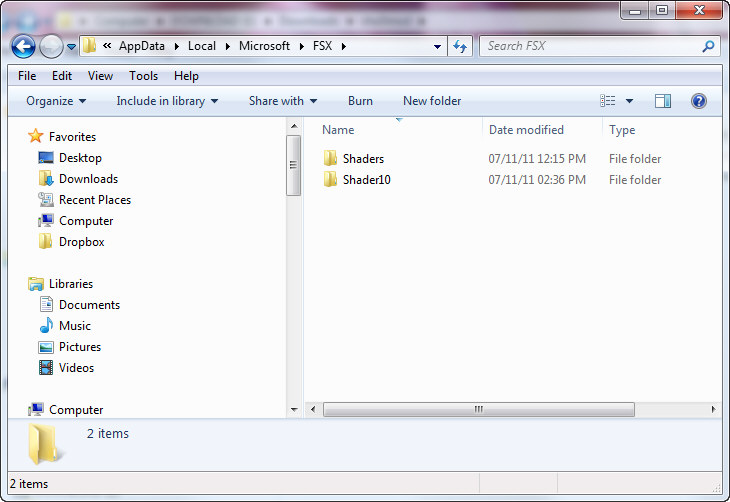
When FSX was run the first time, a cache was also created under the C:\Users\<user name>\AppData\Local\Microsoft\FSX folder.   It contains a sub-folder called Shaders (some systems may have an additional folder called Shader10) in which instructions and codes that are frequently accessed by FSX are stored.  Every time FSX is run, contents of the cache will be optimized further to improve overall system performance.

C:\Users\Tom\AppData\Local\Microsoft\FSX

However, this cache is prone to be messed up when settings of fsx.CFG are changed or system is toggled between DX9 and DX10, etc.

Continue reading