

Some aircrafts in FSX, both default and add-on (such as T210), will turn on Wing Leveler 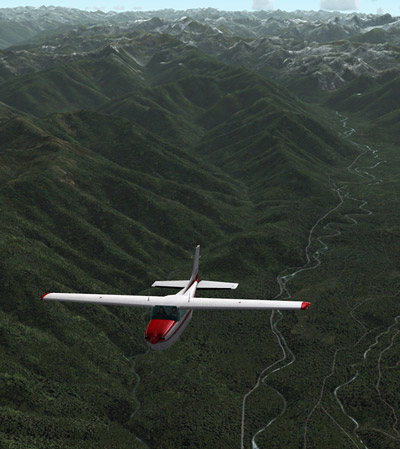 automatically when Altitude Hold is activated, meaning that manual control of the aileron is also disabled.
To regain the control of it, one can press Ctrl-V on the keyboard to disable (or enable) the function.
Better still, one can modify the aircraft.cfg files of such aircrafts, and add the following command lines under the [autopilot] section, so that Wing Leveler function could be independent from Altitude Hold permanently.
[autopilot]
default_bank_mode=0
default_pitch_mode=0
Assigning “1” to both values will reactivate the associated Wing Leveler function with Altitude Holder under auto-pilot mode.


Where is this? My wing leveler won’t work.
LikeLike
Change the aircraft.cfg of each plane under \Microsoft Flight Simulator X\SimObjects\Airplanes\ folder.
LikeLike
I still can’t see where. This is the only problem with mmy A321 aircraft. It’s wing leveler will not work. On add on A321’s it will, but not on the default one. Please help.
LikeLike
Hi Vibhor, The problem is caused by the Fly-by-Wire function of A321 aircraft. Will post a solution later today to fix the issue.
LikeLike