
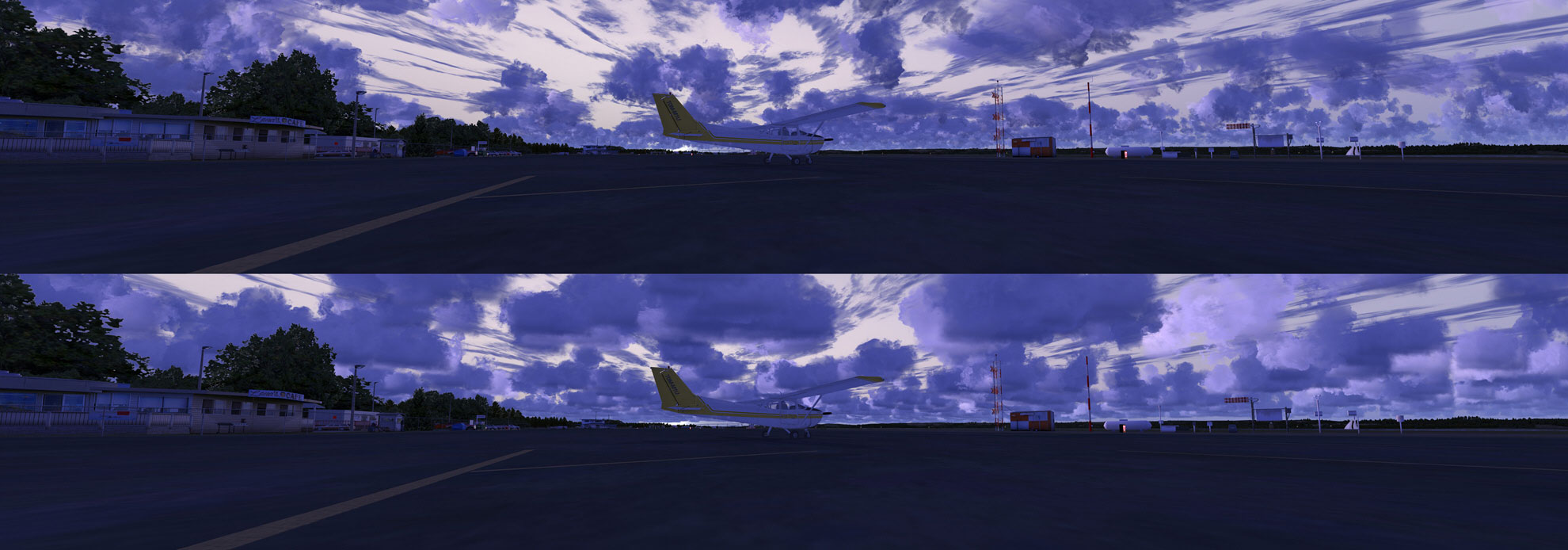
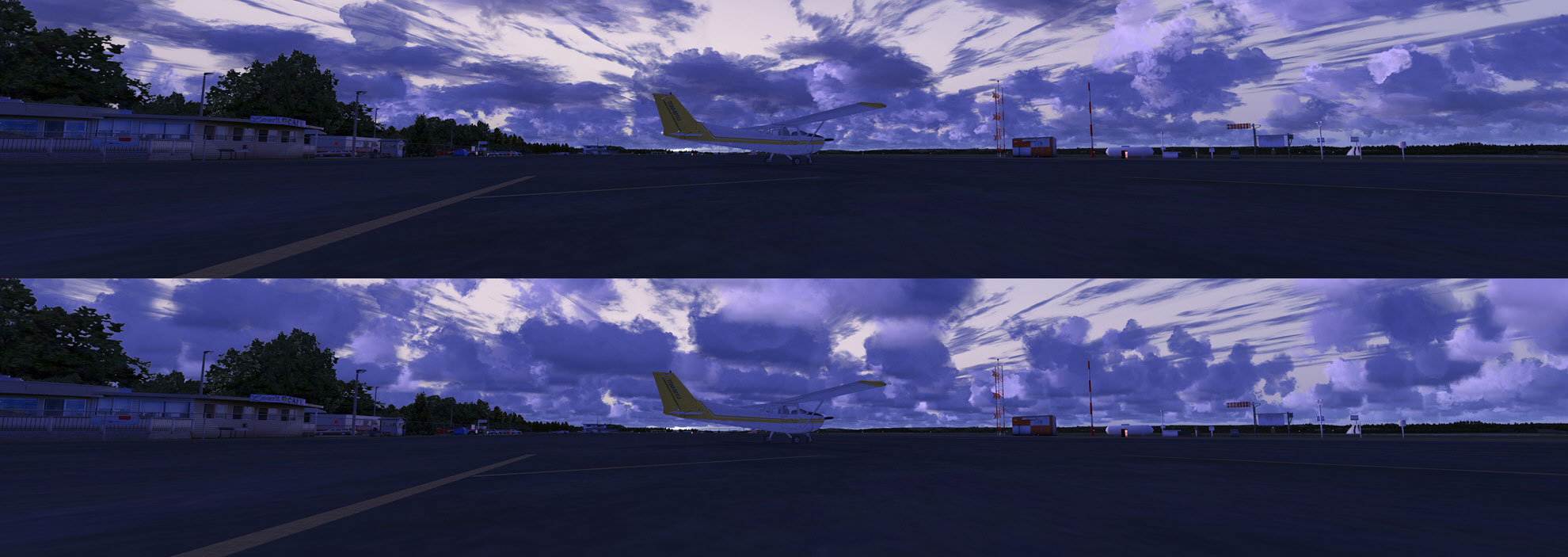
Among all the practical features that P3D excels FSX, cloud rendering is on the very top of my list. In just a few steps, clouds could be changed dramatically as shown below.
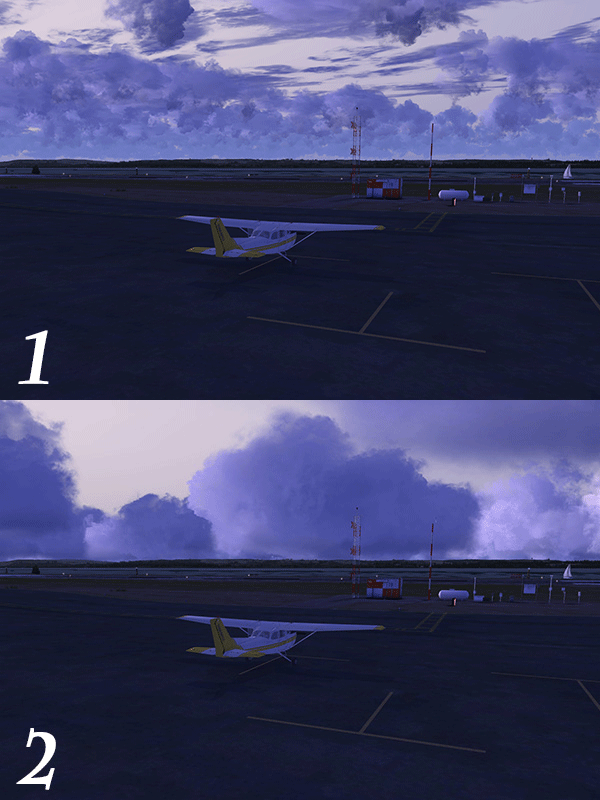
The key to this change is the thickness of the Cumulus cloud.
To get the result in the example 2 shown above, all I need to do is extending the Tops of the Cumulus cloud from 6,700 feet to 12,000 feet.
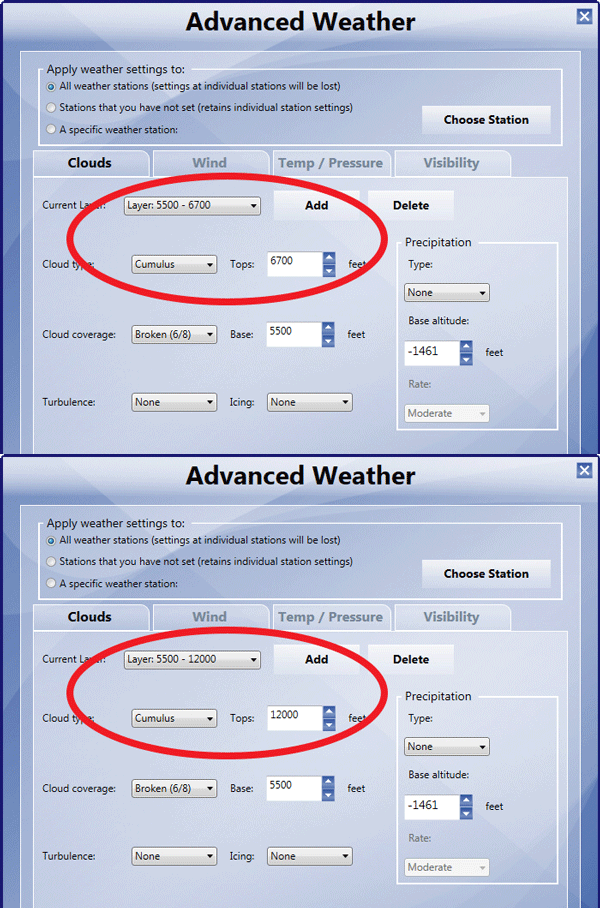
By further varying the settings of the
- Tops
- Base
- Cloud coverage
in the Advanced Weather menu, plus the Cloud coverage density in the general weather setting menu, one could easily get stunning cloud results.
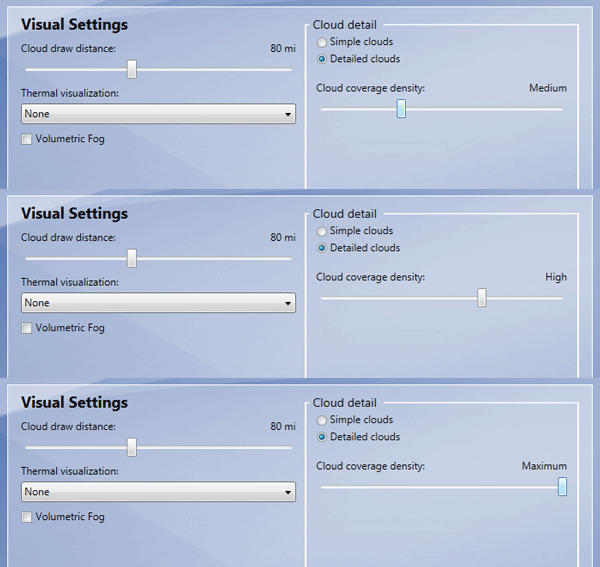
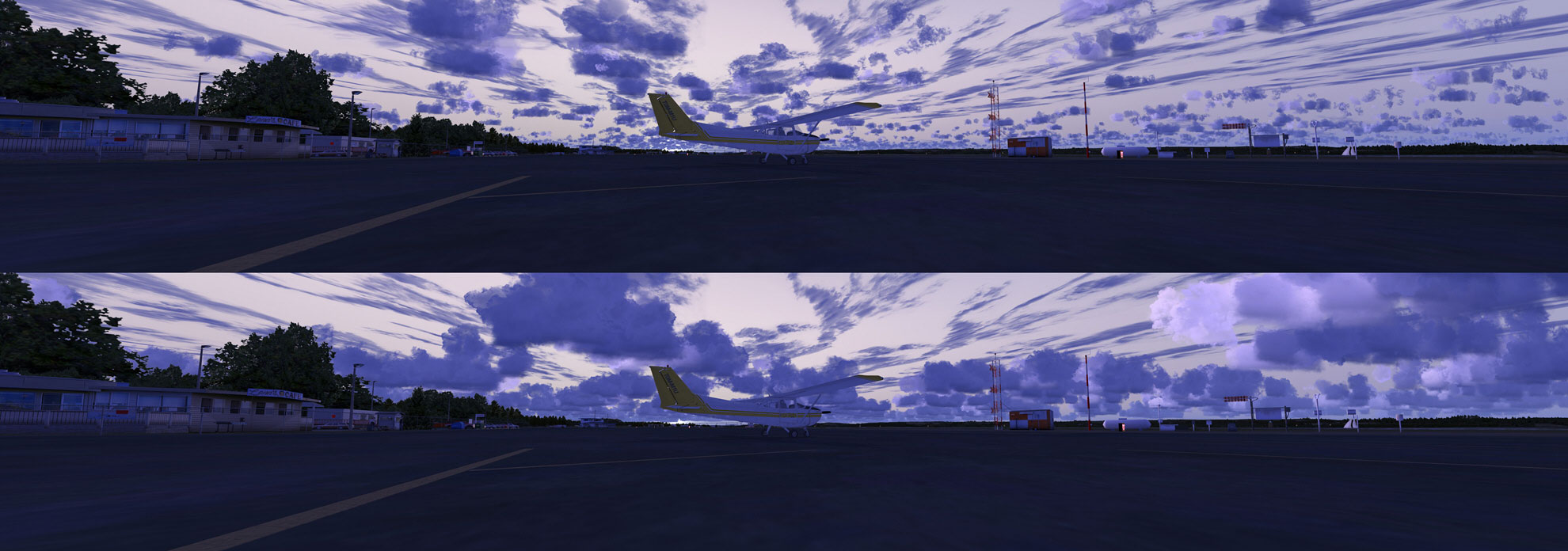
Click to enlarge the following examples to see the results with different Cloud coverage density.
 FS Times
“Among all the practical features that P3D excels FSX, cloud rendering is on the very top of my list.”
Not really, install REX 4 with a good third party weather engine and you’ll know what I mean.
LikeLike
Of course if you are talking about adding additional addons. I have REX and ASE too.
LikeLike
Reblogged this on mrussell554 and commented:
I use active sky on a second PC so I thought I dont really need this, However when I take my sim out and about, not having to set up a network would be a time saver and I get this better looking sky for demo. Great.
LikeLike