
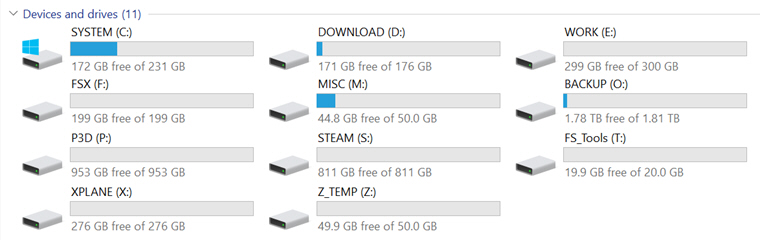
Followings are the storage drives I so far added to my new computer. Except the 2TB Backup drive (O:), all are SSDs of various size from previous purchases.
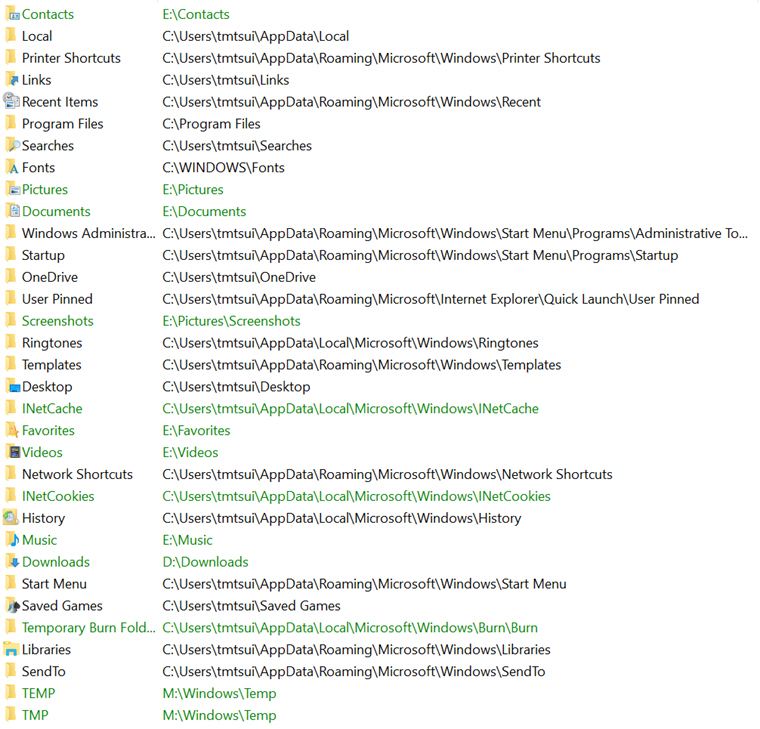
Major System Folders have been reassigned to various drives, so that user data could be kept intact and independent from System drive (C:) in case Windows is required to be restored or even reinstalled.
In addition, all unneeded default apps, such as 3D Builder, Alarms & Clock, etc., coming with Windows 10 have been uninstalled in order to keep the System drive (C:) as clean and slim as possible.
Bunch of good references, including Windows Apps uninstallation, could be found on Windows 10 Forums here. I used Option Two from the page to remove specific Windows Apps I don’t need.
Here’s another site that offers information on making Windows running faster.
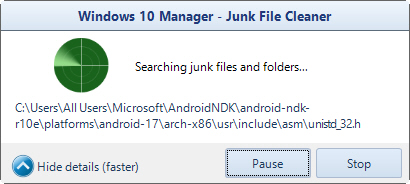
After conducting a system clean up using Windows 10 Manager’s 1-Click Cleaner,
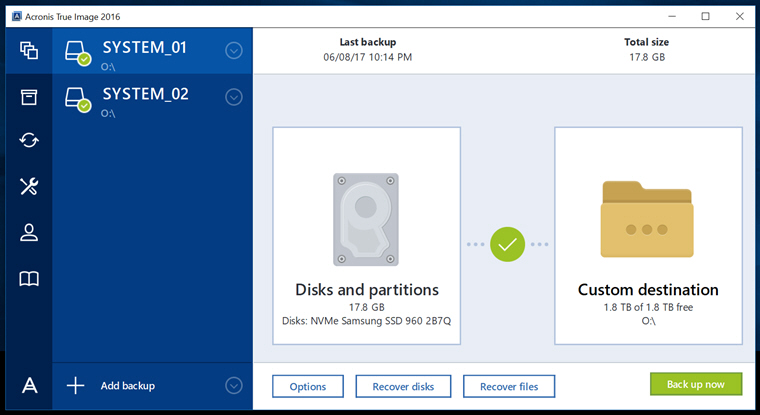
 I then created the very first system backup of the computer using Acronis True Image. It should suffice for any system restoration, if needed, during the coming simulation install.
 FS Times
WOW!! Lots of storage and it is nice to keep those big program separate!!
LikeLike
Haha, yes. But as you know when addons are added, the space will diminish fast.
Tom
LikeLike