
I just ordered P3Dv4 tonight. I didn’t plan to get it now because my new rig hasn’t been set up properly. But I have no choice because more and more friends are asking the compatibility status of my gauges with the new version. Although some users reported to me that my gauges on their system function as usual, I still need to ensure that myself that they are truly in good shape.
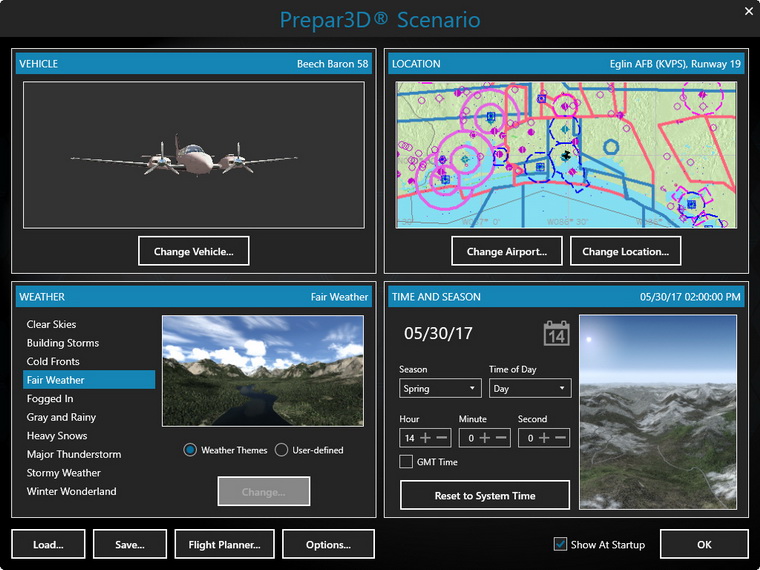
Started up the program after installation and my first response to the new 64-bit was a “wow” — similar to what I reacted when I upgraded from v2 to v3, probably even more. Especially it looks quite nice even without Orbx scenery installed.
Surely there are things I like and dislike and many features to explore and verify, the upgrade, obviously, is a path of no return.
Oh yes, my gauges — they work fine either with Saitek drivers or SPAD.neXt. However I found differences on some aircraft. So I will check them again and make changes if necessary. Note that FSUIPC 5 is required.
 FS Times
Did you install P3DV4 on the same PC as P3DV2.* ? I’m curios to know the proper steps involved to have two sims on the same PC. I currently use Steam:SE and want to install P3DV4 for experimentation purposes and use Steam until my favorite addons catch up to P3DV4.
LikeLike
Hi Edwin,
Pretty simple, just install the new version to a different folder. That will do.
For example, my P3Dv3 and P3Dv4 are installed onto the same SSD. The former in Prepar3Dv3 folder, the latter in Prepar3Dv4.
Tom
LikeLike
Thanks very much.
LikeLike
You’re welcome.
LikeLike