
There are 12 FIPs in my system, and the two USB hubs they plugged in are placed closely. As the cables coming with the FIPs are quite long, heavy and hard to bend, they are troubles everytime I want to tidy them up properly.
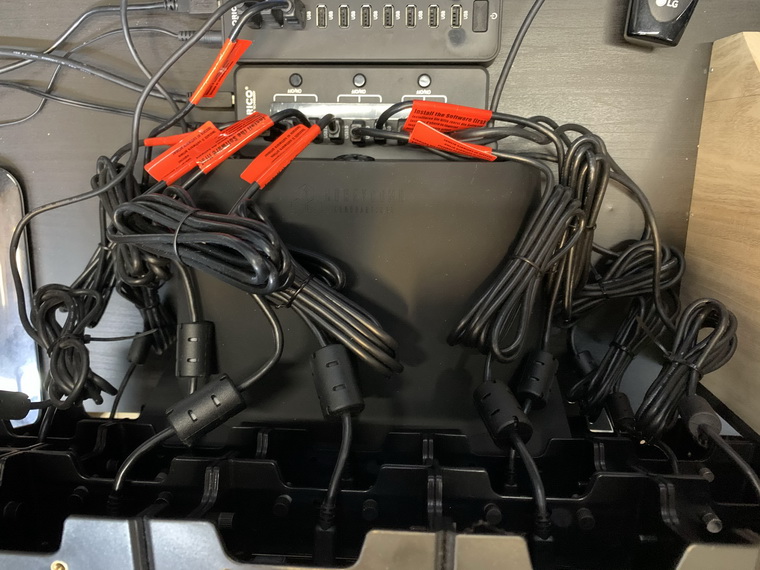
They have been headaches to me for a long time until I finally figured out how to deal with these cables recently.
The answer is quite simple: replace them with shorter ones. That’s it.
The 50cm-long USB cables I bought is about a quarter US$ each. So the total for 12 pieces is $3, which is doubled when delivery cost is added.
Even so, $6 is still a very good bargin and worths every cent when the cable messes are finally cleaned.
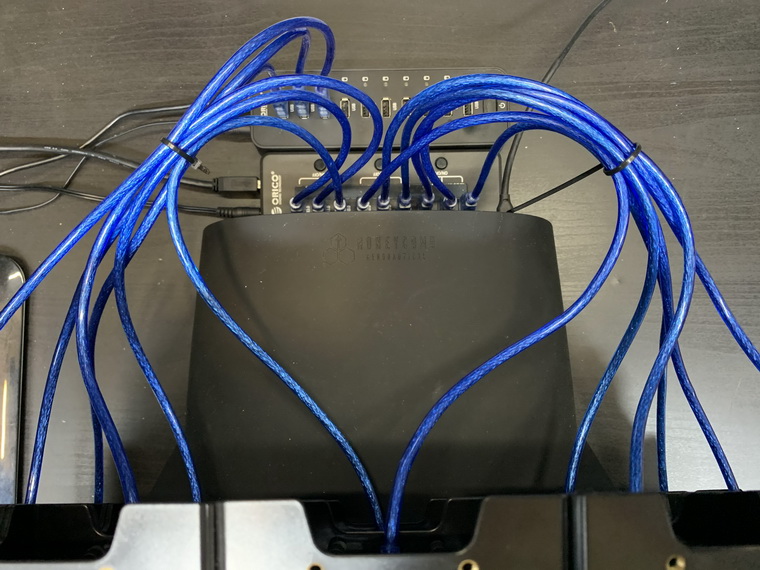
Unlike the original, the new cables don’t have magnet rings due to their short lengths. However, they work perfectly with the FIPs without any issue.
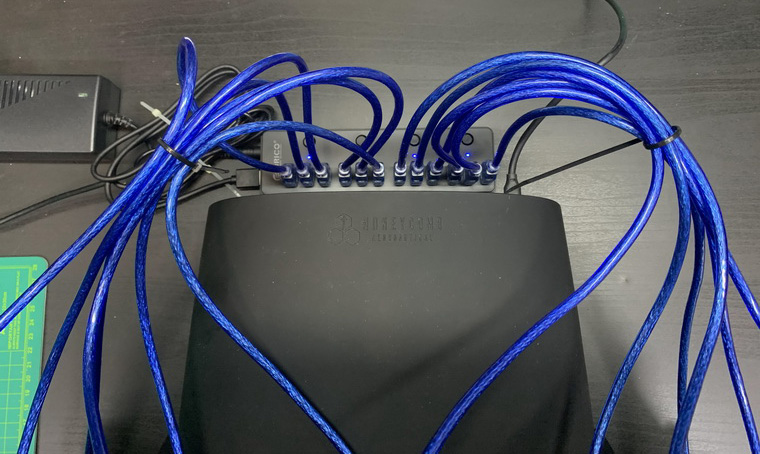
To fruther clean up the table and simplify the equipment used, I just replaced the two USB hubs with a 12-port one yesterday. Its power adapter shown in the picture will be moved and put under the table later for a tidier setup.
Edit: I replaced the 12-port hub back with the two hubs I used before because there were occasional disconnections during start-up due to insufficient power (suspected).
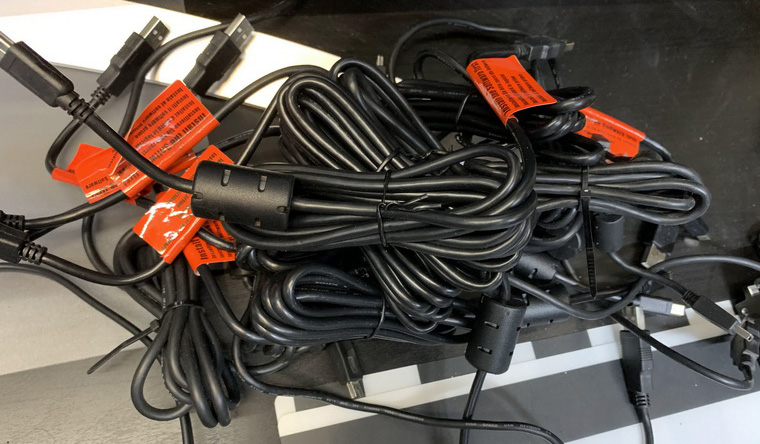
Regarding the troubling FIP cables: what am I going to do with them now?
 FS Times
Hi Tom.
Could you send me a link to those blue USB cables suitable for FIP’s too please.
Thanks.
Colin
LikeLike
Sure, here you are: https://item.taobao.com/item.htm?spm=a1z09.2.0.0.64f12e8dj4xOeq&id=36993267227&_u=n2ae681e5edb
Tom
LikeLike
Hi Tom,
Good day,
Can you send me the link to the blue USB cables?
Best wishes,
Steve
LikeLike
Hi Steve,
The link was sent to you already. Should be in your mailbox. ;)
Best
Tom
LikeLike
Will you please send me the link also. Thanks, Brian
LikeLike
Sorry for late replying, Brian.
Have sent you email with alternative links. The original one was lost.
Tom
LikeLike
Hey Tom,
Like the idea of the cables. Two questions for you if I may.
Do I understand your successfully running 12 FIPs off a USB 3 Hub that you have connected to a USB2 Hub that is connected to your PC USB3 port?
So it’s
FIP>USB3 Hub>USB2 Hub>PC USB3 port.
Secondly, what is the make and model of your Hub’s?
I am using just two FIP’s and have one connected to each of my USB2 hubs then each hub is on my PC to a USB2 port. But I want to build a new PC with an I9-9900K and most motherboard only support two USB 2 port if any at all. So a solution like yours sounds great and will allow me to add more FIPs.
Lastly have you noticed any difference in the New FIP’s over ones purchased years ago. My FIP’s are something like 7-8 years old maybe more. Are newer one any more stable or maybe less stable?
Thanks
Tom
LikeLike
Hi Tom,
Correct, FIP -> USB3 Hub –> USB2 Hub –> PC USB3 port
I have different mix and Orico is one I use most.
The company has 3×3 group of USB 2 hub (9 ports) as well. Model number is HF9US-2P. You could check out their website.
I would recommend using this group-type USB hub. You can switch on the FIPs group by group instead of all 9 or 10 FIPs at the same time. This proves to be more reliable in my case.
ALso, if you using USB 2 hubs, you should not need another USB2 hub to go before the computer. So, FIP –> USB2 Hub –> PC USB3 port.
I am using an extra USB2 hub because there is only 1 USB port on my MS Surface Pro. So I need it to connect to the other 2 Hubs for 12 FIPs.
Seven of my FIPs were bought about a year ago. Some uses Logitech brand.
Except the color tone of the LCD panel is a little different from and a little dimmer than the previous ones, I don’t see other problems yet.
Since yours are 7-8 years, variations on the LCD panel may be more significant.
Tom
LikeLiked by 1 person
Thanks Tom,
Interesting that the USB2 hub makes the USB3 ports on the computer appear as USB2. I mean it makes sense but very little involving USB does. Anyway I just ordered 2 more FIP as computer parts are hard to get with the world in its current state. I setup and run the four FIPs and see what I get. Thanks again for the info.
LikeLike
You are welcome.
It makes sense since you can’t make a USB 2.0 hub becoming a USB 3.0 hub by simply plugging it to a USB 3.0 port.
On the contrary, a USB 3.0 hub when plugged into a USB 2.0 port will down-grade to 2.0.
It’s what I’ve been using for a long time.
Tom
LikeLike
May I also inquire as to the cables? Also, I need another USB 2.0 hub. I’ve marked this on my Amazon wish list “Sabrent 13 Port High Speed USB 2.0 Hub with Power Adapter and 2 Control Switches (HB-U14P)” Thoughts? My hub is failing… How do you recommend chaining them together? (Maybe another blog topic!)
LikeLike
Sure, Jonmichael.
The link has been sent to you email. Also, you should be able to find good USB 2.0 hubs there.
Idea of chaining USB hubs together? I never thought about that. Not sure if that’s good a blog story. Will think about that anyway.
Tom
LikeLike
Looks great and great ideas.
Where can I get blue cables.
Nick
LikeLike
Hi Nick,
Just sent you the link to the shop.
Tom
LikeLike
That’s a really good idea Tom. I hadn’t thought of that in the past when I’ve tried the 3.0 hubs and had trouble with them. Good information! Should be helpful to others as well. Maybe post that on a new thread for those that don’t read these comments.
LikeLike
Yeah, good idea steve. I’ll post a new post later.
Tom
LikeLike
Great deal Tom!
I’m not setting my system back up right now, but with some of the problems I ran into trying to have 12 FIPs, plus a bunch of other usb devises, I decided to buy one of the same hubs that you were using before, for when I square my computer build.
Now I gotta buy another like you? Lol!
Best, Steve
Oh, PS, can you post a link to those cool blue cables?
Thanks!
LikeLike
Hi Steve,
NO need to if you find your current ones satisfactory.
One thing I didn’t mentioned in my post that the new 12-port USB hub is a 3.0 one.
Since FIPs are not compatible with 3.0, I have to place a USB 2.0 hub between the 3.0 and the network computer. Otherwise, the connection is not always working.
So, as said, if yours are working now. No need to.
Tom
LikeLike