
The RPM and VOR1 gauges in the XPL C172SP series has been updated to r01 with some bug fixes.
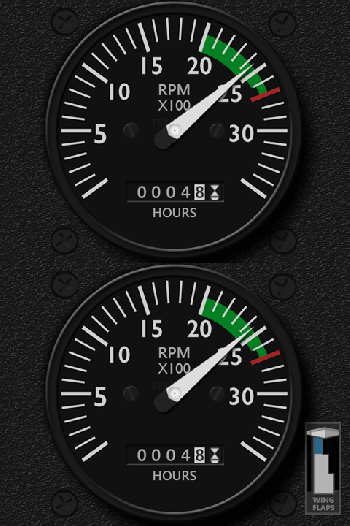
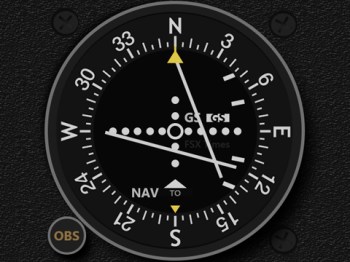
Download Links have been sent earlier today. Current users should have received the email(s) in their mailboxes by now. If not, notify me by email or via Comment Section below.
 FS Times
Hi Tom,
I recently found your website and I have the logitech FIPS and was reading on how to manipulate some settings to remove the menu from the left side which I have successfully been able to do. But I am unable to get the menu lights to go out. I followed your instructions but I have the newest Logitech software so some of what you posted is not where I found the items. Is there another method of removing the menu lights on the left side so they don’t light up? I went into the XML file in the X-Plane plugin folder and that is where I found the files so I could remove the menu from the left. Also How can I center my gauges now that I have the menu screen gone?
Thanks for any help you can provide!
LikeLike
Hi Mike,
Please see my post here. https://fsxtimes.wordpress.com/2013/09/19/215-turn-off-fip-buttons/
Althougth the article was written for FSX/P3D, the principle is the same for X-Plane.
Regard centering the gauges, you’ll have to change the x,y ordinates in the xml file accordingly.
LikeLike
Hi Tom, I haven’t received an email and it’s not in my junk folder.
Regards
Chris
LikeLike
Hi Chris,
Have sent you the files again.
Tom
LikeLike