42: Configuration Fits for ALL #2 – The Files

The more addons we install, the longer time FSX is needed to load up, no matter if SSDs or 1,000rpm HDDs are used.   My system has nearly 400GB of third-party sceneries, not to mention additional aircrafts.   FSX load-up time, imaginable, is intolerably long.  Deactivating sceneries through Scenery Library under Setting will not help.

The main purpose of this flying zone approach is to trim down FSX system size and speed up loading and execution performance, without deleting any addons.  At present, I splitted my system into 8 Flying zones according to specific Landclass and Scenery installed.  They are: Continue reading
41: Configuration Fits for ALL #1 – The Concept

I usually flightsim only in areas with third-party sceneries installed.  FSX, however, performs vastly different due to scenery’s complexity and technology used.

Like many others, I’ve been searching for and experimenting tweaks and suggestions, aiming to get the best FSX result.

Unfortunately, One Setting that Fits for All simply doesn’t exist.    My Best FSX Setup may not apply to others at all, for example.

Inspired by Orbx’s FTX scenery approach, I started reconfiguring my FSX system into different flying zones about a year ago.  Tweaks and settings, therefore, are specifically customized to target the best result for a particular scenery or flying zone under the same hardware setup.

Nevertheless, the concept is pretty simple: Continue reading

38: My Ultimate Cockpit Views

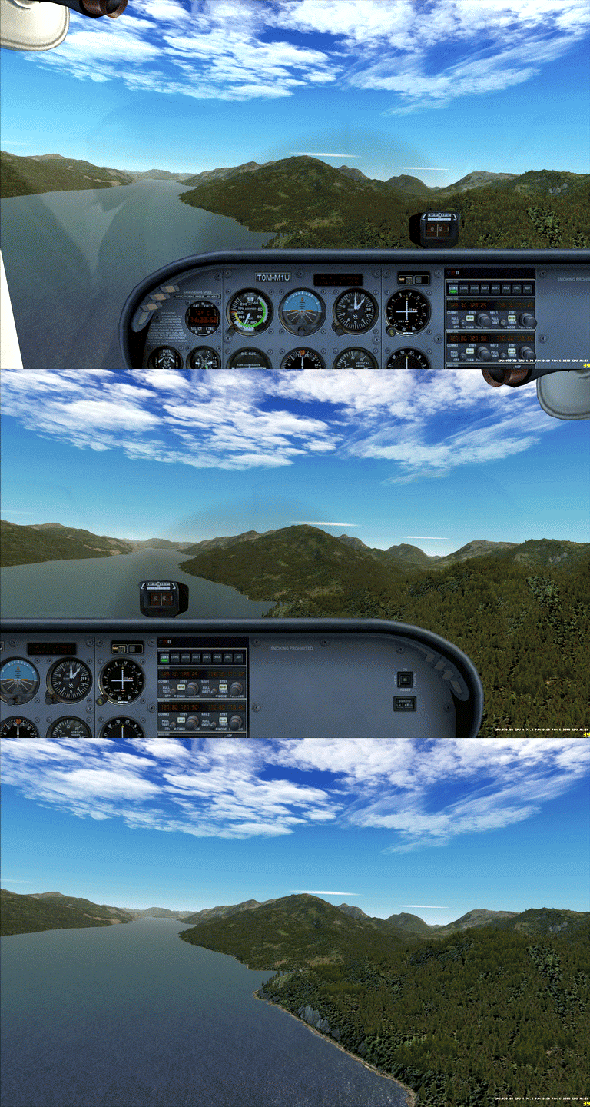
Aircrafts in FSX comes with many views (or cameras) and they are set with different zoom levels.  They are quite troublesome since I only want three of them to view from cockpit:

  1. View from the pilot seat on the left
  2. View from the passenger seat on the right
  3. View from the cockipt without panels

Moreover, I need these views to start with the same zoom level and/or eye position, so that the scenery in front stays unchanged when views are cycled through.

Always start with the same zoom level and keep scenery background remain in position

Above is the cockpit view effect I achieved on the Cessna 172 through the tweaks of Continue reading

37: Clean Install Display Driver

Display driver plays an important part in Flight Simulator.   How to install it or uninstall it will impact FSX’s performance and stability, especially when switching from NVIDIA to ATI or ATI to NVIDIA.

It is widely known that even after a program or a driver is uninstalled, many “tails” of it will still remain in the system.  It is therefore necessary to ensure that a display driver will only be installed or updated onto a clean environment at all time.

Following is how I update the ATI display driver from 11.3 to 11.4   Continue reading

36: Add New Views

The earlier post Remove Unwanted Views talks about getting rid of some views (cameras) that one doesn’t need.  This one talks about adding new views (cameras).

My system has a few Pro Flight Instrument Panels (FIPs); therefore, I want a full scenery monitor display without showing the 2D or 3D cockpit.

Although this can simply be achieved by pressing W to turn off associated panels in 2D cockpit view, the cockpit will appear again when eyepoints are panning to the right or to the left.

To address the issue, a number of options can be considered.

Continue reading

35: fsx.CFG – AverageFrameRate

fsx.CFG provides 3 sets of information about normal and slew flight.  The information will be displayed and cycled when SHIFT-Z is pressed.

To simplify and maximize the display, adjustments as shown below can be used to group the 3 sets of information into a single one for each type.
Continue reading

34: Smoke Gets in Your Plane

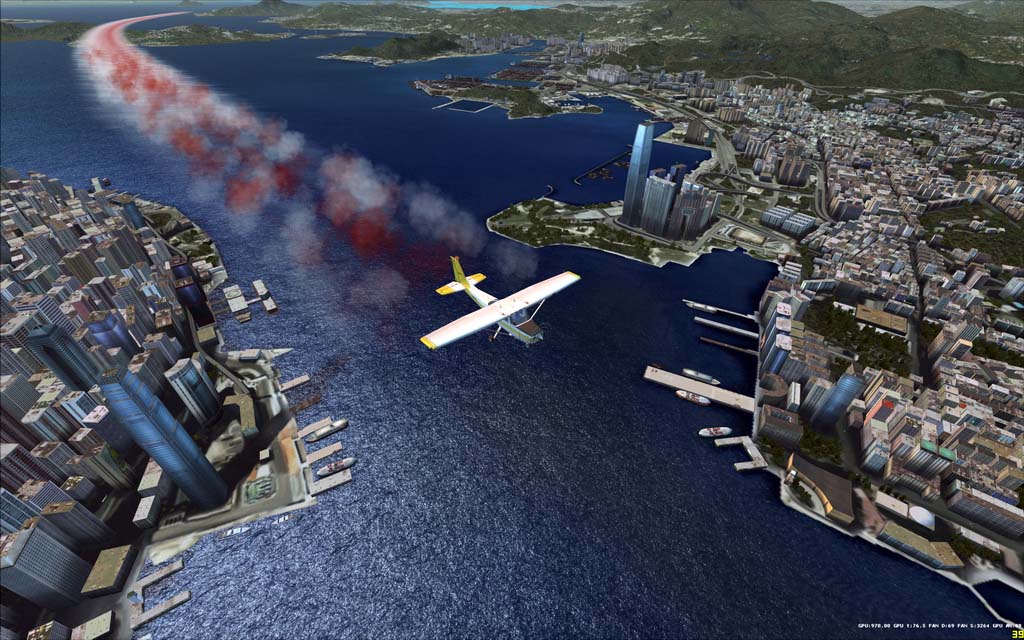
In FSX, only the Extra300, FA-18 and P51 aircrafts are pre-installed with an exhaust smoke system which can be activated by pressing the “I” key on the keyboard.

Customized Red and White Smoke System

To add the smoke effect to other aircrafts, insert the following lines at the end of the aircraft.cfg of your choice under SimObjects folder:

Continue reading