448: Affinity Mask Calculator

Affinity Mask is commonly recognized as one of the most useful features that allows flightsimmers to improve system performance by altering the combination of running CPUs assigned to the simulator.

Here’s my Affinity Mask Calculator (with redesigned interface) version that I hope it could give you some helps during your search for the best possible value.
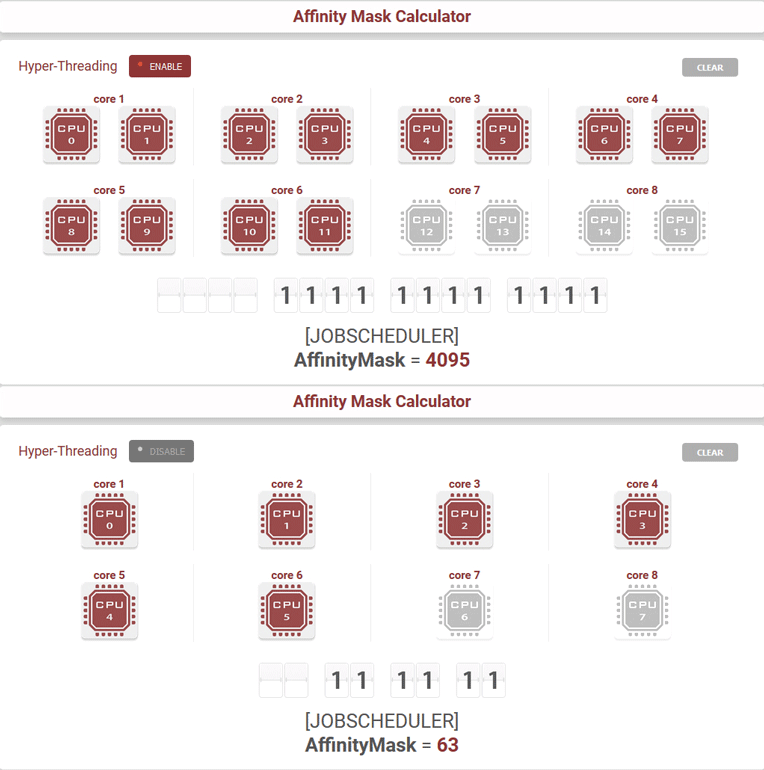
Using the calculator is simple and intuitive — just select the CPUs you want to assign to FSX or Prepar3D based on: Continue reading
444: A Temporary Measure to Restore Enhanced Textures

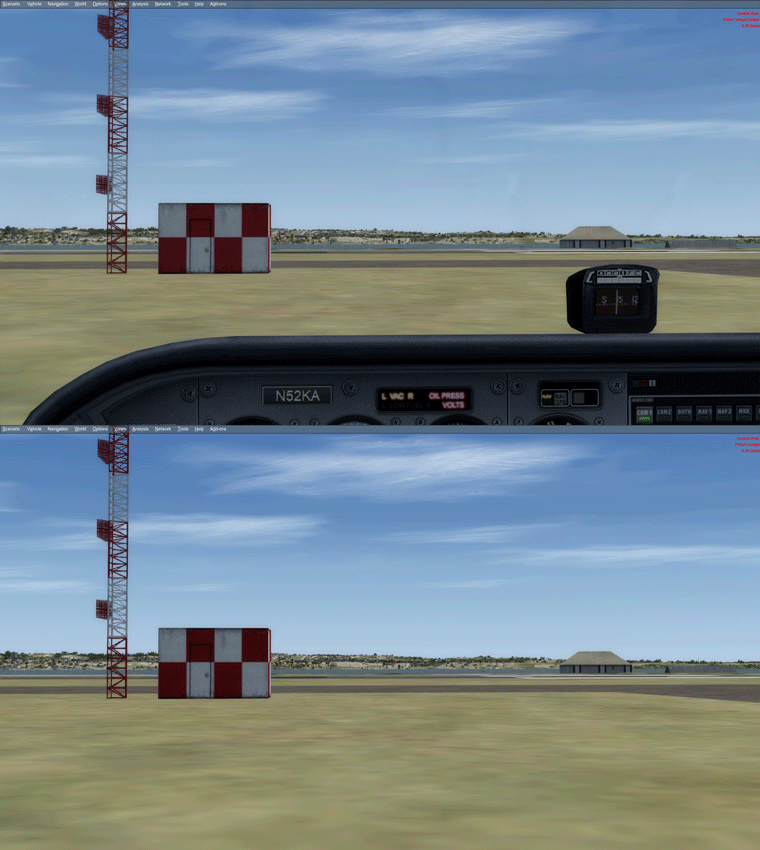
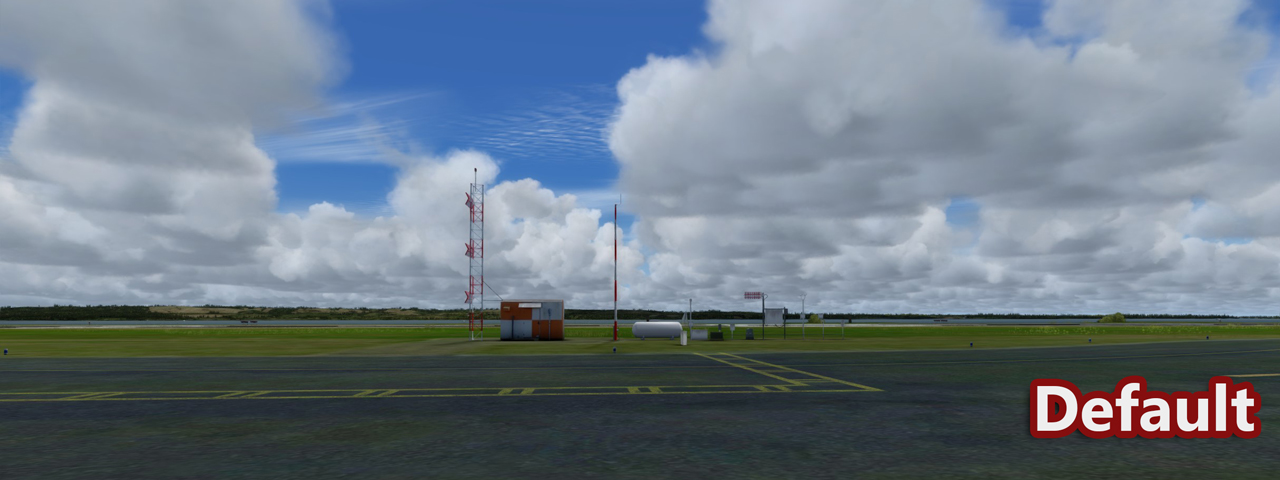
Although the program architecture of Prepar3Dv4 has moved from 32-bit to 64-bit, one should not henceforth assume that its associated environment (sky, cloud, sea, ground) texture data would have been upgraded accordingly.

Actually they are largely the same as those used in previous P3D versions, and in FSX as well.   Only a limited number of files I found so far have been changed or converted into a different format.

This is good because it means that it is possible for me to restore my previously saved enhanced environment texture backup (put together from different addons) onto P3Dv4 now, without waiting until those addon programs becoming version 4 compatible later. Continue reading

443: AS Cloud Art or REX Soft Clouds ?

HiFi Simulation’s Active Sky Cloud Art and REX Game Studios’ Soft Clouds are two popular cloud texture products that are fully compatible with P3Dv4 so far.

Although it may not justify to compare the two products head-to-head as AS Cloud Art comes with additional features rather than just pure-enhancement to the cumulus clouds in Soft Clouds, I think it would still be interesting to find out what the two products bring in terms of cumulus clouds improvement only.

This is the default cloud posture with Coverage Density set to Maximum under Orbx Weather 7 Theme.  (Click image to zoom bigger)

Continue reading

440: My Cockpit Rev #05 – Glare Shield

Not much progress in my cockpit rebuilding.   Part of the reason is the time I mostly put on the Prepar3Dv4 in the last few weeks.    Also, there are still a few more parts and accessories I am waiting to get.

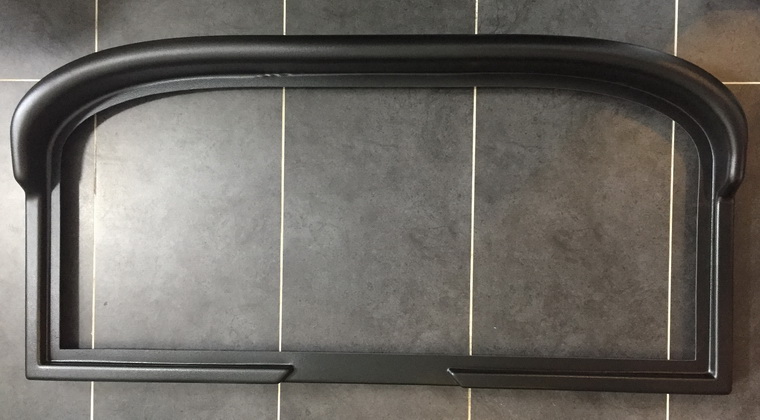
Here’s the Cessna glare shield I received earlier today from UK.

The quality of it in ABS plastic is good.   But Continue reading

439: My P3Dv4 Setting Up #05 – Orbx Additions

With the new FTXCentral 3, all Orbx Global and Continental Regions are added to P3Dv4 without any difficulty.   However, since none of the airports from the company is available for the new version at the moment, I therefore installed (copied) my favorite airports — Bowerman (KHQM), Concrete Mun (3w5) and Darrington Mun (1S2) — straightly from previously ripped backups.   No issues spotted so far except control panels for the airports no longer function.

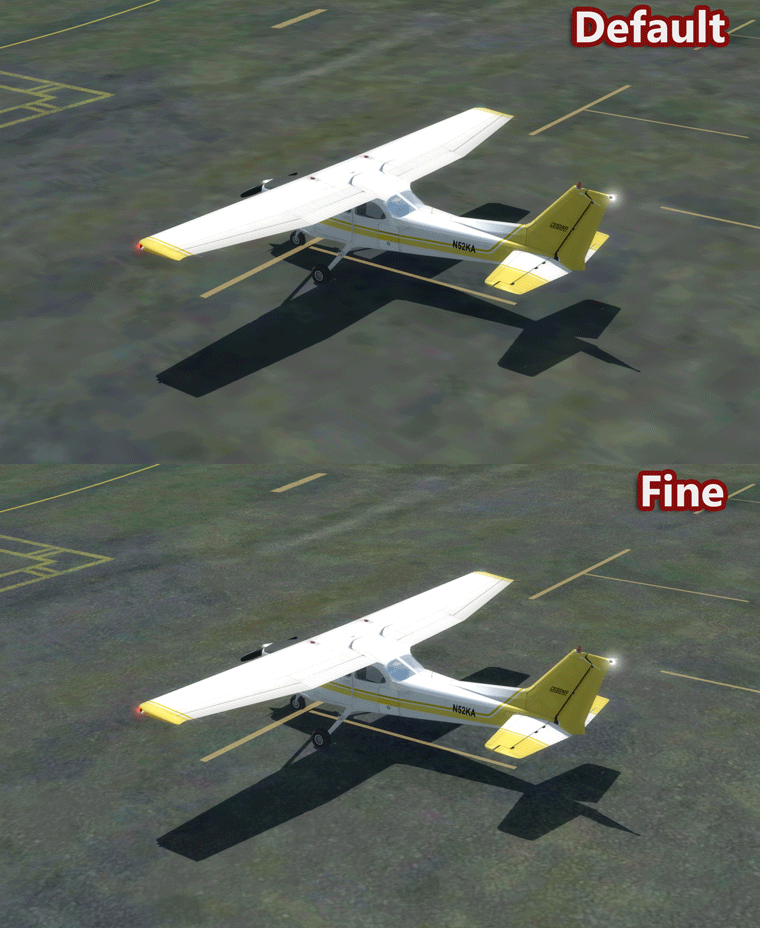
In addition, since I used to set the “Detail Bump Map” as “Fine” via FTX Aero, and because the FTX Aero feature is still not compatible with P3Dv4 yet, I also manually replaced the default “detail1.bmp” in

  • \Scenery\World\texture” with the one copied from
  • \ORBX\Scripts\Aero\Source\Scenery.World.Texture.detail1.bmp.Fine

Continue reading

438: My P3Dv4 Setting Up #04 – Initial Settings

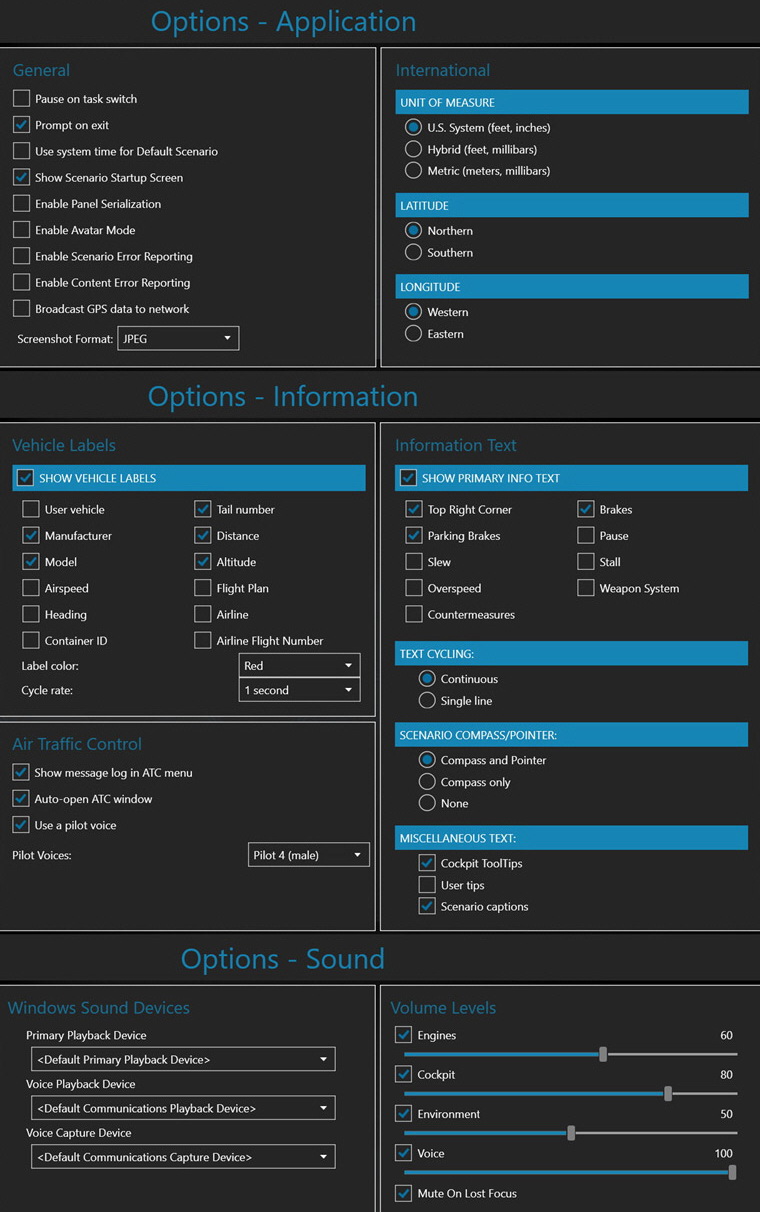
Followings are the P3Dv4 Settings on my new computer before Orbx addition to come next, with which overall frame rate at present stays around 53 stably except in those extremely dense areas.
Continue reading

437: My PD3v4 Setting Up #03 – Aircraft Continuity

One of the most important tunings to me after upgrading to P3Dv4 (actually any update or upgrade) is to ensure the continuity of the newly reinstalled or copied aircraft to be run as they did in the previous version consistently .  
Followings are the steps:

STEP 1.)
Copy corresponding “Aircraft.cfg” files from

  • “P:\Prepar3Dv3\SimObjects\Airplanes” to
  • P:\Prepar3Dv4\SimObjects\Airplanes

STEP 2.)
Copy corresponding aircraft flying records (“state.cfg“) from “SimObjects” in

  • “C:\Users\<username>\AppData\Roaming\Lockheed Martin\Prepar3D v3” to
  • C:\Users\<username>\AppData\Roaming\Lockheed Martin\Prepar3D v4

Since P3Dv4 involves the using of new Windows system registries, Continue reading

436: My PD3v4 Setting Up #02 – FSX Aircraft Migration

This post is originally the first aritcle in the “My P3Dv4 Setting Up” series.   However, since I do normally perform the configuration back up mentioned in the second article first, I therefore rename this post to #02 and the second post #1.   Publishing time adjusted as well to reflect the proper order.

As stated in the About FSX Times of this blog, my goal is to achieve a stable flight simulation system performance with a minimum 30 fps in average.   Luckily, I’ve been able to achieve that goal with some compromises.   But unluckily, that 30-something fps level also acts like a barrier that stops me from passing.

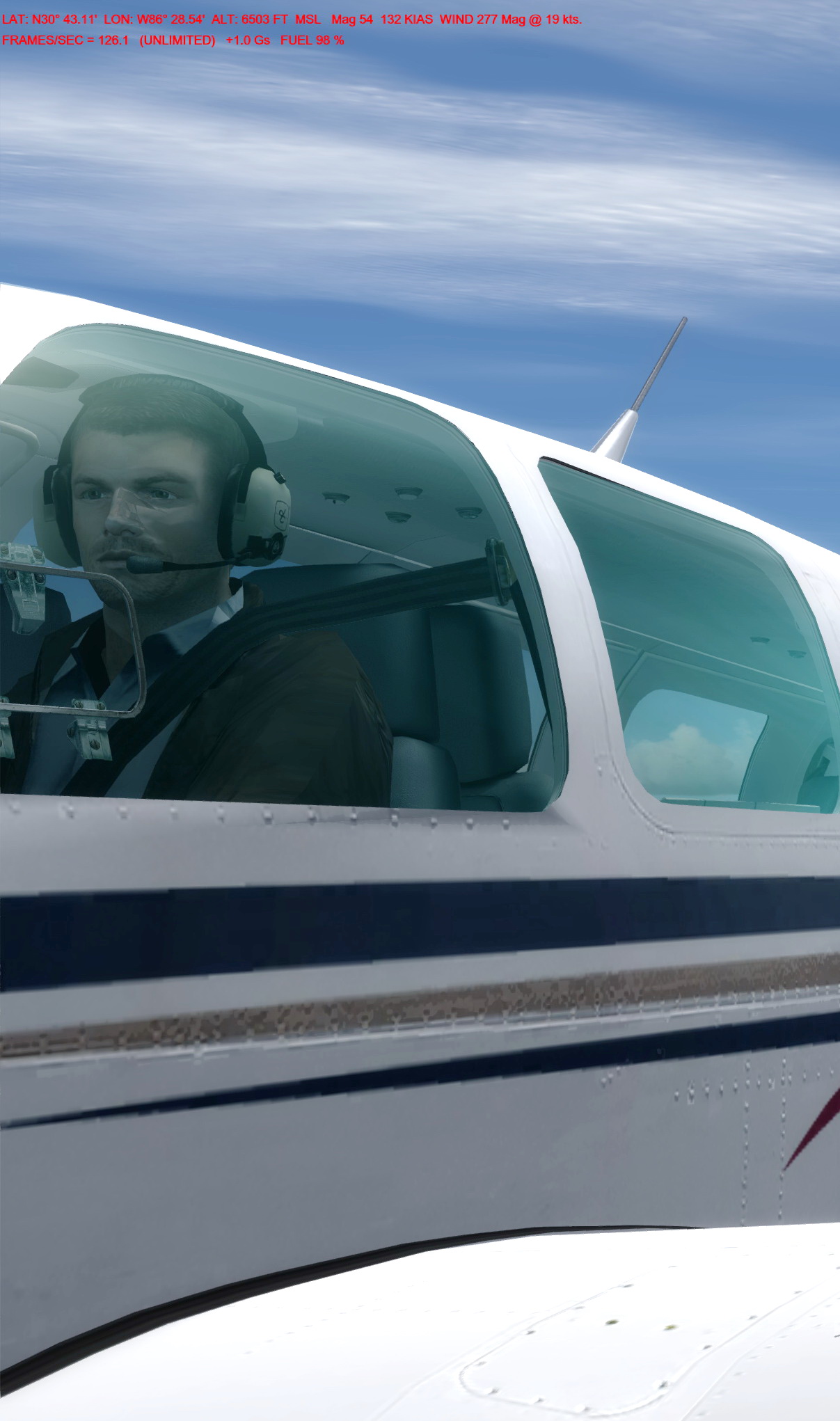
I am not sure yet whether the 64-bit P3Dv4 and my new hardware would help break this spell for good.   But the 120 to 210 fps initially gained from the new system without any tuning seems like a promising start.

As the hardware side of my new cockpit is still not ready, I’ll take it slowly to install addons and to finetune the system. Continue reading

435: My P3Dv4 Setting Up #01 – Configuration Backup

Actually this is the second piece in the “My P3Dv4 Setting Up” series of articles.   However, since I normally do the back up before migrating FSX aircraft described in the last story, I therefore name this post #01 and rename the last one #2.   Publication time is adjusted as well for proper display order.

After every installation (whether it is P3D or FSX or other similar programs, and no matter if it is a new install or a re-installation), I’ll immediately do a back up for the key configuration files first.    In P3Dv4, most of the user-configurable files are located in the following folders:

  • C:\Users\<username>\AppData\Roaming\Lockheed Martin\Prepar3D v4
  • C:\ProgramData\Lockheed Martin\Prepar3D v4

The first one is where the Prepar3D.cfg and some other key configuration files reside.   The second contains the Scenery.cfg and other related configurations. Continue reading