296: Installing FSX from HDD

TechLevel01W
Even though you are probably not one of us who tend to rebuild FSX for this and that reasons from time to time, putting FSX installation contents onto a hard drive and running from there not only FSX Deluxe+Acceleration_400improves convenience but also significantly reduces processing time required.
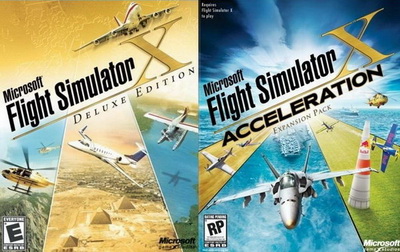
The conversion is simple.   Just copy everything from the installation discs to any folder (e.g. FSX Deluxe Edition and FSX Acceleration) on your specified hard drive.

But do remember to copy the discs in their installation order, and answer [NO] when prompt to overwrite files already copied to the hard drive earlier.

In addition, Continue reading
295: Windows 10 is Here

Sort of having a break in the last two weeks without touching anything related to the flight simulation.   Windows10Besides it’s summer, I just wanna to wait for the new Windows 10 and reinstall everything from scratch after it.
But oh my dear, it took me two days to do the upgrade due to various hardware issues I had no idea what they’re all about.   After numerous attempts, the upgrade was eventually successful, but onto a new SSD as my last resort yesterday.    Phew. Continue reading

289: Automate Shader Cleaning

TechLevel01W

Rebuilding the shader cache of the simulator helps fix problems suddenly coming up without a proper cause.   The reasons explained in my Post 58: Rebuild FSX Shader Cache for FSX.  It is applicable to P3D as well.

There are friends asking if it is possible to automate the deletion process right before the running of FSX or P3D, when needed.

Surely it is possible.   Continue reading

273: FSX Clouds – Same Thresholds Apply

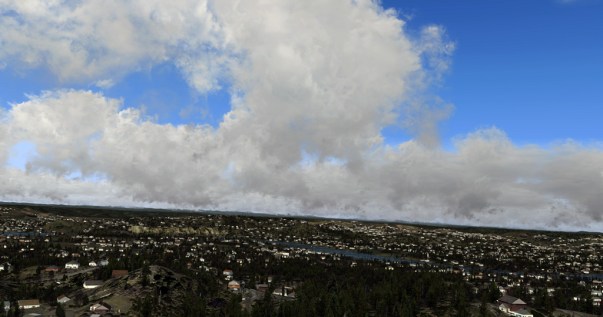
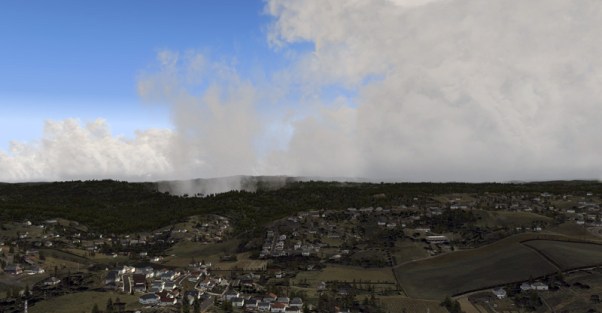
As the predecessor or more accurate the parent of P3D,  MS FSX of course possesses the same characteristics via changes from the Eight (8) Thresholds in Heights and Thicknesses as mentioned in the last two posts regarding cloud effects in P3D.

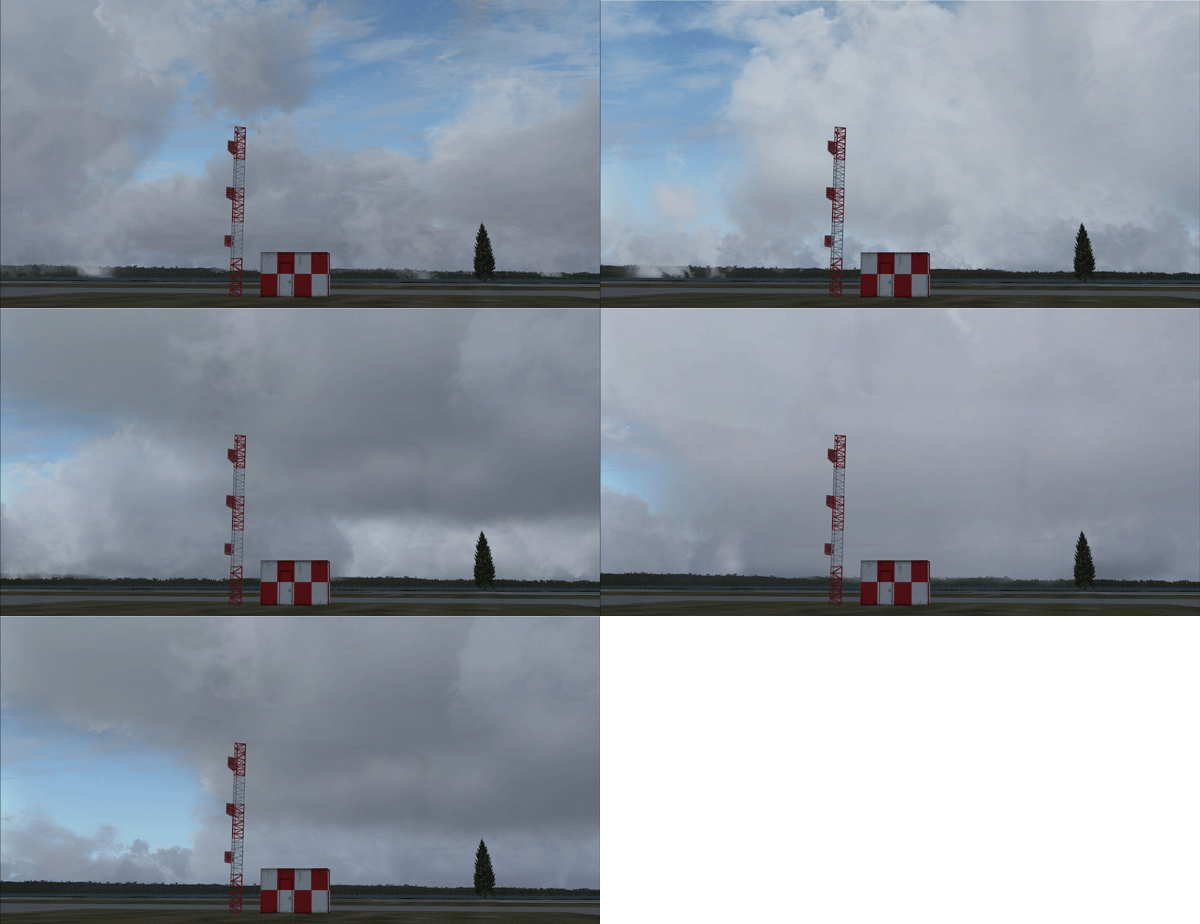
FSX_Clouds Continue reading

272: P3D Clouds Part 2 – Thickness Calls

Perhaps some of you have figured out that the remaining five (5) thresholds that decisively transform cumulus cloud appearance besides the Base Height are all related to the Cloud Thickness.

CloudSample2

It’s true that varying cloud coverages Continue reading

271: P3D Clouds Part 1 – Height Matters

Although by changing the base, ceiling, thickness and coverage values of the cumulus cloud from P3D’s Advanced Weather option, one can generate different cloud effects, there are Eight (8) Basic Thresholds that actually determine the ultimate appearance of the cumulus cloud in the simulator.

CloudSample

The first three (3) relates to Continue reading

263: Nvidia 344.65 – A Positive One

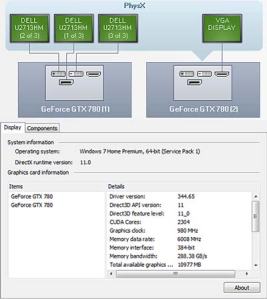
Graphics driver is one of the components I habitually pay extra attention to since NEW doesn’t necessarily mean GOOD at the same time in this sector in particular.  After upgrading to P3Dv2.4, I’ve been using the 344.11 driver as it offers a noticeable improvement over older and even newer versions under the P3D platform.

Today, I just have it replaced by the newest 344.65 after testing the new driver for a few days.  Nvidia-344.65Frankly, I might not see measurable improvement accordingly, but overall smoothness enhancement is observable.

There are people reporting that the new driver resolved the SLI compatibility issue.   Unfortunately, it is not the case in my setup.

BTW, during the earlier installation of the P3Dv2.4, I found most induced stutters turning out to be caused by the many additional Orbx addons rather than by the simulator itself.

Sadly, the world isn’t perfect.  Neither does the virtual world.


258: P3D v2.3 Finally Up and Running

Even though my simulator is running smooth again after rolling back to v2.2.   My thought is still haunted by the mysterious cause and reluctantly to let it go.

After carrying out various deep cleanings on my computer and reinstalled a clean upgrade from a new download onto the same but reformatted SSD, eventually, the P3D v2.3 is up and running now.   Very likely that there were somethings missing in the first download or the stutters were caused by some unknown leftovers from the last version.

Well, there are still significant stutters encountered over certain areas sporadically.   But in general, the v2.3 upgrade is so far performing as it should be.

For the moment, it’s premature to say that the new version is better or worse than the previous one since nothing has been added to it yet.

Will update more after system is properly tuned.

For the moment, Continue reading