
My First Run took place in Concrete Mun 3W5 with framerate locks at 39, after the initial tunings from Part 1 and Part 2.
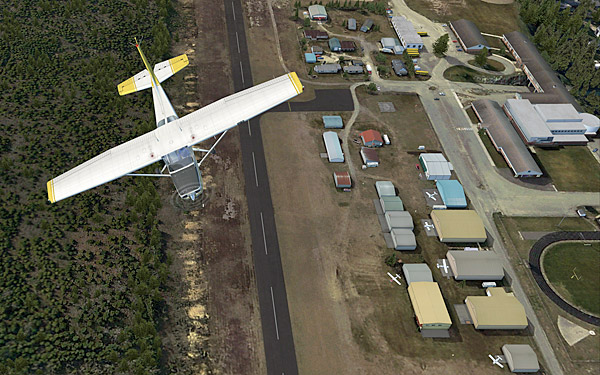
Before the actual flight, a few more adjustments were made directly in the fsx.CFG as follows: Continue reading
Systems
88: My FSX Tuning Part 2 – Display Card
After the initial setup in Part 1, the second thing to look at is now the display card because many issues of jagging, blurry, shimmering and stutter in FSX are all related to the settings of it.
My display card is an ASUS Matrix HD5870 over-clocked to 970MHz/5000MHz (default 894MHz / 4800MHz). Current Catalyst driver installed is 11.8.
The focus of display card setting is to get the best balance between image quality and game performance. The results below are decided based on many testings under various conditions. However, further changes may still be needed as the tuning process goes. Continue reading
87: My FSX Tuning Part 1 – Back to Basic
As stated in my last post regarding AMD 11.8 setting, due to the discrepancy to what I’ve been using for a long time, I’ve been re-tuning my whole system as if it was just newly installed. This is the first of a series of posts regarding my tuning process, and the objective of the first step to reset most of my system back to the state as if they were just installed.
STEP 1: Preparation
a) Backup fsx.CFG to fsx-Backup.CFG (c:\Users\<username>\AppData\Roaming\Microsoft\FSX)
b) Backup or capture images of the 3D Application Settings of the display card Continue reading
69: My Best FSX Setup (2011-0808)
Due to the latest changes I made in the AMD Radeon 11.7 setting, my fsx.CFG has realized a significant modification by removing the AffinityMask entry completely.
This means that all 4 cores of my i7 CPU are now available to FSX, rather than just limited to 2 cores through the AffinityMask=13 command as set before.
59: My Best FSX Setup (2011-0716)
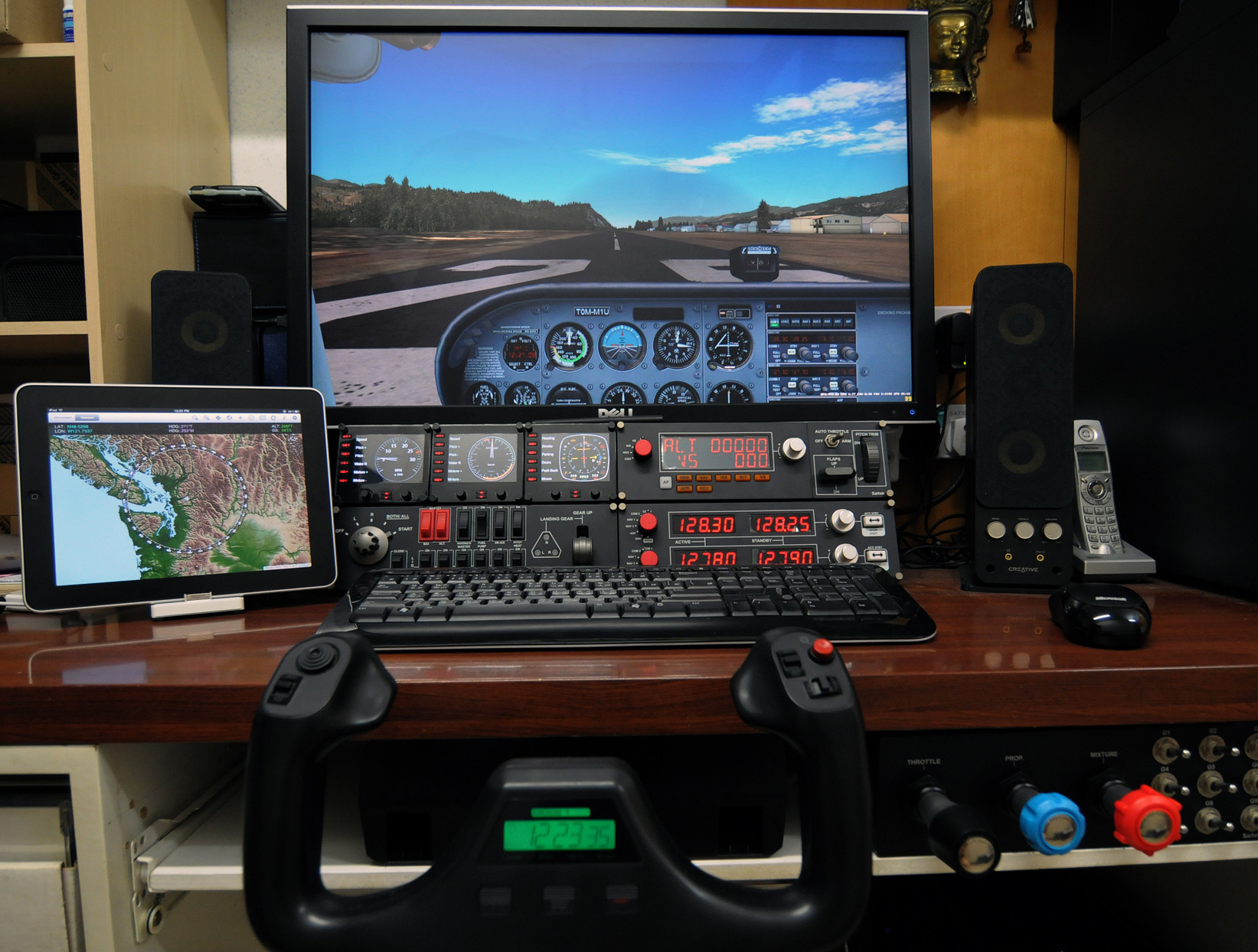
With following hardware, software, display card settings and fsx.CFG tweaks, I am generally getting :
- 39-47 FPS (20-30 FPS in heavy urban areas; ALL with 3rd party scenery installed)
- No Stutter (well, virtually)
- Very Sharp Image
- Very High Anti-Alias Quality
Hardware:
ASUS P6X58D-E | i7 930 @ 4.0G | 12GB DDR3 1600
ASUS Matrix HD5870 @ 970MHz / 5000MHz | Dell 3007 @ 2560 x 1600
2 x Corsair Nova 128 GB SSD — One for Windows & One for FSX | 1TB WD SATA3 HDD for Add-on Sceneries
iPad with iGMapHD
58: Rebuild FSX Shader Cache
When FSX was run the first time, a cache was also created under the C:\Users\<user name>\AppData\Local\Microsoft\FSX folder. It contains a sub-folder called Shaders (some systems may have an additional folder called Shader10) in which instructions and codes that are frequently accessed by FSX are stored. Every time FSX is run, contents of the cache will be optimized further to improve overall system performance.
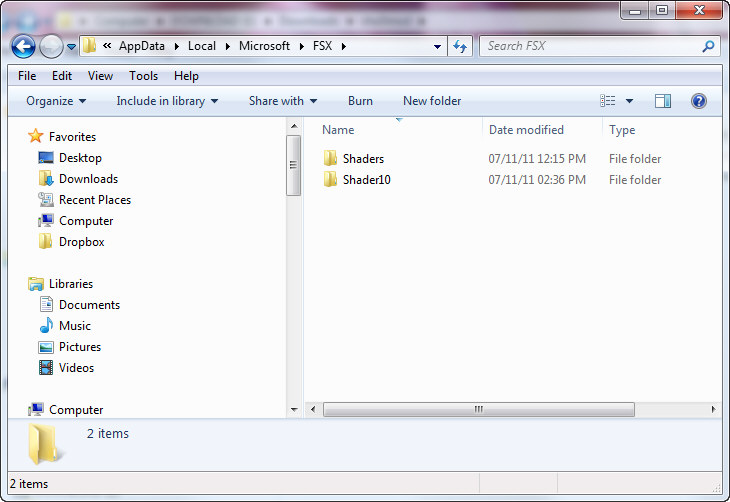
However, this cache is prone to be messed up when settings of fsx.CFG are changed or system is toggled between DX9 and DX10, etc.
57: Safest Approach to Install Addons

I normally pay extra attention when adding addons to my system because the performance of FSX sometimes is so allergic to tinny tiny stuff added to it.
No matter the addon is a scenery or an airplane, we mostly don’t have sufficient prior informantion about what will be added to, and in particular what will be overwritten from the system.
To minimize the risk of uncertainty, I normally take the dummyproof approach described below to “quarantine” the content of the new addon in the first place.
The logic behind is: Continue reading
56: Remove Standard AI Traffic
My system has Just Flight’s Traffic X and a few other AI traffic addons installed. They together brought a lot of AI aircrafts and traffics, which makes the default ones redundant.
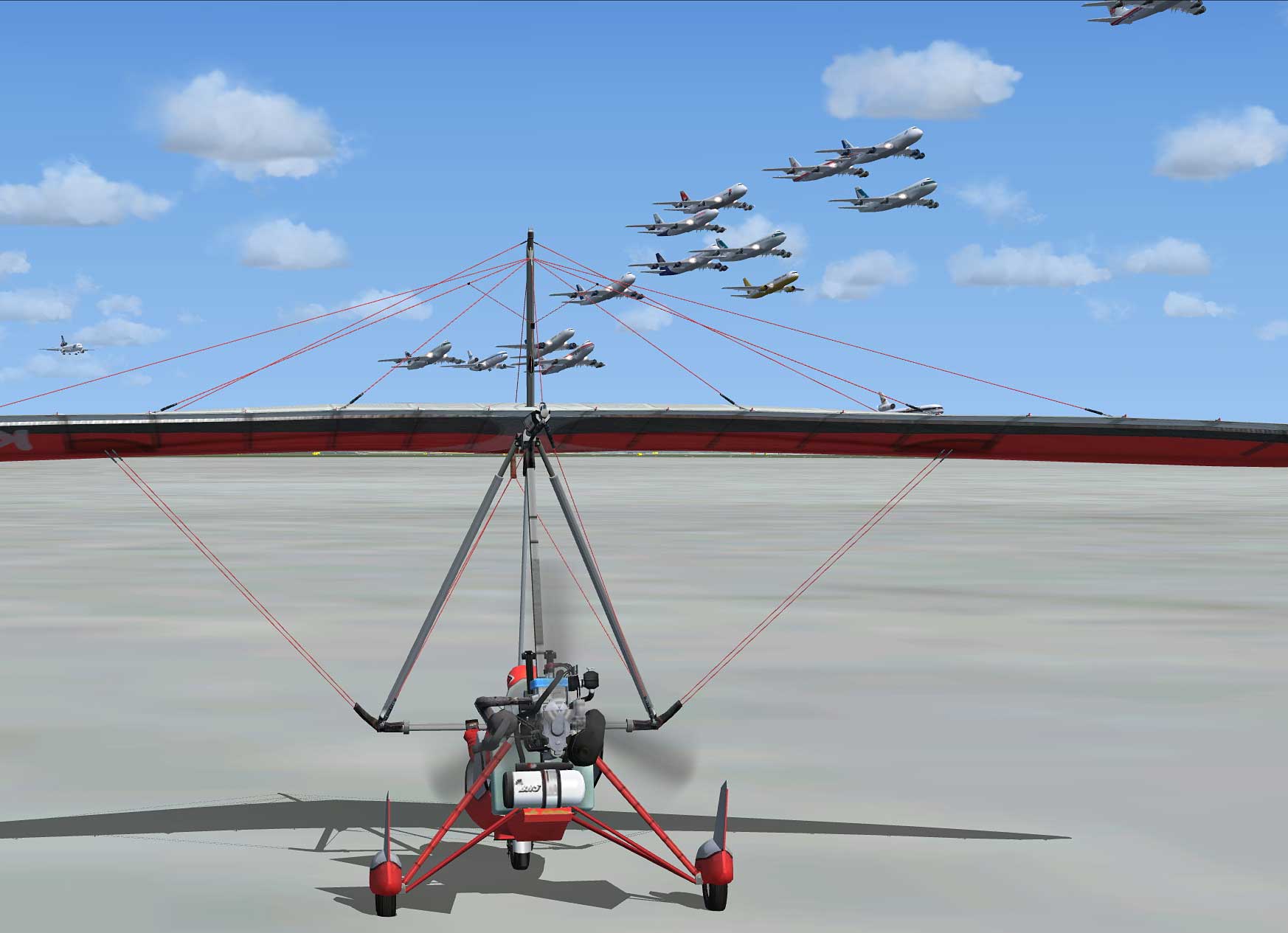
To reduce overlapping and enhance system performance, the TrafficAircraft.bgl under X:\Microsoft Flight Simulator X\Scenery\World\Scenery was moved to a backup folder so that no standard AI traffic is loaded.
To restore, just putting back the file to the original folder will do.
53: Configuration Fits for ALL #6 – The Missing Part

Once FSX is divided into flying zones, Missions can be categorized and automatically loaded as well. There are two options available:
Option 1: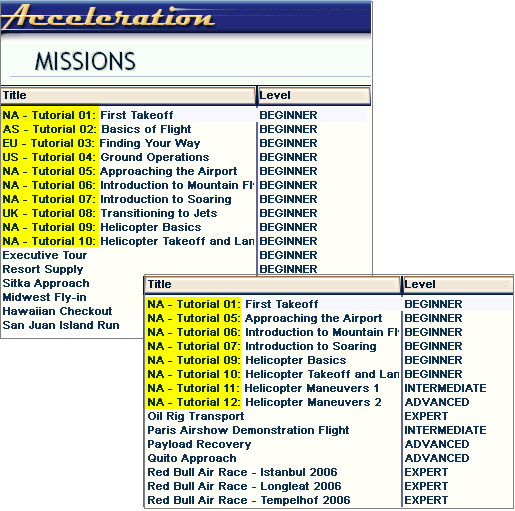
Add a prefix to all missions using the method of Renaming Missions posted earlier, so as to differentiate which flying zones where missions are belonging to.
For example, add the prefix of “EU-” to all missions taken place in Europe, “AS-” for Asia, “CS-” for Central and South America, etc.
Option 2: Continue reading
 FS Times