670: My Vegetations Mod Update 3

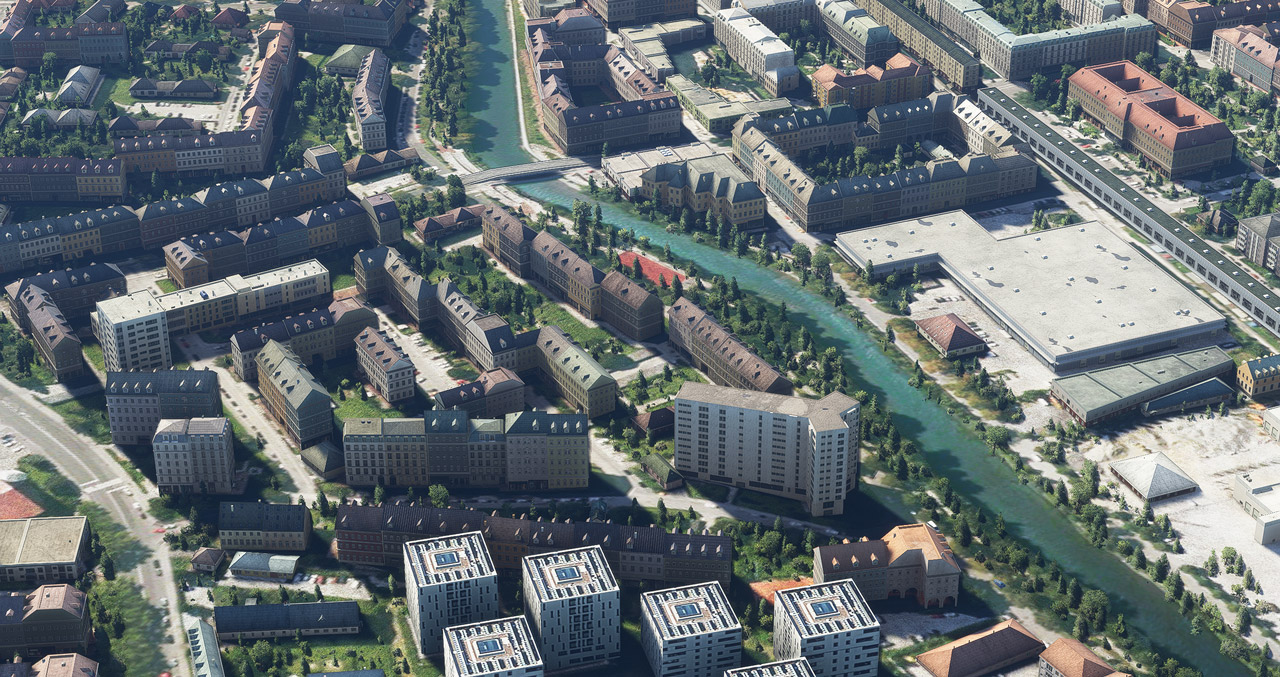
Just slightly modified the vegetation files I’ve been using for the last few months in MSFS since Post 654 to better meet my personal preference.

If you are interested, you may download it from the Freeware Section in my Store.  A few more files are added to the package as well.

But as always, Continue reading

665: More Ships in MSFS

About two weeks ago, a friend, John H. Helms, sent me the followings:

In an attempt to reciprocate, I attach a link to a new add-on that you might like (if not already seen) — Global AI Ships for MSFS — a modification of files from FSX and P3D.  And I attach my own version I made about a month ago as well.

I actually run both, as mine seems to have more stuff in it and it doesn’t bother the SIM.  They work pretty well, not perfect though. Continue reading

663: Brighten Up Missions

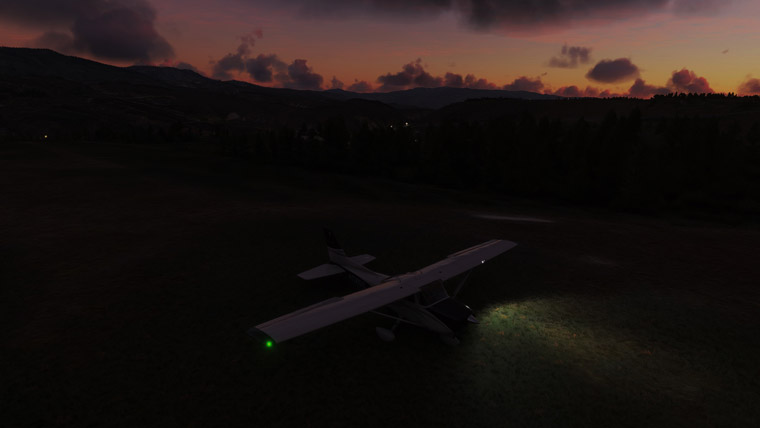
I got some pretty nice missions downloaded for MSFS.   But unfortunately they are not good to my eyes since the legs are scheduled to start in early morning when environment and surrounding lights are dark, especially in rural areas.

I’ve been suffering these bittersweet scenarios for months until it occurs to me that I could actually brighten up the view by altering the time of day in an easy way, instead of tampering the original files of the missions. Continue reading

660: SkyElite in FullScreen on iPad

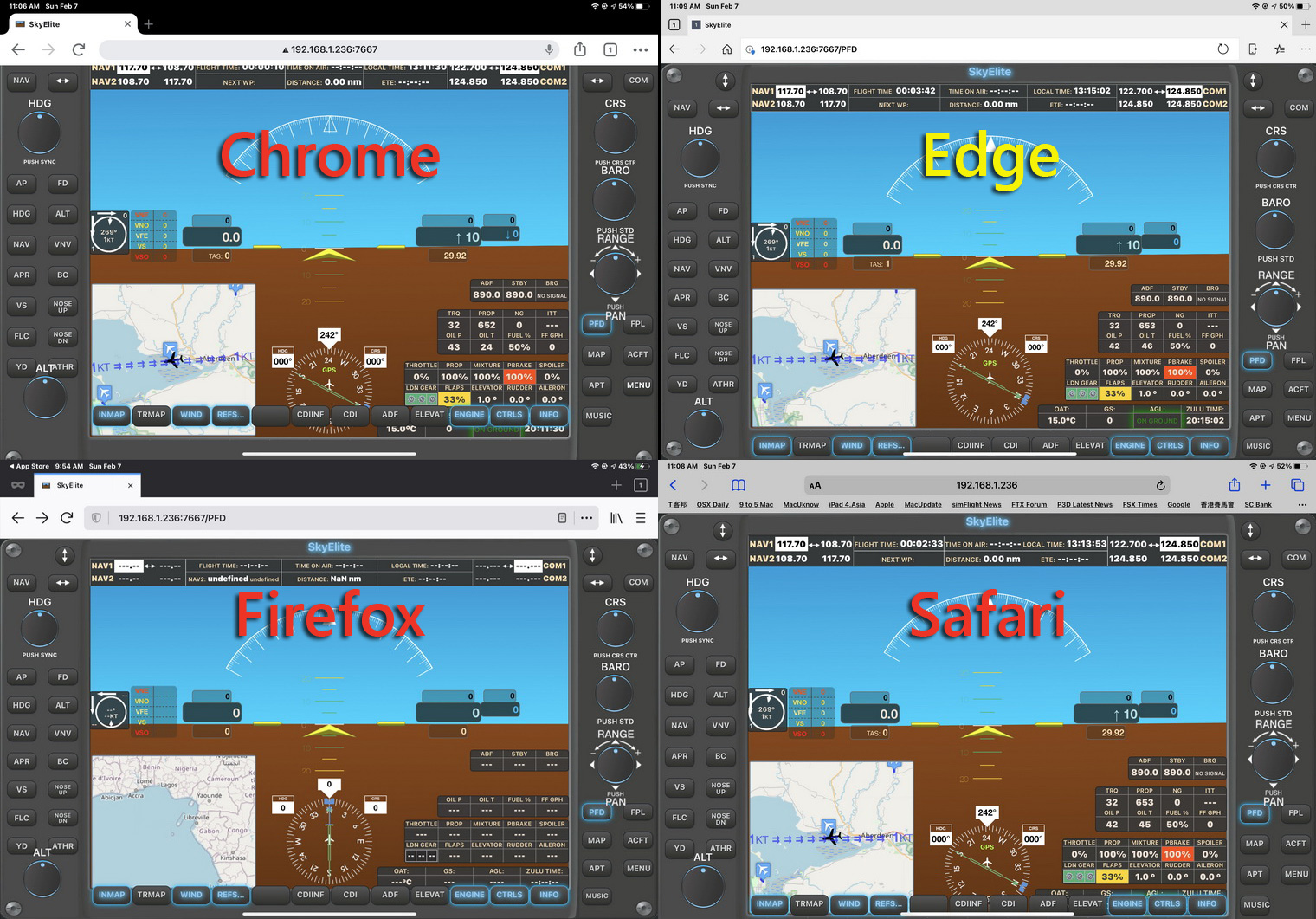
Among the 4 most common browsers on iPads, Edge is the only one that could display SkyElite screens properly straight from loading.  The other three — Chrome, Firefox and Safari — all have misalignment issues (click image below to see the button row at the bottom).   This is due to codings of the browsers themselves, not a SkyElite issue.

However, if we want to display the SkyElite in full screen without the Toolbar on top, Safari is the only choice.  And there are two ways to do it:
Continue reading

654: My Vegetations Mod Updated

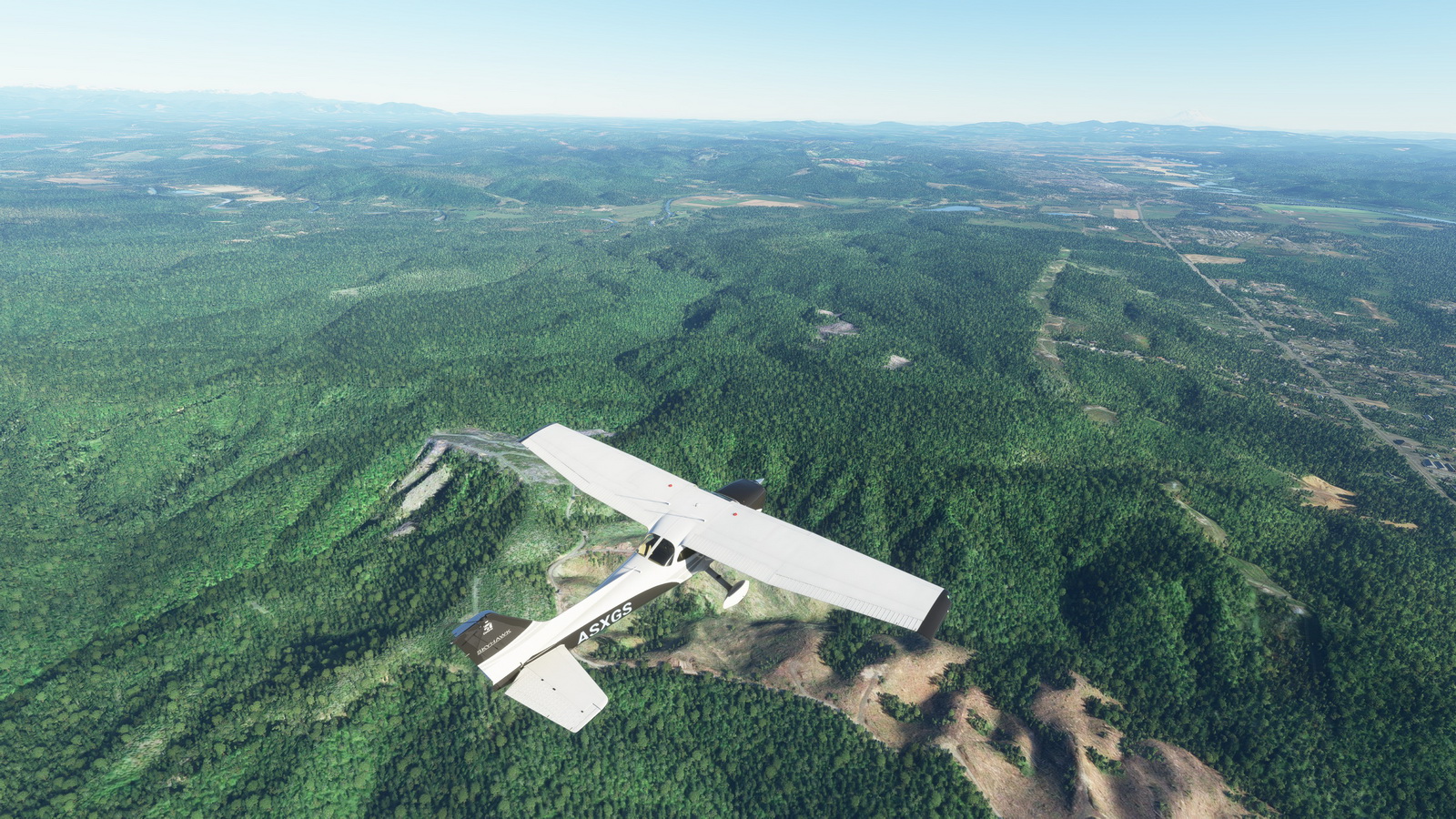
In addition to some adjustments to the maximum and minimun values in my last modified vegetation file reported in Post 648, a new tweak to display trees to far distance without performance hit (click image below to enlarge) is further included.  It has become my MUST-HAVE tweak for MSFS 2020.

As we know that simulators only load up autogens within specific distance surrounding the aircraft.  With this mod showing vegetations virtually unlimited in far distance, the popping up of other autogens becomes unnoticeable — giving you an illusion that everything is already in place.

The last modified vegetation file I put in the Freeware Section in my Store has been updated with this new one. Continue reading

652: Backup Your US Tour

MSFS just released a new update.

In the last US update, the Japan Tour was gone.  Should you don’t want to lose the US Tour this time, you’d better backup its folder from the Mission directory first:

C:\Users\<username>\AppData\Roaming\Microsoft Flight Simulator\MISSIONS\Asobo\US_Tour

Also backup the asobo-liveevent folder from the Official directory.

Quite annoying, isn’t it?  Many users are requesting Asobo to keep the highlighted Tours after updates.  Obviously it’s not yet heard so far. Continue reading

650: Location of my Gauges for MSFS

A friend’s friend who asked him where would be the best place to put my gauges for MSFS.  The question was referred to me later.   Although I already replied to him, I think it would still be useful to put a post about it.

=====

For those who are installing my new gauges for MSFS:

1.
If you are using the Logitech’s Plugin for MSFS, just run the installer in the gauge package, the new gauge(s) will be placed in the plugin folder accordingly and the corresponding PluginPages.xml will be updated automatically.

2.
If you are using SPAD.neXt, the location is all up to you, because you’ll have to add the gauge folder(s) in SPAD.neXt so that SPAD.neXt knows where to find the gauges.

=====

For those who have/are installing my gauges for FSX/P3D, there are three options to use the gauges in MSFS: Continue reading

649: 4K Monitor Refresh Rate for MSFS

Since my new PC with an RTX3090 graphics card was straight out from the box, the framerate steadies around 30 under Ultra settings.  Even though I was a bit surprised by this low number, I didn’t pay much attention to it since everything seems to be working fine.

Until the last weekend I had some time seriously looking at the new system.  I found the framerate didn’t change much no matter what I did to the settings.  The framerate still sat around 30 somethings.

I started to wonder why since the framerate on my other computer with an i7 6850 CPU and 1080Ti graphics card gains a lot more than that under Ultra settings.

Excluding the CPU and the graphics card, the most suspicious cause of the low framerate seems to be from the monitors I found lastly. Continue reading

648: My MSFS Vegetations Mod

Vegetations in MSFS are generally regarded oversized and look unrealistically.  There are tips on the Internet to help improve the situation by reducing the MAX and MIN values of all entries in the 10-asobo_species.xml file under “/fs-base/vegetation” folder to about 60% – 80% (or about 4 – 8 points) of their originals.

Vegetations look more realistic with the mod

My personal preference after tests is to keep the minimum values unchanged but to lower the maximum values to the same values of the minimum; or to 5 when the minimum values are less than 5.

Reducing all the maximum values to the minimum values is also good.

Here’s the download link to the five Vegetation files Continue reading