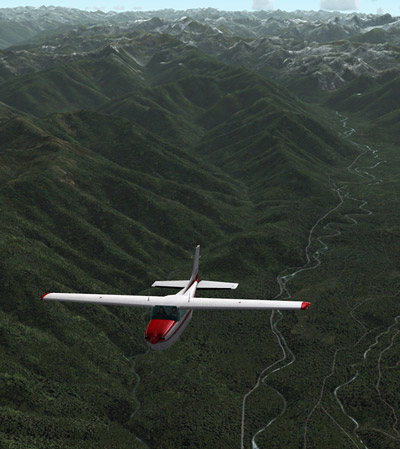
Airport Addons include products from Aerosoft, Mexsim, UK2000 and various freeware. All are installed on top of Horizon Simulation‘s VFR UK Photographic Scenery version 3.0
118: Loading FIPs in Desired Order


Received quite some inquires about loading specific gauges onto multiple FIPs (Flight Instrument Panels) in desired order.
Here’s how I do it:
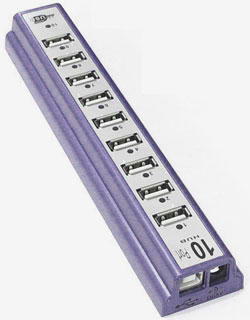
- Use a powered USB hub to connect all FIPs to the computer
- Plug the first FIP (the one to display the first gauge) to the last numbered port on the hub
- Then the second FIP to the second last port; the third to the third last port, and so on.
The FIPs are required to plug in this manner because the USB hub always starts the FIPs in reverse order from the last numbered port to the first numbered port.
117: Recently Updated Page
A new section — Posts Updated — has been created under HOME.
All existing posts with additional or updated information will be listed there.
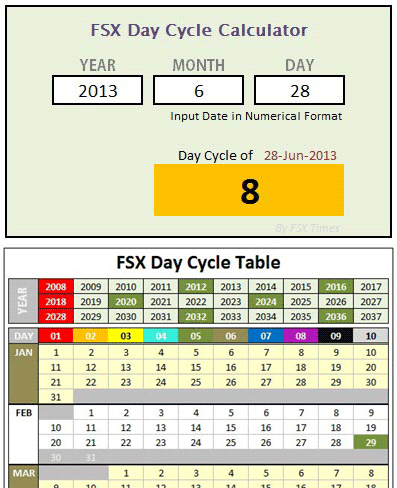
116: FSX Day Cycle Calculator
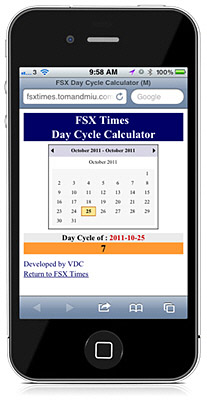
Here’s the FSX Day Cycle Calculator mentioned in Post 112 about Finding the Day of Shade.
Compared to the previously created Day Cycle Table, this calculator is much more handy and it has been further revised to simplify input operations. Continue reading
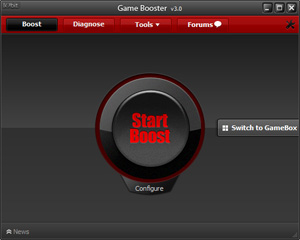
115: Less is Still More – the Game Booster
Game Booster from IObit definitely isn’t something new. It is a small application that can temporarily stop unnecessary
computer background processes and services, in order to give more computer resources and power to “boost” the performance of a game.
Before the current version, I never liked the program because I encountered tiny bits of problems many times during the restore process.
The new version 3 is a great improvement in terms of stability and user-friendliness. Also, it is now completely free — in version 2, I had to purchase a license for its premium features. Continue reading
114: My Helicopter Controller
Although I have a Cyborg EVO Force from Saitek, I still prefer the XBox 360 Wireless Controller for all my helicopter flights.
Certainly, the Xbox 360 controller doesn’t look flightsim-realistic as the Cyborg one but it has superb controllability and a fair amount of good features.
As always, ONLY switch on (no plug in) the controller after FSX is loaded. This can prevent the occasional but common button mapping problem.
113: A Quick Fix to SHADE Darkness

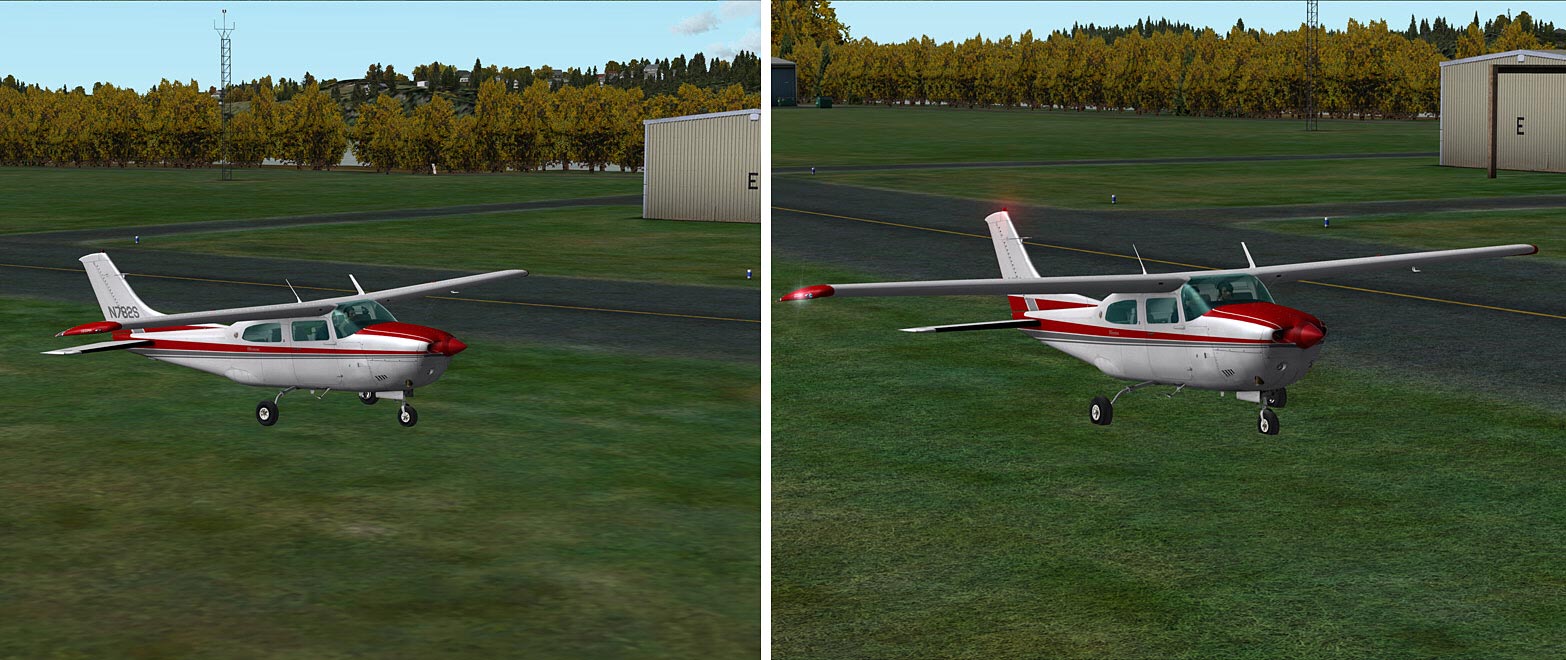
As mentioned in Post 107, the one thing I particularly dislike SHADE for FSX is that all its available Presets will significantly dim the brightness of all scenes in FSX, especially in the early morning and late afternoon.

Although users can modify the Preset values via the program’s graphical user interface (Shade_gui.exe), the effects of changes are not intuitive and the results are to some extent depending on a time-consuming trial-and-error process.
Indeed, there’s not much one can do to speed up the process of getting an ideal result from color and shadow changes. But for the “too dark” issue, followings are what I did for a quick fix, from which I further finetune the color and shadow of shade for my own preferences.
112: Finding the Day of SHADE
As explained by the developers of SHADE for FSX, days in FSX are looped in a 10-day cycle and his program was designed and built on that loop, which allows the loading of up to 10 different SHADE presets in FSX.
However, how to find which Day is active on a specific date is not easy (at least not by the time of this post).
–
–
–
–
–
–
Followings are the principles of the 10-day cycle and how it is calculated: Continue reading
111: New Clothes for Saitek Switch Panel

Saitek’s Switch Panel adds a lot of fun to FSX. However, it doesn’t like its younger brothers in the Pro Flight family — all switches on the panel have no illumination and most of them are in black color. They are very difficult to identify in a dark environment with no extra lights but the monitor only.
Here’s my newly modified switch panel with some colored switches replacements.