128: The Little Secret of Day & Night

Ever wonder what the FTX Day Night Switcher does to your system?  Here’s the detail.

The Miscelleneous_lib_orbx.bgl under X:\Microsoft Flight Simulator X\Scenery\Global\scenery directory is the file controlling some of the lights in FTX scenery.   The switcher reinstalls two versions of it in the ON and OFF folders under X:\Microsoft Flight Simulator X\ORBX\Scripts\Lights directory.

The OFF folder contains the DAY version (with some of the lights removed), where the ON folder holds the NIGHT (original full) version.  The switcher just functions to copy the full or lighter version (on or off) to replace the one in the Global Scenery directory.

Regarding the hype of “doubling your FPS”,  I don’t have the luck to reach that level but just a marginal improvement.    Developer of FTX says,  “… not seeing a big change may be due to your already optimized settings or possibly GPU AA settings, frame limiter or even a FSX.cfg tweak.”     Anyway, still worth a shot.

127: Put the Tower Radar on the Plane

Each aircraft in FSX can be equipped up to 9 different panels, and each of these panels can be called up by pressing the [SHIFT] plus a number key from 1 to 9.   However, only a few aircrafts in FSX are actually equipped with all 9 panels.   Most aircrafts use less than five.

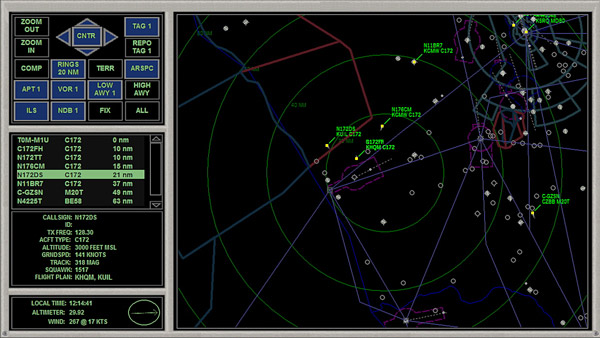
The following tweak adds the radar panel found in control tower to virtually any aircraft.

Don’t remember where I found this tweak in the first place (credit should be given to the one who shared this).    It is an interesting and useful one and quite easy to implement.    Furthermore, I had it simplified.

Here’s how to add the radar to the Cessna 172 as an example.    Same procedures apply to all other planes:

Continue reading

126: New Gear Added

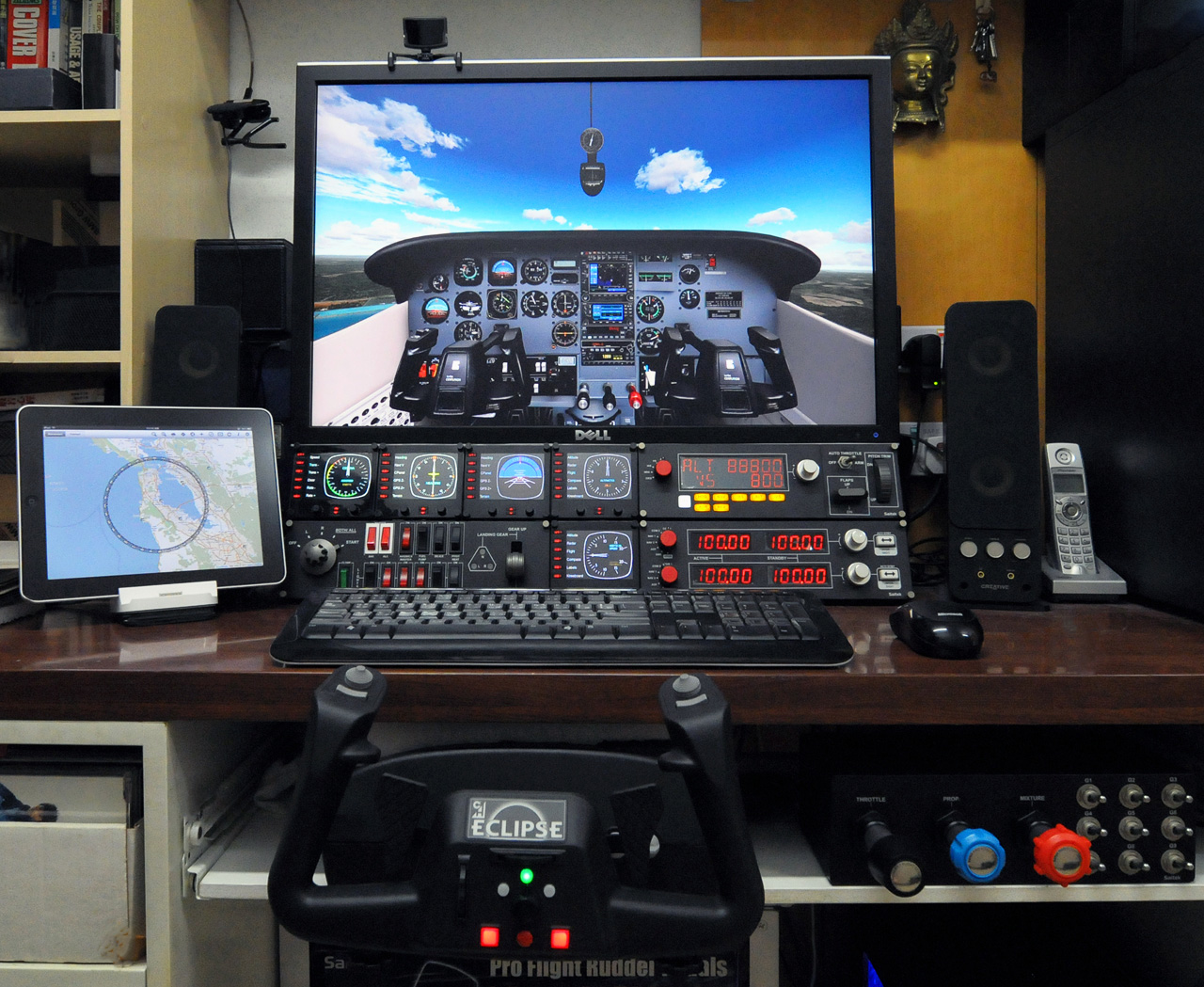
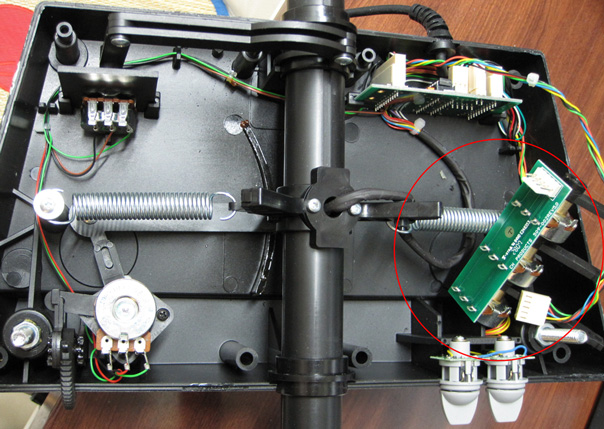
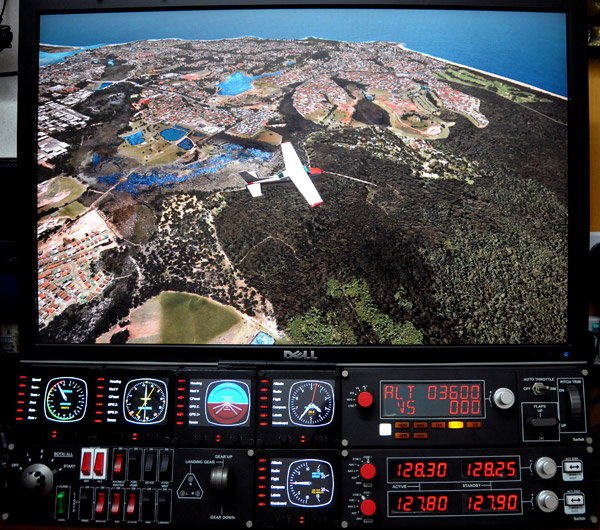
Lately, I have been busy on playing with my new gears that I’d been longing for quite some time.    Two additional Saitek Flight Instrument Panels (FIP) were finally added to my system, which completed my Saitek collection  —  well, at least for the moment.

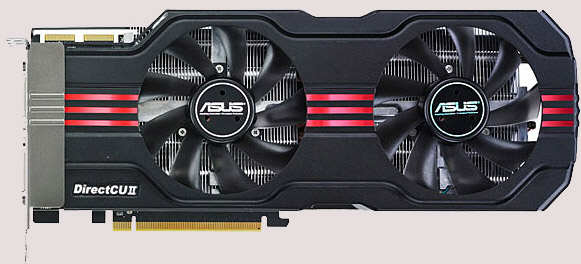
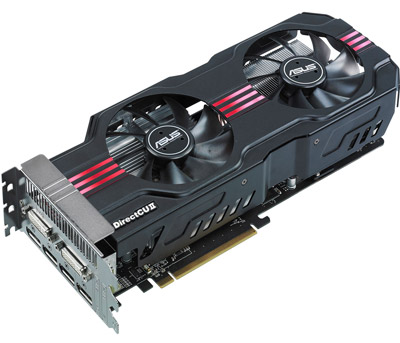
And the ASUS HD 6970 Direct CU II, which replaced my ASUS Matrix HD5870, brings a better image quality and a cooler and quiet environment.    Also, it allows me to upgrade to a multi-monitor system in the future.

However, both new gears require adjustments.   In particular the HD 6970, it requires quite some patient in order to achieve a satisfied result better than the previous setup.    Updates and settings for both new gears will be posted soon.

125: Aircraft Door Fixes

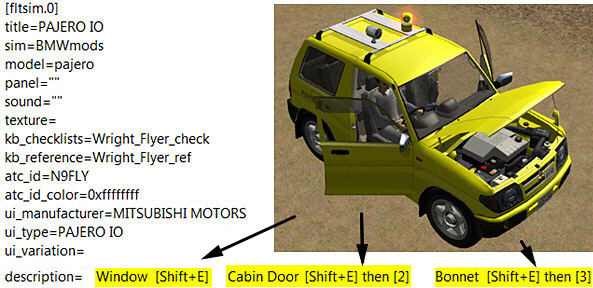
The Mitsubishi Pajero by Mitsuya Hamaguchi is supposed to have its Door Windows, Cabin Doors and Engine Hood opened (or closed) when [SHIFT+E][SHIFT+E] then [2], and [SHIFT+E] then [3] are pressed respectively.

However, due to a mismatch error in its aircraft.cfg file, its hood (bonnet) cannot be opened when [SHFT+E] then [3] is pressed.

Continue reading

124: Break the 10-Day Shade Cycle Limit

SHADE for FSX is built on the 10-day cycle of FSX.   Therefore, up to 10 different SHADE presets can be saved via the program’s GUI utility (Shade_gui.exe).

Actually, it is possible to crack the 10-day limit and extend the cycle to cover all days in a month.    And theoretically, it is even possible to use a different preset every day throughout the year and beyond, despite of the impracticality of the idea.

The concept of this tweak is pretty simple — when SHADE for FSX is executed, it will load the presets from the settings.ini created by Shade-gui.exe.   Therefore, if one can:

  • Prepare three different settings.ini each containing 10 different presets (totalling 30 presets)
  • Load them one after the other in every 10 days

Then, each day in a month can associate with a unique preset stored on these three settings.ini.

The tricky part is how to fully automate the swapping process of these three ini files according to a predefined condition without human intervention.

Here’s what I did:

Continue reading

123: Disable Unintended Auto-Pilot Wing Leveler

Some aircrafts in FSX, both default and add-on (such as T210), will turn on Wing Leveler automatically when Altitude Hold is activated, meaning that manual control of the aileron is also disabled.

To regain the control of it, one can press Ctrl-V on the keyboard to disable (or enable) the function.

Better still, one can modify the aircraft.cfg files of such aircrafts, and add the following command lines under the [autopilot] section, so that Wing Leveler function could be independent from Altitude Hold permanently.

[autopilot]
default_bank_mode=0
default_pitch_mode=0

Assigning “1” to both values will reactivate the associated Wing Leveler function with Altitude Holder under auto-pilot mode.

122: Day Cycle Calculator goes Mobile

Here’s the mobile versionof the FSX Day Cycle Calculator customized for iPhones and smart phones.

When started, SHADE/Day cycle of today will be shown.    Still, users can effortlessly select another day or month as with the desktop version.

From now on, one can find out the SHADE/Day cycle of today in FSX, anytime, anywhere, even without a computer.    Just bookmark the following link in the browser of the phone.

http://fsxtimes.tomandmiu.com/fsx_daycycle_mobile.aspx

121: Giving Grass a New Definition

I have Real Environment Xtreme (REX) installed for a long time but I didn’t aware that its freeware could bring additional enhancements to FSX until recently.   I thought they were included in the package.

The Enhanced Grass Texture freeware instantly upgrades the grass resolution to a new height.  (Edit: The company has changed its rule.  To download, you must register and login to their public forum.)

Installation is as easy as snapping fingers.   But DO REMEMBER to make a backup of the original grass texture file.   Moreover, it may have barely perceptible impact to the overall performance.

120: AMD Radeon Driver 11.9 Update

Just updated my Radeon driver to 11.9 for a few days.

My impression from the overall result of the new driver is more or less the same as when I did the 11.8 update — no obvious increase in fps but feel a little bit smoother.   Seems like the driver is getting better every time it updates.   Maybe it is psychological since no direct comparison could be made.   Anyway, don’t see any performance hit either.

Settings for the 11.9 driver remain unchanged as in 11.8.

Read some posts reporting the drop in fps after the 11.9 udpate.   No idea what causes the issue but Rebuilding the Shader Cache may help.

In particular for driver updates, I will beforehand backup both my Windows drive and FSX drive (using Acronis True Image) just in case.   This saved me several times in the past.