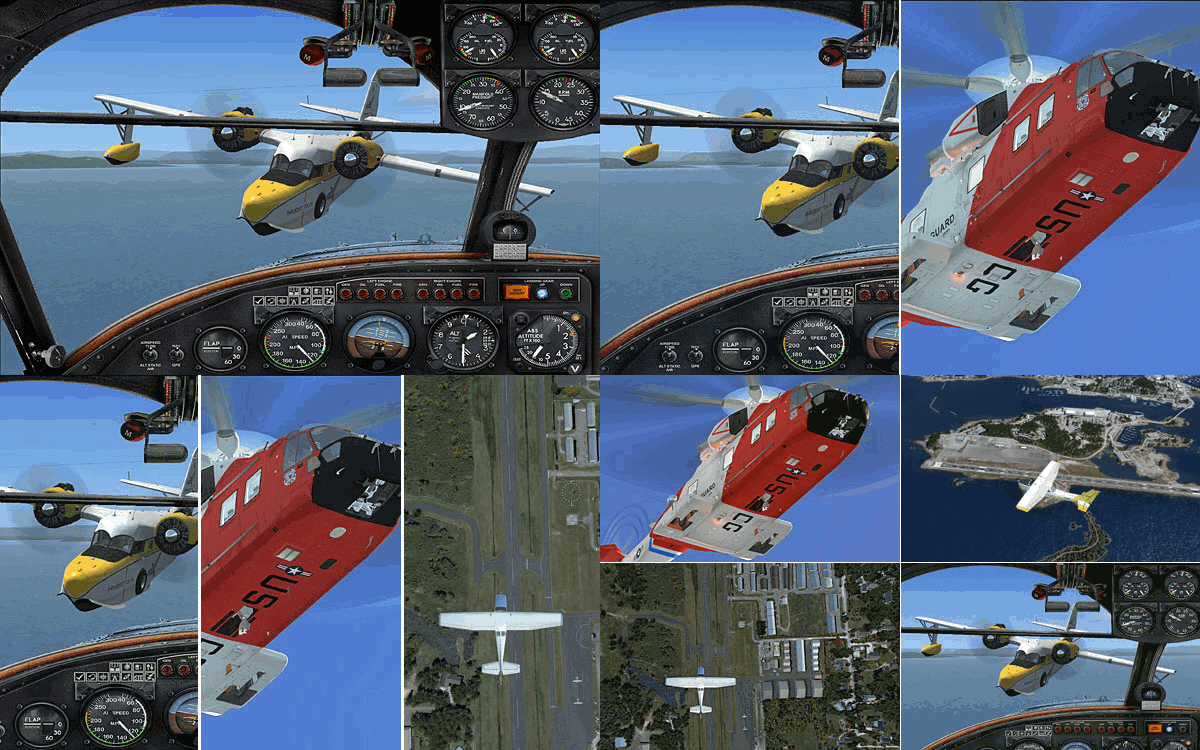
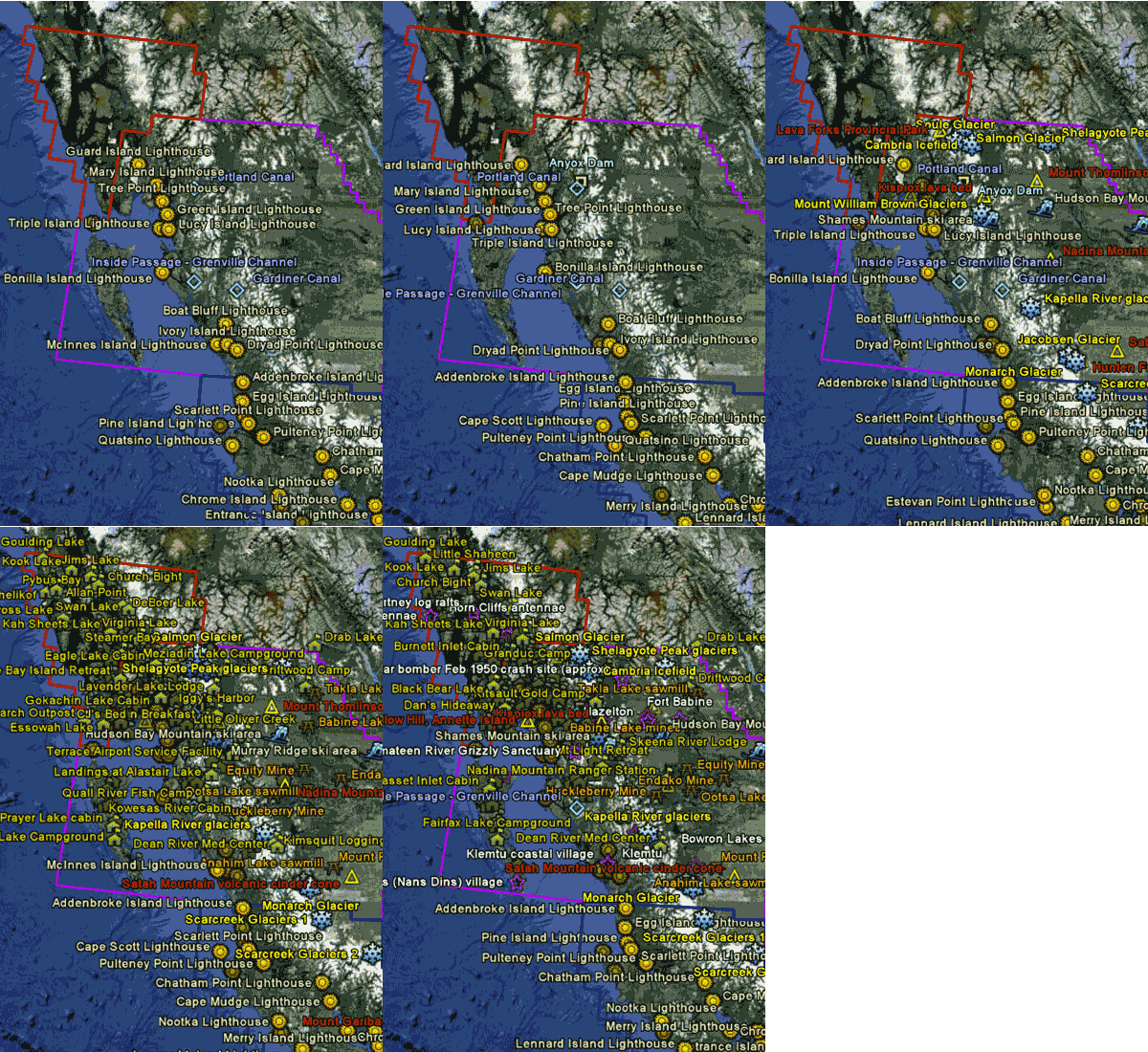
Map for all airports from FSAddon’s Tongass Fjords (TFJ); Orbx’s Pacific Northwest (PNW), Pacific Fjords (PFJ), Central Rockies (CRM) and Northern Rockies (NRM) have been uploaded.
73: fsx.CFG – Vertical Sync
When vertical synchronization (refresh) of display is not set properly, it is very likely that some sorts of screen-shearing problem will be introduced in FSX.
This screen-shearing issue can be easily identified when the view is turning to the left or turning to the right quickly, especially in the virtual cockpit view. It seems that the upper half or the lower half of the screen is lagging behind to the other.
72: Add Realism to ATC Communications
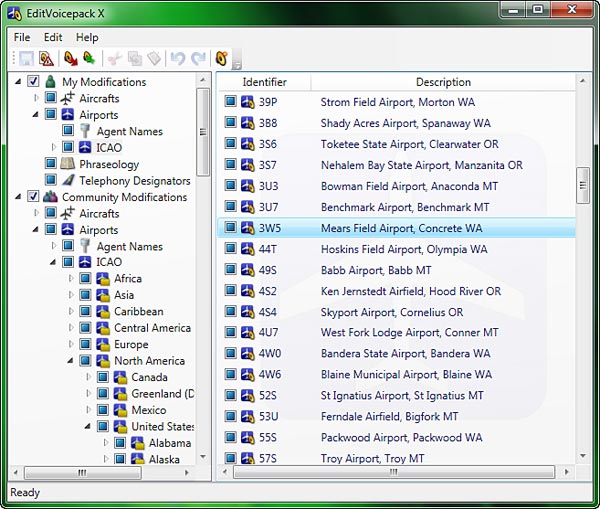
EditVoicepack is a simple tool that helps realize a more realistic ATC communication environment and allows to change the phraseology as well as airline callsigns, airports and aircraft types in FSX.
Current version available for FSX is 4.0.7.0 at the time of this post. Customized EditVoicepack files could be found in AVSim and FlightSim file libraries.
71: Calling Out Altitude
Adding Altitude Callout for decending aircrafts in FSX is as simple as calling out 1000, 500, 300, 100, 50, 40, 30, 20, 10, …
STEP 1: FSUIPC (If FSUIPC is already installed, skip to STEP 2)
a) Download FSUIPC4 from schiratti.com
b) Run the FSUIPC4 installer
c) No need to register FSUIPC; just press ESC to finish the installation Continue reading
70: Maps – FTX NA Landmarks
One of my favorite places to fly in FSX is the North America area covered and enhanced by FSAddon and Orbx paywares, which include FSAddon’s Tongass Fjords (TFJ); Orbx’s Pacific Northwest (PNW), Pacific Fjords (PFJ), Central Rockies (CRM) and Northern Rockies (NRM).
Lately, I’ve been customizing maps for all these regions as a whole. In addition to re-grouping and re-categorizing Landmarks, Points of Interest and Airports from these addons, I am also adding sceneries from Return to Misty Moorings (RTMM) and other FTX NA-compatible freewares to these maps.
69: My Best FSX Setup (2011-0808)
Due to the latest changes I made in the AMD Radeon 11.7 setting, my fsx.CFG has realized a significant modification by removing the AffinityMask entry completely.
This means that all 4 cores of my i7 CPU are now available to FSX, rather than just limited to 2 cores through the AffinityMask=13 command as set before.
68: AMD Radeon Settings (11.7 Updated)
Graphics Card: ASUSTeK MATRIX HD5870 P/2DIS/2G
OC to 970MHz / 5000MHz (default 894MHz / 4800MHz)
Radeon Driver: 11.7
New changes are highlighted in yellow from version 11.6 since 11.4 Continue reading
67: fsx.CFG – LOD_RADIUS
LOD_RADIUS under [TERRAIN] determines the size of the coverage area to be refreshed around the aircraft. It has a default value of 4.5.
[TERRAIN]
LOD_RADIUS=4.500000
However, a number of other aspects are also influenced by this value in addition to refreshing the coverage: Continue reading
66: Give the Aircraft a Little Push

Purchased a few third-party aircrafts but the default C172 is still my favorite. It will be perfect if the plane can be more powerful and fly a little bit faster like the Skylane 182.
Here’s how I “installed” the 182’s six-cylinder, 235hp engine to my C172: