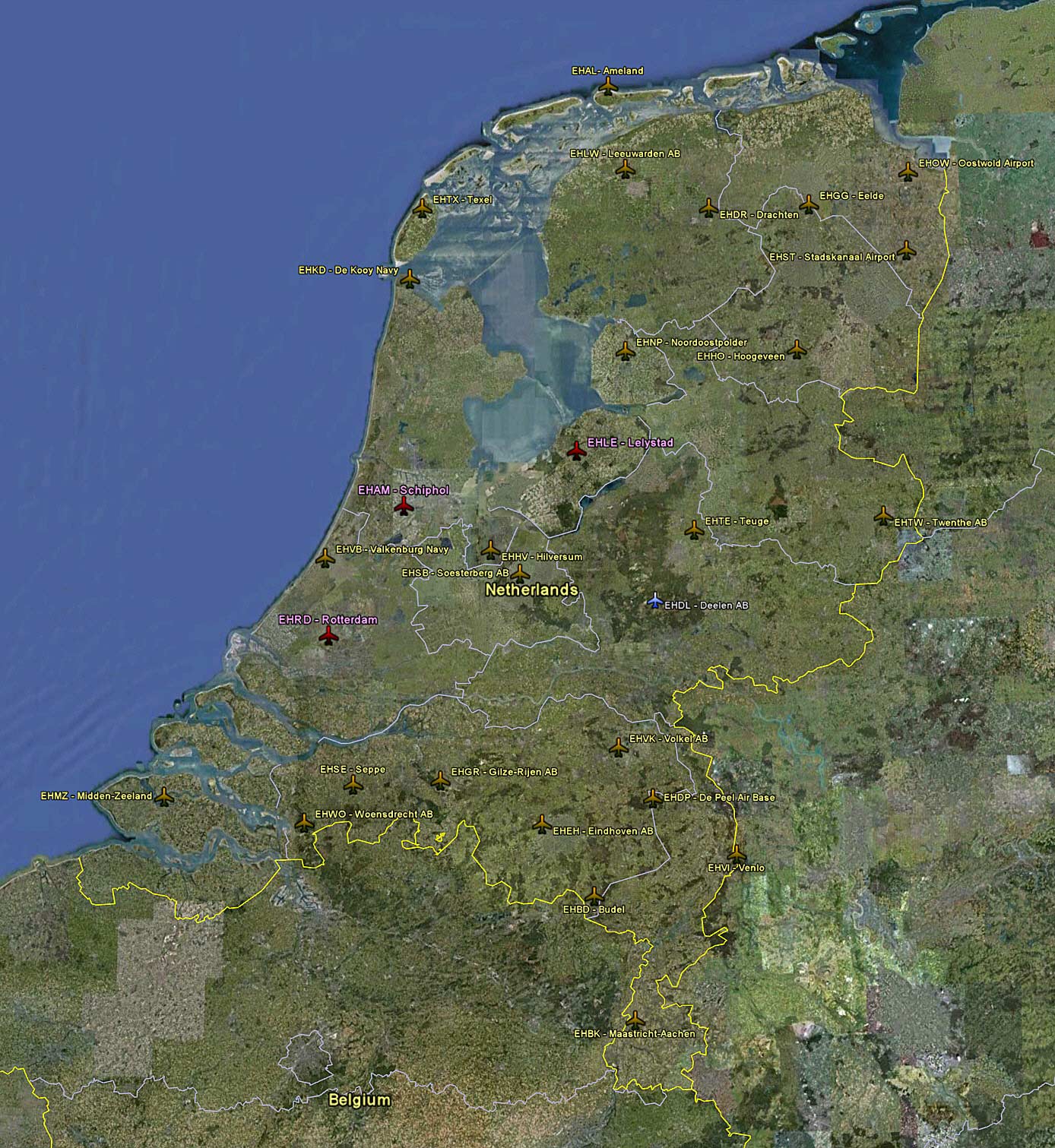
The whole of Netherlands scenery and airports enhanced by NL2000’s version 4.x, plus Amsterdam, Lelystad and Rotterdam from Aerosoft, and Venlo from Martin Schrijver.
- Click here or image above for a full-size photo map; or Continue reading

The whole of Netherlands scenery and airports enhanced by NL2000’s version 4.x, plus Amsterdam, Lelystad and Rotterdam from Aerosoft, and Venlo from Martin Schrijver.
I have used jpeg images and Google Maps to plot geographical locations of my scenery add-ons in my posts. However, the result is far from expectation, not to mention a lot of time and efforts were spent on converting the data into appropriate Google Maps format and jpegs.
Starting from the Scenery – Switzerland Airports and Scenery – Caribbean Airports posts, a url of the corresponding Google Earth file will be provided in all Scenery posts (older posts will be updated gradually).
By adding the url to Google Earth via Network Link, not only the map-display result is matching of what I am having, the scenery data can also be updated automatically once the master file is revised.
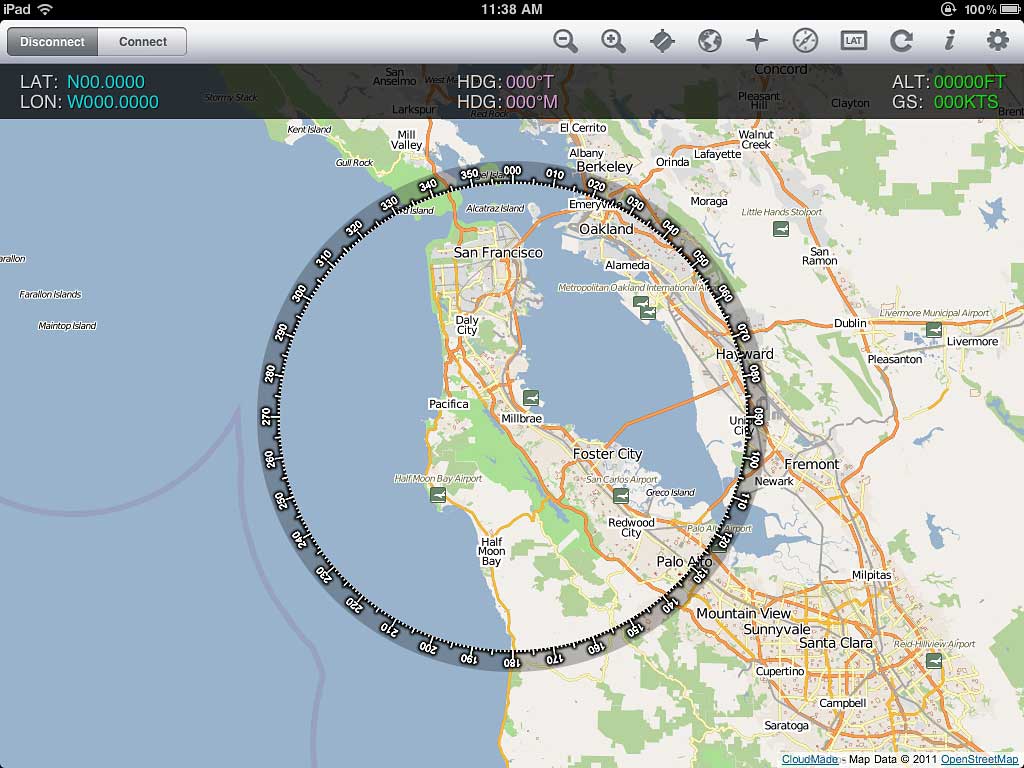
Recently added FSWidgets iGMapHD for iPad to my system.
It is far from being a perfect product and has the problems of:
However, it adds a lot of fun to my flightsim experience without a real multi-monitor system. It is very easy to setup. And it doesn’t like Air Display, it won’t impact FSX performance at all. Continue reading
By changing the following line under [STARTUP] section to false (0), FSX will load the default flight immediately after starting up without going to the opening screen.
[STARTUP]
SHOW_OPENING_SCREEN=0 (No opening screen)
– or –
[STARTUP]
SHOW_OPENING_SCREEN=1 (Default: with opening screen)
Equivalent SCENERY setting in fsx.CFG
Continue reading
Equivalent WEATHER setting in fsx.CFG
Continue reading

With following hardware, software, display card settings and fsx.CFG tweaks, I am generally getting :
Hardware:
ASUS P6X58D-E | i7 930 @ 4.0G | 12GB DDR3 1600
ASUS Matrix HD5870 @ 970MHz / 5000MHz | Dell 3007 @ 2560 x 1600
2 x Corsair Nova 128 GB SSD — One for Windows & One for FSX | 1TB WD SATA3 HDD for Add-on Sceneries
iPad with iGMapHD
When FSX was run the first time, a cache was also created under the C:\Users\<user name>\AppData\Local\Microsoft\FSX folder. It contains a sub-folder called Shaders (some systems may have an additional folder called Shader10) in which instructions and codes that are frequently accessed by FSX are stored. Every time FSX is run, contents of the cache will be optimized further to improve overall system performance.

However, this cache is prone to be messed up when settings of fsx.CFG are changed or system is toggled between DX9 and DX10, etc.

I normally pay extra attention when adding addons to my system because the performance of FSX sometimes is so allergic to tinny tiny stuff added to it.
No matter the addon is a scenery or an airplane, we mostly don’t have sufficient prior informantion about what will be added to, and in particular what will be overwritten from the system.
To minimize the risk of uncertainty, I normally take the dummyproof approach described below to “quarantine” the content of the new addon in the first place.
The logic behind is: Continue reading