365: RealAir Duke Gauges Major Update

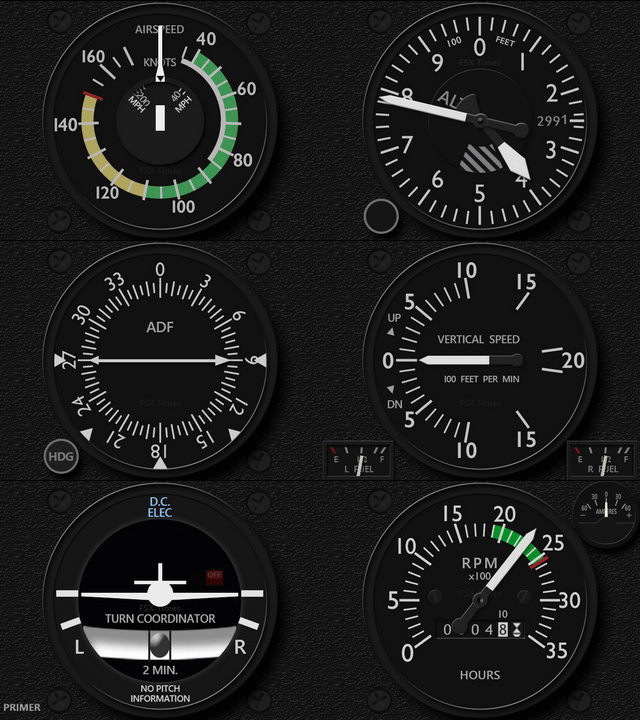
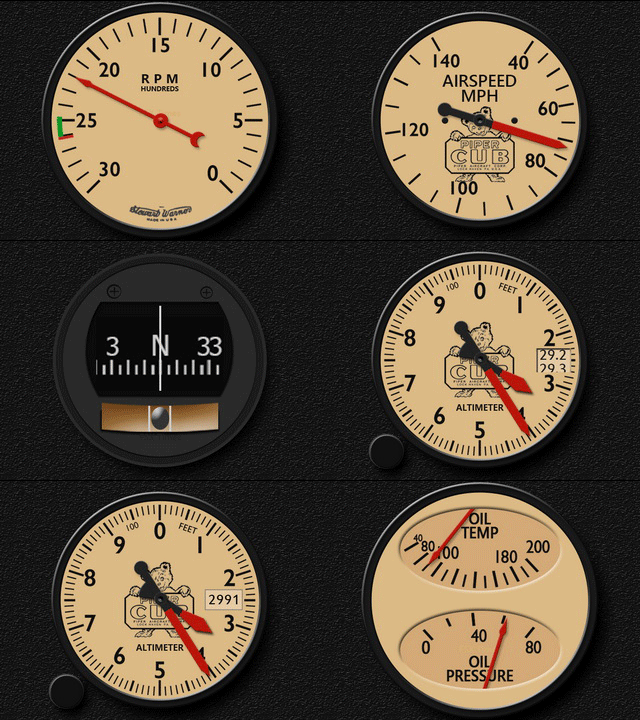
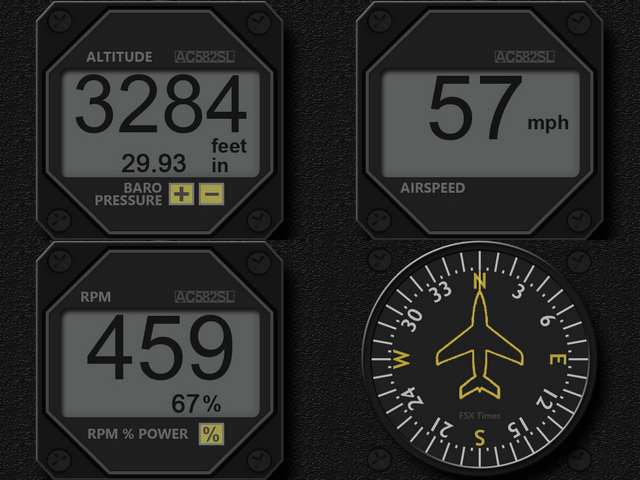
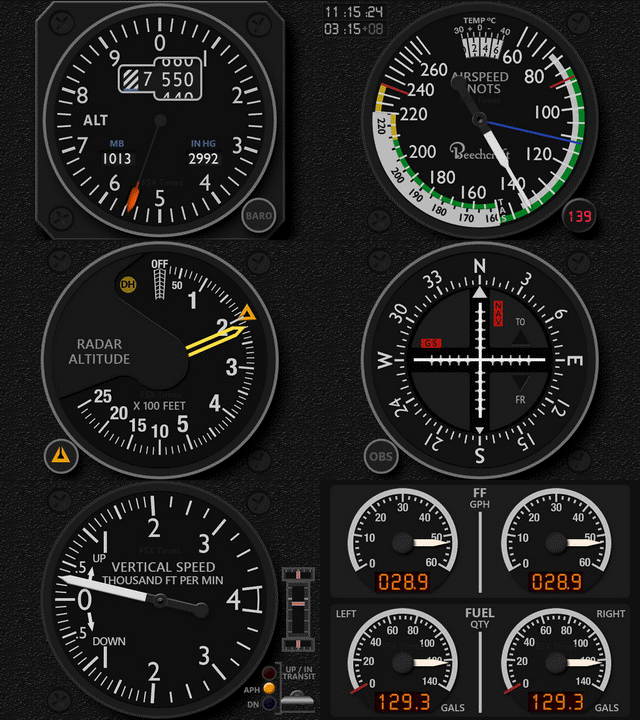
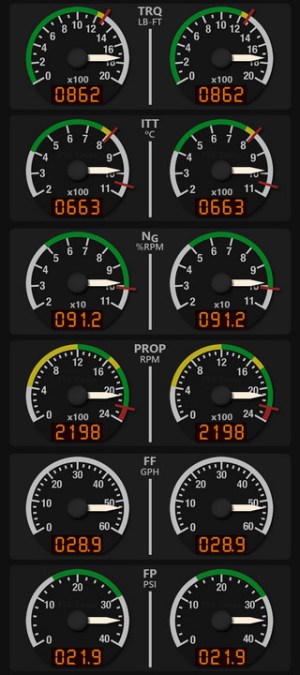
The RealAir Duke Gauges have been updated to version 160622, which includes a number of fixes and major graphical RASDuke_160622_GIFenhancement, plus the additional “Extra” VSI version and Oil Quantity in Turbine Engine set.

Existing users should have received email(s) containing the download links and related information by now in their mailboxes.

Another upgrade to come soon is the GaugeSwitcher utility.   The new version will not only simplify UI and operations, but also has the ability to delete unwanted profiles from the list.   Most importantly, there will be no more needs of pressing “Esc” during switching.

Stay tuned.


364: R22 Startup & Shutdown Checklists

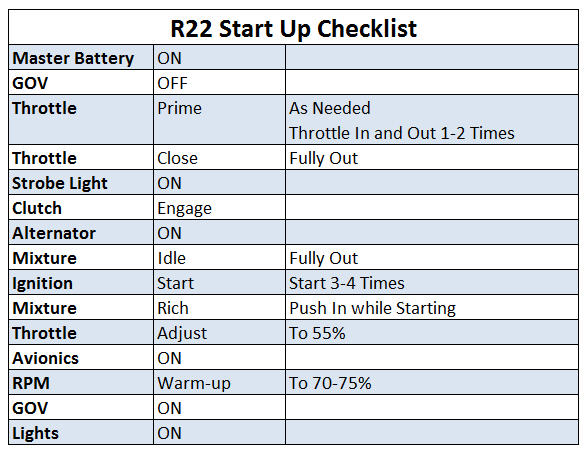
Starting-up and Shutting-down R22 manually in FSX or P3D could be tricky.  Here’s my checklist (not for real flying, of course):R22_Startup Continue reading

363: R22 Robinson Gauge Released

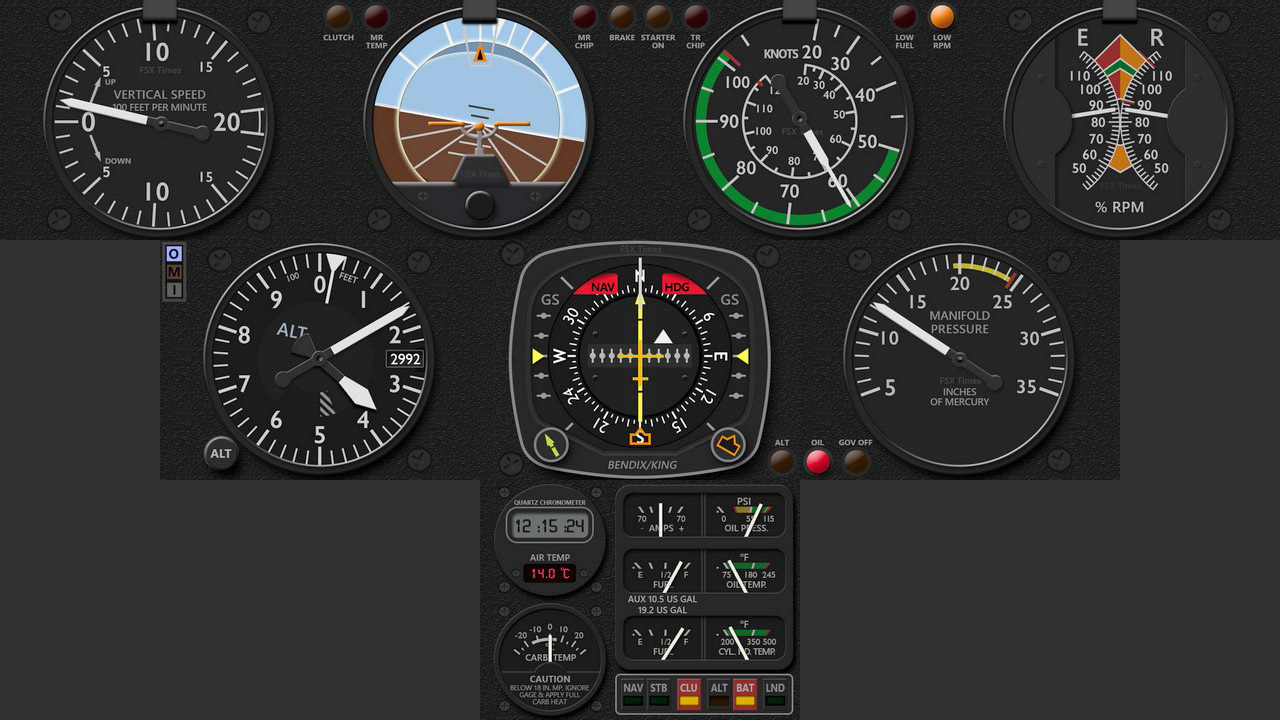
The R22 Robinson Gauge Set for the Saitek FIP is finally completed.   It was requested by some helicopter fans many months ago.   Equipment in the R22 cockpit, from compass to flight instrument, and from clock and warning lights to engine gauges, have all been integrated into this 9-FIP gauge set.

Click Me to See Full Size
Click to See Full Size Image

Similar to my other works, Continue reading

362: Duke Turbine Engine Gauges Released

The Moritz Digital Engine Gauges for the Duke Turbine V2 are now ready, RASDukeT_ENG_JPGwhich completes the two RAS Duke gauge sets released earlier in March.
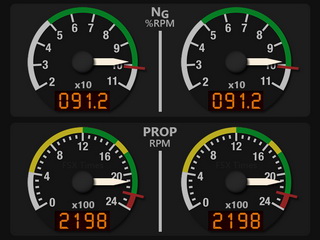
This engine set consists of six gauges in pair format, including the Torque (TRQ), ITT Temperature, NG %RPM, Prop RPM, Fuel Flow and Fuel Pressure.

One known issue — small deviations sometimes appear on the NG %RPM and Prop RPM gauges due to the two gauges using local variables (Lvars), which the Saitek FIP driver doesn’t support.  It’s more prominent when the aircraft is on the ground, and less significant in the air.
RASDukeT_ENG2_160213C_resize
Nevertheless, various workaround codings have been implemented to minimize incompatibility derived from the Saitek drivers. Continue reading

News: No More FTX Region Switching

With the release of its latest Library 160528, Orbx announces its soon-to-come unified lclookup (landclass lookup) update, which will completely eliminate the need of switching regions via FTX Central anymore.

No doubt it’s a good thing.  But since regions and scenery will all be active under the new environment, will the startup loading time be prolonged proportionally or even significantly is yet to discover, not to mention any unknown potential performance hit?

The size of the library is now triple of previous versions.   Let’s hope for the better, nevertheless.

EDIT 1: The new FTX Central is already available.
EDIT 2: Just had a quick flight and didn’t see any performance hit. 

News: Prepar3D v3.3 is Here

Similar to the last two cases in which I needed to have my system fully reinstalled many months ago, Lockheed Martin released another update of its Prepar3D after I have everything restored.   The Prepar3D v3.3 is here, just in case you are not aware of it.

Don’t tell me there’s a psychic connection between my system crash to the launch of its update.  ;)

361: GaugeSwitcher Update

During my recent system recovery, many trivial issues found on my computer before the crash are also fixed.  That’s a good thing.  But unfortunately, there are new little issues coming up that didn’t exist before.

For example, I used to leave my Switch Panel, Radio Panel and Multi-Panel with power-on all the time, so that whenever I start the simulator, they could be put in operation immediately.   But now, I have to load the simulator first and then plug in the USB hub on which the Panels are connected.  Otherwise, the display on the Multi-Panel won’t turn on.  Fix is yet to come.

Another issue is also Saitek related. Continue reading

360: Skipping Orbx Online Verification

TechLevel01W
Besides backing up my system images, I also make individual copies of important files on my computer regularly.   Orbx addon registry is certainly one of them.

During installation, Orbx addons firstly performs an online-store verification and then creates a corresponding entry containing the serial of the product in the registry.   With this information in place, the verification process is no longer needed, no matter how many times the product is again reinstalled onto the same computer.

This principle similarly helps in my recent system break-down incidence.   Continue reading