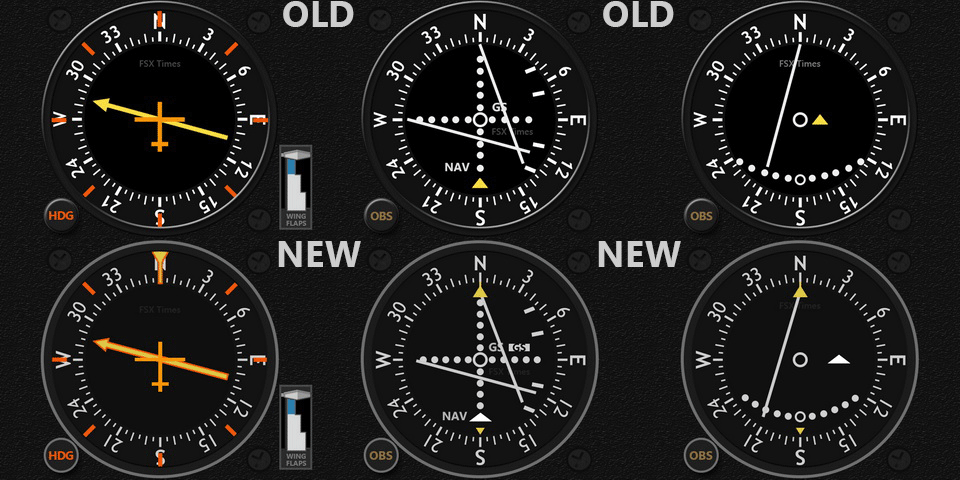
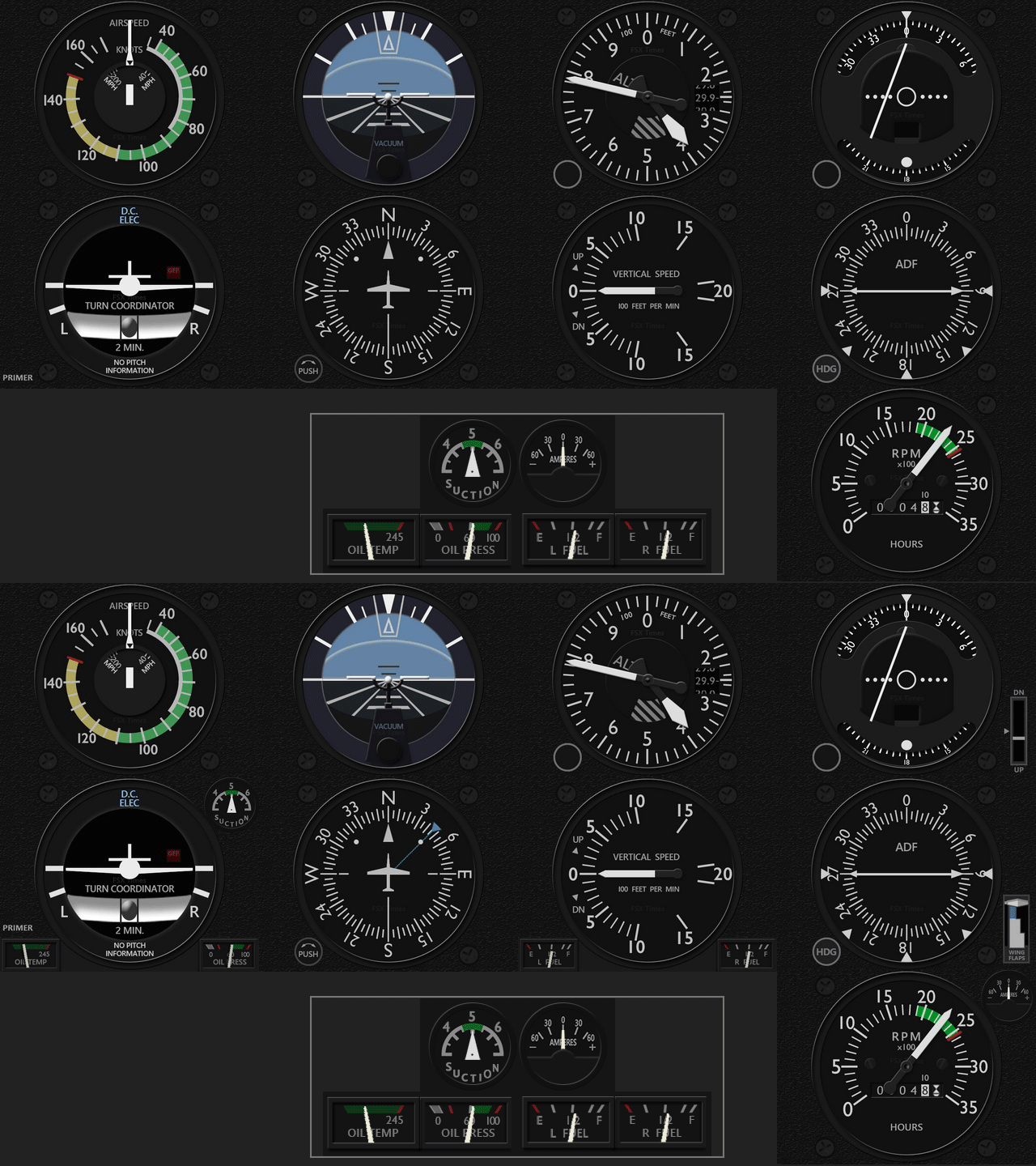
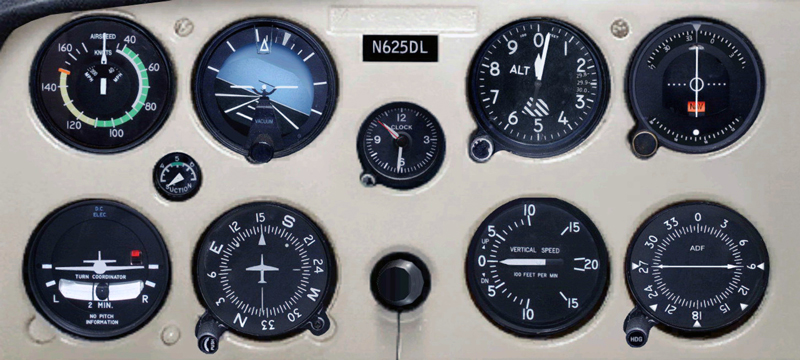
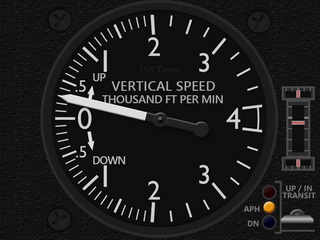
I play Piper Cub once in a while only but many friends have been requesting FIP gauges for it. So here it comes:
Do note in the video Continue reading
I play Piper Cub once in a while only but many friends have been requesting FIP gauges for it. So here it comes:
Do note in the video Continue reading
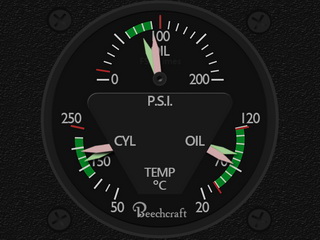
Just created a dual-needles Integrated Oil Gauges for the B60. Surely not a big deal but it at least eliminates 1 device from the original 14 FIP counts.

In addition, Aileron, Elevator and Rudder Trim Wheels and Flaps Indicators are also added to the Vertical Speed gauge as planned.
Existing users will receive Continue reading
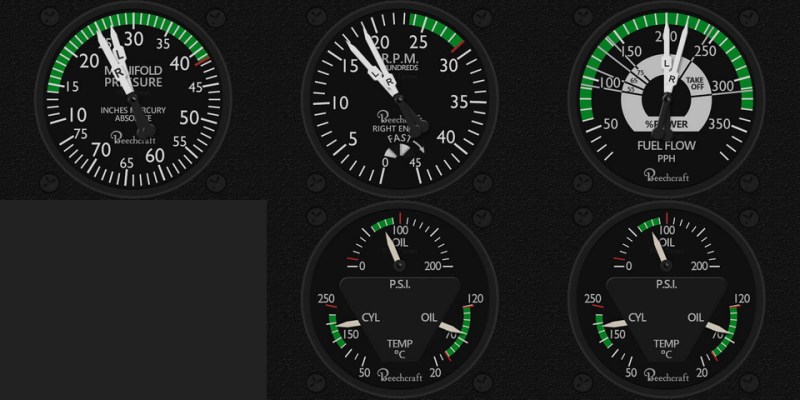
Despite little interest received, I just created the engine set for the RealAir Duke B60, which
totals five gauges, including the Manifold Pressure Indicator, Tachometer, Fuel Flow Indicator and two Integrated Oil Pressure, Oil Temperature & CHT Temperature Indicators, so as to complete the aircraft’s cockpit development.
Since I don’t have 14 FIPs either, Continue reading
In the past ten months, I had failed to upgrade my older computer to Windows 10 numerous times. Various google-searched solutions were tried but futile in the end. The upgrade process always stopped at 20- or 70-somethings and reverted
back to the original OS. It was quite frustrating.
Last weekend, I was finally successful to upgrade the computer to Windows 10. The optical drive was the key! Continue reading
From time to time I receive questions from simmers asking if my ShadeShifter utility is compatible with P3D, while they are requesting for the download link.
The answer is “No” because “Shade for FSX” by Mogwaisoft is written specifically for FSX as its name indicates. And since my ShadeShifter utility was built upon it, it therefore doesn’t apply to the P3D platform indeed.
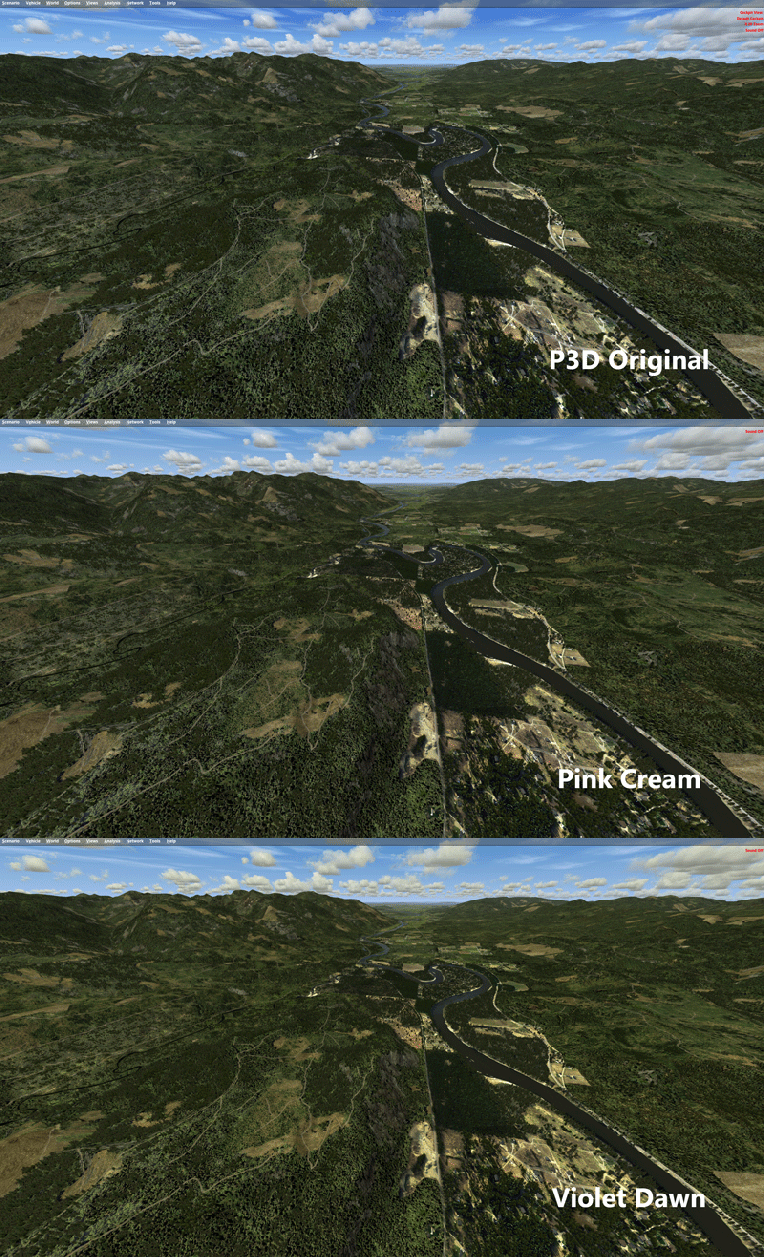
However, as my Post 107 mentioned, “Shade for FSX” is basically a utility that modifies the sky texture in FSX to achieve a different look and feel. And since P3D is in general an upgraded version of FSX, we could therefore copy and paste the “sky textures” modified by “Shade for FSX” into P3D. That will achieve the same result, although this approach lacks the user-friendly interface the utility originally provides.

Perhaps some of you have been doing it already. For others who have both FSX and P3D and the “Shade for FSX” utility and don’t know how to do it, here’s the instruction: Continue reading
There are a few inquiries asking if I will do the engine gauges for the RealAir Duke B60, in particular.
“How many simmers would have 14 FIPs to accommodate the full B60 set in their system?” is really a question. Therefore, the priority of them is very low on my project development list.
Anyway, here’s the artwork of the engine gauges for those who are interested. They may (most likely, should) come one day.
Continue reading
Stefano Cancelli in Canada recently reported to me that the Saitek Pro Flight Radio Panel, Multi Panel and Switch Panel actually can be run on a networked computer, exactly like what the Flight Instrument Panel (FIP) does.

“I discovered it quite by accident.”
Stef said he was not aware that the panels were still connected to his network computer after reverting SPAD.neXt to Saitek drivers due to some issues. When he started a flight, he then realized that the networked panels were all working perfectly controlling radios, auto pilot, switches, and everything on the main fsx computer.
“This was a big surprise to me since I do not believe it is ever mentioned in Saitek’s documentation,” he said.
Stef came to me and ask me if I could help confirm his finding. Continue reading

As mentioned in my last post, although Jack’s suggestion of reversing the order of the gauges in the SaiFlightSimX.xml list renders a more intuitive and logical user-button reaction, the “solution” still isn’t perfect. Because the opposite associations of the “Up Button – Down on the List” and “Down Button – Up on the List” or vice versa basically have not changed.
Thanks to Alexey, who is the author of FIP Toolkit & FIP Customizer, I am now able to swap the functions of the Up/Down button “physically”. Meaning that when I press the “Up Button” on the FIP, it really means “Going Up” the gauge in the SaiFlightSimX.xml list, and when I press the “Down Button“, it really means “Going Down” the list.
Alexey said that the two buttons cannot be reprogrammed because they are not handled by the device’s SDK. However, we could swap the button masks of these two buttons to achieve the same result.
Followings are the steps. NOTE that you are highly advised to make a system backup before you proceed. Continue reading
Over the years, I’ve been putting the order of my gauges in the SaiFlightSimX.xml file according to the start up order of the FIPs as shown below.

I know by “pressing the UP button” on the FIP means switching to the “NEXT” gauge (Down one on the SaiFlightSimX.xml list order), and “pressing the DOWN button” means switching to the “PREVIOUS” gauge (Up one on the list order).
With these “UP button – Down One / DOWN button – Up One” arrangement, I can’t help falling into the confusion of Continue reading