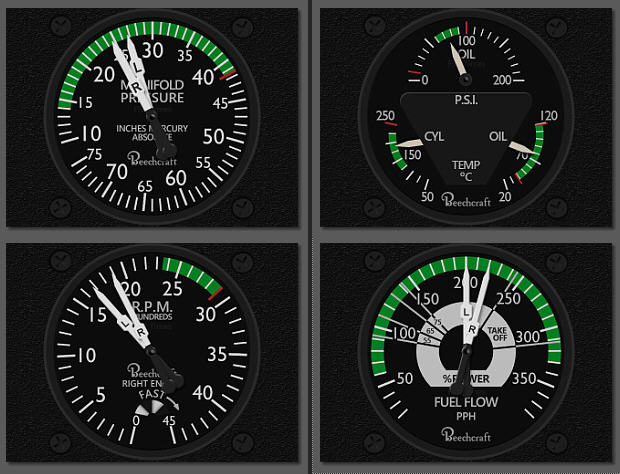
342: RealAir Duke V2 Gauges Second Release

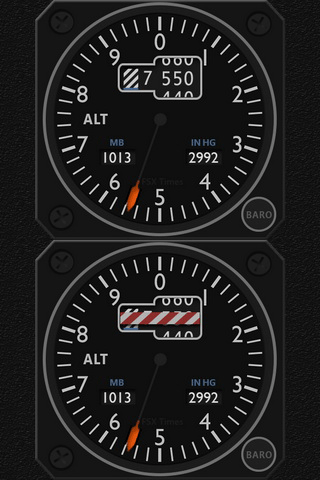
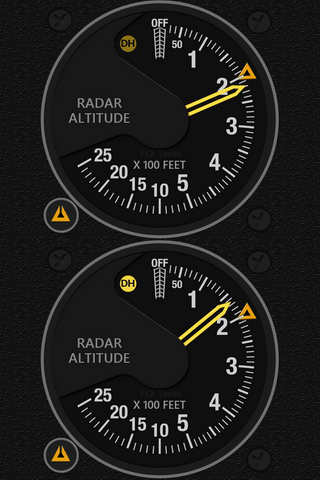
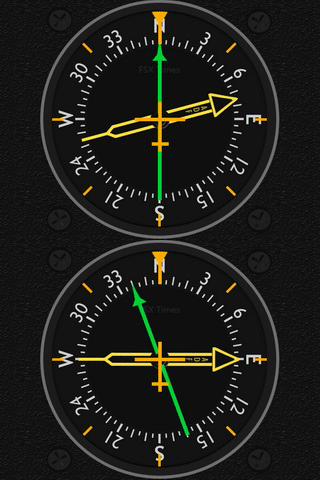
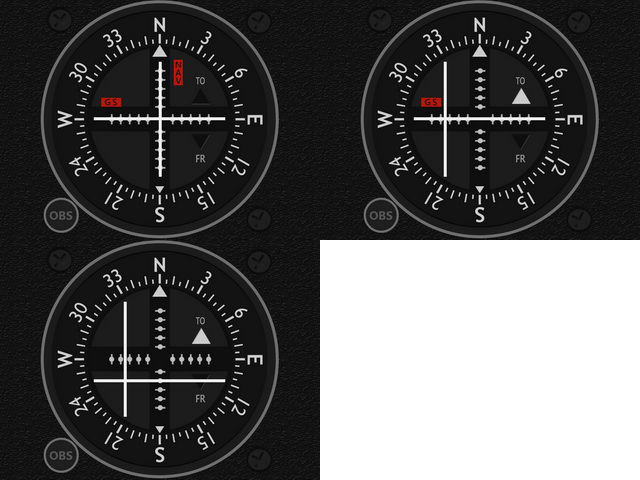
Following the un-announced Vertical Speed Indicator (VSI), the remaining Altimeter (ALT), Radio Altitude Indicator (RDA), Radio Magnetic Indicator (RMI) and VOR2 with GlideSlope Indicator (VOR2) for the Duke B60 & Turbine were completed earlier than expected.
RASDuke_ALT_GIF RASDuke_RDA_GIF RASDuke_RMI_GIF RASDuke_VOR_GIF
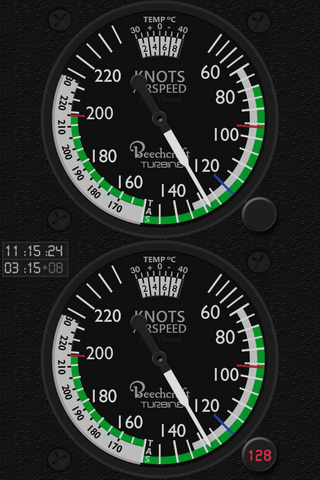
However, the Airspeed Indicator (ASI) for the Duke B60 version is still under development.   But it should be ready soon. (Done)

Actually, except a few, Continue reading

341: First 4 Gauges for RealAir Duke V2

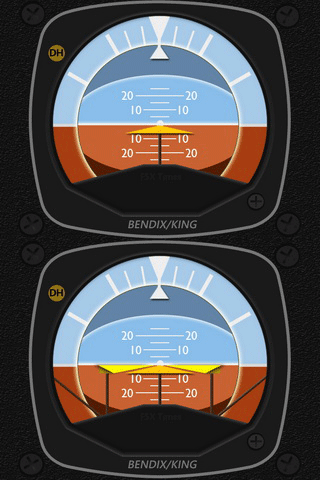
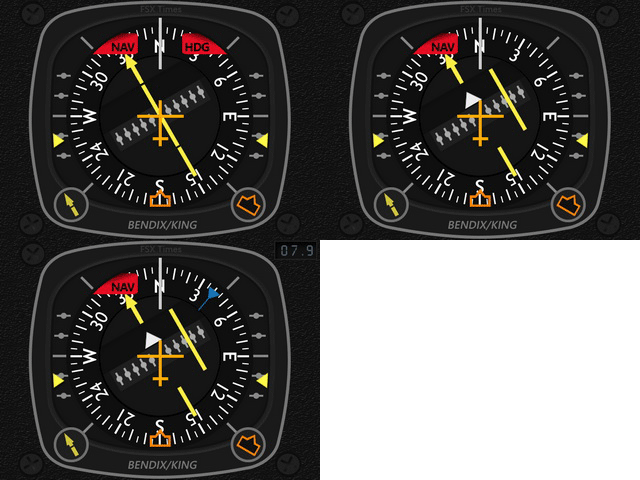
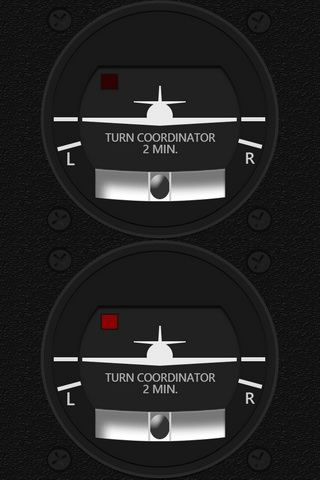
The project for the RealAir Duke Turbine V2 gauges have been started for nearly a month.   At present, the Airspeed Indicator (ASI), Attitude Indicator (ATI), Horizontal Situation Indicator (HSI) and Turn Coordinator (TCR) are now ready, in which the latter three share the same gauges on the Duke B60 as well.
RASDuke_ASI_GIF RASDuke_ATT_GIF RASDuke_HSI_GIF  RASDuke_TCR_GIF
Similar to the last B58 Baron/Carenado project, Continue reading

340: My P3Dv3.2 Settings

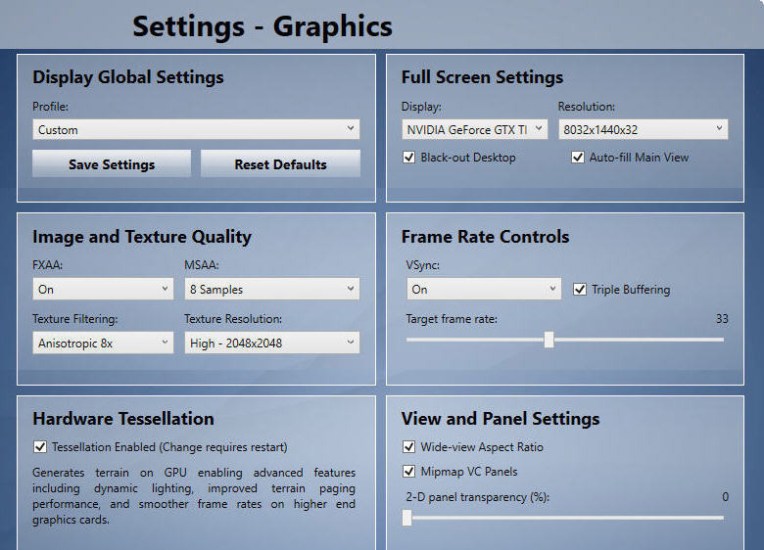
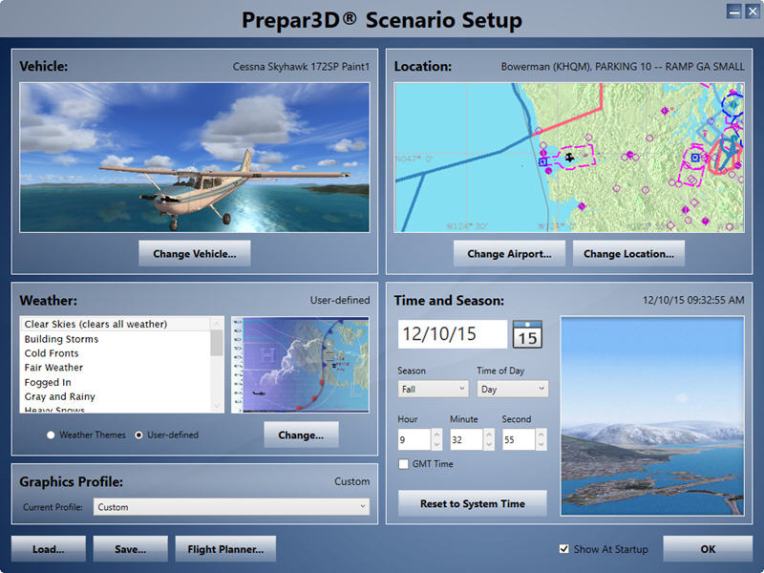
Since somebody asks and it’s for my own personal record as well, followings are the settings of my Prepar3D settings for version 3.2 system.

Anyone interested to see the details of my Prepar3D.cfg could click on the Realism Image at the bottom.   All changes I made are highlighted in red.   And manually changed items are further bolded.
P3Dv32_01 Continue reading

339: P3Dv3.2 First Impression

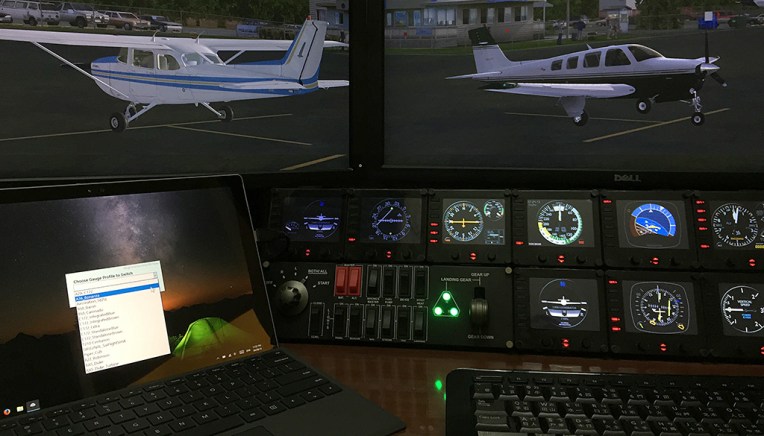
Installed the new Prepar3D version 3.2 last night and played with it for a few hours under the same settings (including third-party addons and peripheral hardware) as in the last version.   P3Dv32_01

Surely it’s impossible to “experience” all the new features that come with the new version in such a short time, but two features that mentioned in the version’s release announcement could be confirmed right away. Continue reading

News: Prepar3D Version 3.2 Available Now

Lockheed Martin just released the latest version 3.2 of Prepar3D.

The company says that the new update brings several new features and numerous platform, rendering, SimDirector, SDK, SimConnect, and multiplayer updates – including increased performance for multiple views and touch gesture support.

Sounds exciting!   Go get your download if you haven’t done so.

EDIT NOTE:
I normally create an image copy before major update like this just to play safe.   You’re recommended to do the same.

Also, Michael’s comment Continue reading

338: Video of Aircreation 582SL Gauges

Per some friends’s request, here’s a short video showing what the Aircreation 582SL gauges look like on the screen.

BTW, many default FSX aircrafts are portable to P3D.   For example, I’ve been using FSX’s C172 SP in P3D for years without a problem.

Just copy the whole Airplanes folder from one platform to the other.  That will do.

Surely, for some aircrafts, you may need to copy their respective gauges and sound files from the “\gauges” and “\Sound” folders.

337: Gauges for the Low and Slow

The Aircreation 582 SL is probably the very first aircraft almost all users start to fly with in FSX.   It once was my favorite too as it is not only simple to operate but also can fly low and slow.

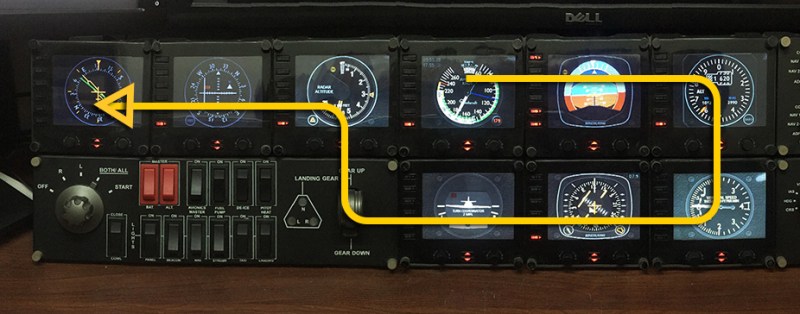
Had thought about doing the FIP gauges for this tricycle ultralight long time ago.   With the Chinese New Year timeframe over the last few weeks in which I enjoyed a bit more free time from taking care of my little grandson (he is one-year-old now), I finally had the gauges done.
AC582SL_FULL
Now, I can fly very low and slow again to enjoy the view and scenery in simulator I missed a lot for a long time.   Continue reading

336: GaugeCreator Update

The GaugeCreator that comes with the GaugeSwitcher utility is updated with some bugs fixed.   Existing users could use the same download link to get the new version.

After unzip, just replace your existing one with the new one.   That will do.

335: The B58 Gauges are Ready Now

The long waited B58 Gauges are ready now.

B58_Baron_FULL01
Click me to see the Extended Version

The B58 gauges come in two different versions — one for the default B58 and one for the Carenado B58.

B58C_Carenado_FULL01
Click me to see the Extended Version

Although the two gauge sets look similar in some ways, there are actually many subtle but notable differences between the two in terms of design and coding implementations.   And the same gauge from the two versions could act differently in many occasions.   It is one of the reasons dragging my original plan behind. Continue reading