
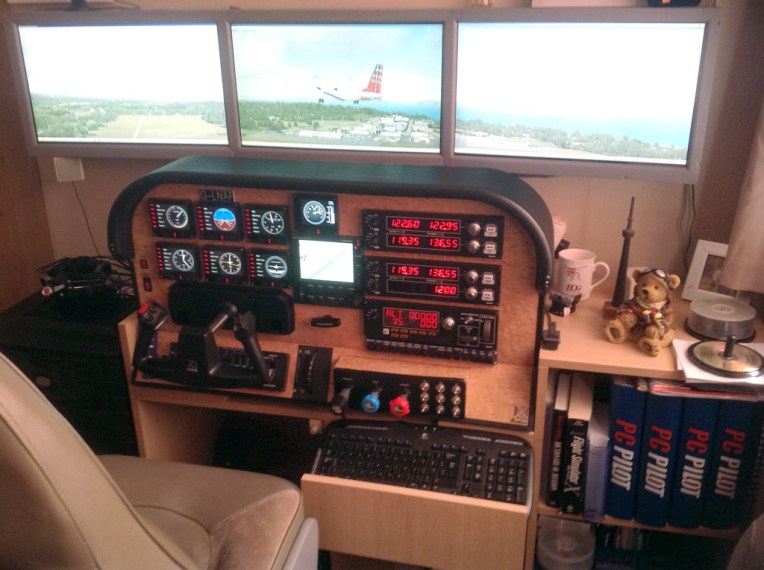
Brian Buckley is one of the reviewers and moderator of Mutley’s Hangar. His cockpit is a self made out of various materials, wood, metal and fabric.
Builder: Brain Buckley
Location: Inverness, Scotland, UK
ICAO: EGPE, Inverness Airport
Brian Buckley is one of the reviewers and moderator of Mutley’s Hangar. His cockpit is a self made out of various materials, wood, metal and fabric.
Builder: Brain Buckley
Location: Inverness, Scotland, UK
ICAO: EGPE, Inverness Airport
Really don’t have much to update lately since I’ve been spending most of my flighsim time in finetuning various aspects of the new P3Dv2 platform based on my previous FSX experience.
Yes, P3Dv2 is now my core simulator as it no doubt excels FSX in many features once it is set up properly.
Regarding the pedals, I found lowering the overall Flight model in Realism to medium level would further enhance taxi-maneuvering without hampering the realistic rudder experience I had on the real airplane.
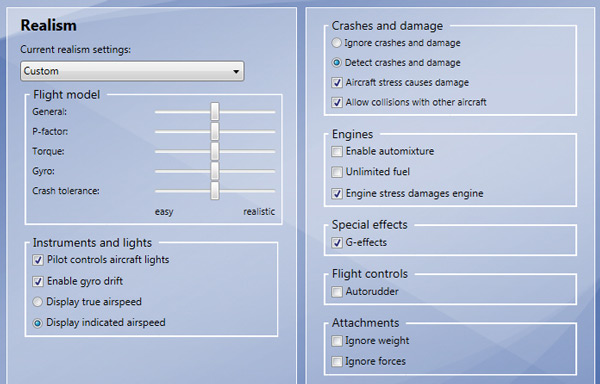
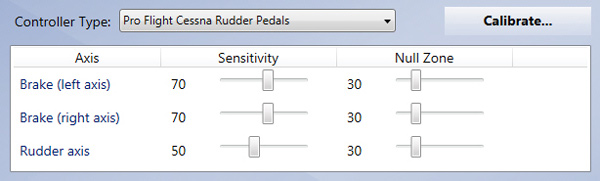
The rudder pedals in simulation are really hard to tame. Followings are the updated settings for the brake and rudder axes that I have further reduced, in coordination with the rudder_effectiveness set to 50% as described in Post 242.
Here’s the C172 variation of the wet compass gauge. The link has already been sent to those who requested the last version.
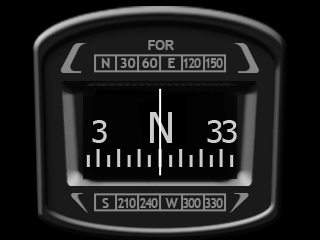
No need to ask again and Continue reading
Haven’t updated my gauges for a long time. Here are two full-width wet compass versions with minor graphics enhancements over the last one from Post 222.
The one on the left is for general aircrafts and the other is for 737, which is based on the model found on the aircraft.
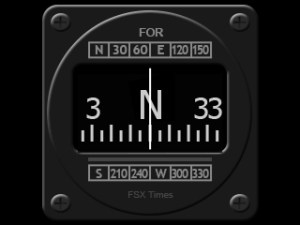
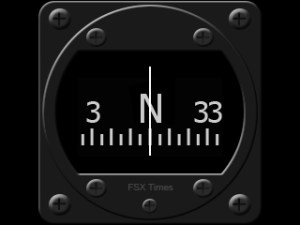
As always, subscribers of FSX Times could ask for the download links via Continue reading
Due to my new multi-monitor setup, the TrackIR profile I’ve been using since December 2011 has been updated recently as follows:
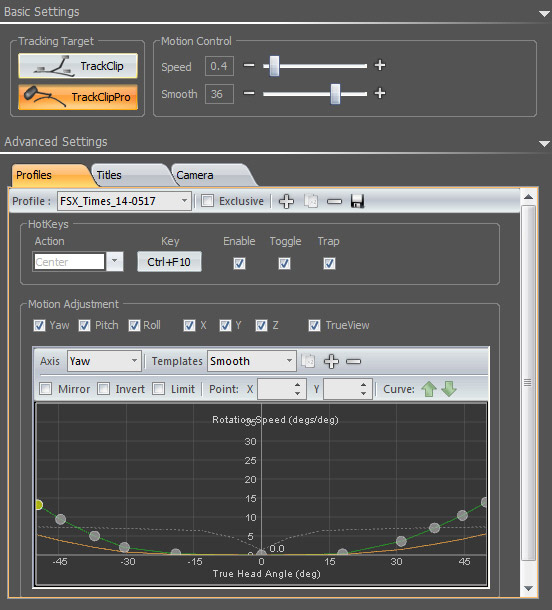
Basic tuning process is more or less the same as described in Post 82 for an optimized result that could minimize fatigue to the eyes. Anyone who are interested to give it a try could download Continue reading
Followings are updates to my earlier P3D system settings shown in Post 239. Major changes are made to Scenery and Lighting, where the former improves Water Reflections and the latter enhances Shadows performance.
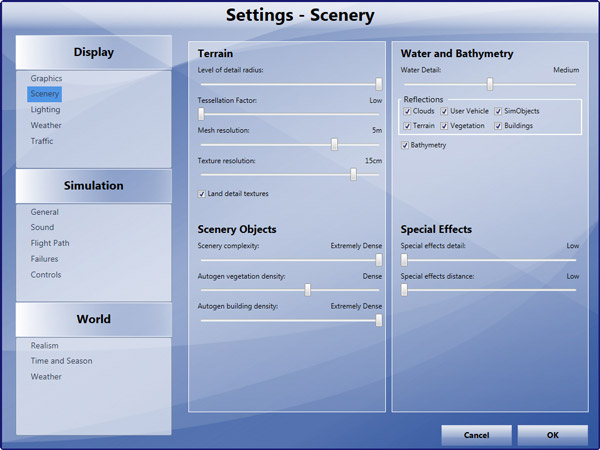
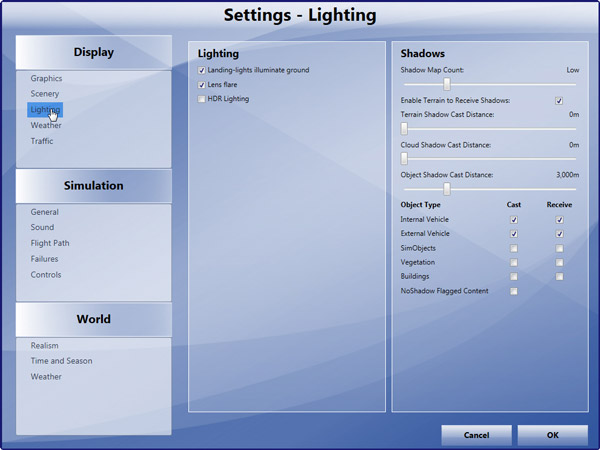
In addition, Continue reading

Switching to P3D could also mean losing many handy features added to FSX previously. FSDiscover is definitely one of them. Until Flight1 launches a P3D compatible version, command TOGGLE_AIRPORT_NAME_DISPLAY is my temporary measure when I am lost in the sky.
Just open the Standard.XML file inside the Controls folder where Prepar3D.cfg is located. Then add the command to any key or key combination and save it. That’s all. Names of airports around current location will be shown when the key or key combination is pressed.
Rudder Pedals are hard to optimize because one good setting is unlikely to perform equivalently well on all types of aircrafts. In association with the setting shown below,
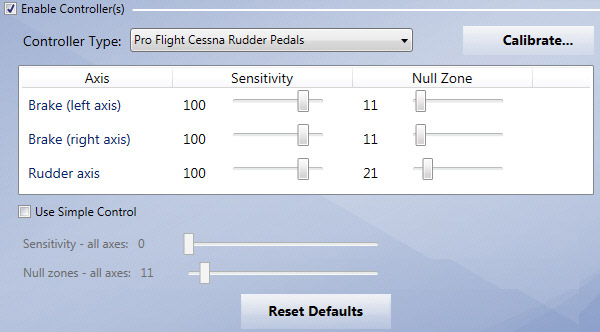
I normally will Continue reading
 FS Times