228: FSX with Windows 8.1

FSX is prone to crash under Windows 8 — a lot of people reported that on the Internet, even though there are still many positive feedbacks about the combination.  Windows8Frankly speaking, I was really a bit nervous about my bold decision of upgrading to the new OS.  And I was prepared to encounter all sorts of unexpected FSX problems plus the notorious crash-to-desktop (CTD) issue.

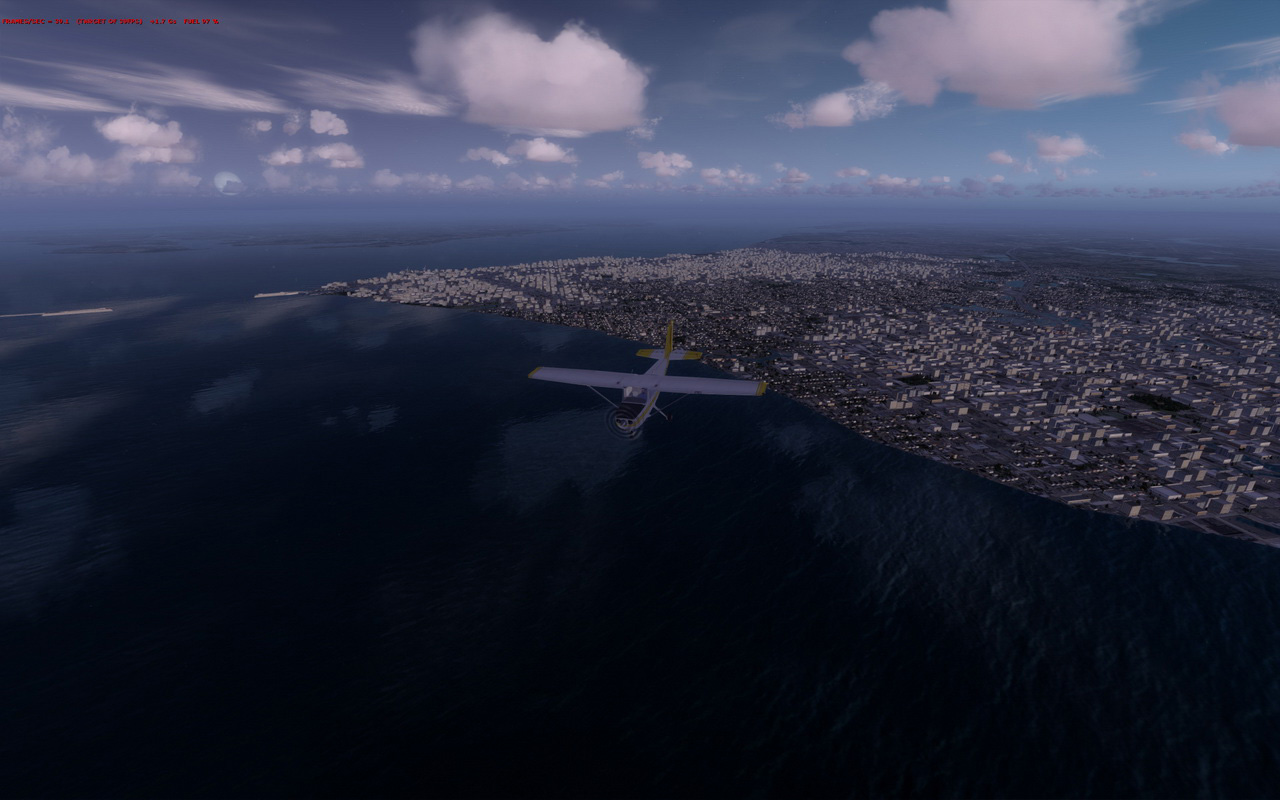
To my surprise, in the first few days after FSX with Acceleration was installed under Windows 8.1 on my new computer, the simulator not only performed smoothly without the need of any tweaks but also ran sturdily.   It didn’t crash at all, not even once during those days, UNTIL … Continue reading
227: FSX is still my Preferred Simulator

After switching back and forth between Windows 7 and Windows 8, and FSX and Prepar3D, for over a dozen of times within the past seven days, I have to say that FSX is still my preferred simulator.

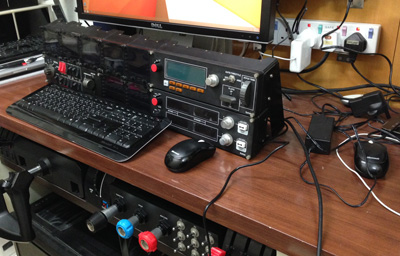
Over the week’s testing under Windows 7 and Windows 8, the new P3D performed satisfactorily, especially it off-loaded quite a bit of CPU processing work to the graphics card. However, FSX is still functioning better than the P3D in general.  Moreover, P3D, as I mentioned in earlier posts, has some issues with the Saitek hardware — in particular the FIPs, which also stops me from choosing it as my new platform.

My 7 FIPs have no problem connecting to P3D but Continue reading

226: Prepar3D is Good but…

After testing P3D for a few days, I have to say that it still hasn’t convince me to switch away from FSX.   One of the most devastating reasons is the program couldn’t work with my Saitek hardware seamlessly.   For example, the yoke and rudders are intermittently losing connections during a flight.  And in particular the gauge displays on FIPs, most of the time, are stuttering.

I must admit that I am amazed by P3D’s stunning image and lighting renditions even though the high-quality effect does come with a performance hit.   I am still exploring solutions to the issues I encountered.

So for now, Continue reading

Misc: P3D V2 and Saitek FIP

Installation so far so good but tried for a few hours and still unable to add Saitek’s FIPs to the P3D system. P3DInstall

Appreciate suggestions from anyone who has installed FIPs successfully with P3D.

Update 1:
Was wondering where to put those Saitek drivrs.  Now I see the exe.xml file doesn’t exist by default and I have to create it or copy it from FSX manually.  Big thanks to John, Dave and HBE66 for your quick advices.  Will do it and try it later.

Update 2:
Just copied the exe.xml file from FSX and the FIPs now work in P3D.

225: Will Prepar3D be My New Cup of Tea?

A big thanks to Mario Cote, James Long, Niko Grozdanov and Colin Moir, who shared with me their experiences with P3D while I was wondering over the last few days if I should turn to this new simulator platform.  But unfortunately, both pros and cons have their supportees.  Also, I found the more I researched, the more I was perplexed.

Since I always emphasize that our systems are in general unique from each other, trying the P3D on my own system seems to be the only way to find out whether it will be my new cup of tea.    If it is no good, I could join the FSX league again at anytime.

So, here are a few screen shots from my first flight under P3D with all settings slided to maximum.   My new i7 4700K computer is running at stock speed without overclocking and tweaks.

P3D-01_resizeS Continue reading

News: FSDevConf Recap

FSDevConfDid  you ever take the chance to join the FS Developer Conference (FSDevConf) on the weekend of 16th November?  If you missed it, you can watch the recorded presentations from the conference’s website here.

224: Turning Off the FIP – Black Friday

TechLevel01W
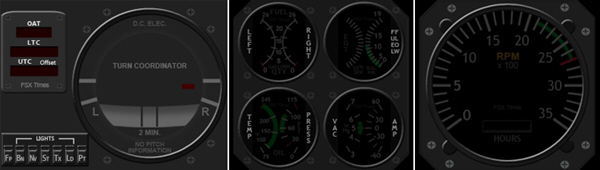
Due to various unexpected situations, the Turning Off the FIP series were stopped for over a month.   To compensate for the interruption, I have put the OFF Masks for the remaining RPM, Integrated Fuel Gauges, and even the new Turn Coordinator into a single RAR file on this Black Friday for existing users to download by clicking the image below.  The OFF masks for the earlier Altimeter, Vertical Indicator and Airspeed Indicator are also included.  Just put the files in corresponding folders will do.

TurnOFF_FIP_MISC

Continue reading

Cockpit: Cap Steve (YSSY, Australia)

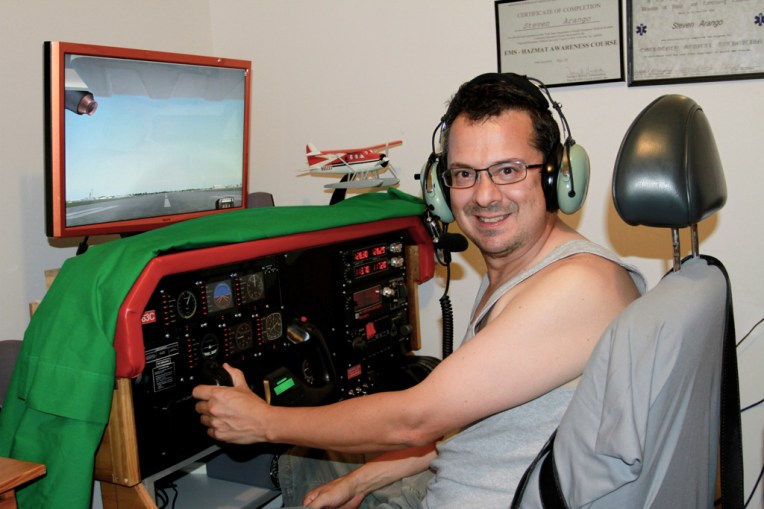
A simple but effective cockpit from Steven Arango “Cap Steve” in Australia.

Builder: Steven Arango
Location: Sydney, Australia
ICAO: YSSY, Sydney Airport


Project Notes:
My name is Steven Arango and I am living in Sydney, Australia.

My cockpit is home made using Saitek gear.


Misc: Computer Broken Down Update #2

It’s really a mixed feeling if you ask me whether I like the new Windows 8.   Certainly it excels in many ways than Windows 7 but I did spend a lot of time to adapt to the new interface and operation flow.   Over the last few days,  I have reinstalled the OS three times so as to get the system setting up in the way that I want it to be, including minimizing non-flight simulation related software, composing backup and storage structures that best fit current and future needs, etc.

Now, I am at the crossroad wondering which direction to go.

The just launched P3D version 2 seems to to be quite promising and full of potential.  However, I’ve been using FSX for nearly a decade and all my set up, both hardware and software, was built around it.

Does it worth the effort to start over from scratch again?   I am bewitched, bothered and bewildered…

Continue reading