286: Tame the Rudders Update 3

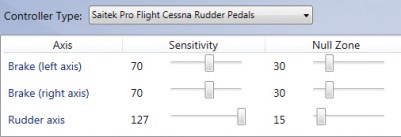
My logic of tuning the rudder pedals for Prepar3D in the first place was to reduce the sensitivity of the axis control, assuming the adjustment could make them more manageable.   Also, it was Rudder-FSX
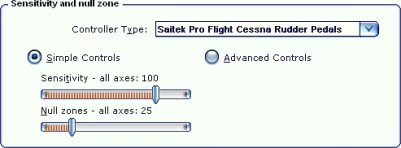
Rudder-P3Dbased on the default setting in P3D as well as all the good results I got from my experience in FSX (as shown in the setting pictures on the right).

Sadly, after all the adjustments I made over the years as described in Post 242, 248 and 249 for P3D, I still had difficulties to avoid over-steering and under-steering the aircraft during taxi, especially at turns.   Continue reading
273: FSX Clouds – Same Thresholds Apply

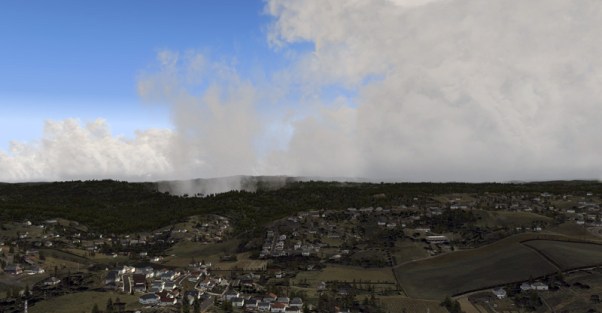
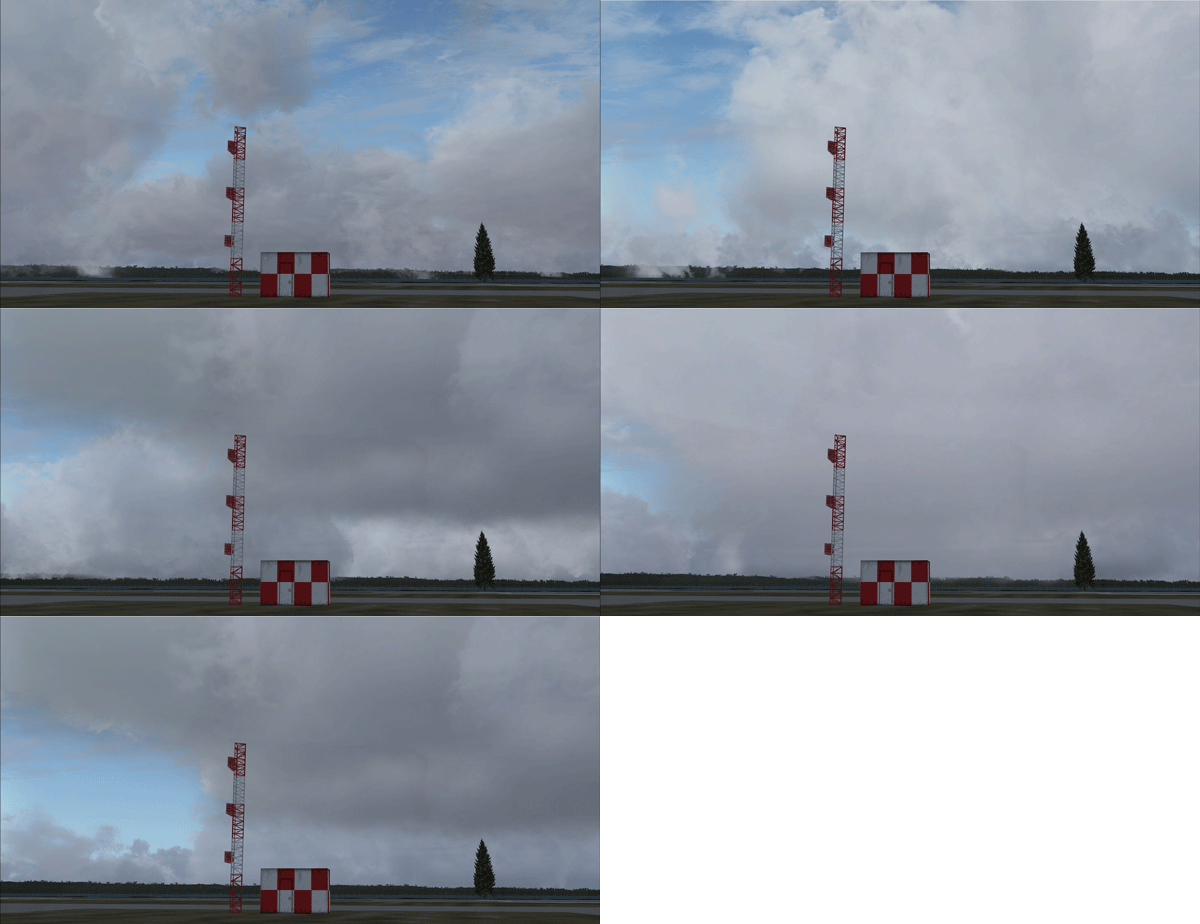
As the predecessor or more accurate the parent of P3D,  MS FSX of course possesses the same characteristics via changes from the Eight (8) Thresholds in Heights and Thicknesses as mentioned in the last two posts regarding cloud effects in P3D.

FSX_Clouds Continue reading

272: P3D Clouds Part 2 – Thickness Calls

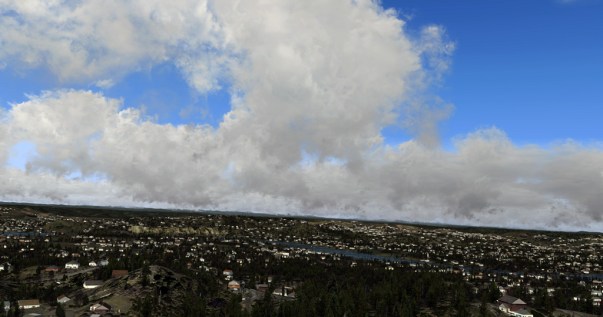
Perhaps some of you have figured out that the remaining five (5) thresholds that decisively transform cumulus cloud appearance besides the Base Height are all related to the Cloud Thickness.

CloudSample2

It’s true that varying cloud coverages Continue reading

271: P3D Clouds Part 1 – Height Matters

Although by changing the base, ceiling, thickness and coverage values of the cumulus cloud from P3D’s Advanced Weather option, one can generate different cloud effects, there are Eight (8) Basic Thresholds that actually determine the ultimate appearance of the cumulus cloud in the simulator.

CloudSample

The first three (3) relates to Continue reading

268: Sunglare Effect

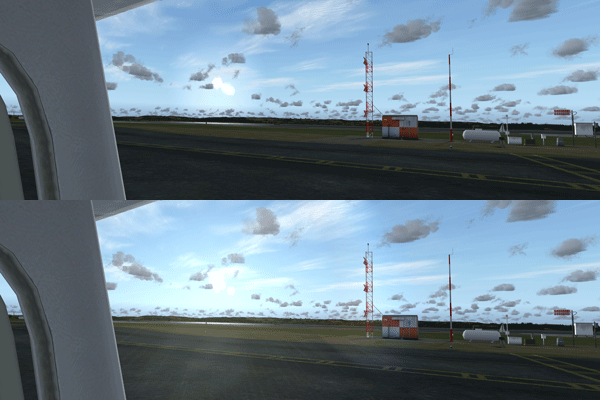
Not sure how many of you knew about this Sunglare Effect tweak I recently found on YouTube as well.    Picture below explains the result without me saying much about it.

LensFlareEffect

The tweak is good for both FSX and P3D.   Download link can be found from the description of the author’s video.

To me, Continue reading

266: Run Through Checklist Interactively

Perhaps many of you knew about it already, Voice-activated Checklist allows running through checklists via voice command.  This interesting stuff I only found recently on a Youtube video by Paul Endersby, who is the author of the utility.

Latest version is v0.5 and it comes by default with the A2A C172 Trainer Checklist.  Continue reading

264: Complete Removal of the FIP Serial Page

On and off I received queries about the possibility of removing the serial page on the Flight Instrument Panel (FIP).  The concern was not just purely an aesthetic preference FIPC01because the LCD of the FIP could easily get burnt if any image is left on for a long period of time (See my Post 144).  This is in particularly true to users who seldom switched off FIPs in their cockpits. Unfortunately, there is no easy solution since the page is hard-wired to the driver of the device by the manufacturer. In response to these concerns, Continue reading

257: A Quick Cloud Rendering Guide

Among all the practical features that P3D excels FSX, cloud rendering is on the very top of my list.   In just a few steps, clouds could be changed dramatically as shown below.

CloudP3D

The key to this change is the thickness of the Cumulus cloud. Continue reading

253: My Cockpit View Switcher

TechLevel03W
During the testing for my Cockpit View display, I needed to switch back and forth numerous times between the Normal View and the Wide View.   And the files involved with the necessary changes are:

  1. fsx.CFG
    (Prepar3D.CFG)
  2. Cameras.CFG
  3. aircraft.CFG

To avoid confusion while making changes to these files directly,  I instead created two additional copies from each of them and named these new files the “-Normal” version and the “-Wide” version accordingly:

  1. fsx.CFGfsx-Normal.CFGfsx-Wide.CFG
    (Prepar3D.CFG,  Prepar3D-Normal.CFG,  Prepar3D-Wide.CFG)
  2. Cameras.CFGCameras-Normal.CFGCameras-Wide.CFG
  3. aircraft.CFG aricraft-Normal.CFGaircraft-Wide.CFG

Then, I could separately Continue reading