
No idea where to fly to today? Here’s the flightspots I ran into this morning which offers suggestions to many scenic places around the world in MSFS.
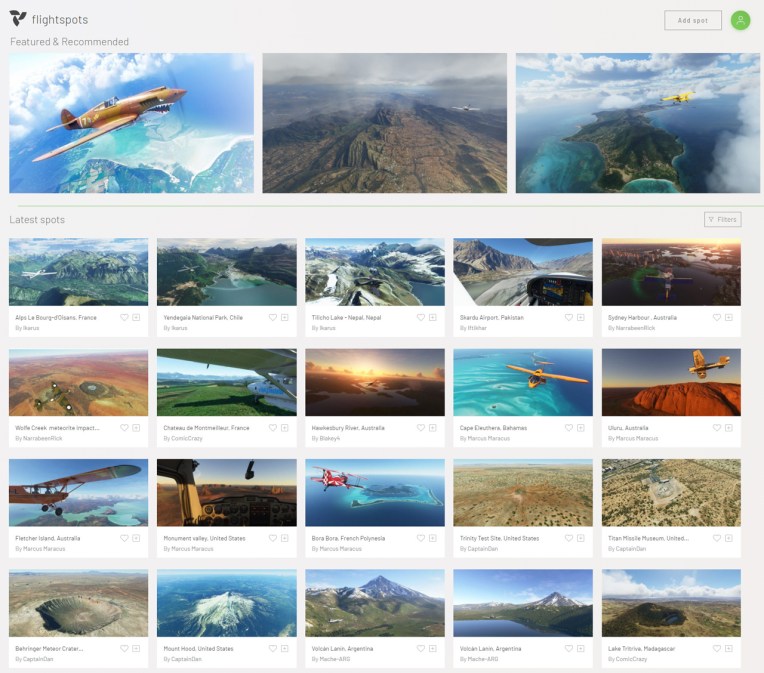
All you need to do is Continue reading
717: CPU Still Crucial in MSFS
Regarding the Graphics Settings of my two computers in the last Post, some friends asked what the specifications of my two PCs are and questioned if it is justified to compare them side by side since there aren’t much too difference in the comparison chart shown in the post.
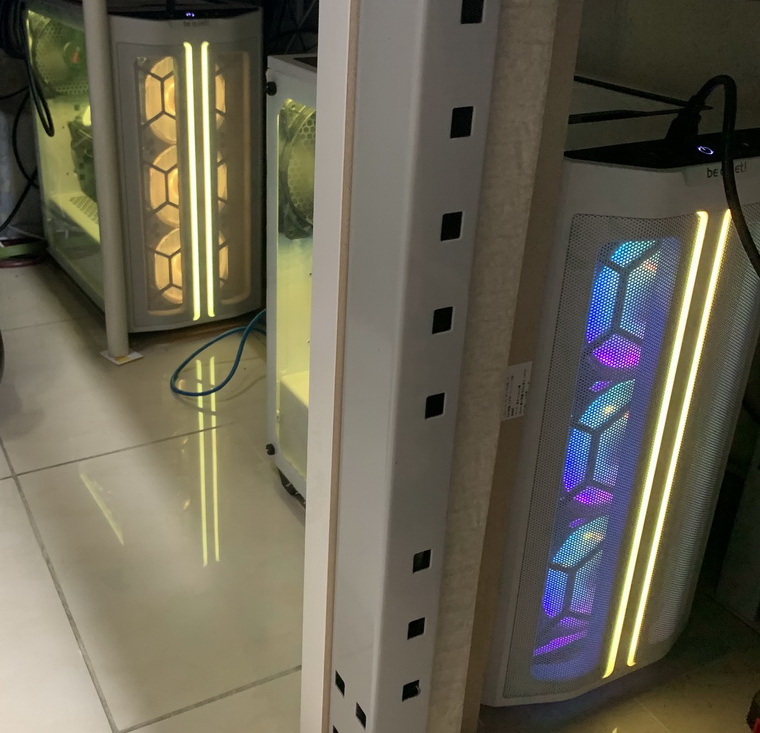
Yes, interestingly, except a few items I set higher than the other, most of the settings between the two PCs are identical, even their looks under my desk.
 Continue reading
716: My Current MSFS Settings
Perhaps you have encountered similar situations before: the performance of the simulator deterioriates as time goes by. In the end, you’ll have to tune it again. I just did about a week ago.
Followings are what I set at present:
| nVidia Drivers | Reinstalled – As Clean GeForce Experience – Removed |
| nVidia Settings | Power Management Mode – Prefer Maximum Performance Others – Default |
| Windows Settings | Game Mode – ON Xbox Game Bar & Captures – OFF Hardware-accelerated GPU scheduling – OFF |
| CPU Priority | FlightSimulator.exe – High via Prio (Post 714) |
And the Graphics Settings in MSFS for my two computers: Continue reading
715: Recalibrating Yoke and Rudder Pedals
Found this video on Youtube and followed what he suggested on recalibrating my Rudder Peddles and Yoke even though they are not from Redbird — my Yoke is from VRInsight and Rudder from Saitek.
The result was surprisingly good. Not sure if it is Continue reading
714: Setting MSFS Priority to High at All Time
Probably you have heard many suggestions saying that by increasing the CPU priority of a flight simulator from Normal to High, the program will run more efficently and stably. I found it’s true on P3D and MSFS in my case.
Instead of manually changing the CPU priority to High everytime when MSFS starts, I am using the following simple app to help save my preferences for good.
It’s called Continue reading
713: Custom Camera Restore Utility
It is quite annoying when the custom cameras I created for full forward view (see my Post 638 and 697) are reverted back to their defaults after MSFS 2020 or the addon aircraft themselves updated.
Therefore I created a small utility called MSFS_Camera_Restore to help put my custom cameras back quickly in case such situations happen.
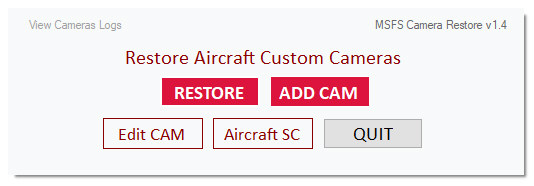 The objective of the utility is straightforward and requires no learning curve. And it has virtually no limit to the number of cameras to be added. Moreover, the original camera will be backed up prior to its adding to the utility, too.
For those Continue reading
712: PA28R Engine Cluster Released
The Engine Cluster for the Just Flight PA28R has just been released. Individual 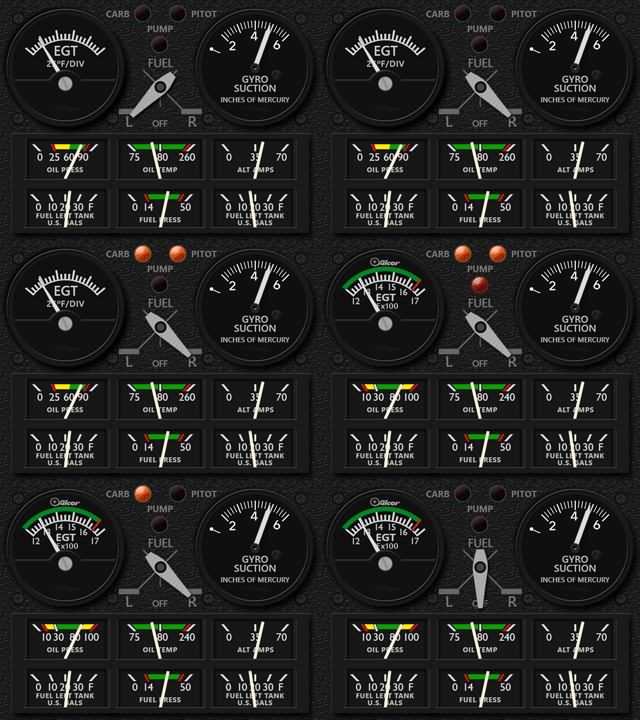 versions for the Arrow III and Turbo Arrow III/V are included.
Current users of my Arrow III Gauges are entitled for an Introductory discount.
Information has been sent to all users. Contact me if you don’t get the email.
–
711: M20R Engine Gauges Now Get Straight
The original layouts I developed for the Carenado M20R Ovation Engine Gauges were based on a stack usage, allowing one to be placed on top of the other. However, from time to time, I couldn’t help thinking the single-row design on the M20R is nice too.
So here comes the extension set using the single-row design at last. 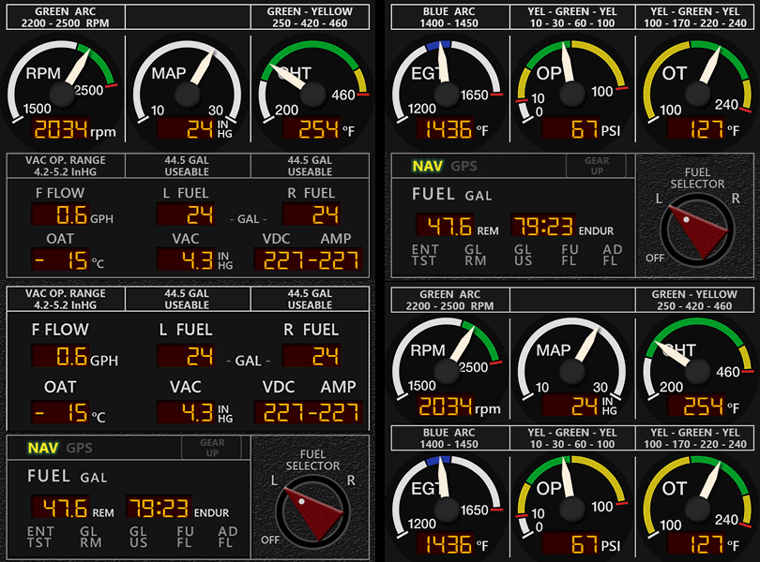
In addition, animation for the Continue reading
710: Four More B58 Gauges Get Updated
Following the RMI update released last week, the ALT, ATT, HSI and VSI of the default B58 (not the Carenado version) in FSX/P3D have also been updated to version R4r04, allowing users to install them into MSFS environment as well.
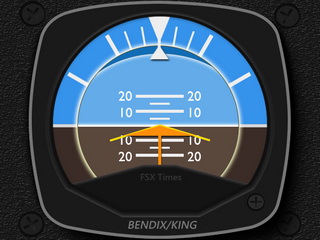
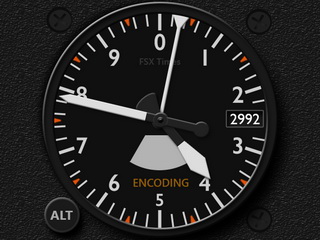
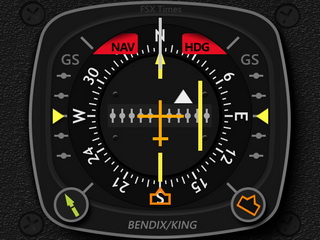
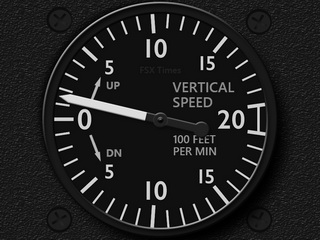
Similarly, except the new installer, functions of the gauges remain the same. Continue reading
 FS Times