Cockpit: Philippe aka 1L2P (LFPN, France)

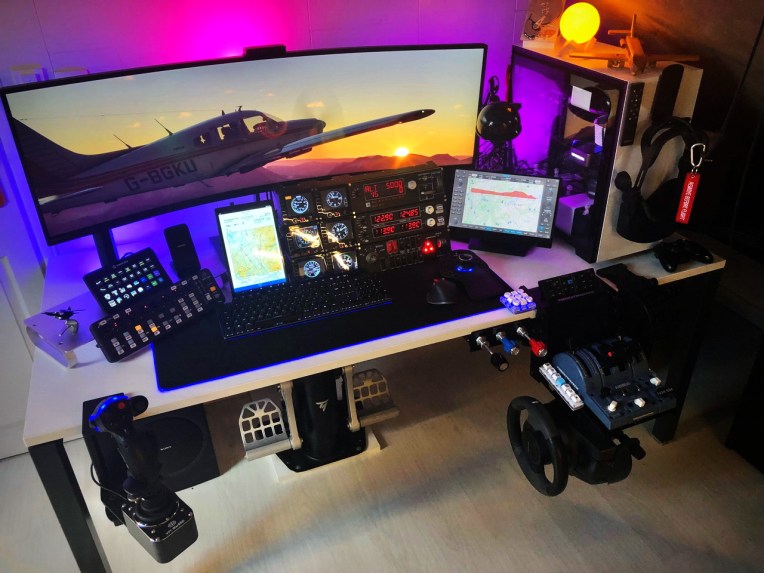
Philippe aka 1L2P in France spent a lot of time on flight simulators about thirty years ago.   He decided to come to fly again when he saw the early versions of MSFS 2020.  Followings are what he built so far.

Builder: Philippe aka 1L2P
Location: Île-de-France, France
ICAO: LFPN, Toussus-le-Noble Airport
21-0606_Chet_00
Project Notes: Continue reading

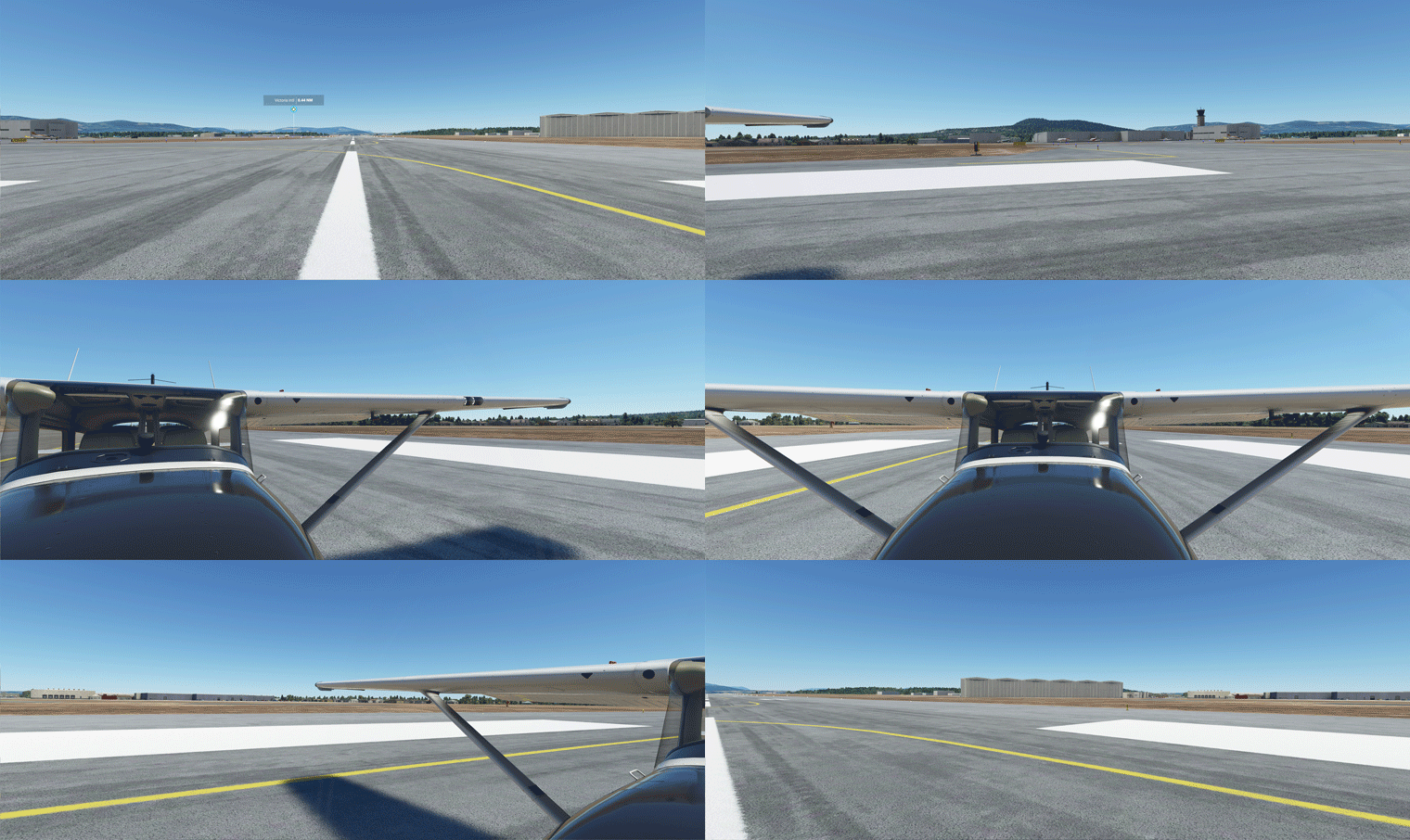
697: My Full Forward View Update

After months of tuning the Full Forward View adjustments described in Post 638, I have standardized the settings of the following three (3) paramters in “LandingPilot” [CAMERADEFINITION.2] on all aircraft as follows:
FullView01
InitialZoom = 0.6
This gives me a zoom level generally the same as the external aircraft view.

InitialPbh = 0, 0, 0
This puts all aircraft on the ground horizontally without any tilting.

InitialXyz = x, x, x
These three values are aircraft-specific, in which I adjust: Continue reading

696: SkyElite Version 1.3 Preview

In the last few days, I got a chance to test the beta version 1.3 of the SkyElite for MSFS by 4FlightSims.

One of the improvements that impresses me is the fixing of text displays on soft keys and info pages that I reported in Post 659.  Now they are properly aligned.
SkyElite13-GIF1Regarding new features, the most significant should be the SE1000 AHRS mode in the PFD.  Although it is different in style and operations from the G1000s on the default aircraft in MSFS, it functions equally as good in general.
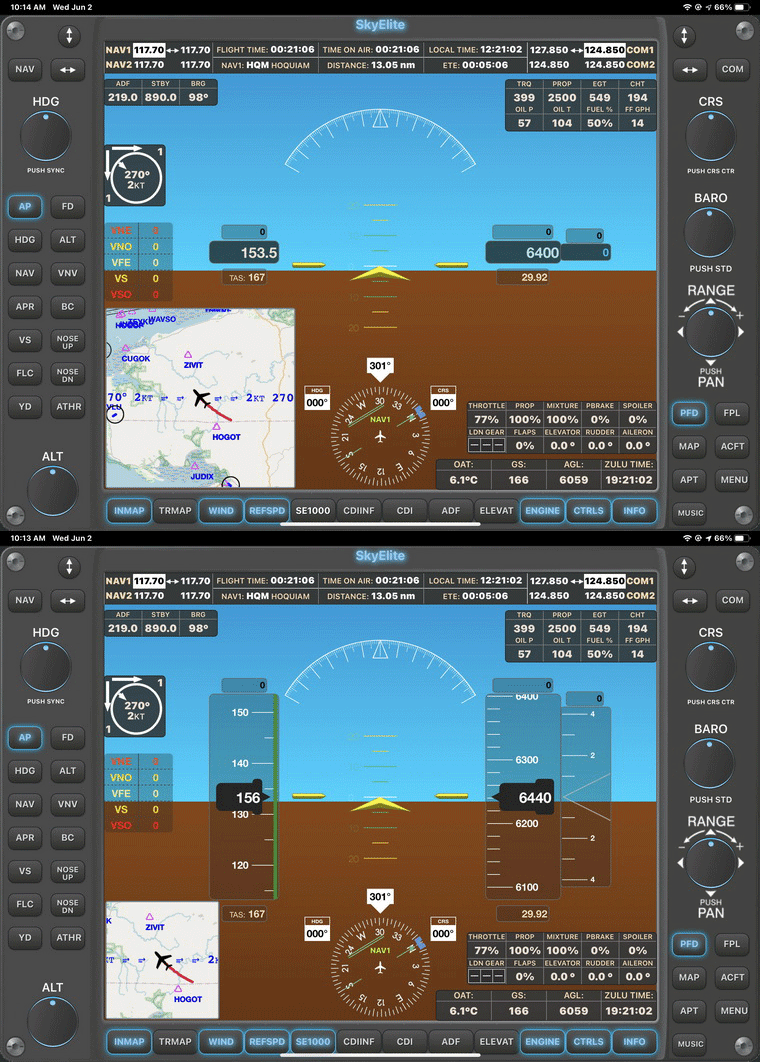
SkyElite13-GIF2
In addition, Continue reading

695: MSFS Gaming Services Error Fix

Rick Sheehan, a friend in the US, reported that he recently ran into a problem updating Gaming Services; showing an error 0x8007139f.  Since then, he couldn’t load MSFS (Microsoft Store version) any more.

After searched more than 50 sites and tried numerous possible fixes including several PowerShell fixes to no avail in a few days, he found a solution to get past the error, at the brim of reinstalling the simulator.

All he did was Continue reading

694: PA28R Turbo III/IV Gauges Included

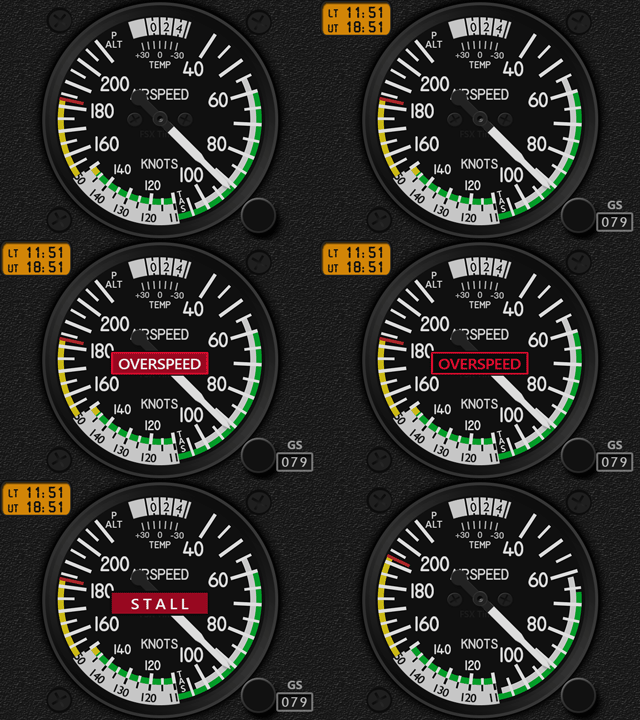
With the launch of the Just Flight PA28R Turbo III/IV, additional ASI, ATT, MFP & RPM custom-made for the new aircraft are added as free updates to the original Arrow III Gauges.  No upgrade fees required.
MSFS_PA28R-JF_ARW_ASI MSFS_PA28R-JF_ARW_ATT
MSFS_PA28R-JF_ARW_MFP MSFS_PA28R-JF_ARW_RPM
Users of the Arrow III Gauges should have received the Download Links in their mailboxes by now.  If not, Continue reading

693: Gauges for PA28R Turbo III/IV Scheduled

Just flew about an hour with Just Flight’s newly released PA28R Turbo Arrow III/IV with my Arrow III gauges.

Besides the ASI, RPM and MFP, all remaining gauges in the current Arrow III series are good for the two new brothers as well.

That’s good.  I will schedule to work on those three gauges for the two aircraft.   And for those who already owned the Arrow III gauges, there will be discounts when the three gauges are ready.

692: USB 2.0 is no longer preferred

In the old days with FSX/P3D, USB 2.0 was my preferred choice (see Post 582) when connecting Saitek/Logitech Flight Instrument Panels (FIPs) to the simulators.

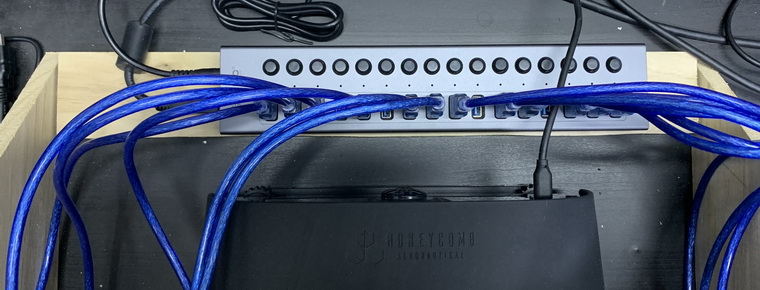
Since I replaced my older computer for MSFS in last November, I’ve been deliberately avoiding to use any more USB 2.0 ports and hubs.  Now all my 12 FIPs are connected to the system via a powered USB 3.0 hub.USB3_FIP_resize
In the past 6 months, Continue reading

691: G1000 on FIP now MSFS Compatible

Regarding Simgeneering’s G1000 MFD implemented for Logitech’s Flight Instrument Panel MFD (FIP) reported in Post 677, do you like me feeling a little disappointed since it is for FSX only?

No more, John, the developer, informed me that he has created a new version of the MFD that is compatible with MSFS now.

Besides needing more memory, system requirements are generally the same as the previous version.  That’s great.

You can check out more information about the MSFS version on John’s Simgeneering here.

Do note that this G1000 MFD requires Continue reading

690: Zline Savage Cub Gauges Released

Unlike FSX and P3D, MSFS chooses the Zlin Savage Cub, instead of the Piper Cub, as one of its default aircraft. Nevertheless, they are both fun to fly with.

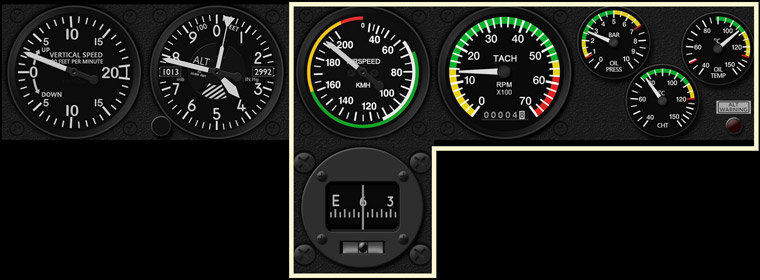
And here’s the Bundle Gauges developed accordingly, including the Airspeed Indicator, Tachometer, Engine Cluster (Oil Press, Oil Temp, Cylinder Head Temperature), and Wet Compass with Inclinometer. Together with the Multi-shared ALT and VSI, they generally covers all essential gauges for the Cub.MSFS_SavageCub_Gauges
In addition, Continue reading